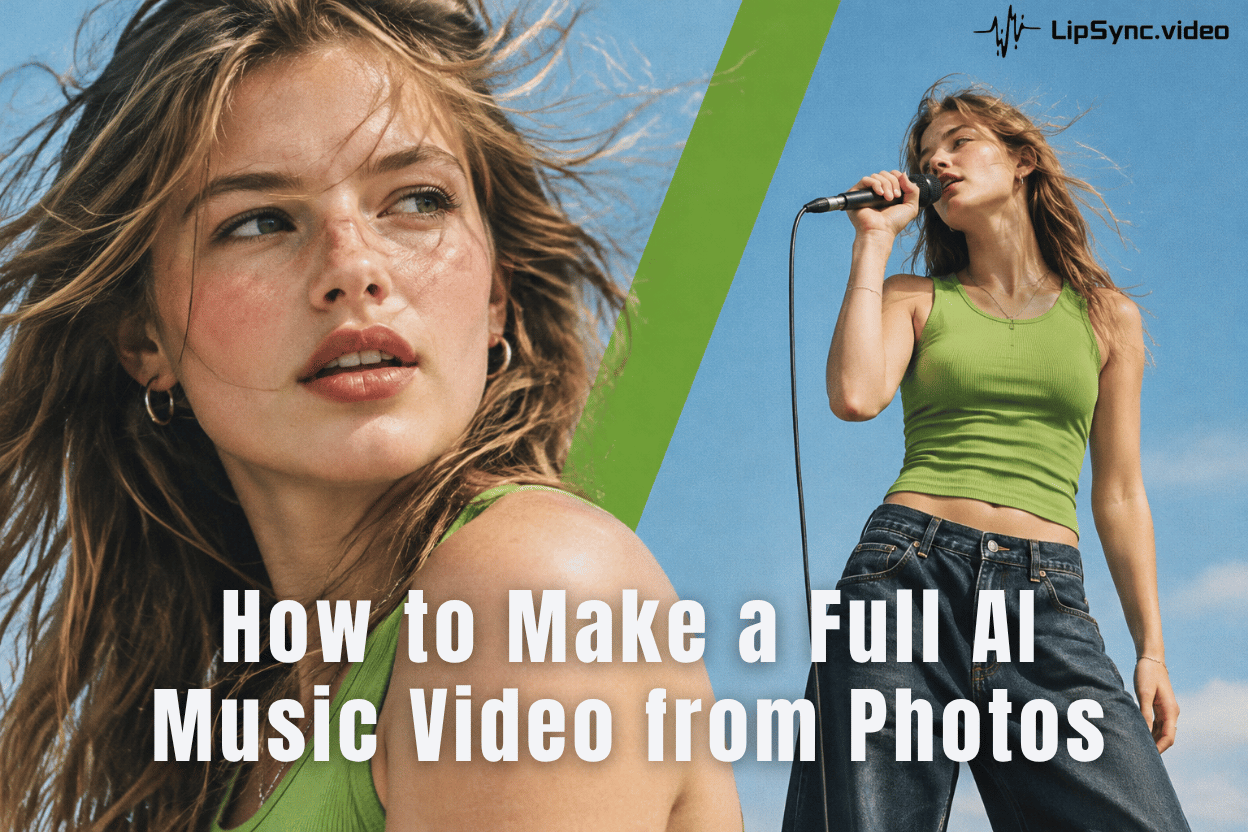
How to Make a Full AI Music Video from Photos
No filming or editing skills needed! Turn your photos and music into a full AI music video. Create multiple scenes with natural lip sync, up to 10 minutes.
 Jennifer
Discover expert tips and free resources on creating AI-generated lip sync. Explore the LipSync Blog for creative inspiration!
No filming or editing skills needed! Turn your photos and music into a full AI music video. Create multiple scenes with natural lip sync, up to 10 minutes.
Jennifer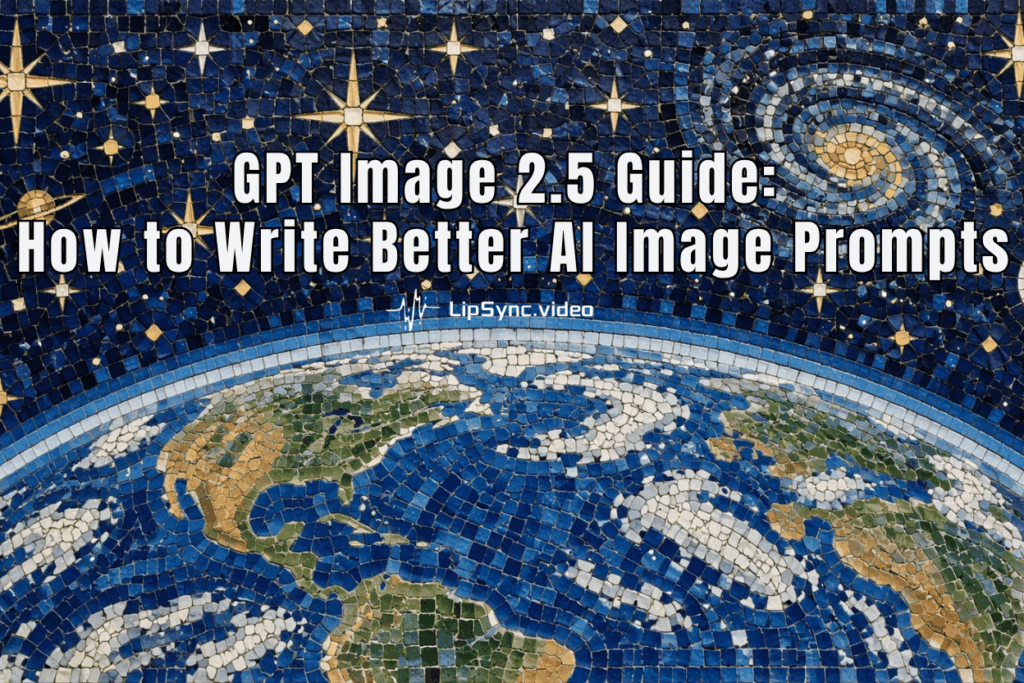
Get practical GPT Image 2.5 prompt examples, useful tips for better AI image generation, and simple ways to use GPT Image 2.5 for free.
Jennifer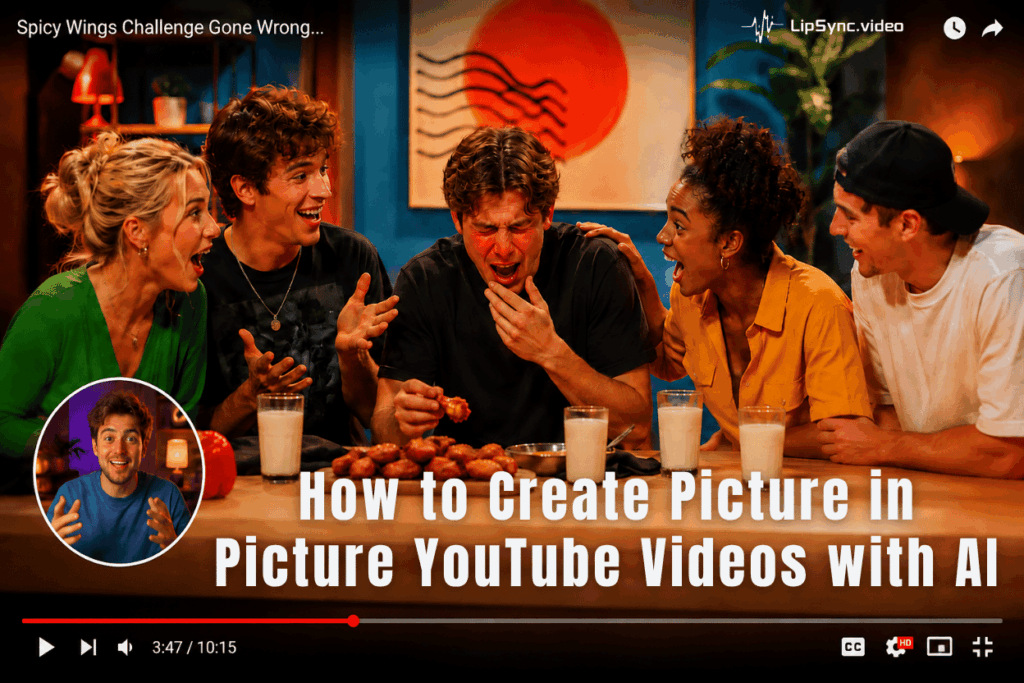
Put an AI presenter on screen without covering your main content. Learn how to create picture in picture youtube videos with AI in a few simple steps.
Jennifer
Master Seedance 2.5 prompting with practical tips for actions, timing, camera control, references, dialogue, and real AI video examples.
Jennifer
Turn your ideas into professional ads in seconds. See how an AI ad maker helps creators and brands make videos without costly production.
Jennifer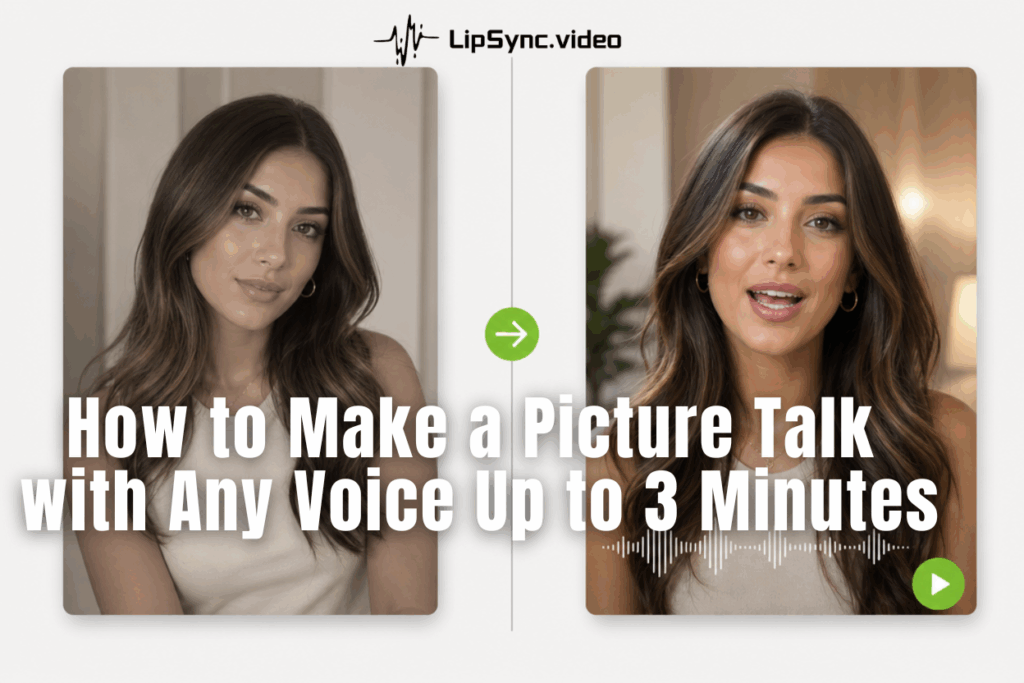
Want your photo to talk in your own voice? Learn how to make a picture talk into a shareable 3-minute video for free with Lipsync.
Jennifer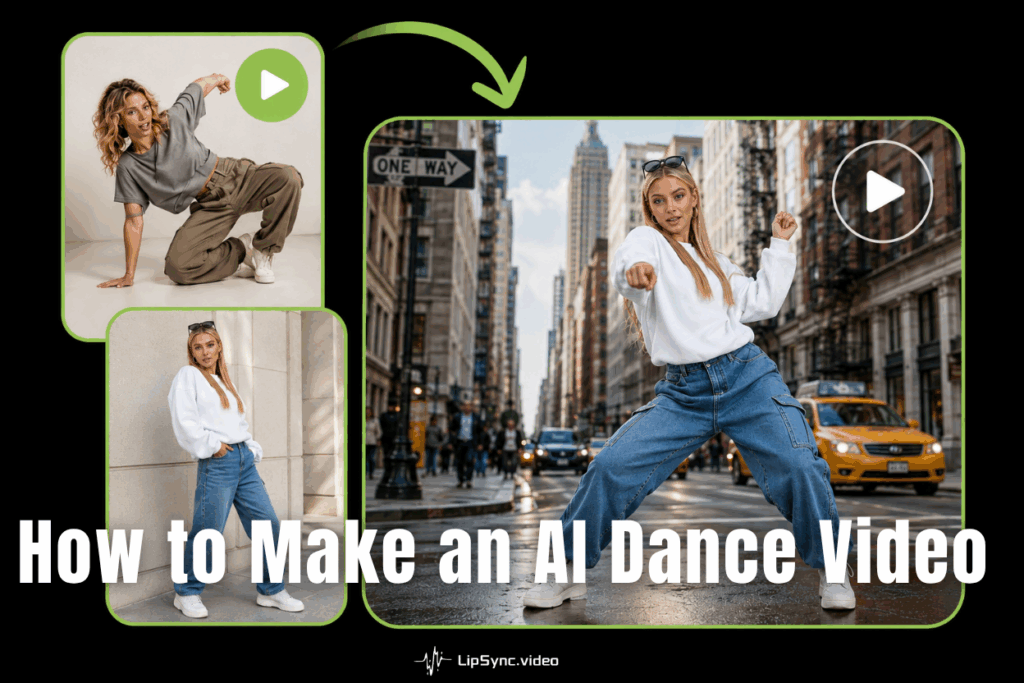
Turn any photo into an AI dance video with Kling Motion Control—then make it sing too. Create viral singing dance videos in minutes, no skills needed.
Jennifer
Discover how an AI twin transforms your content workflow. Clone your voice, build an AI avatar, and publish faceless video at scale — all without burnout.
Jennifer
Learn how to create an AI influencer for free with Lipsync.video — design a face, add a voice, and drop it into AI-generated scenes. No studio needed.
Jennifer
Most AI video tools cap at 6 seconds. Grok AI Video doesn't — generate 30-second clips with native audio. Here's how to use Grok Imagine and get good results.
Jennifer
AI UGC is replacing traditional video ads—and it's cheaper than you think. Learn how to create scroll-stopping AI avatar video ads in minutes.
Jennifer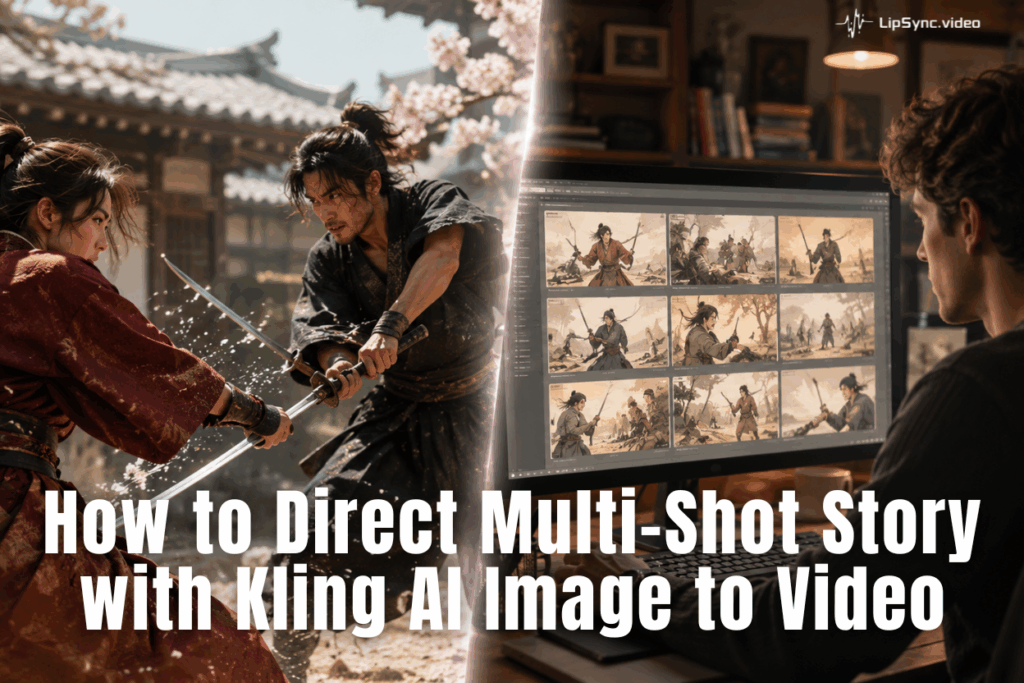
Kling AI Image to Video lets any creator direct cinematic multi-shot Video. Master Kling 3.0 with prompt templates, framing tips, and a step-by-step workflow.
Jennifer