
“Every idea deserves a voice. Turn your script into clear, expressive audio in just a few clicks.”
Turn Text into Natural Speech
Turn text to audio by choosing a voice and generating downloadable AI speech in seconds.
0 / 500
[Example] How Earthquakes Form
0:00
[Example] The Boy Who Collected Clouds
0:00
[Example] Why We Forget Our Dreams
0:00
[Example] Meet Your New Morning Routine
0:00
Humanlike voice creation
Free Text to Speech That Sounds Human
Turn any script into expressive, downloadable speech. Choose a preset voice or your own previously cloned voice, shape the delivery, preview the result, and create audio without recording every line again.
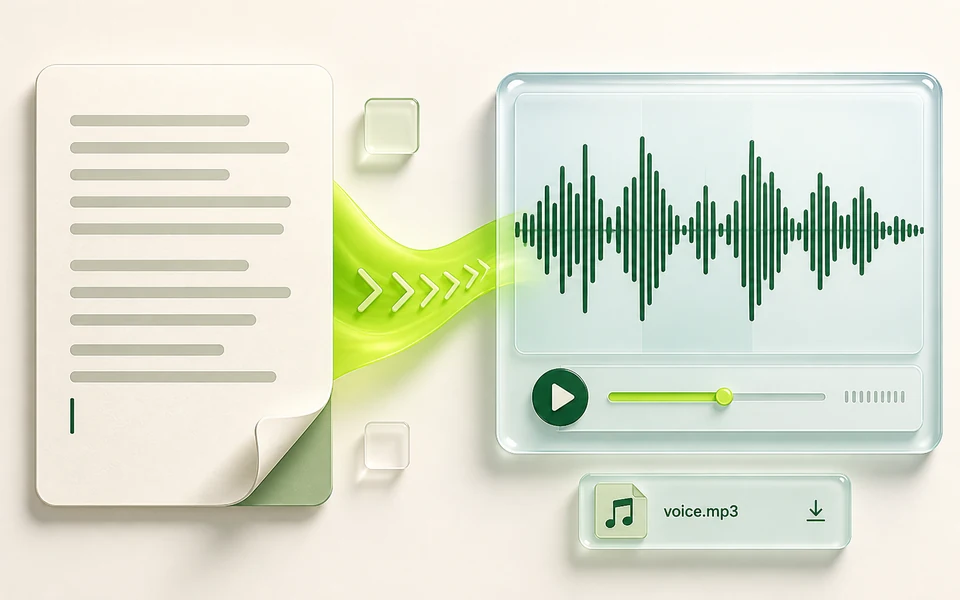
One script, many possibilities
One Script, Different Voices
Hear how the same words change with different speakers, tones, accents, and styles before generating your final free text to speech audio.

Emily
Warm

James
Clear

Sofia
Bright
From script to spoken audio
What Is Text to Speech?
AI text to speech converts written words into spoken audio. Add a script, select a voice, adjust its delivery, and let the model synthesize natural pacing and expression without recording line by line.
Use online text to speech for video voiceovers, podcasts, audiobooks, stories, courses, training, presentations, explainers, spoken articles, and accessible audio. The generated track can also become dialogue for a talking avatar or photo, or narration for an existing video.
01Add text
02Choose voice
03Shape delivery
04Download
Creative control from script to file
Our Text to Speech Features
Build the right performance for your content, listen before committing, and take the finished audio into the rest of your workflow.
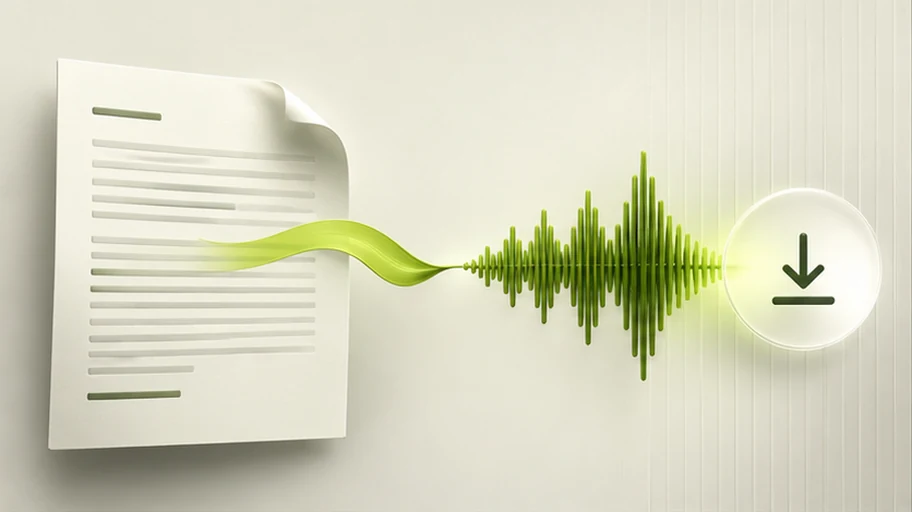
Convert Text into Downloadable Speech
Use text to audio conversion for a sentence, scene, or longer narration without arranging a recording session. Keep the script, voice, and delivery controls in one place, preview the free text to speech result, and download the track when its timing and tone sound right.
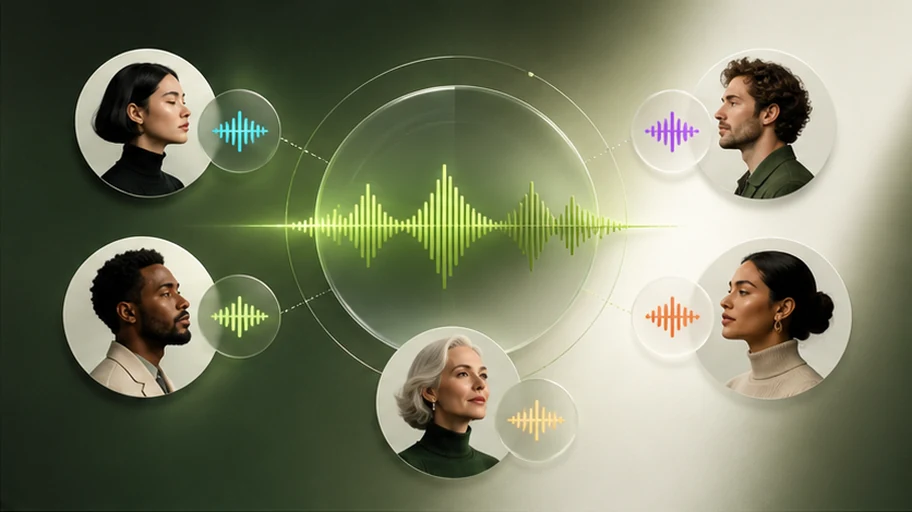
Find the Right Voice for Every Script
Explore more than 200 preset voices across languages, regional accents, ages, genders, and speaking styles. Choose a warm, bright, calm, or professional speaker, or select your own saved personal voice for a recognizable and consistent text to speech workflow.
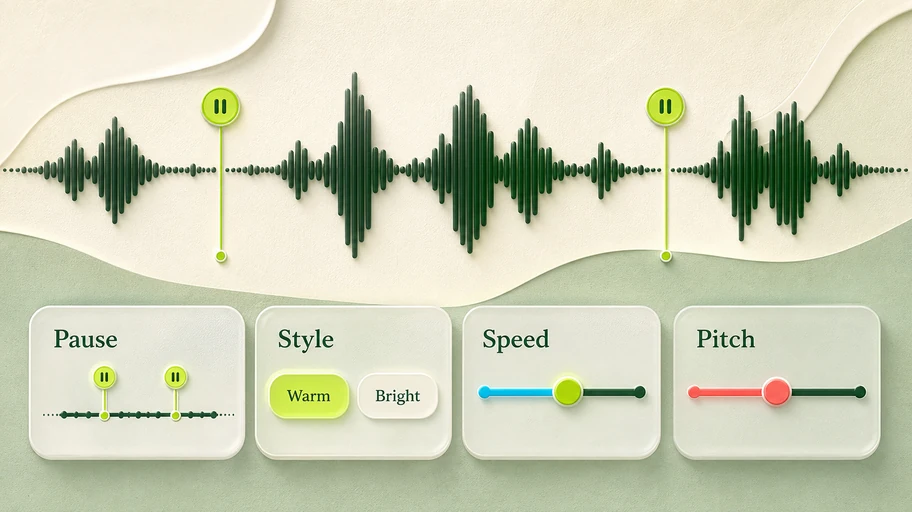
Shape the Delivery Before You Generate
Add intentional pauses, choose a speaking style, and adjust speed or pitch to support the meaning of your script. Preview every change to catch rushed phrasing, flat emphasis, or awkward timing before the speech enters a lesson, story, advertisement, presentation, or video.
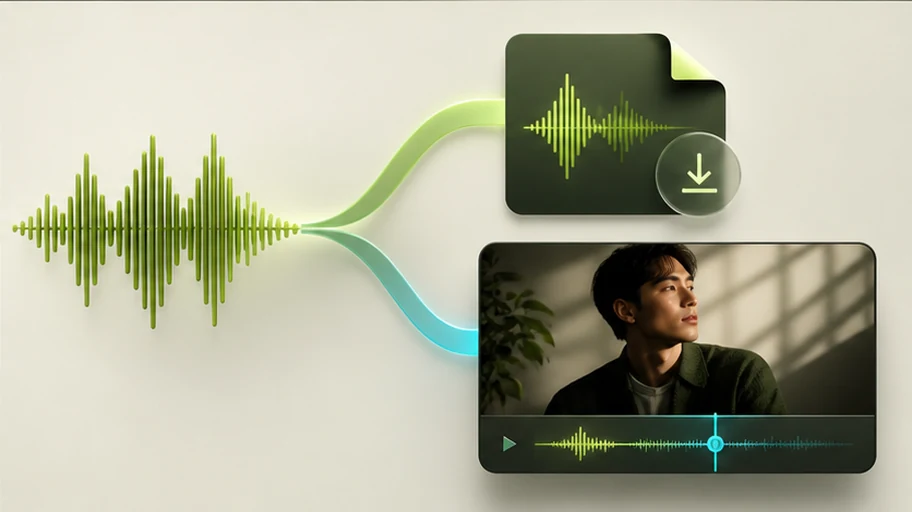
Download Audio or Continue into Video
Download the finished track for an editor, podcast, course, presentation, or publishing workflow. When your message needs a face, reuse the same free text to speech audio with a talking avatar, animate a portrait, or synchronize it with an existing video.
Why create here
Why Choose Our Text to Speech Tool?
Create expressive audio with free access, multilingual voices, and the option to sound recognizably yours.

Humanlike, Expressive AI Speech
Create natural pacing and expressive delivery with voice, language, style, pause, speed, and pitch controls.

Free to Start
Test free text to speech, compare speakers, and find the right performance before building a larger workflow.

Quickly Clone Your Own Voice
Create and save a personal voice, then select it whenever you want consistent, recognizable speech.
Clone your voice →Three simple steps
How to Use Text to Speech
Use free text to speech to complete a text to audio workflow without microphones, retakes, or a complicated production setup.
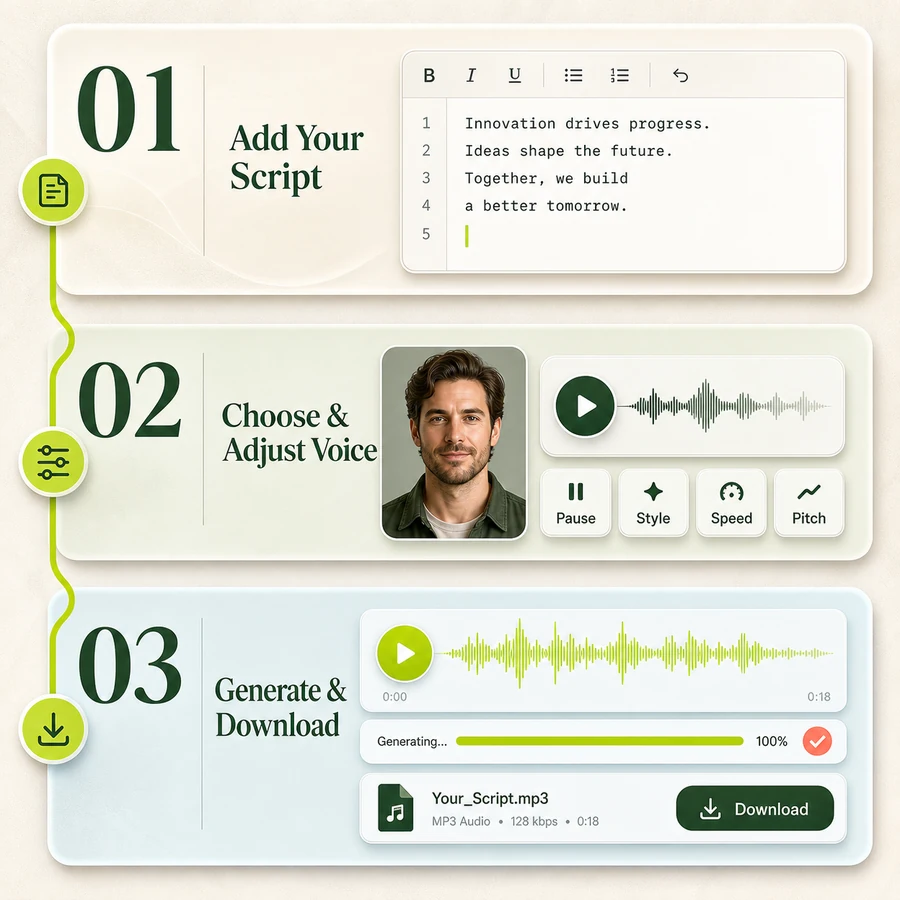
1
Add Your Script
Type or paste the words you want to hear. Use punctuation and pauses to make the intended phrasing clear.
2
Choose and Adjust a Voice
Browse preset voices or select your own saved voice. Refine the speed, pitch, and style.
3
Generate and Download
Create the text to speech result, listen to the track, make any adjustment, and download the final audio.
Your Next Voiceover Is One Click Away
Give your script a voice, hear the result, and keep your project moving.
Popular ways to use it
What Can You Do with Text to Speech?
Explore popular text to speech use cases where fast, consistent narration keeps content moving.
Creators & marketers
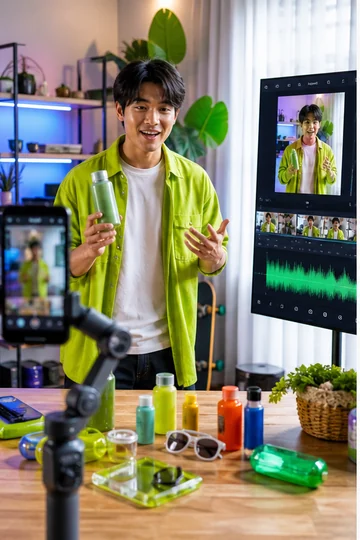
Video and Social Media Voiceovers
Narrate explainers, product videos, short-form posts, advertisements, and channel content without recording every revision. Swap a line, regenerate the audio, and keep the delivery consistent as the edit changes.
Authors & publishers
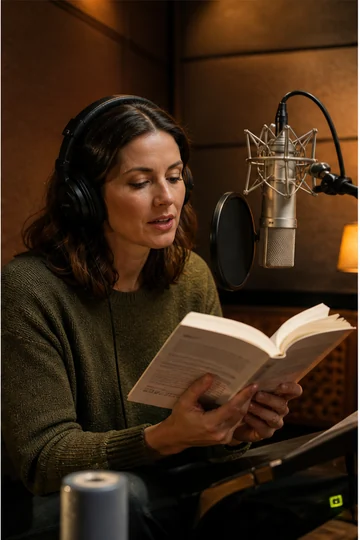
Audiobooks, Podcasts, and Storytelling
Turn chapters, episodes, fictional scenes, and serialized stories into listenable drafts or finished narration. Different voices and styles help separate formats, speakers, or moods across a larger body of work.
Educators & teams
E-learning, Training, and Presentations
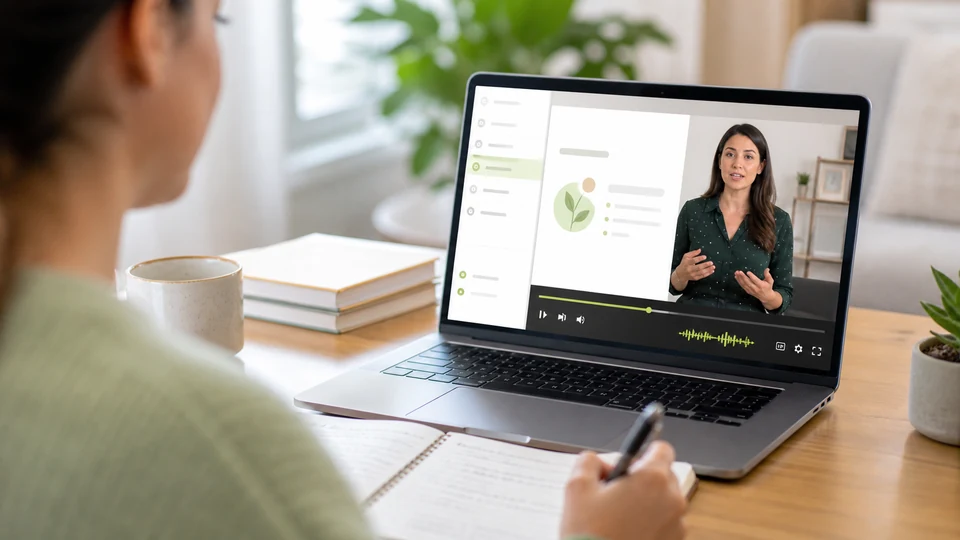
Add clear narration to lessons, onboarding materials, internal training, demonstrations, and slide decks. Free text to speech is especially useful when information changes and audio needs to be updated quickly.
Readers & audiences
Articles and Accessible Audio
Create spoken versions of articles, guides, announcements, and other written material for people who prefer listening or benefit from an audio alternative. A downloadable file also makes the content easier to reuse.

Continue your workflow
Turn Generated Speech into Video
Your audio can stay audio, or become the voice behind a presenter, portrait, character, or existing video.
AI PRESENTER
Talking Avatar
Give a digital presenter your generated dialogue.
Create an avatar video →PHOTO ANIMATIONTalking Photo
Make a portrait speak with your finished audio.
Animate a photo →VIDEO SYNCVideo to Lip Sync
Synchronize speech with a person already on screen.
Sync speech to video →AI VIDEOSeedance 2.5
Use generated speech as narration or dialogue for a new AI video.
Create an AI video →Creator feedback
How Creators Use Text to Speech
“I can revise a product video script and generate a fresh voiceover without recording the whole section again.”

Marcus HillVideo Creator
“Comparing different voices helps me match the tone of each lesson before I export the final training audio.”

Samantha OrtizLearning Designer
“The saved personal voice keeps recurring episodes consistent while letting me update lines quickly.”

Noah WilliamsPodcast Producer
“Downloading the speech as audio makes it easy to move from a written article into our video editor.”

Isabella GarciaContent Marketer
“Language and delivery controls give me a practical way to localize short explainers for different audiences.”

Ethan BrownLocalization Manager
“I use the generated track as dialogue for a talking photo, so the audio and video workflow stays connected.”

Mia PatelSocial Creator
Questions, answered