Free AI Image Editor

Bring your ideas to life with our free online AI Image Editor! Anyone can easily edit images using simple text prompts.

Preview Result
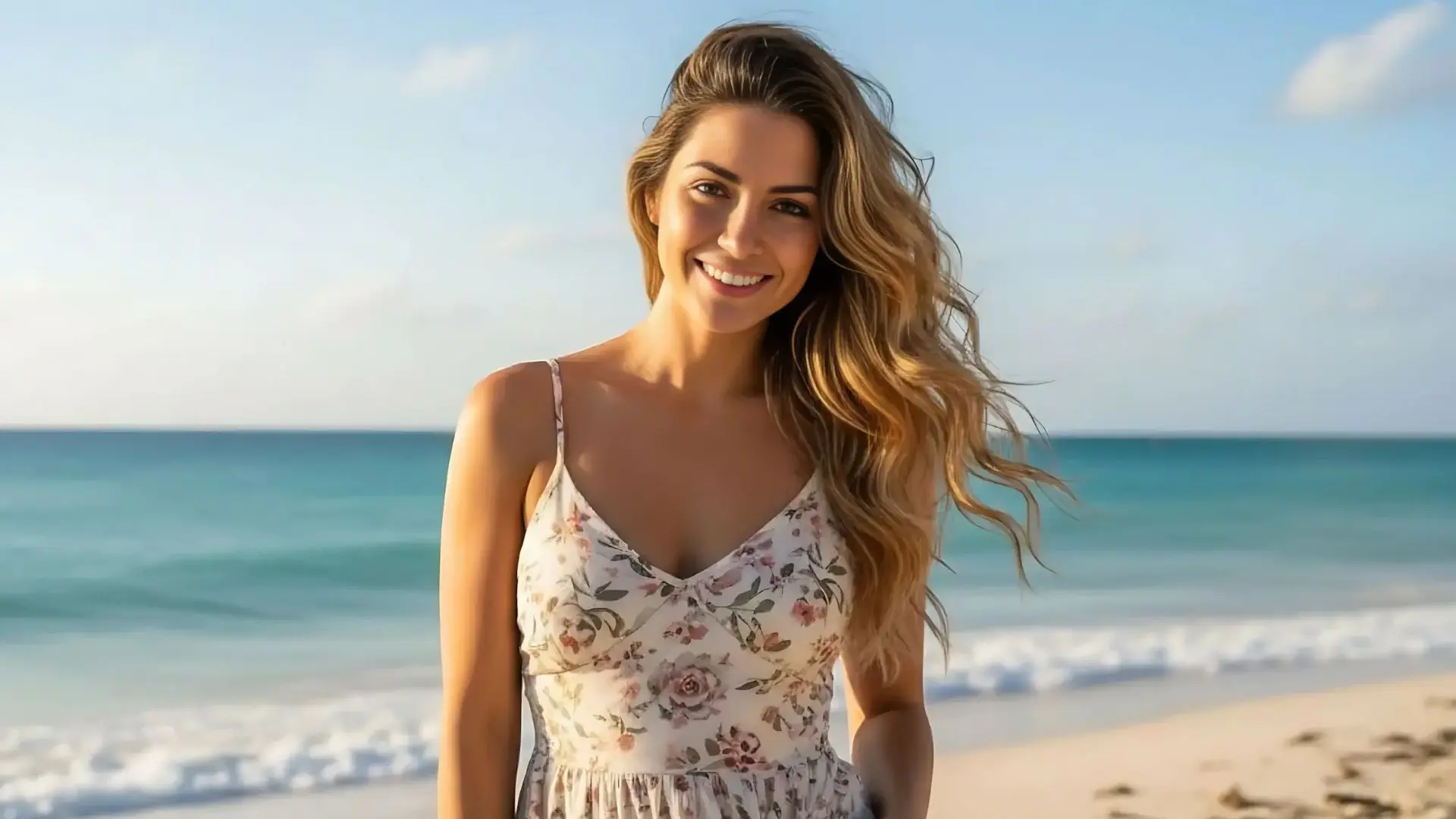
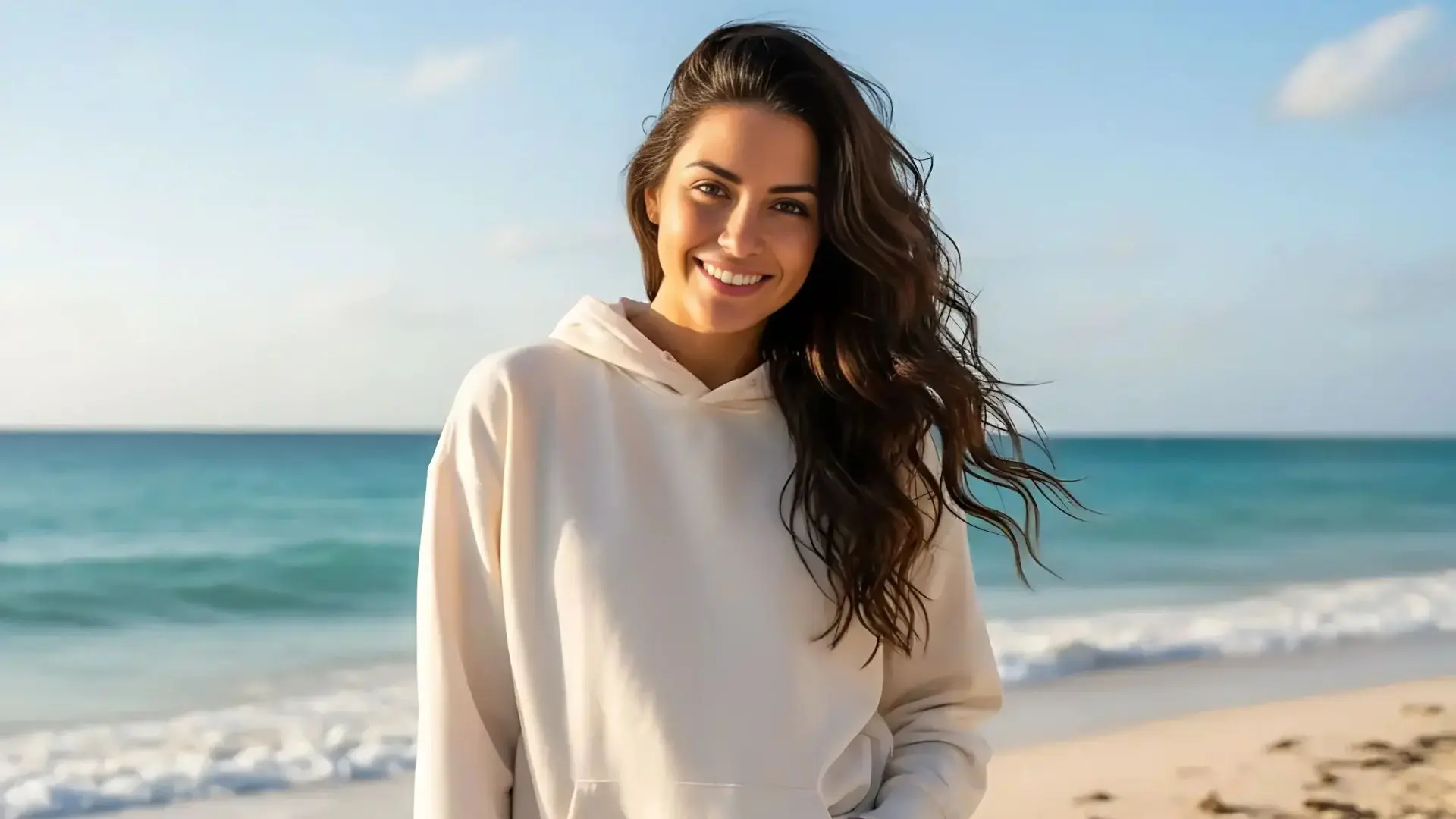
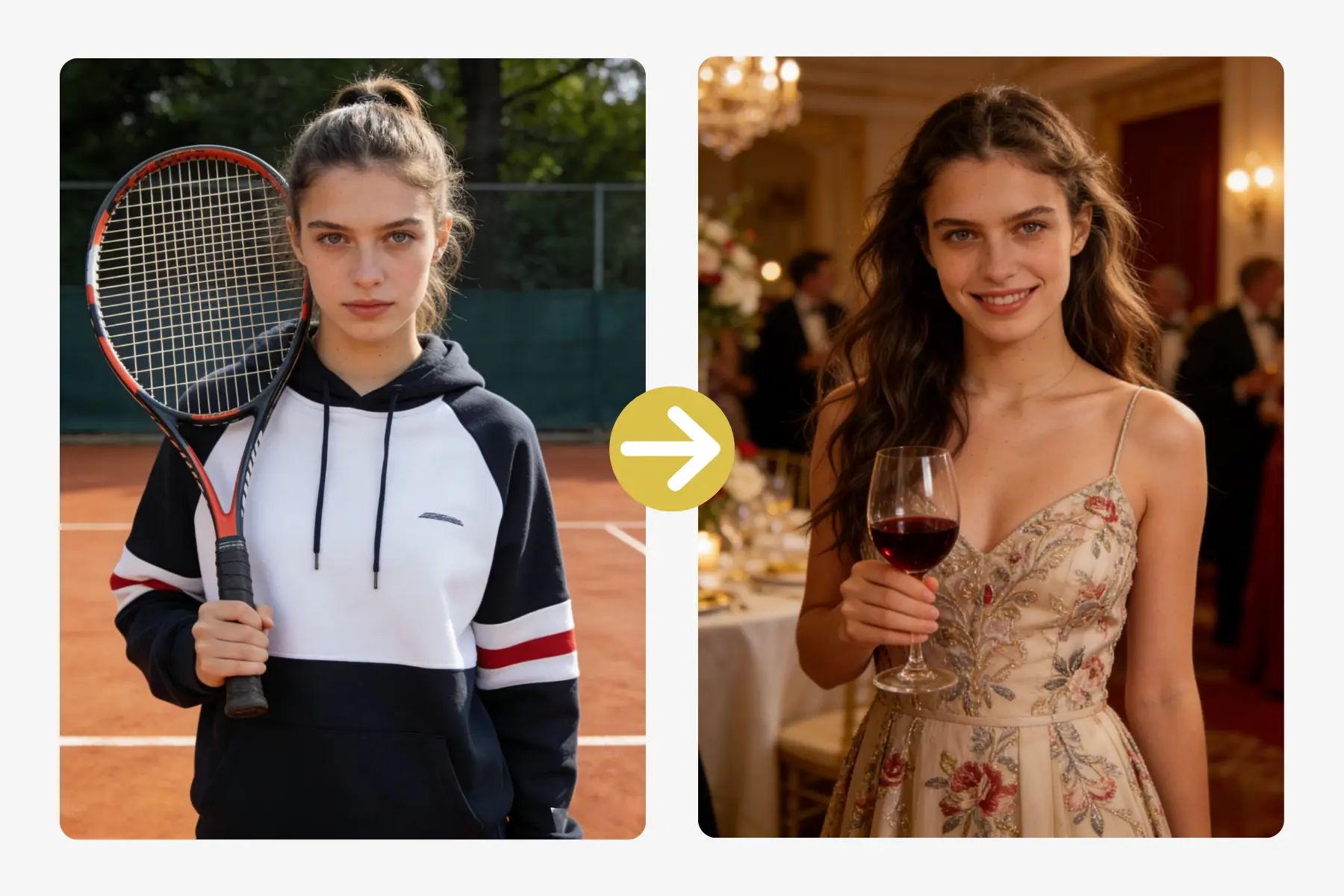
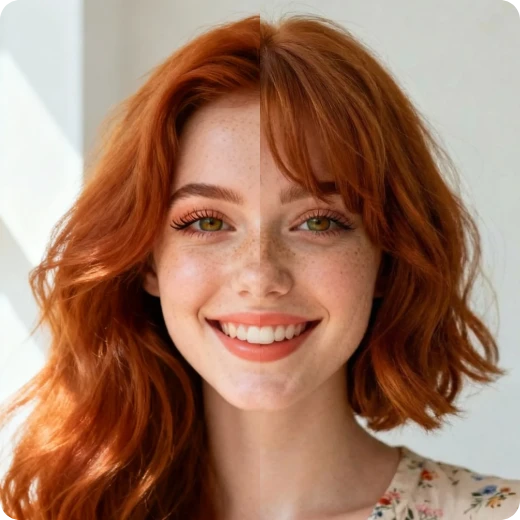
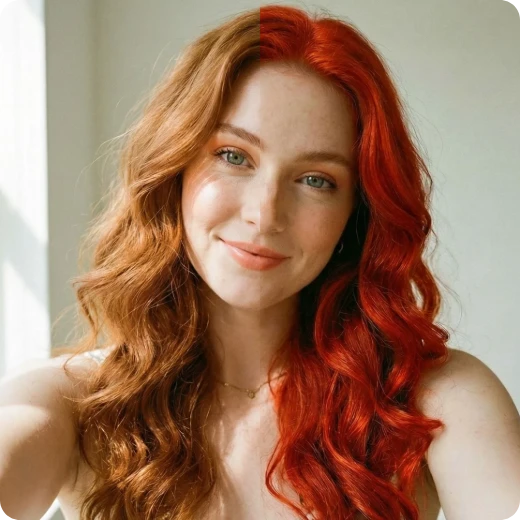
edit person appearance while keeping identity
original photo before ai character editing
Before
After

What is AI Image Editor

Our AI Image Editor is a free, all-in-one online tool that lets anyone edit and transform images using simple text instructions. Just choose from multiple AI models, upload your photo, describe your idea, and get fast, high-quality results—no professional skills required.

With one single editor, you can restore old photos, refine a person’s appearance, transform image styles, or explore creative edits like modifying text inside images or combining people from multiple photos into one composition. Turn almost any idea into a visual result with ease.

What You Can Create Using Al lmage Editor

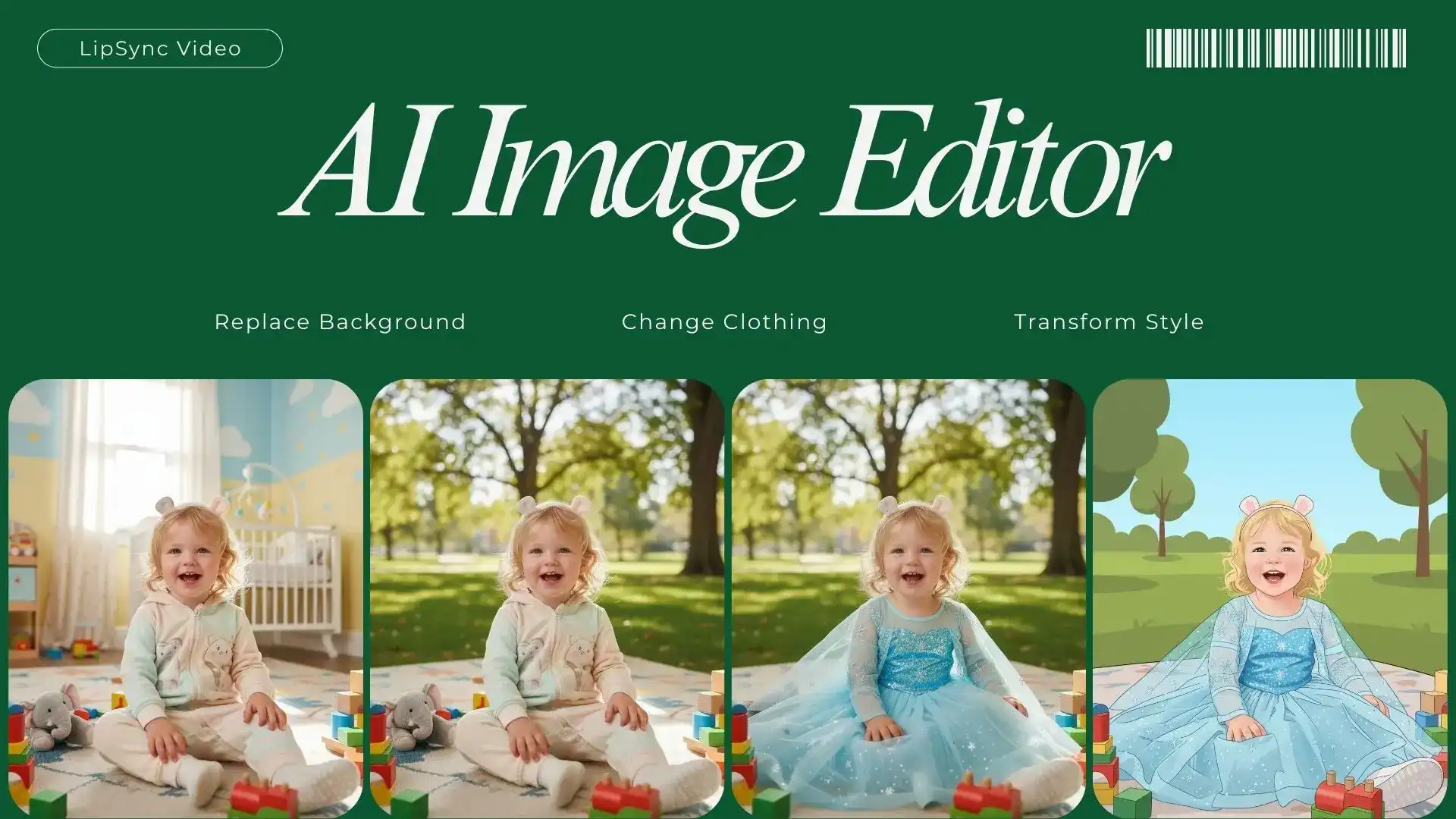
Background Swap
Hair Makeover
Wardrobe Update
Photo Revival
Style Shift
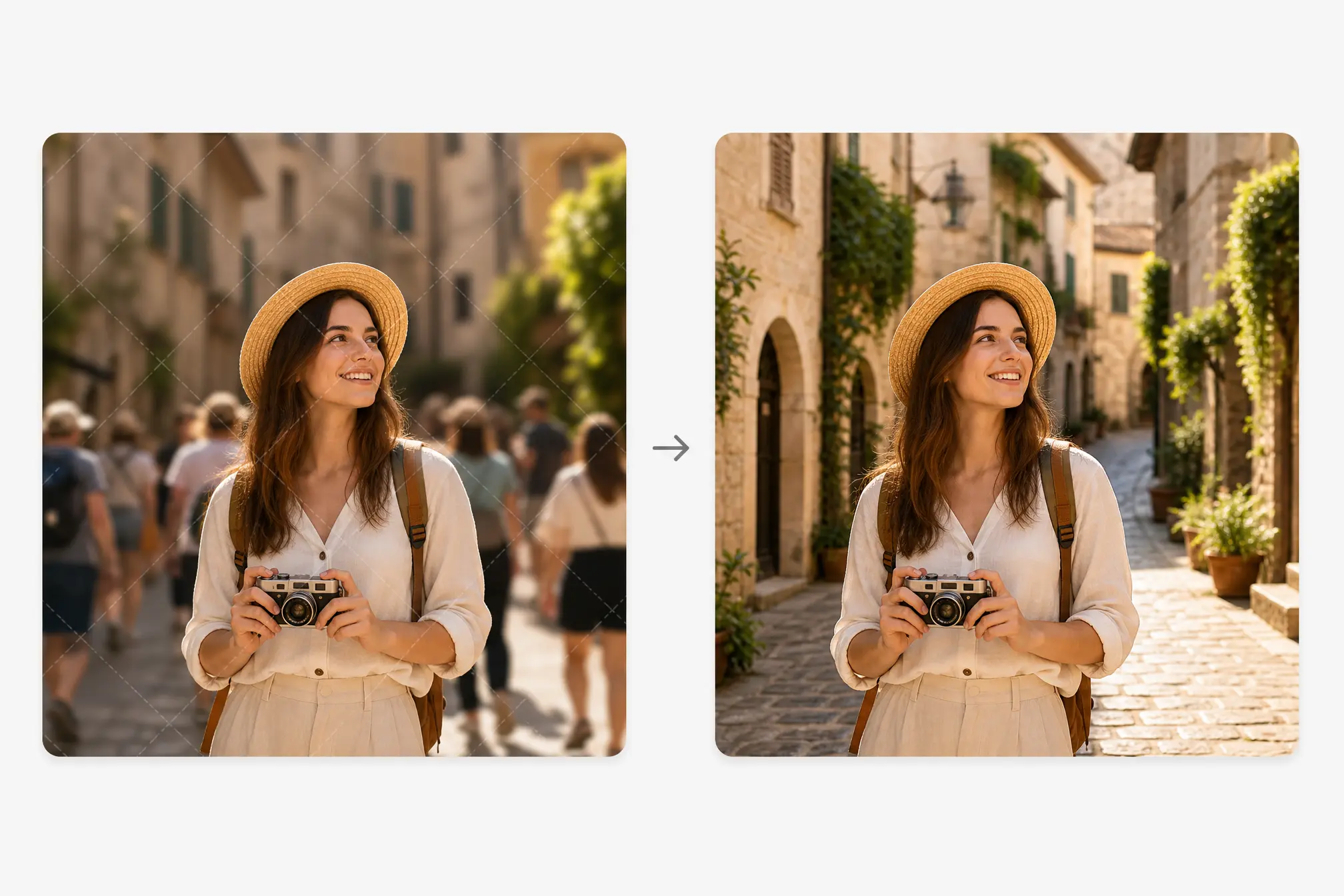
replace photo background with ai editing
photo before background replacement
Before
After

What Makes Our Al lmage Editor Unique

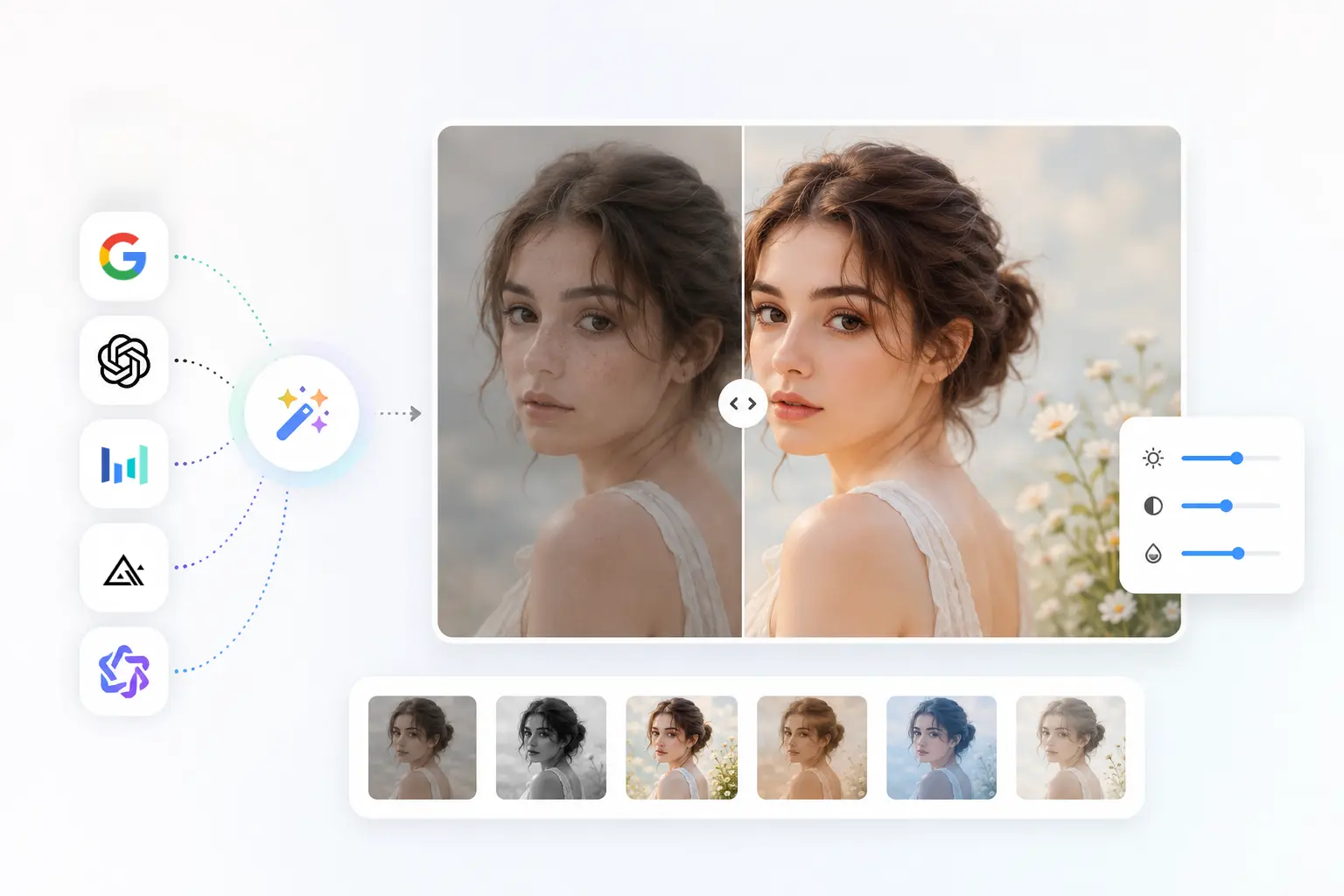
edit person appearance while keeping identity consistent

Edit with Consistent Identity

  • Struggling to update photos without losing a person’s natural look? Our AI helps you refine appearance details while keeping the subject consistent.
  • Whether you’re adjusting facial details, refining poses, or updating the overall image context, facial features and proportions are preserved automatically. This ensures the person remains natural and recognizable before and after every edit.

edit photos quickly using simple text prompts

Quick Edits Using Text Prompts

  • Traditional photo editing often requires complex software and professional skills. Our AI Image Editor simplifies the process—just use simple text prompts to transform your photos.
  • Choose from pre-made templates or write your own instructions. Multiple AI models work together to ensure fast, accurate results.

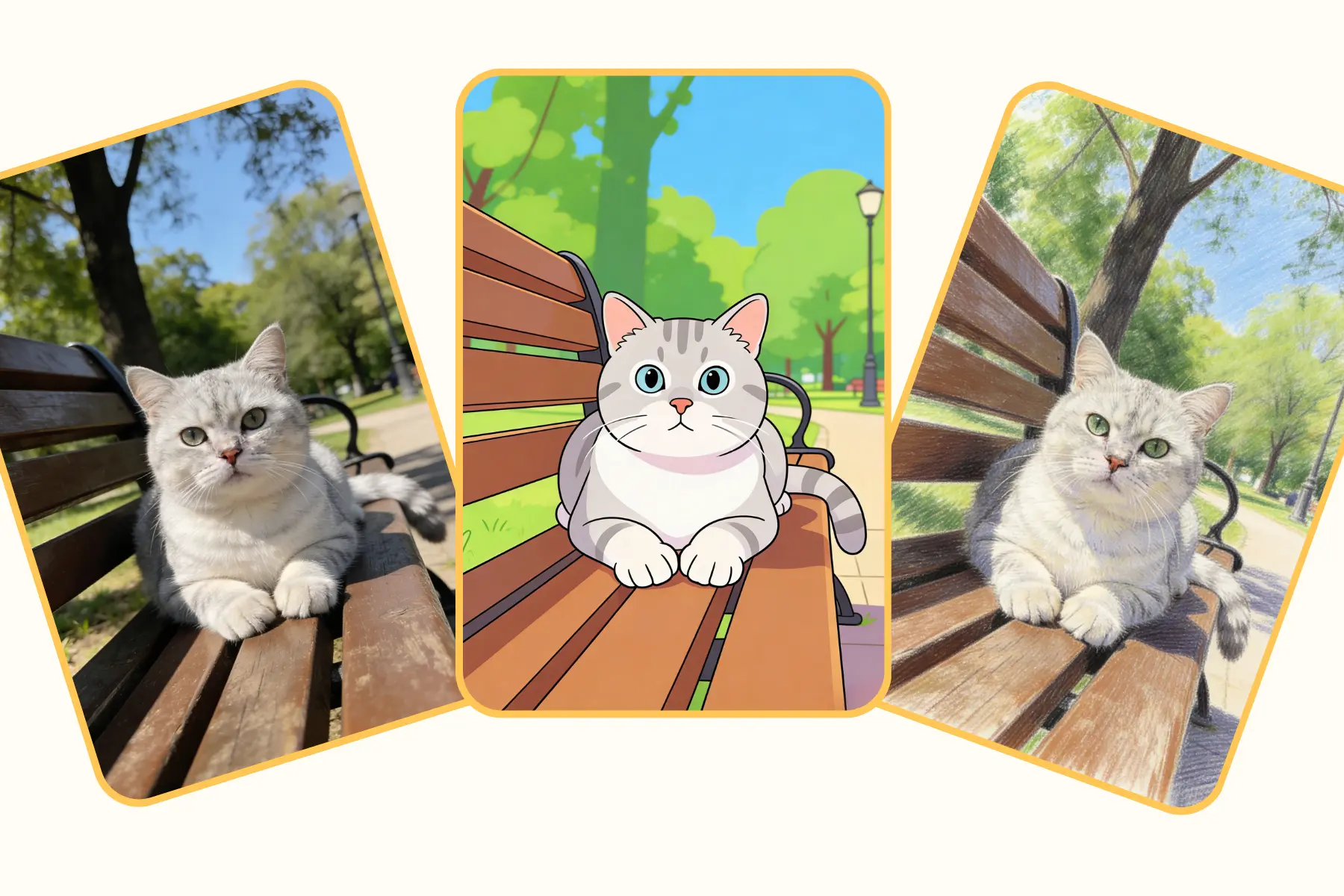
apply ai image styles to refresh photo look

Effortlessly Transform Image Styles

Give your photos a fresh, unique look with ease—no design skills required. AI Image Editor lets you:

  • Apply artistic styles for creative, eye-catching visuals
  • Use realistic styles for polished, professional results
  • Experiment with creative effects to make images stand out
  • Instantly transform any photo with smooth, accurate edits

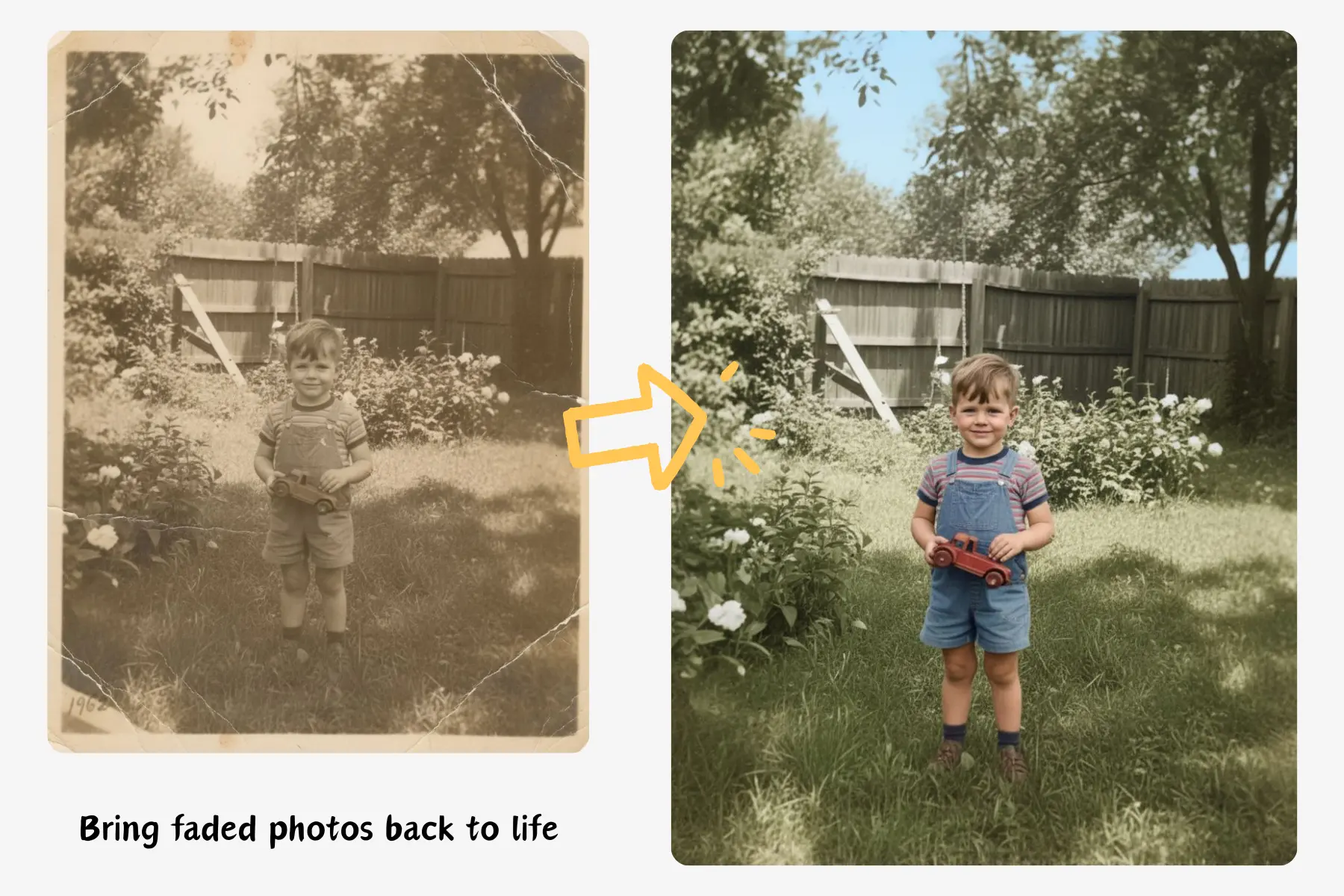
restore old damaged photos with ai automatically

Instantly Restore Old Photos

  • Bring faded, torn, or damaged photos back to life with ease. Our AI Image Editor automatically repairs scratches, color fading, and other imperfections.
  • Restore images to a fresh, polished appearance—perfect for family memories, historical photos, or personal keepsakes.
  • Fast, effortless, and professional-quality results make it simple for anyone to revive cherished photos.

How to edit images easily with AI

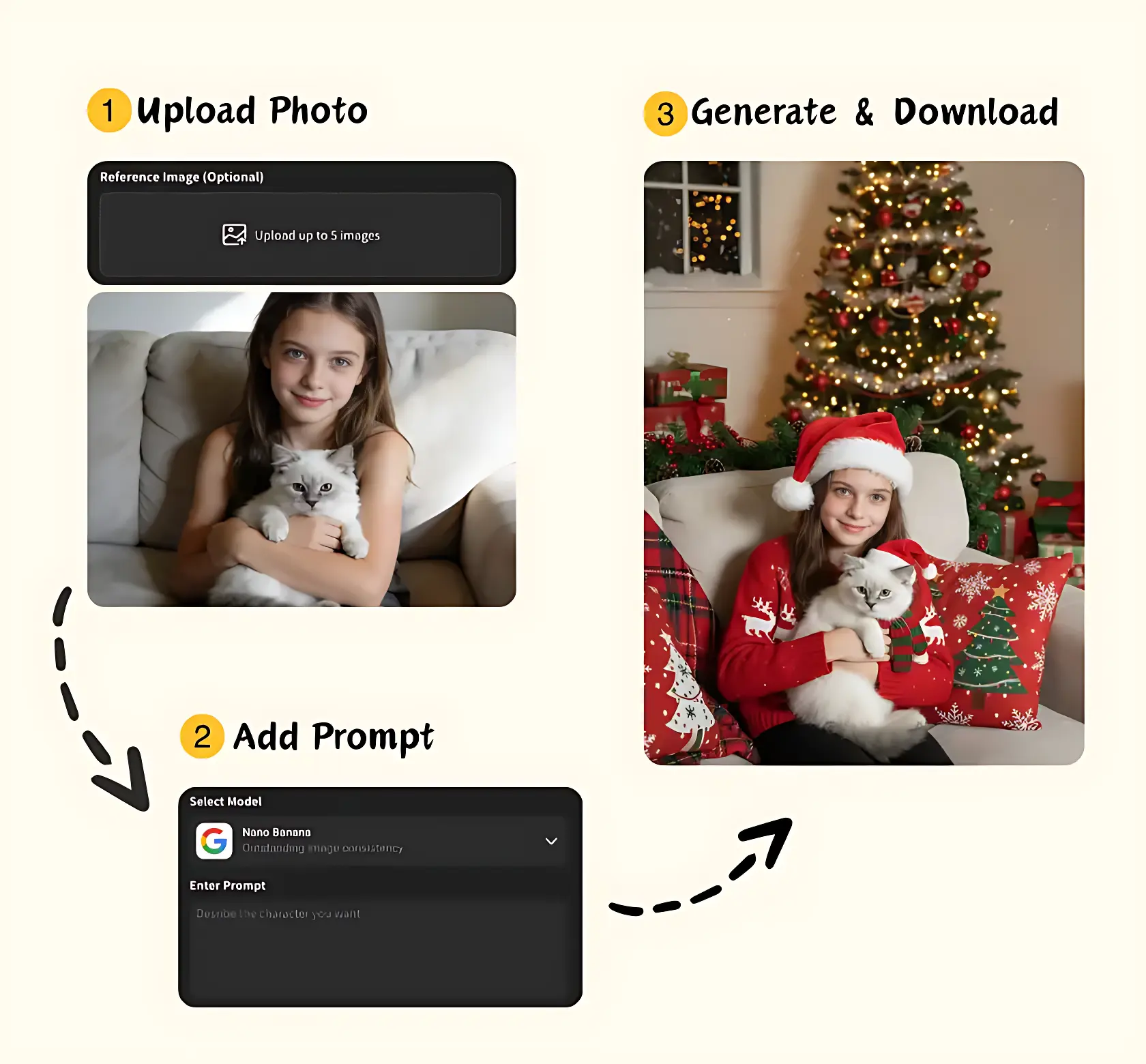
Operating steps diagram of AI Image Editor
1

Upload Photo

Start by uploading a clear photo—portrait, selfie, or any image you want to edit. No software or design skills are needed, making it simple for everyone to get started.

2

Add Prompt & Choose Size

Describe what you want to change or enhance using easy text prompts. Pick a template or write your own, then select your preferred image size and aspect ratio. The AI prepares precise edits instantly.

3

Generate & Download

Click “Generate” and watch the AI transform your photo in seconds. Preview, adjust if needed, and download your edited image. Fast, intuitive, and effortless editing for everyone.

Free AI Image Editor – Unleash Your Creativity

Bring your creative visions to life with Our AI Image Editor — reimagine any image with intelligent artistry, style transformations, and seamless edits.

Start Editing Now

Loved by AI Image Editor Users

See how users turn everyday photos into polished images with simple text prompts.

I uploaded a few selfies and transformed them within minutes. The AI Image Editor made it easy to bring my creative ideas to life without any design skills. The results were professional-looking and perfect for my Instagram and TikTok posts.

Emily Carter
Emily Carter
Social Media Creator

As a designer, I often experiment with different styles and compositions. This AI Image Editor allowed me to quickly try new concepts using text prompts. The process was fast, intuitive, and saved me hours of work.

Marcus Hill
Marcus Hill
Graphic Designer

I wanted to refresh old family photos and add a creative touch to my kids’ portraits. The AI handled everything seamlessly. Even without technical experience, I could edit images exactly the way I imagined.

Sarah Lee
Sarah Lee
Parent & Hobby Photographer

This tool is a game-changer for creating visual content. I could instantly edit images for blog posts and social media campaigns. The text prompt feature made it easy to get precise results, and the process was effortless.

Daniel Reed
Daniel Reed
Content Creator

I use the AI Image Editor to create engaging visuals for my online courses. It’s simple, fast, and reliable. Even when I’m under a tight deadline, I can produce high-quality images that resonate with my students.

Laura Green
Laura Green
Online Educator

Editing travel photos has never been easier. I could enhance my shots, try different styles, and bring my creative ideas to life—all in minutes. The AI makes it so simple that anyone can create stunning visuals without prior experience.

Sophia Miller
Sophia Miller
Travel Blogger

Frequently Asked Questions About AI Image Editor

How do I use text prompts to edit image?

Can AI Image Editors Keep the Person Consistent?

Is the AI Image Editor free?

What Types of Edits Can AI Image Editors Automate?

Do I need any professional skills?

How long does it take to edit a photo?