
New

Talking 1.0
Fastest, basic effect
Avatar
Upload
Select
Create
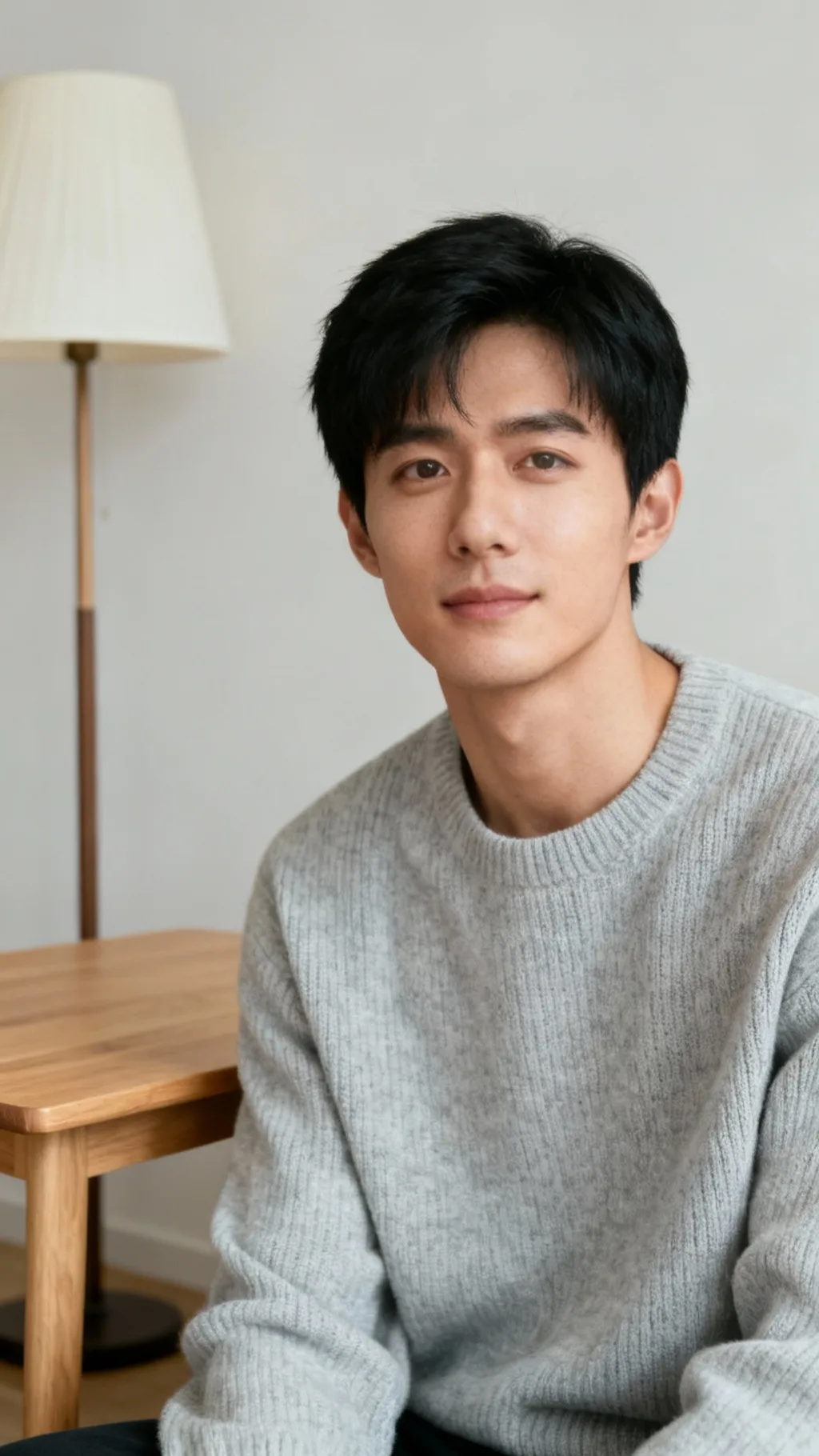

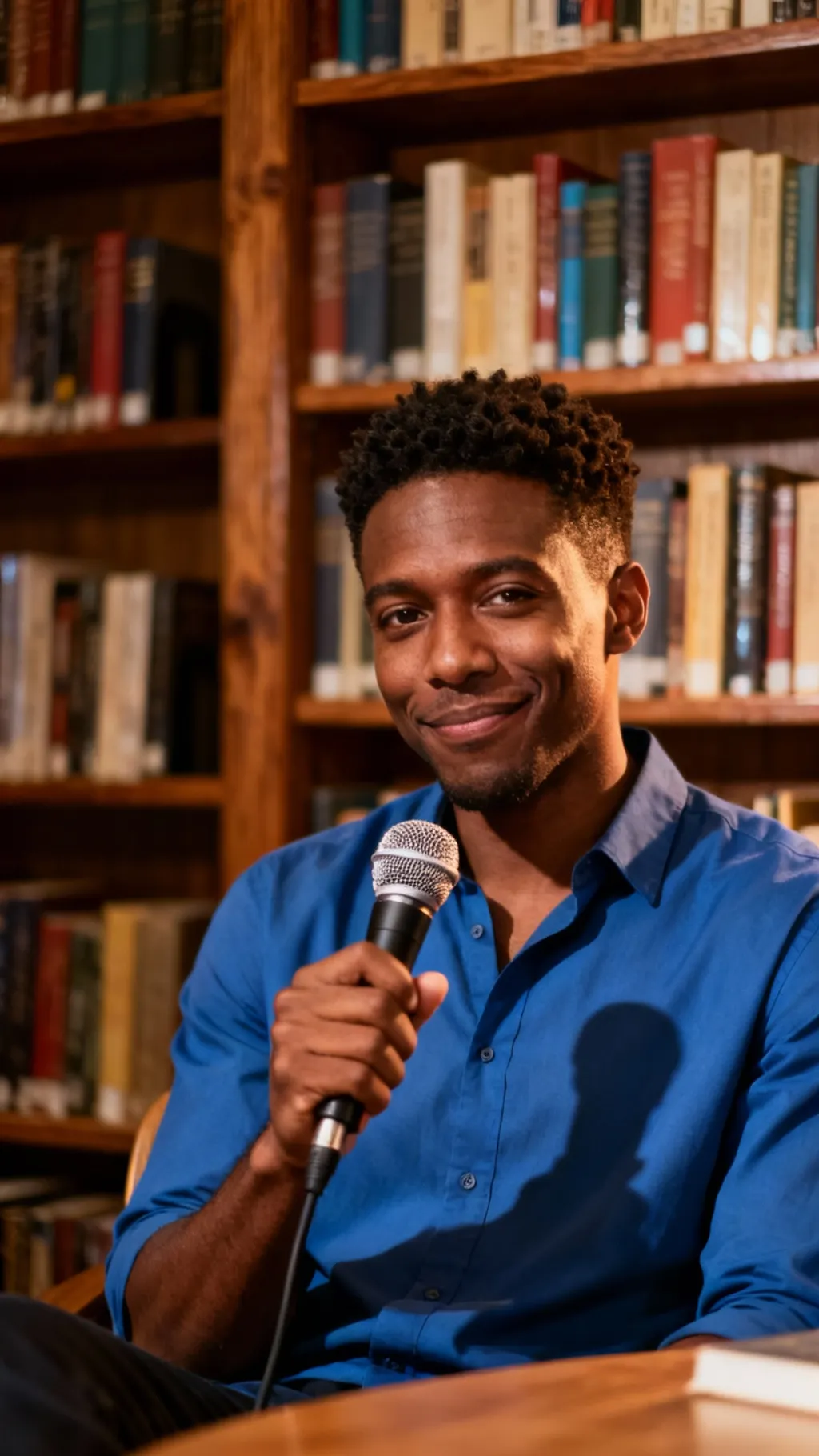
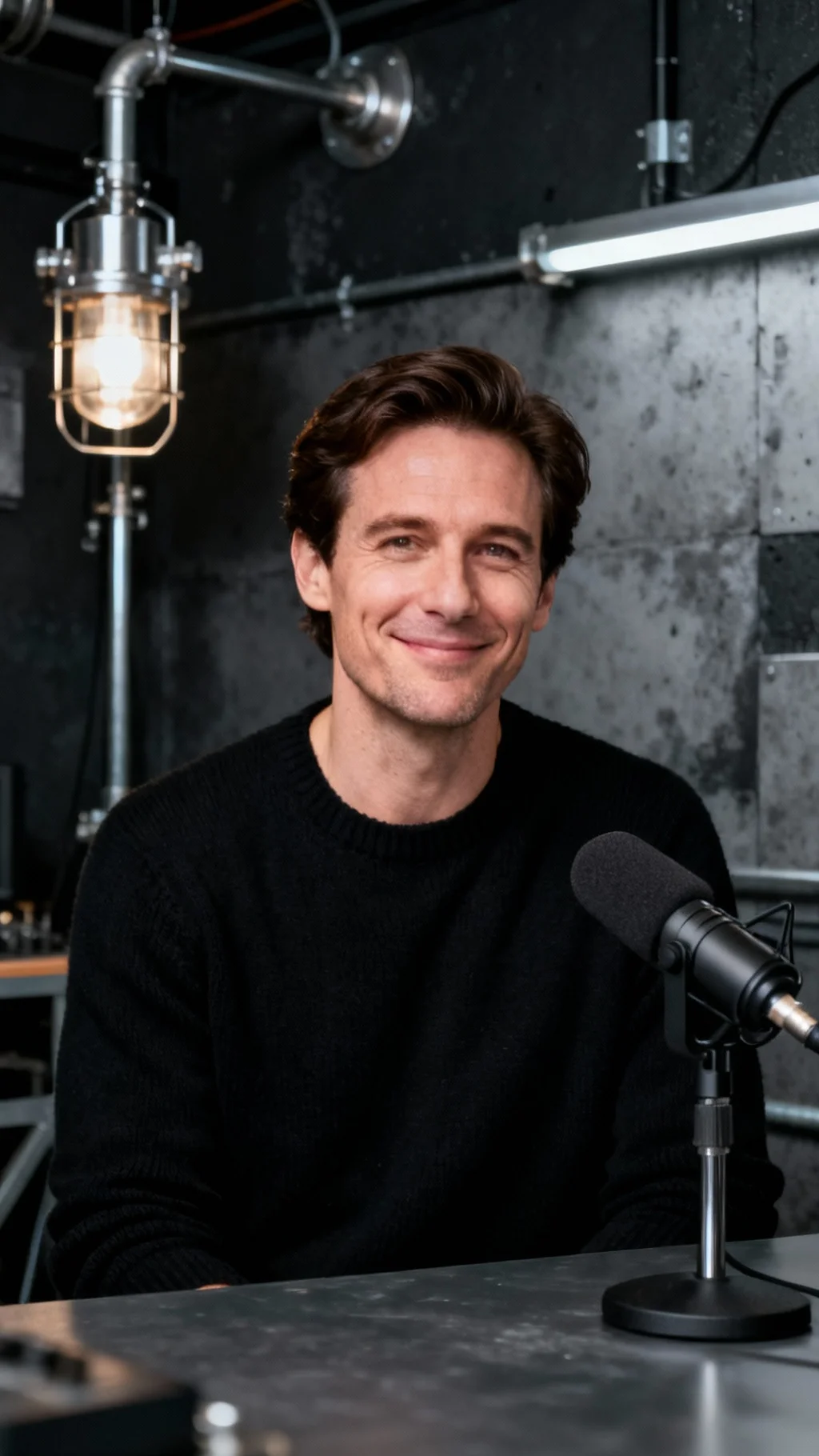
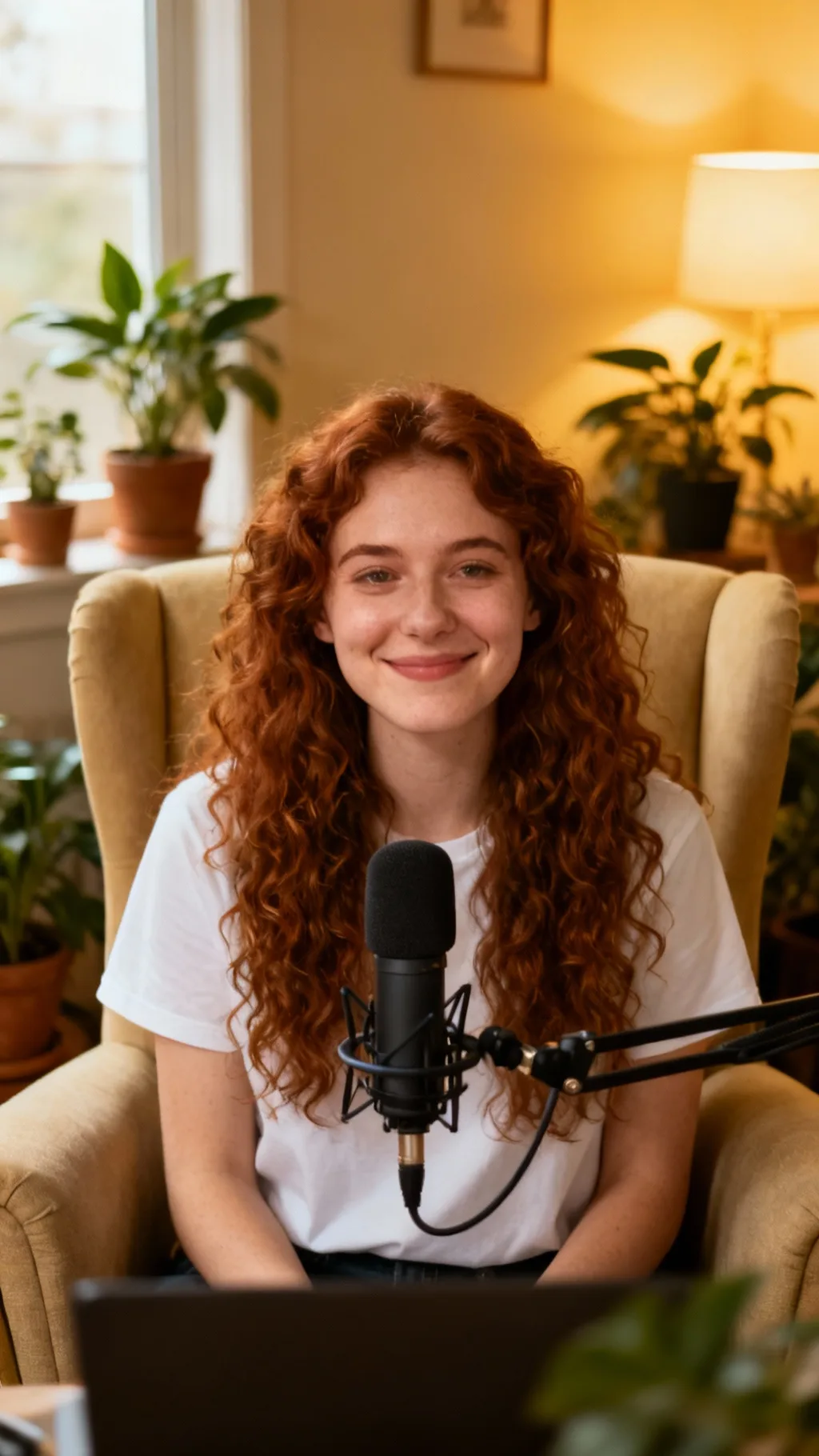
0 / 1000
Calm Woman
Display History
Make Your Photo Talk
Upload a photo, add a script or audio, and get a realistic talking video.
Portrait to talking video
Free AI Talking Photo Generator — Make Any Photo Talk
AI Talking Photo Generator turns a static portrait into a talking video. Type a script and choose a voice, upload an audio file, or record your own voice to create natural talking videos for social clips, explainers, and stories.
- Daily free credits
- No sign-up required
- No watermark
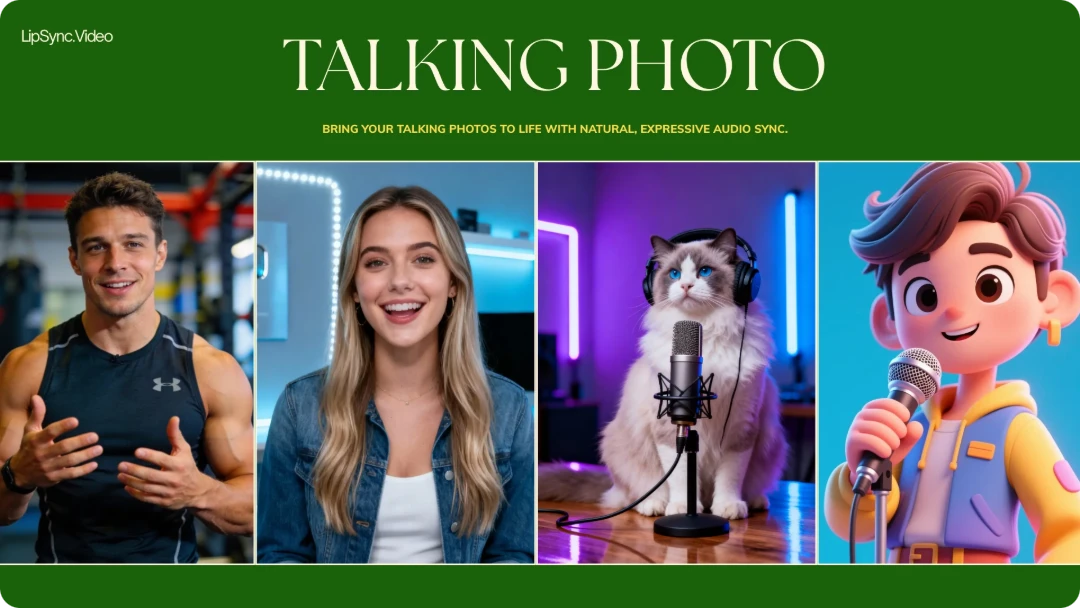
Any photo can speak
Turn Any Photo into a Talking Video
Upload a face, add text or audio, and transform a still image into a speaking video.
Core benefits
Why Choose Our AI Talking Photo Generator?
A flexible photo-to-video workflow built for quick experiments and polished results.
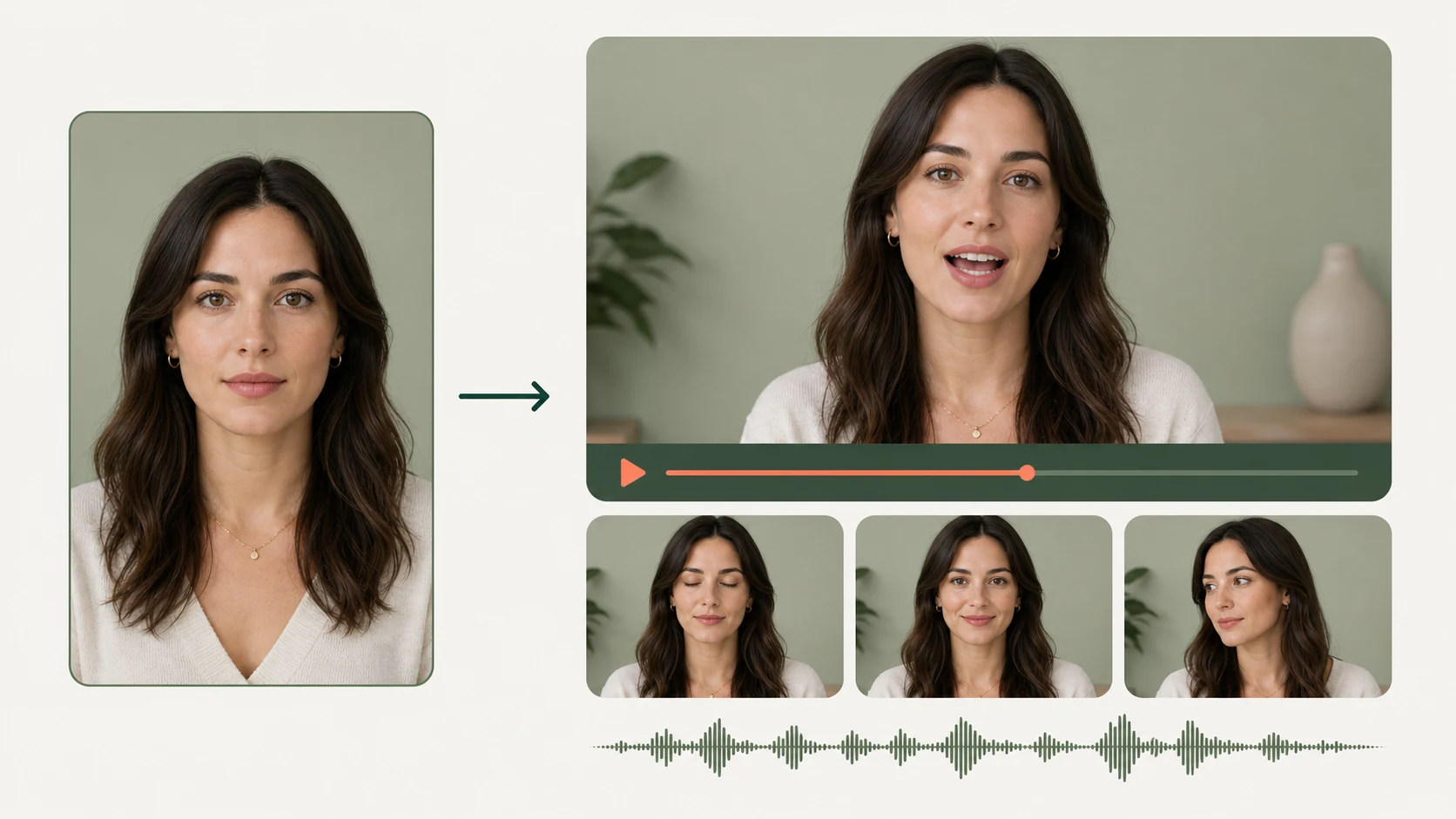
Natural Facial Movement from a Still Image
AI talking photo turns one clear portrait into a talking video with mouth, eye, and subtle facial movement matched to the timing of the audio. Choose a model based on the pace, duration, and level of expression you need, then preview the result before downloading or trying another option.
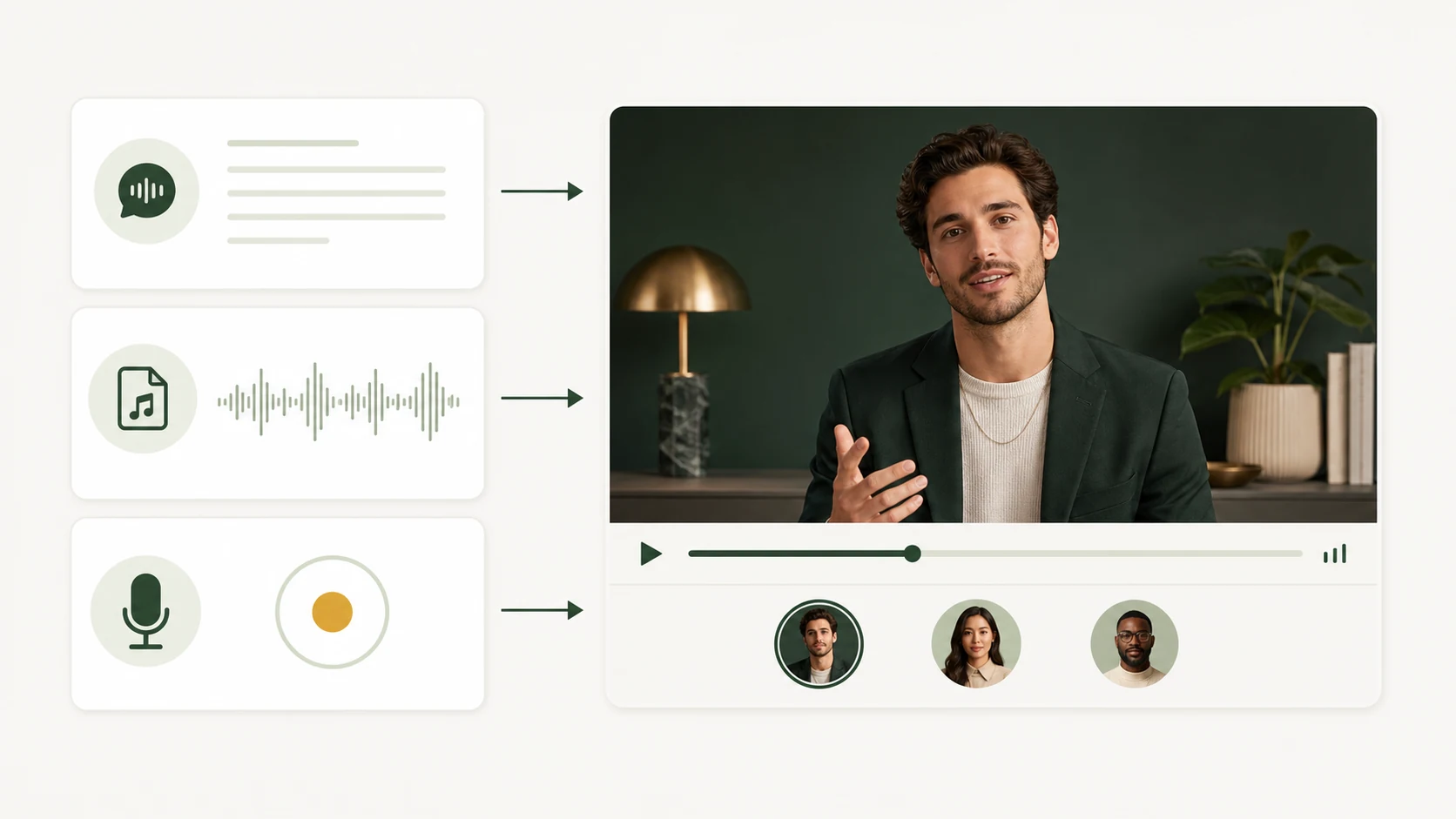
Use Text, Uploaded Audio, or Your Own Recording
Type a short script and select a voice, upload an existing audio track, or record directly in your browser. Switching between input methods makes it easy to test a new line, reuse finished narration, or preserve the emotion and pacing of your own performance without rebuilding the project.
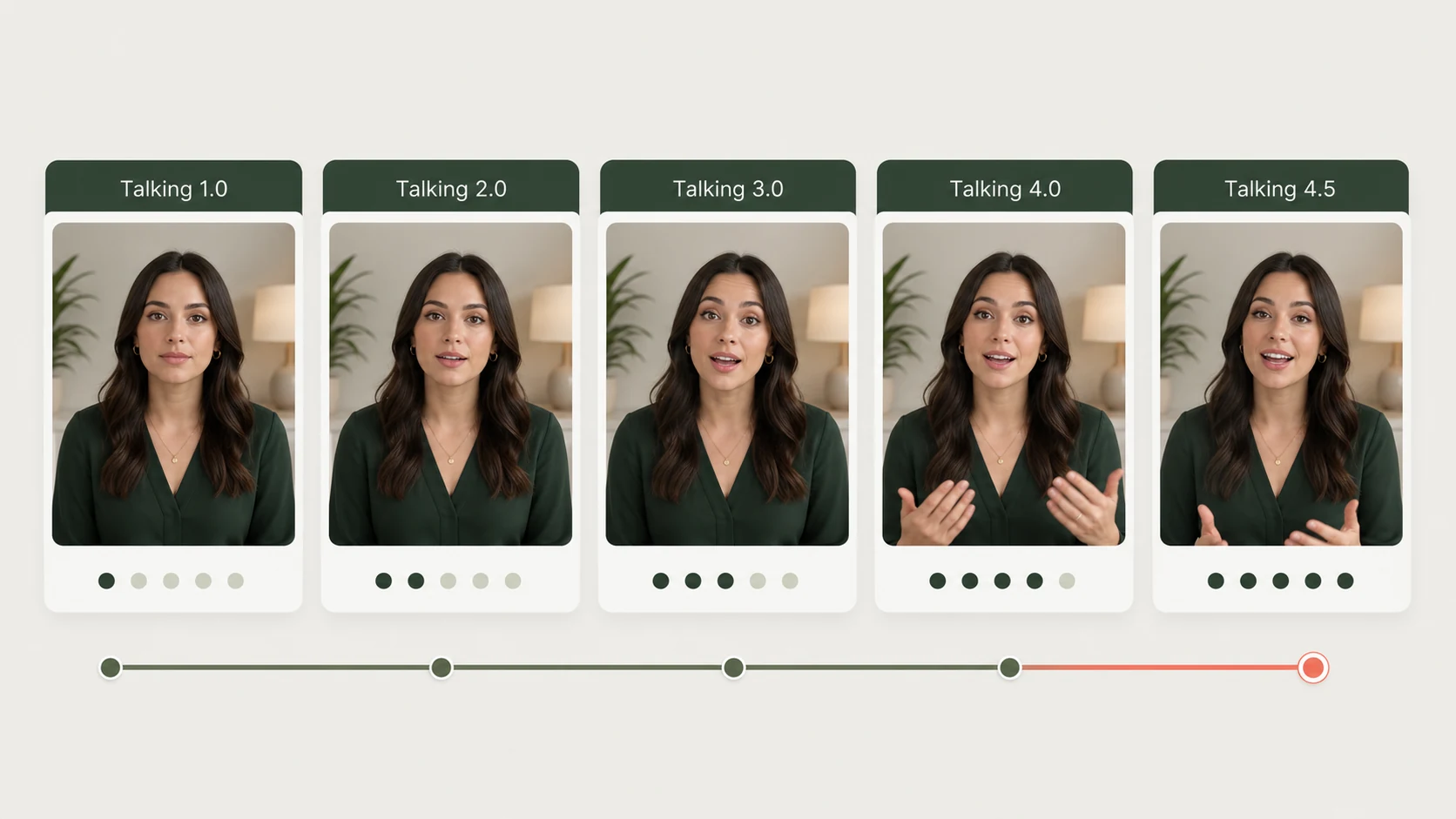
Multiple Models for Different Results
Choose from several talking models designed for different balances of speed, duration, motion, and credit cost. Use a faster option for quick drafts, select a longer model for extended audio, or try a more expressive model when the portrait and message need additional movement and energy.
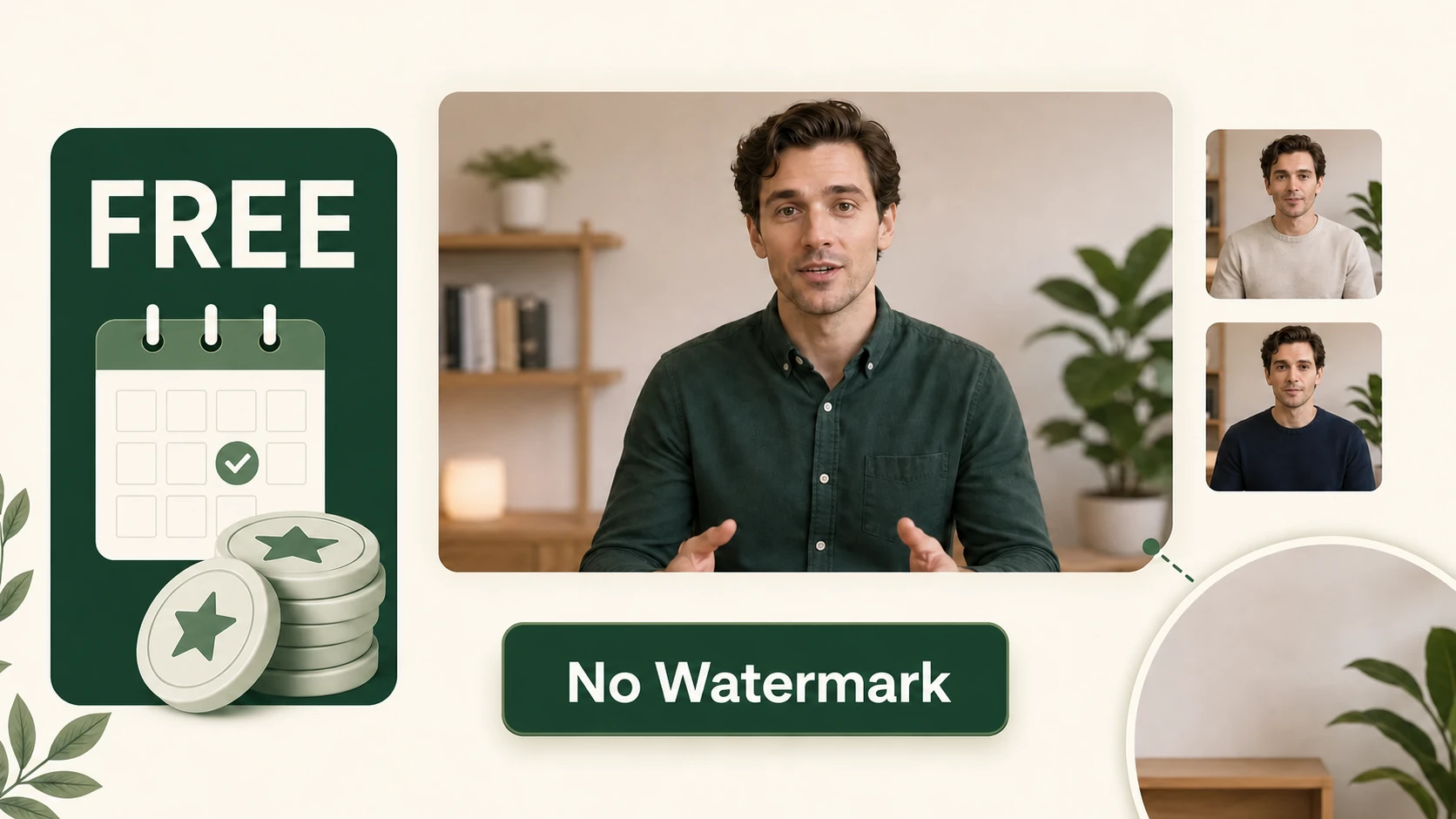
Daily Free Credits and No Watermark
Try AI talking photo generator with daily free access, then download every finished result with no watermark. Experiment with different portraits, voices, audio inputs, and models until the movement and delivery match your message.
Simple workflow
How to Use AI Talking Photo Generator
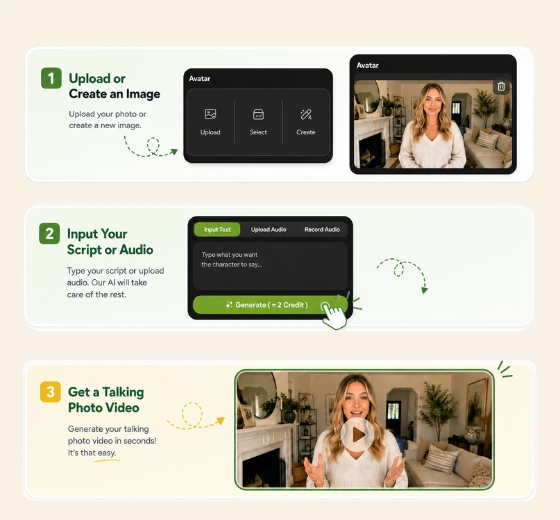
1
Upload a Clear Photo
- Choose a front-facing portrait with a visible face and mouth. You can also select a sample portrait from the page.
- Don’t have a photo? Create a portrait with AI.
2
Add Text or Audio
Enter a script and choose a voice, upload an audio file, or record your own voice. Preview your input and select a talking model.
3
Generate and Download
Click Generate to create the video. Preview the result, download the watermark-free file, and share it wherever you like.
Better output
How to Get a Better AI Talking Photo
A few small changes to your source image and sound can make the final movement feel more stable.
Use a Clear, Front-Facing Face
Choose a well-lit image where the face is large enough to see clearly. A centered portrait usually produces more stable movement than a distant or strongly angled face.
Keep the Mouth Visible
Avoid photos where hands, hair, masks, or other objects cover the mouth. A neutral or gently closed mouth gives the model a clearer starting point.
Start with Clean Audio
Use speech with clear volume and limited background noise. If a result feels out of time, try a cleaner recording or shorter sentence.
Try Another Model When Needed
Different portraits and audio clips can respond differently. If the first result is not right, test another available talking model or use a clearer source image.
Popular applications
What You Can Create with AI Talking Photo Generator
Create repeatable video content for social channels, learning, marketing, outreach, and personal storytelling.
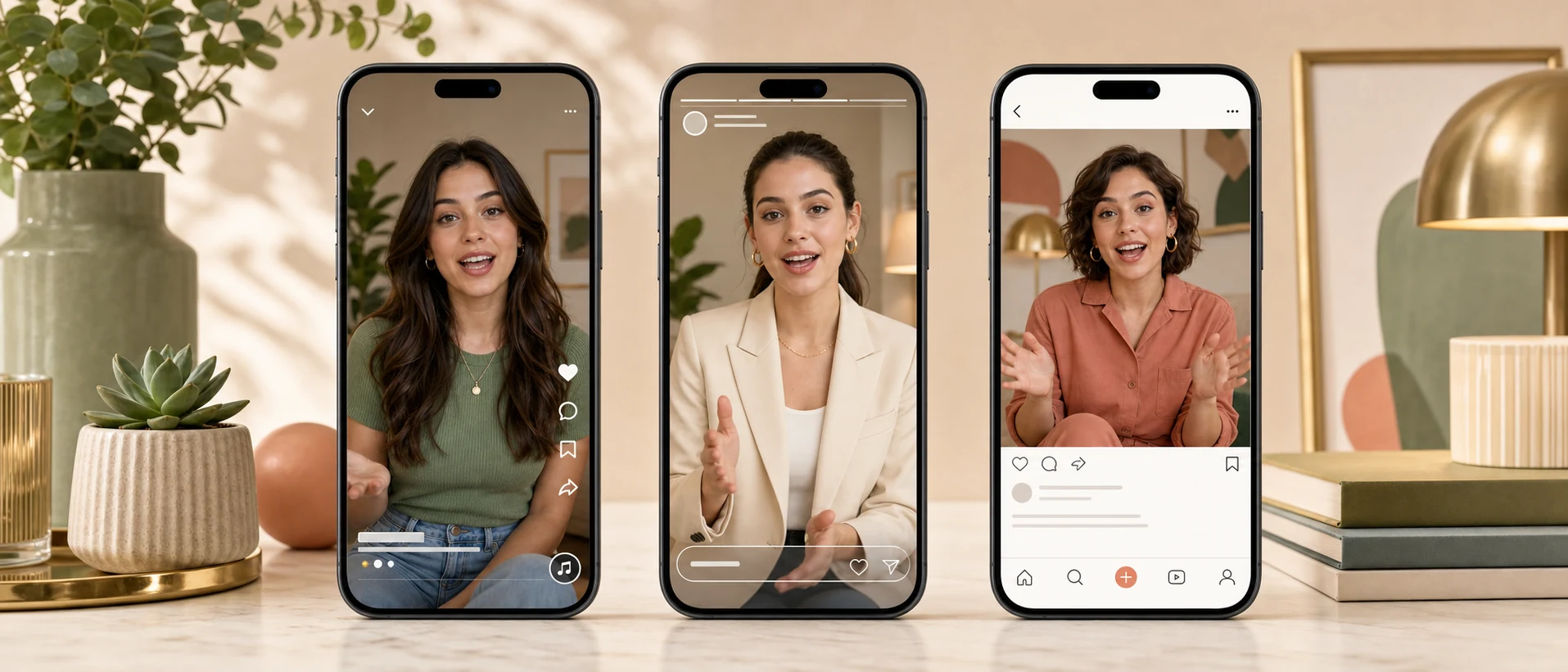
Social Content without Filming
Reuse one portrait for short speaking posts on TikTok, Instagram Reels, YouTube Shorts, and other social channels.
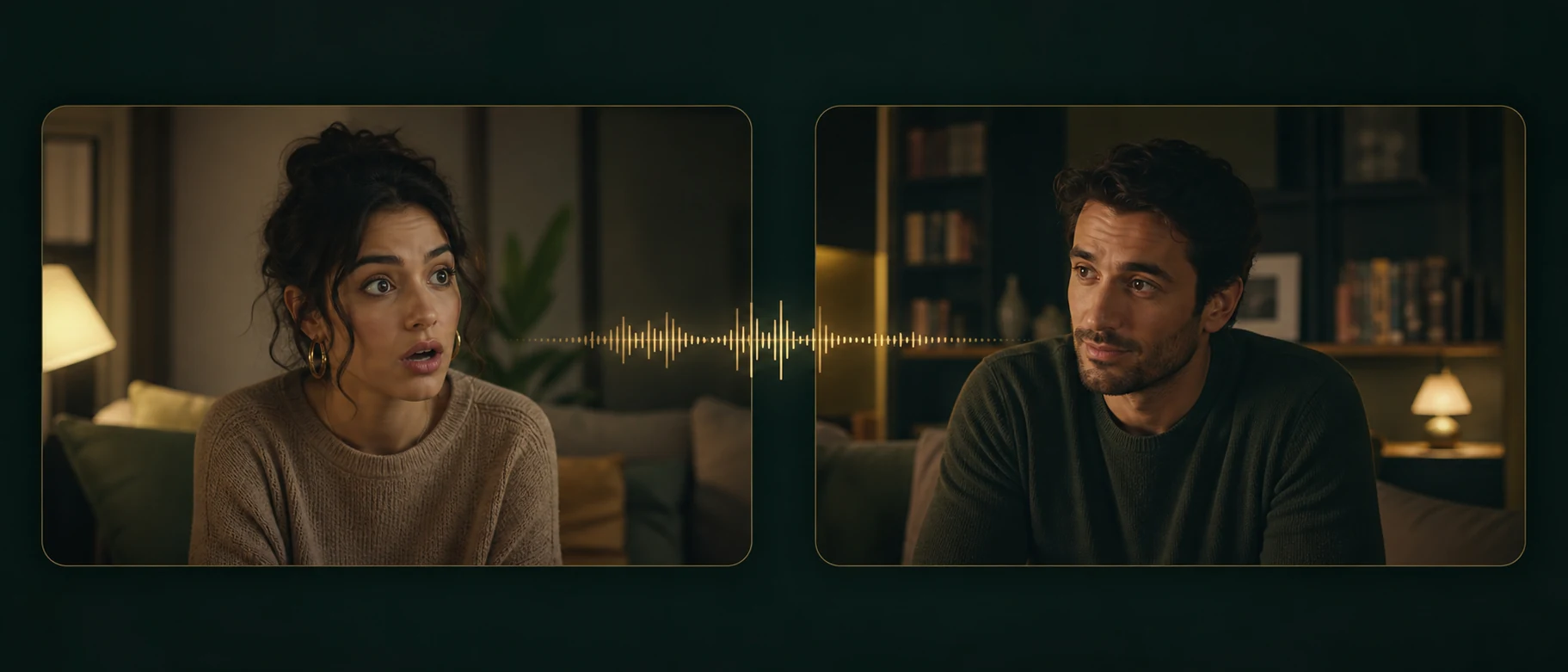
Short Drama Scenes
Animate portraits or characters for quick dialogue, reactions, plot moments, and short-form story episodes without filming every scene.
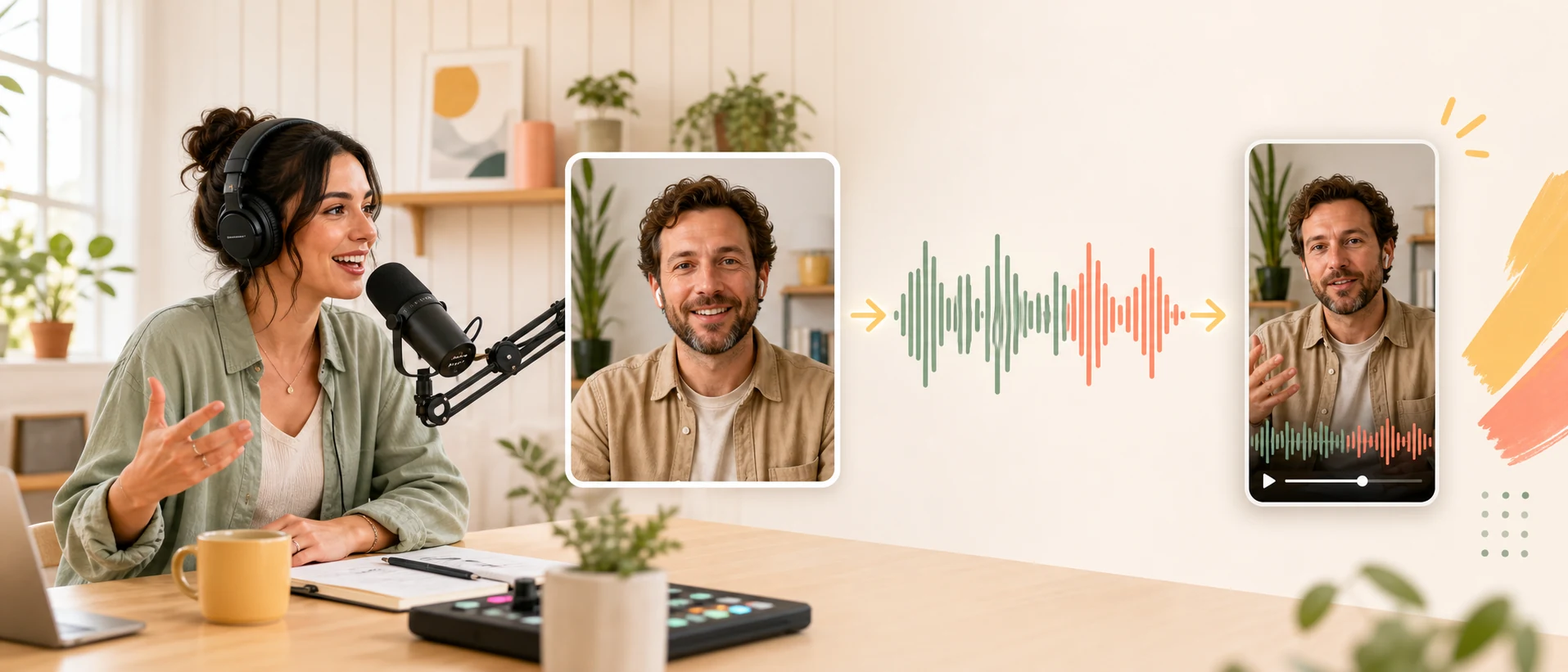
Podcast and Audio Teasers
Pair a host portrait, guest photo, or character with a short audio highlight to create a shareable preview for an episode or story.
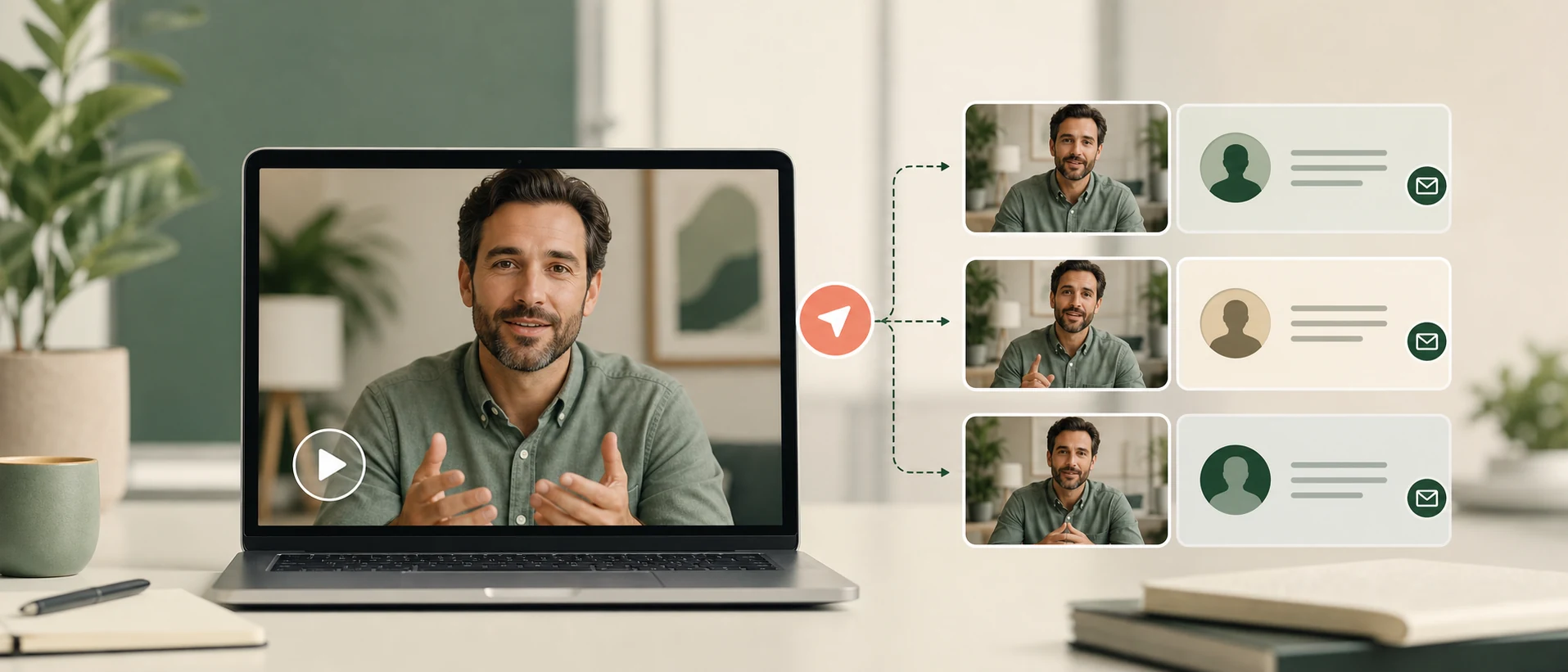
Personalized Outreach
Adapt a message for prospects, customers, or community members with different names, scripts, voices, or languages.
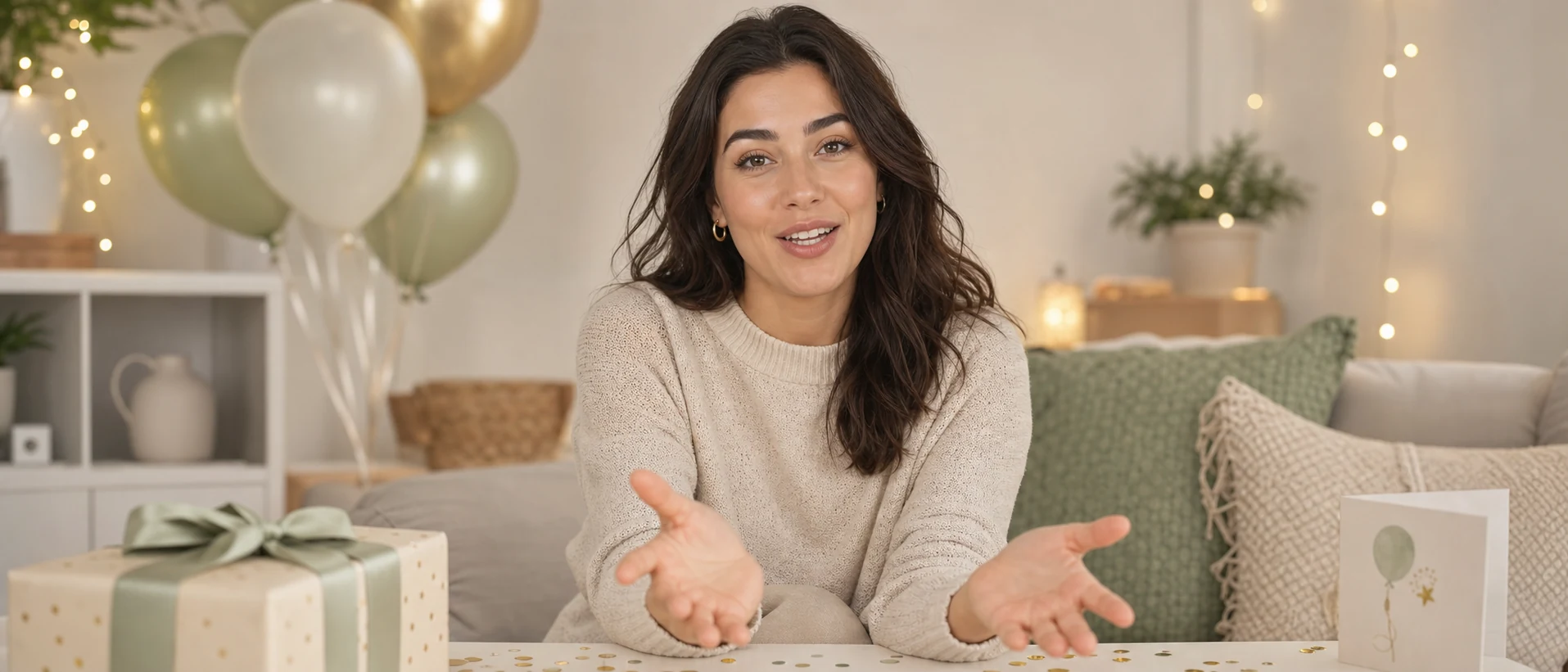
Personal Greetings
Create birthday wishes, holiday greetings, invitations, announcements, and memorable messages from a favorite photo.
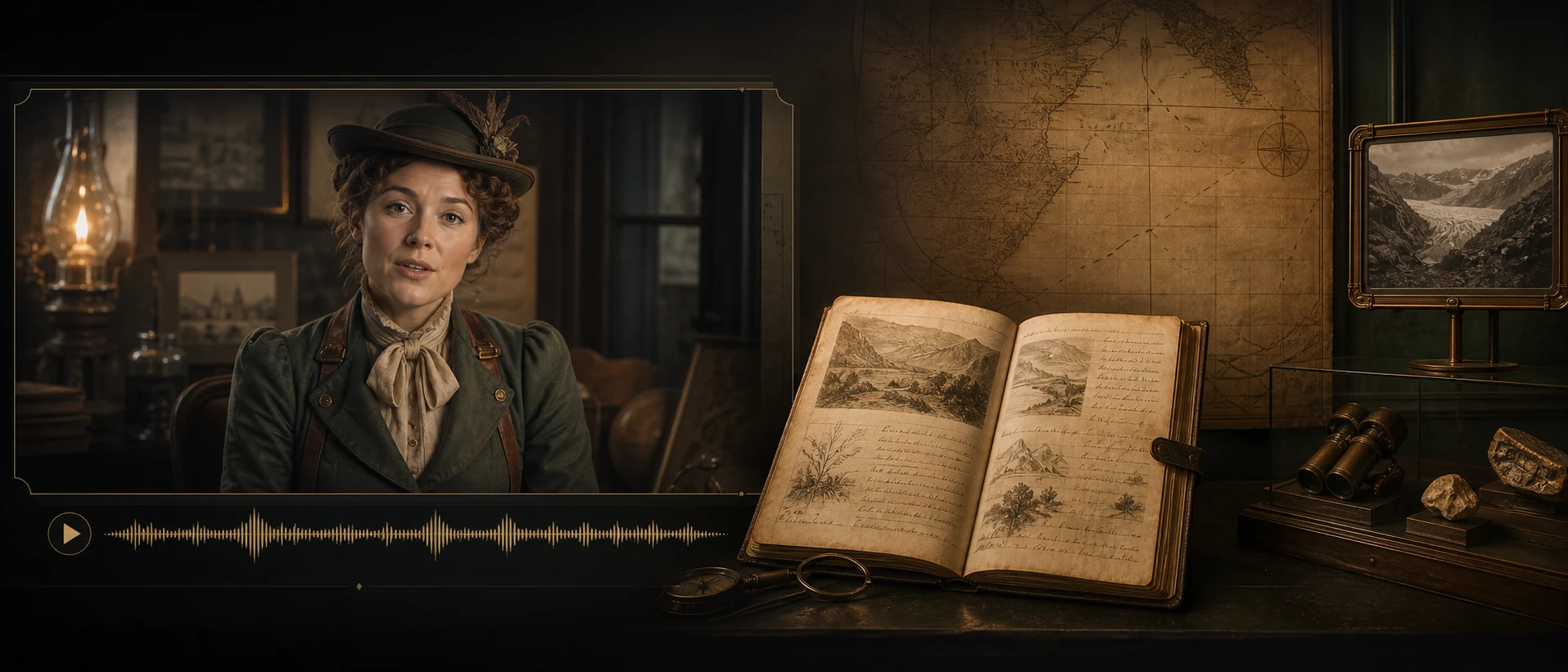
Historical and Character Stories
Let historical portraits, family photos, artwork, pets, and fictional characters narrate short educational or creative stories.
Make Your Photo to Talking Video Now
Upload a photo, add your message, and create a watermark-free AI talking photo online.
Explore Related AI Tools
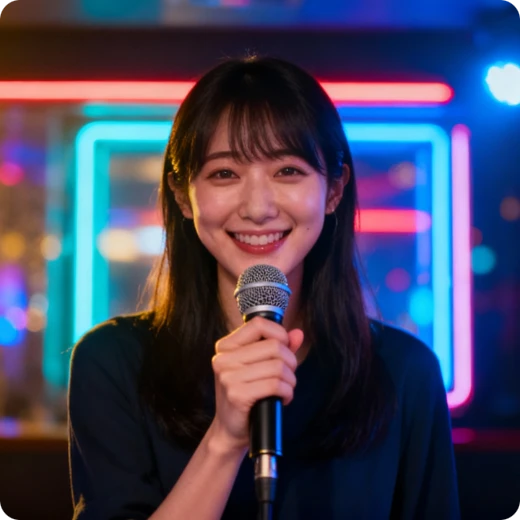
Singing Photo
Transform images and audio into vivid, lip-synced singing videos.
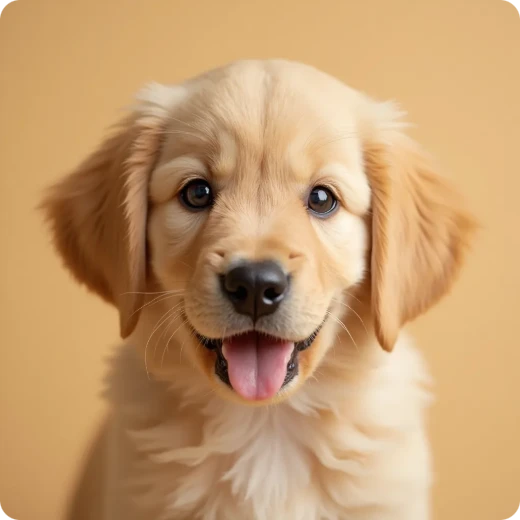
Talking Animals
Make funny animal talking videos using only animal pictures.
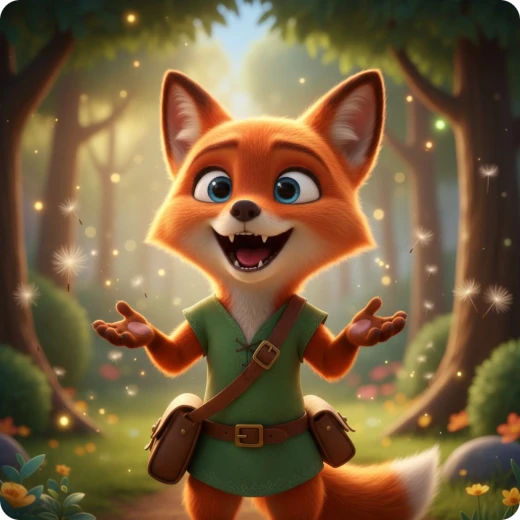
Talking Cartoon
Make cartoon character images talk, create stunning cartoon video.
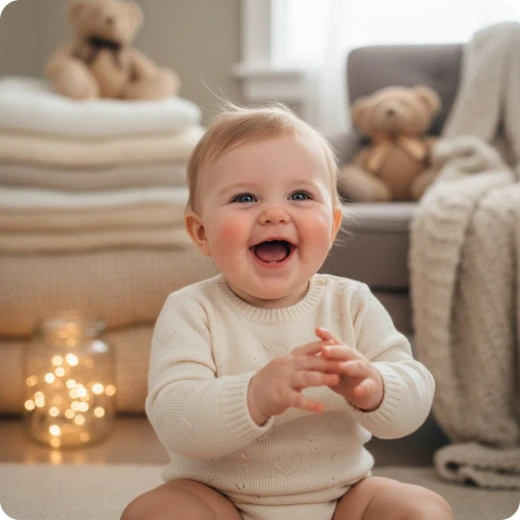
AI Baby Talking
Create lovely baby talking videos with natural lip syncing.
What Users Say about AI Talking Photo Generator
See how people use Talking Photo and how they evaluate it.
I didn't want to film myself, so I used this tool to make my photo talk. It's a creative way to animate photo content for product drops without stepping in front of a camera.

Marcus HillIndie Merch Seller
Instead of scheduling video shoots, we animate photo assets already in our brand library. The AI talking photo technology allows us to test messaging variations quickly and optimize performance.

Samantha OrtizGrowth Marketing Lead
This tool makes it simple to turn any product image into a talking video online. I can animate photo content without hiring actors, which saves time and production costs.

Noah WilliamsE-commerce Store Owner
I’ve tried several tools to make photo speak, but this AI talking photo platform feels the most natural. Model 4.0 delivers smooth lip sync that looks polished on every channel.

Isabella GarciaSocial Media Strategist
What impressed me most is how quickly you can turn a photo into a talking video online with different voice styles. The workflow from script to output is seamless and beginner-friendly.

Ethan BrownTech Blogger
I turned a simple portrait into an AI talking photo clip for my audience. Being able to animate photo expressions and test it with AI talking photo free credits was a huge bonus.

Mia PatelPet Content Creator
Common questions
FAQ about AI Talking Photo Generator
Answers about inputs, free credits, output, and choosing the right source.