Subscribe to enjoy model discounts of up to 68%.Try Now→
Pricing
0

Veo 3 AI Video Generator

Turn text or images into cinematic-quality videos with synchronized audio and dialogue.

Tips
16:9
6s
720P
228180 Credits

Veo 3: Generate Cinematic Video with Native Audio

Veo 3 produces dialogue, sound effects, and ambient audio in a single pass — perfectly synced to every frame. No editing software. No separate audio tools. Just describe your scene and generate.

Veo 3 AI Video Generator — Create Cinematic Videos with Native Audio

Key Features of Veo 3 Video Generator

Native Audio & Video Generation in One Pass

The Veo 3 video generator creates audio and visuals at the same time—no separate syncing needed. Dialogue, sound effects, and background audio are generated together and naturally match the scene. This results in more realistic AI videos with less editing. For product videos or TikTok content, you can go from idea to final video much faster.

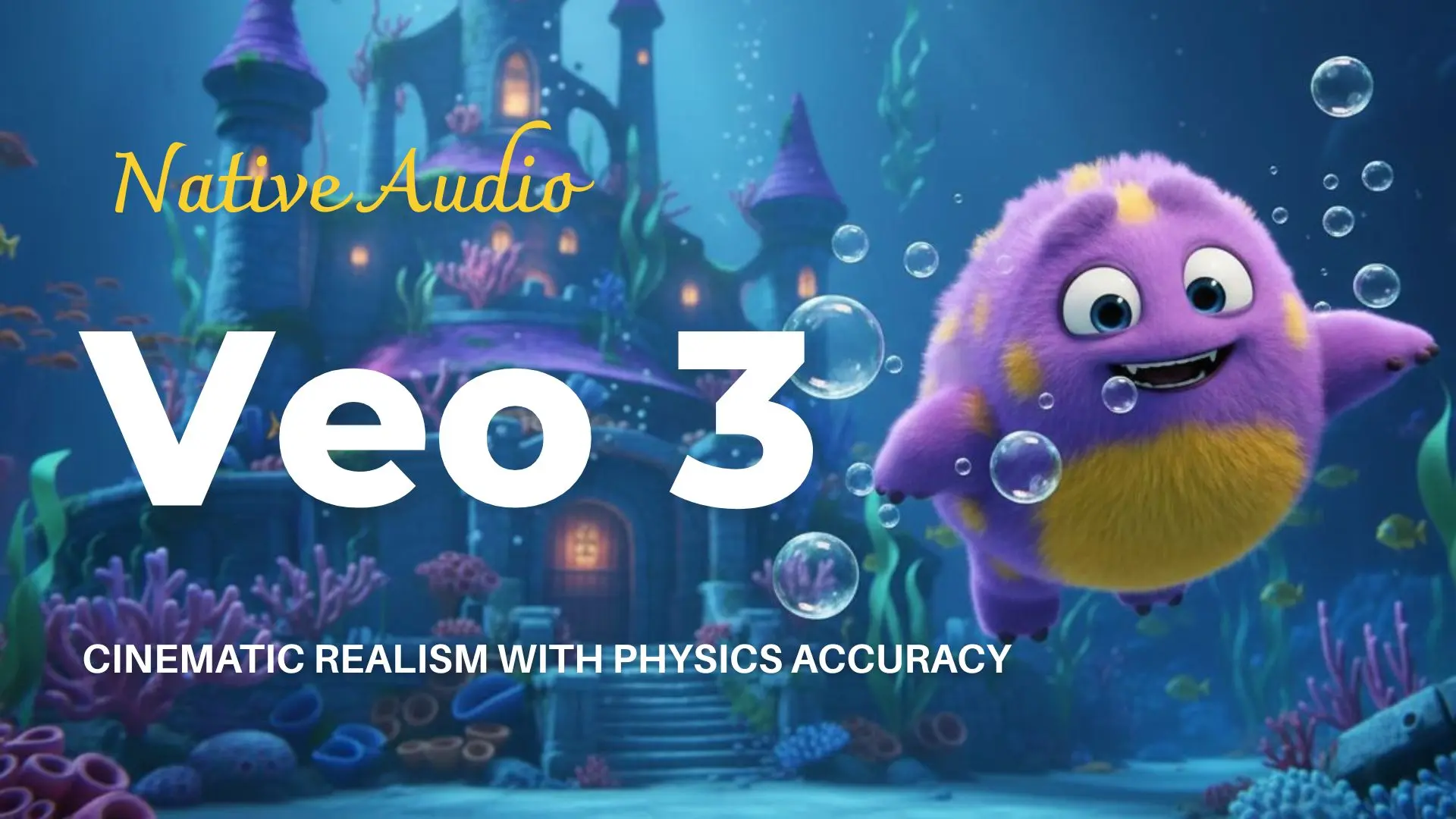
Cinematic Realism with Physics Accuracy

Veo 3 AI video generator uses real-world physics to improve visual quality. Lighting, motion, and materials behave naturally, making videos feel closer to real footage. This is especially important for marketing and storytelling, where realism directly impacts how users trust and engage with your content.

Consistent Visuals with Reference Images

You can upload reference images to control characters, products, or style. Veo 3 keeps visuals consistent across frames, avoiding common AI issues like changing faces or unstable details. This makes it suitable for product videos and branded content that require stable, repeatable results.

Precise Camera Control for Cinematic AI Videos

With Veo 3, you can control how each shot is framed and how the camera moves, instead of relying on random or static outputs. This allows you to create videos with smooth pans, zooms, and cinematic motion that feel much closer to real footage. The result is a more professional look, especially for product videos, marketing content, and storytelling where visual direction matters.

Extend Short Clips into Longer Videos

Instead of being limited to short clips, Veo 3 allows you to extend your scenes into longer, more dynamic videos. You can continue a sequence naturally from the last moment of a clip while keeping visuals and motion consistent. This makes it possible to turn a simple idea into a complete video, rather than a series of fragmented generations.

Seamless Multi-Scene Video Generation

Veo 3 can generate videos that transition smoothly across multiple scenes, creating a more natural and immersive viewing experience. Rather than abrupt cuts, scenes flow into each other with consistent lighting, motion, and pacing. This is especially useful for storytelling, ads, and cinematic content where continuity is essential.

How to Use Veo 3 Video Generator

How to Use Veo 3 Video Generator
1

Write Prompt or Upload Images

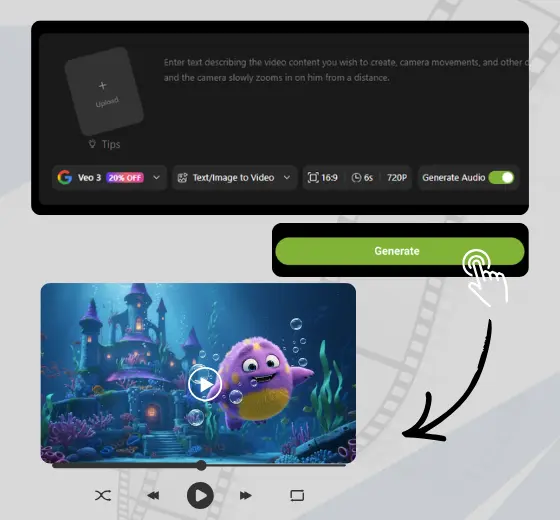
Describe your scene: subject, setting, camera style, and audio. Include dialogue in quotes if you want a character to speak. Upload a reference image for image-to-video, or skip the upload for text-to-video.

2

Choose Format and Generate

Select aspect ratio (16:9 or 9:16), duration (4, 6, or 8 seconds), and resolution (720P or 1080P for text-to-video). Choose Veo 3 or Veo 3 Fast, then hit Generate. Veo 3 returns a video with synchronized audio in 2 to 4 minutes.

3

Extend or Download

Download your clip directly, or use Scene Extension to continue the scene and build a longer video. Most creators get a usable result within two attempts.

What You Can Create with Veo 3

Turn ideas into cinematic AI videos with Veo 3, powered by realistic motion and native audio.

AI Storytelling

Create multi-scene videos with consistent characters, natural dialogue, and cinematic camera movement. Veo 3 turns simple prompts into structured story-driven content, allowing you to produce short films and narrative videos without filming or editing.

Ads & Product Videos

Veo 3 helps you generate high-quality marketing videos, ad creatives, and e-commerce product showcases from text or images. Create product demos and brand visuals with realistic motion and built-in audio, ready for campaigns and publishing.

TikTok & Social Media Content

Create vertical AI videos optimized for TikTok, Instagram Reels, and YouTube Shorts. Veo 3 generates fast-paced visuals with synchronized audio, making it ideal for short-form content, viral videos, and consistent social media posting.

Ready to Direct with Veo 3?

Turn your ideas into cinema-quality video with synchronized audio — in minutes, not days.

What Creators Are Saying About Veo 3 Video Generator

I've been making short-form content for four years and audio sync has always been a bottleneck. With Veo 3, I described the scene, generated it, and the footsteps, ambient noise, and dialogue were all perfectly timed.

Jamie R.
Jamie R.
Content Creator, 180K followers

We generated a product launch video in 40 minutes. The spokesperson dialogue was clean, the lip sync was accurate, and the visual quality matched what we'd normally spend $3,000 on. Our client approved it same day.

Marcus T.
Marcus T.
Creative Director, Digital Agency

I uploaded a photo of my brand character and wrote out the dialogue I wanted her to say. Veo 3 kept her appearance consistent and the lip sync was accurate enough that my audience thought it was a real spokesperson.

Priya N.
Priya N.
Brand Strategist

I uploaded product photos, described the scene — soft lighting, marble background, close-up rotation — and Veo 3 generated exactly that, with ambient music. I've been running it as an Instagram ad for three weeks.

Sofia L.
Sofia L.
Independent Seller

As a filmmaker I was skeptical, but Veo 3's camera controls are genuinely impressive. I can specify tracking shots, push-ins, rack focus, and it executes them accurately. I now use it for previsualization before every shoot.

David K.
David K.
Independent Filmmaker

With Veo 3, I describe an idea in the morning and get vertical videos with built-in voiceover ready by noon. What used to take a full day now takes about two hours. The audio quality is surprisingly natural.

Aisha M.
Aisha M.
Social Media Manager

FAQs about Veo 3 Video Generator

What is Veo 3?

How to use Veo 3 video generator?

What types of videos can Veo 3 create?

How long are Veo 3 videos?

What is the difference between Veo 3 and Veo 3 Fast?

Does Veo 3 support text-to-video and image-to-video?

What aspect ratios and resolutions does Veo 3 support?

Can Veo 3 generate realistic videos?

Does Veo 3 support lip sync?

Do I need editing skills to use Veo 3?