Social Media Videos
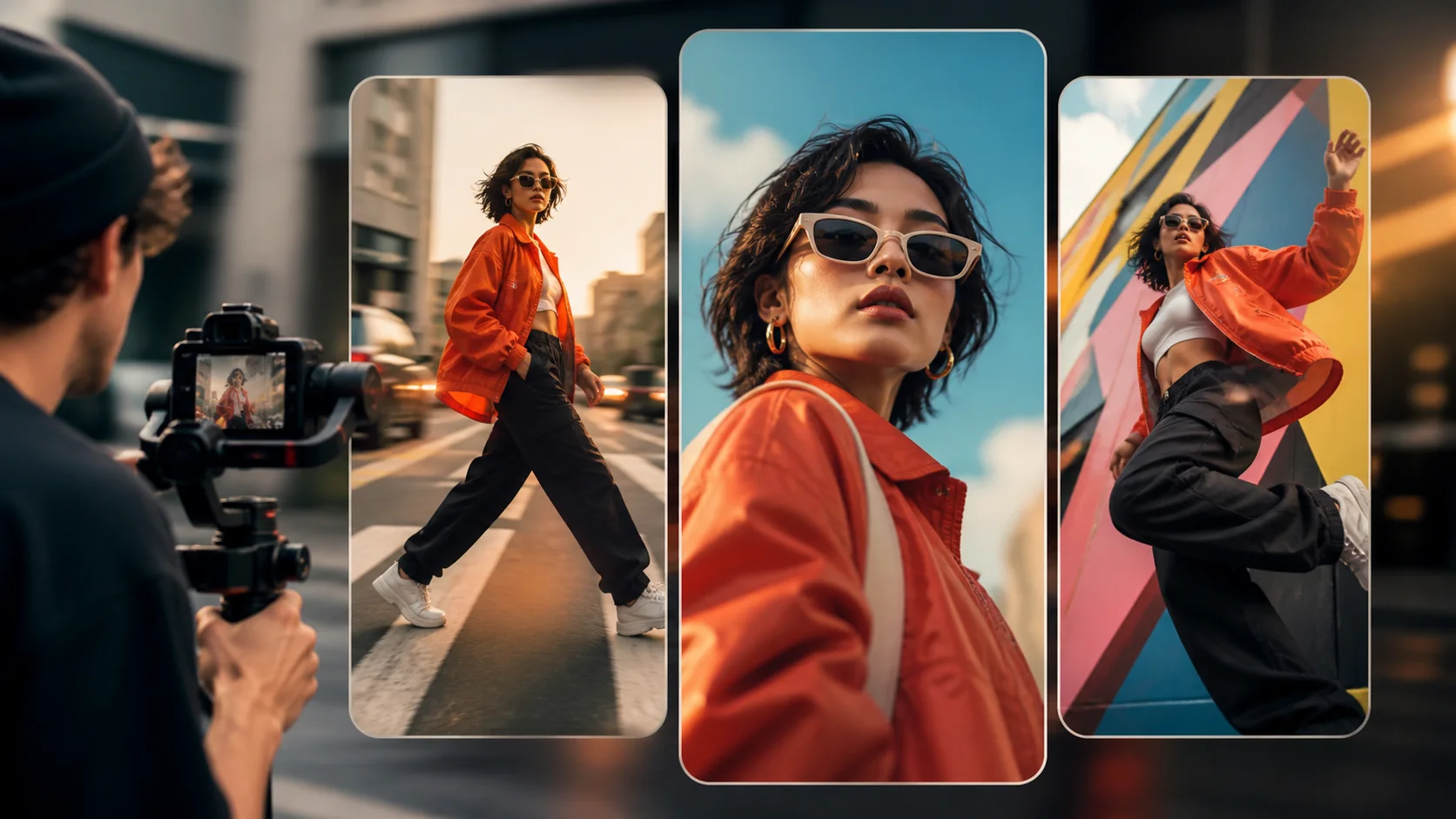
Create vertical clips, visual hooks, campaign variations, and short-form content for TikTok, Reels, Shorts, and other social placements.

Use one AI video generator to create videos from text, images, keyframes, or reference media with multiple models in one workspace.
See how media and prompts become finished video concepts.
Product Ad Example Video
One Creative Workspace
An AI video generator creates or transforms video from written instructions and visual inputs. Begin with a prompt, a still image, first and last frames, or reference media, then select a compatible model for the result you want.
This AI video generator keeps different creative priorities in one flexible generation workflow. Adapt the model, input, camera direction, motion, audio, duration, aspect ratio, and resolution for each project.
Four ways to begin
Move from an idea or an existing asset to video without changing tools. Select a starting mode, then use a model built for that type of generation.
Turn an idea into a complete shot
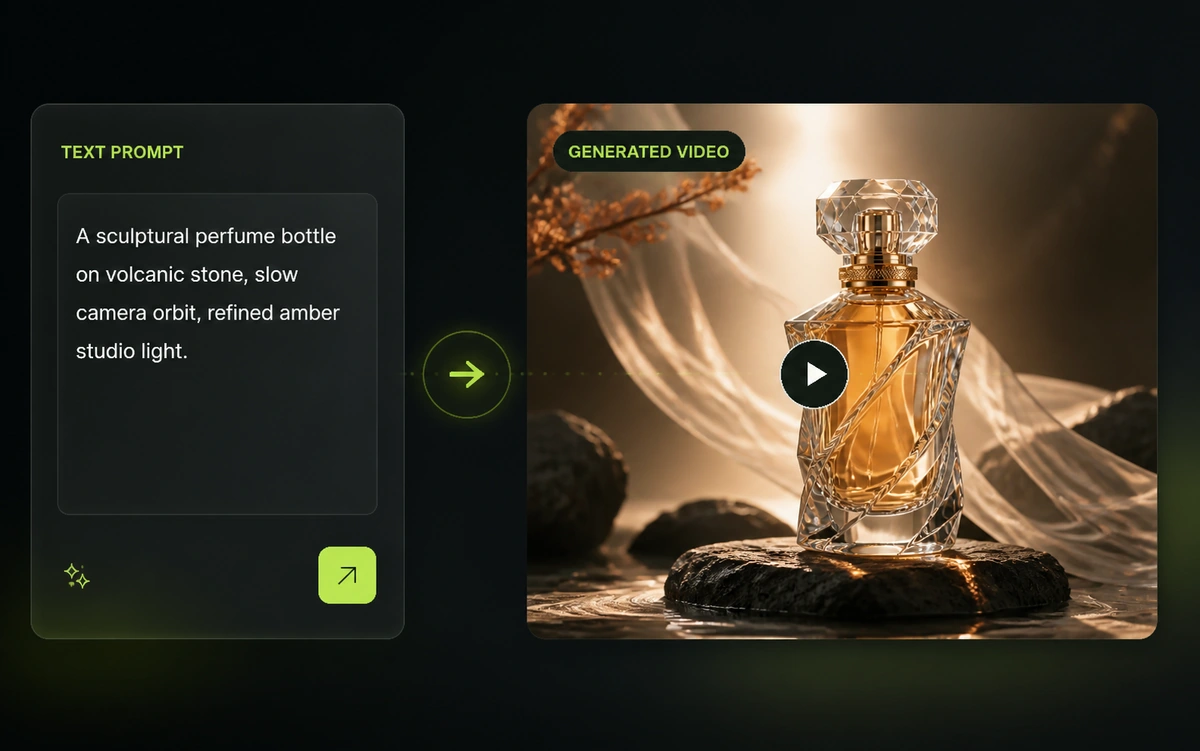
For text to video, describe the subject, action, environment, camera movement, lighting, and visual style in everyday language. The AI video generator interprets these details as a new sequence, letting you explore an original scene before you have source footage, photography, or a finished storyboard.
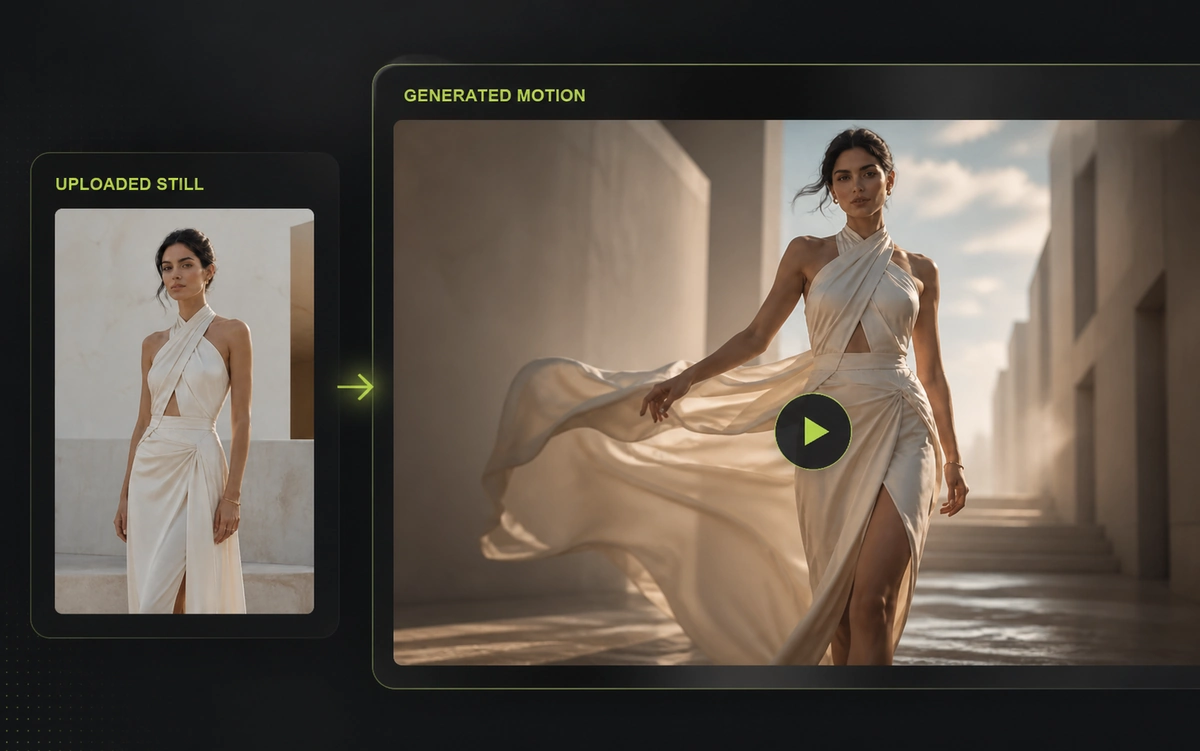
Add motion to an existing image
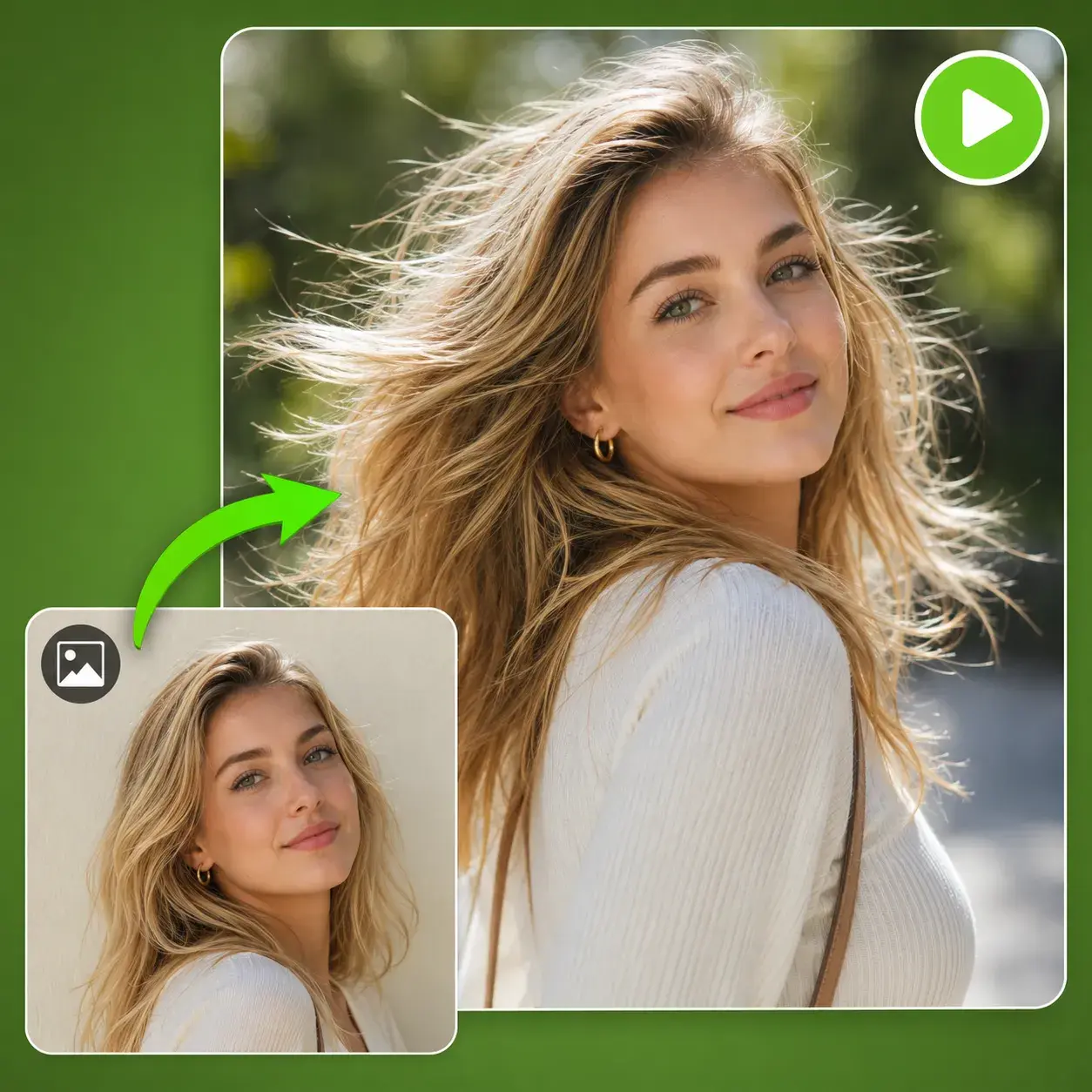
Upload a product photograph, illustration, concept frame, render, or portrait and describe how it should move. Guide camera motion, subject action, and environmental details while the compatible model uses the original image to anchor composition, color, and visual identity.
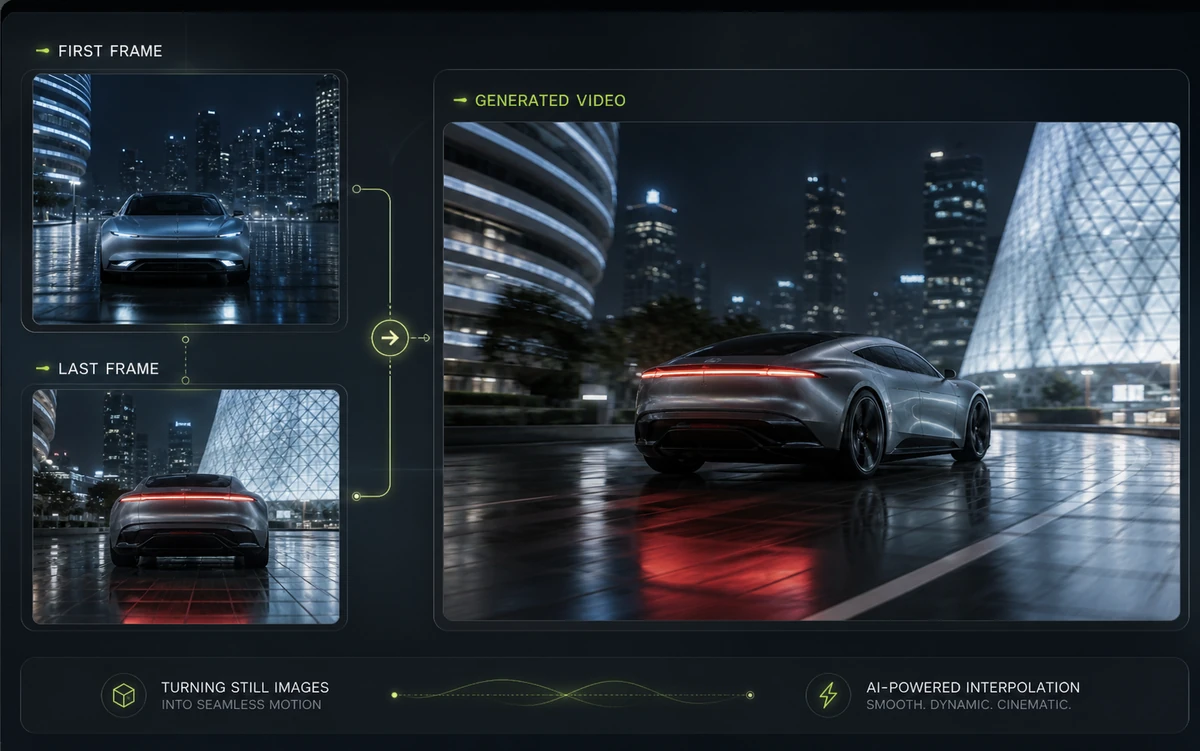
Control where the shot begins and ends
Provide an opening frame and a closing frame to define the visual journey of the shot. Add direction for the action, camera path, transition, and pacing so AI video generator can generate the movement between two planned compositions instead of choosing the ending on its own.
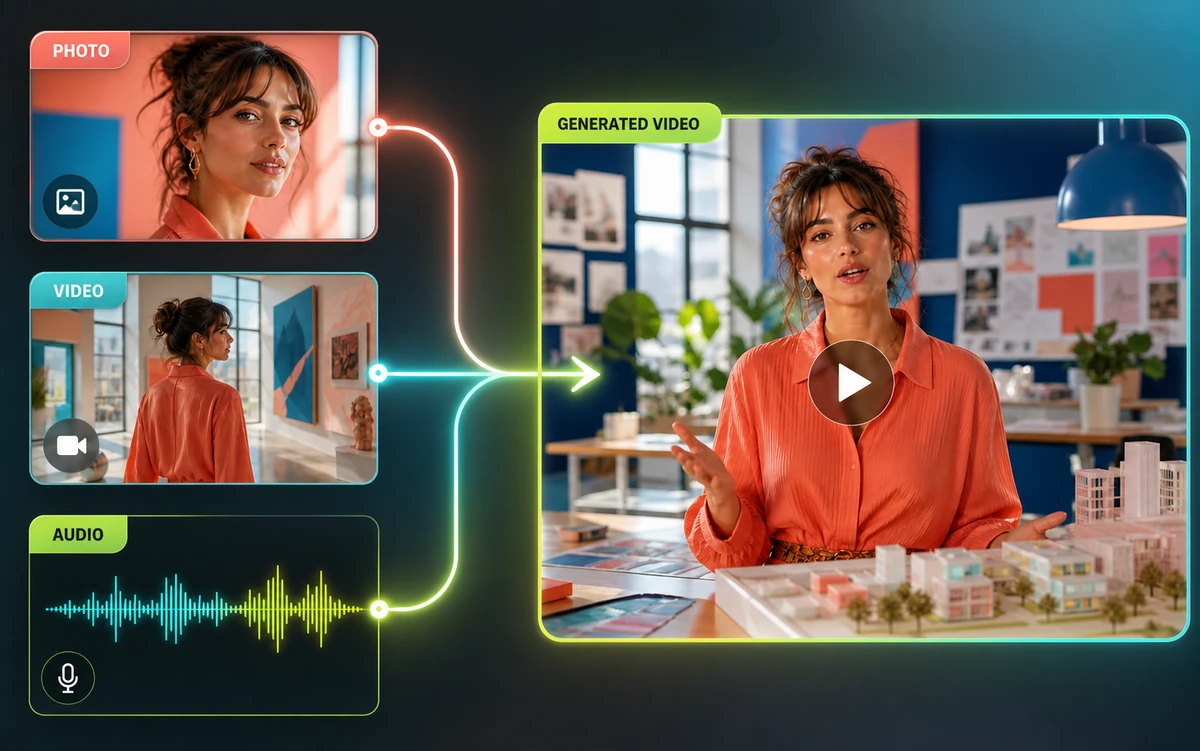
Guide the result with reference media
Use reference to video when supported images, video, or audio can communicate a subject, environment, visual style, or movement more precisely. The AI video generator then shows compatible models and reference controls so you can preserve the details that matter while developing a new shot.
Built for real workflows
Use the AI video generator to switch between compatible models without moving platforms, uploading assets again, or rebuilding your setup.
Shape camera direction, motion, audio, duration, aspect ratio, and resolution when supported by the selected model.
Start a new project or reuse prompts, assets, and settings from a recent creation without a traditional editing workflow.
Made for everyday production
Create vertical clips, visual hooks, campaign variations, and short-form content for TikTok, Reels, Shorts, and other social placements.
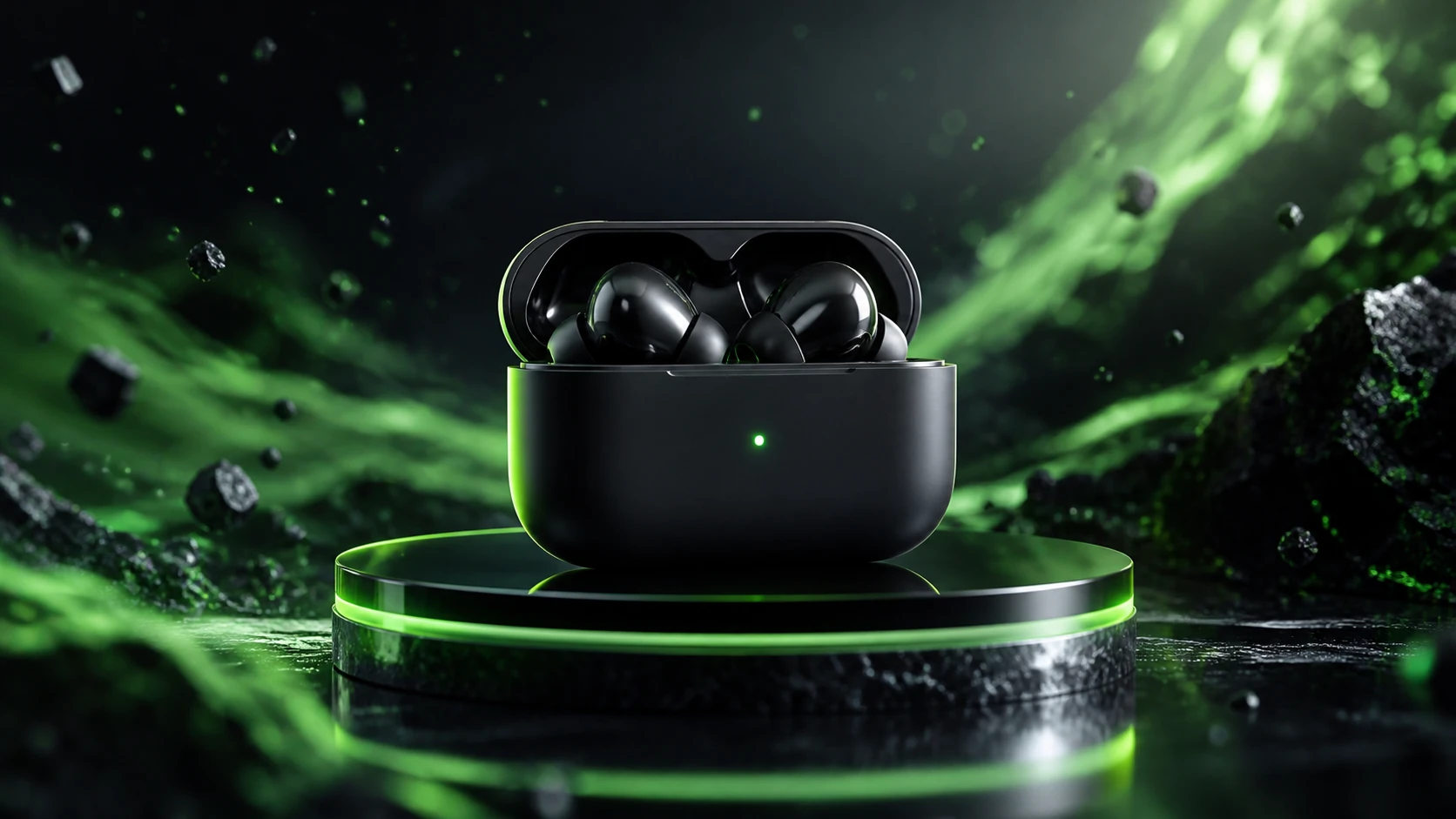
Animate product photography, develop launch visuals, and generate advertising concepts for ecommerce pages and digital campaigns.
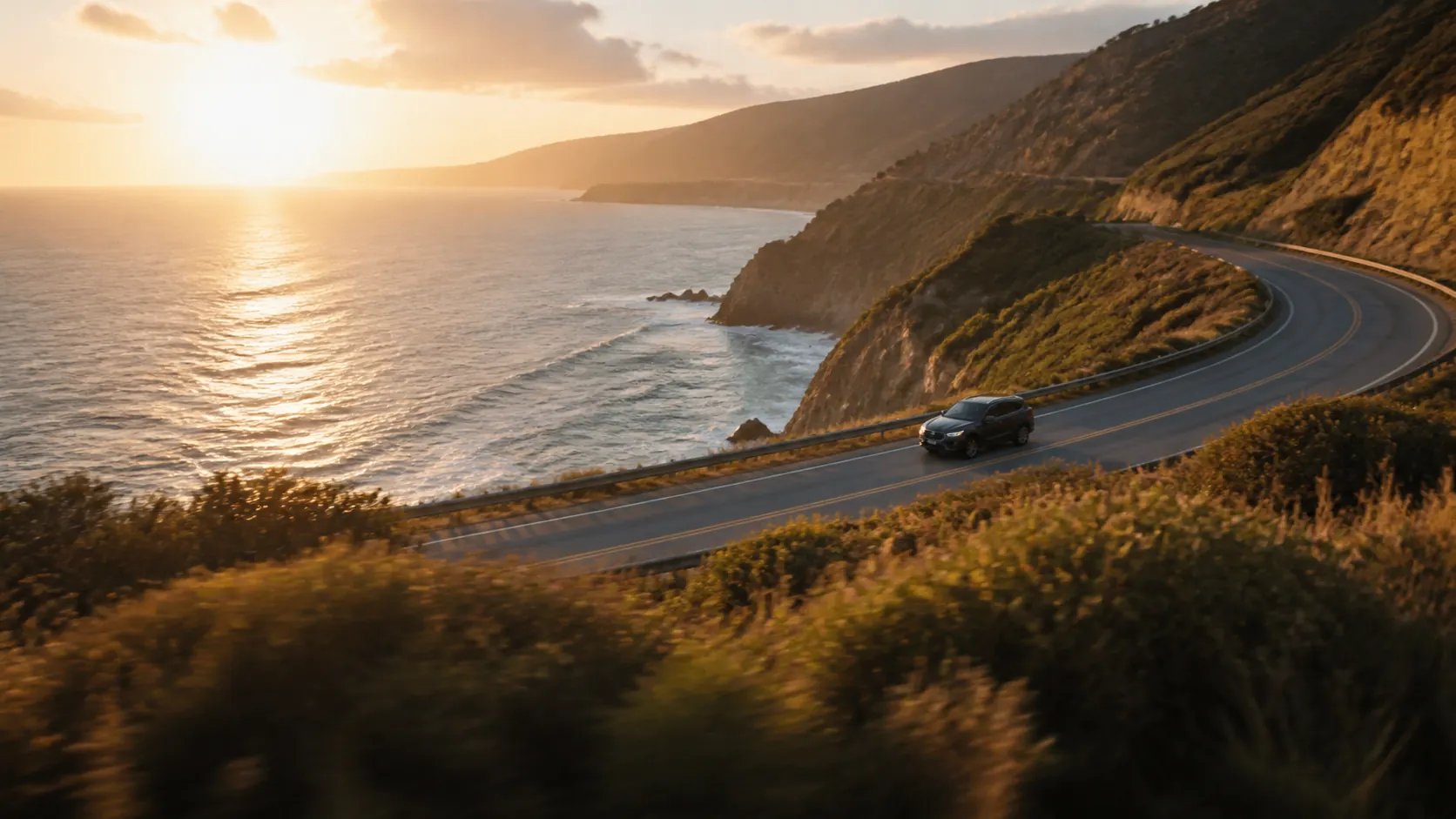
Generate establishing shots, environments, cutaways, and supporting footage for interviews, explainers, branded stories, and edits.
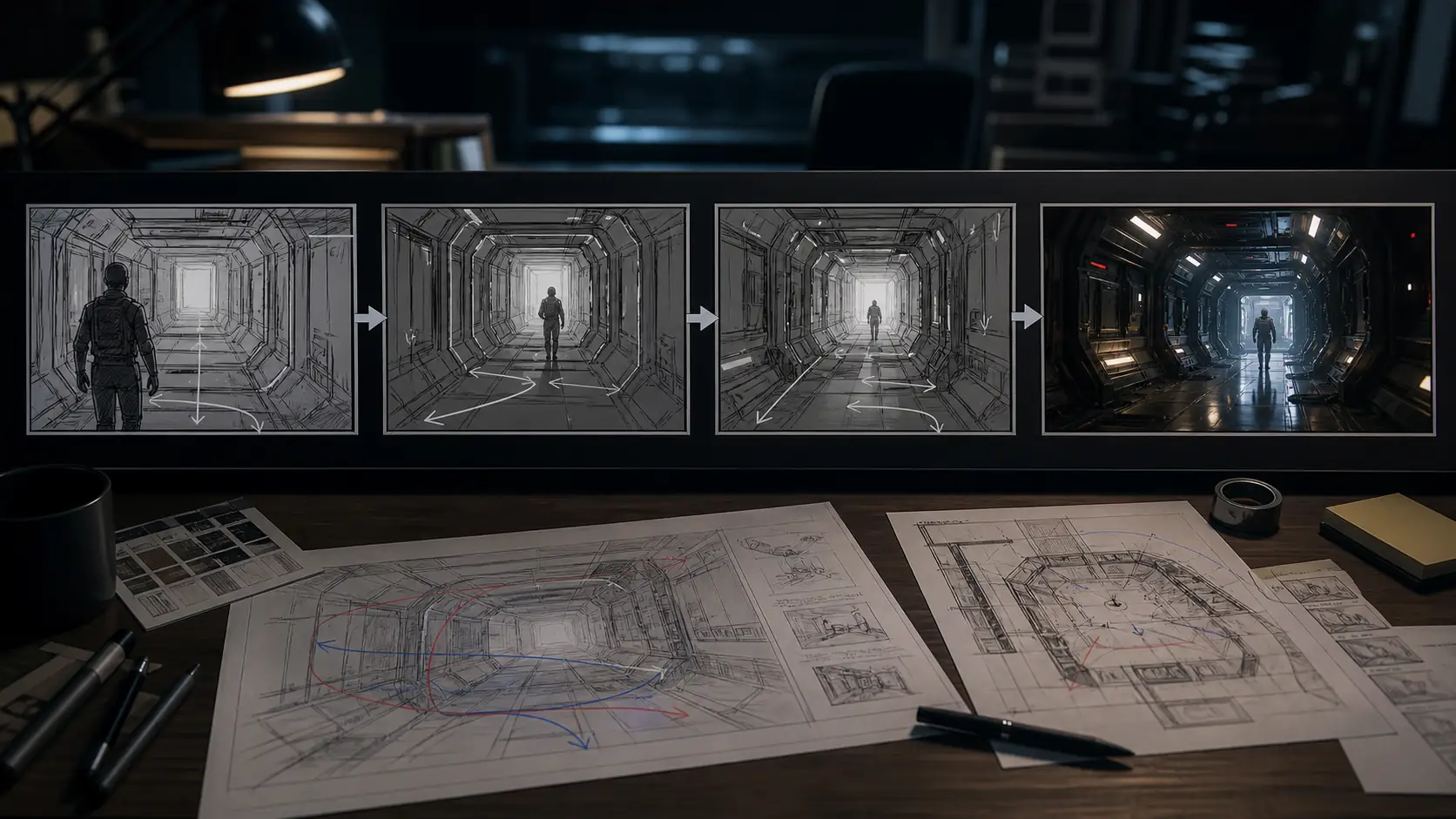
Turn scripts, shot ideas, and concept frames into moving studies for pitches, scene planning, camera exploration, and creative approval.
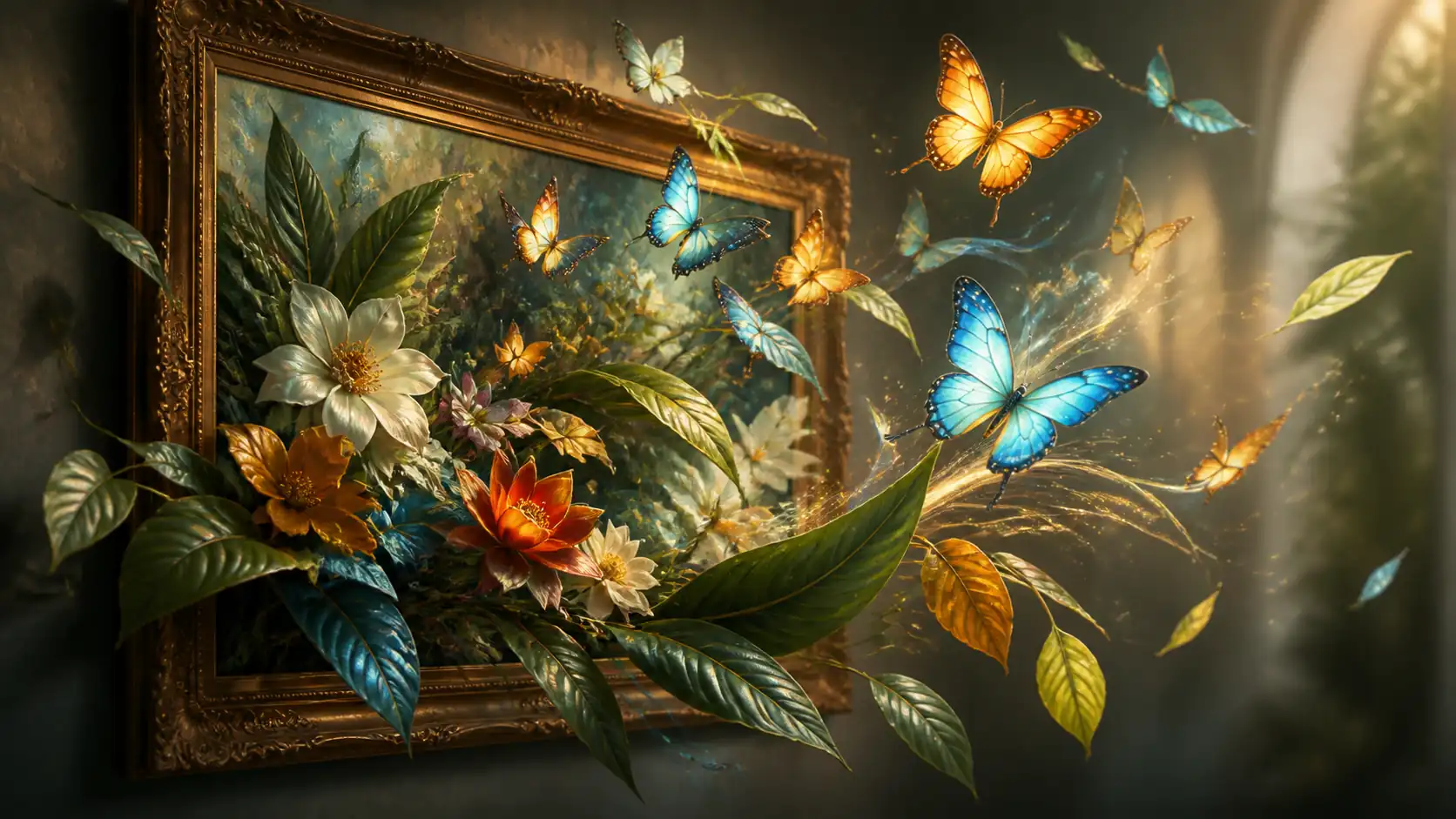
Bring illustrations, renders, mood boards, key art, and photography to life with controlled motion, depth, and camera movement.
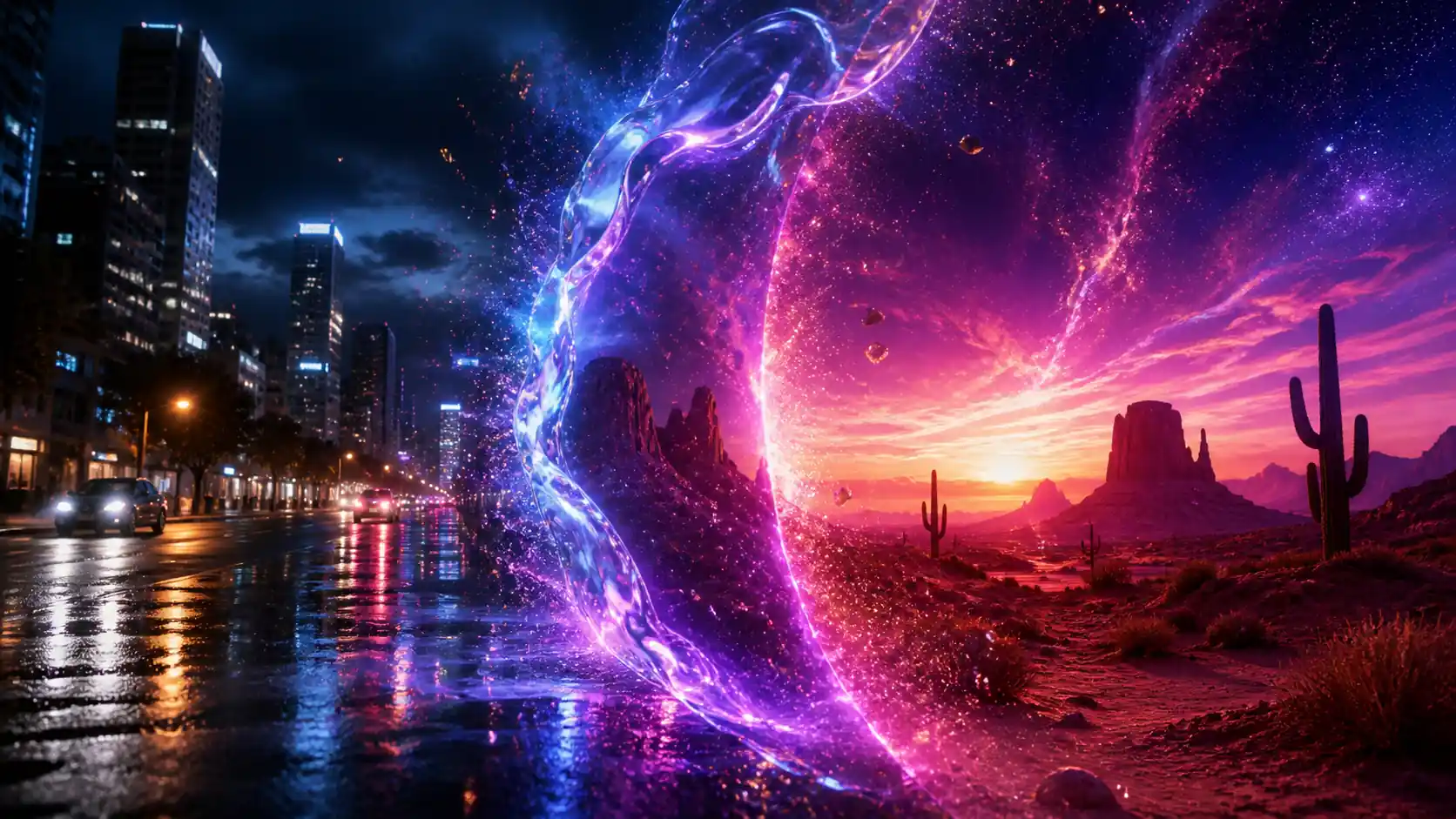
Create atmospheric effects, stylized transformations, scene connectors, and transition clips that can complement a larger video edit.
Three clear steps
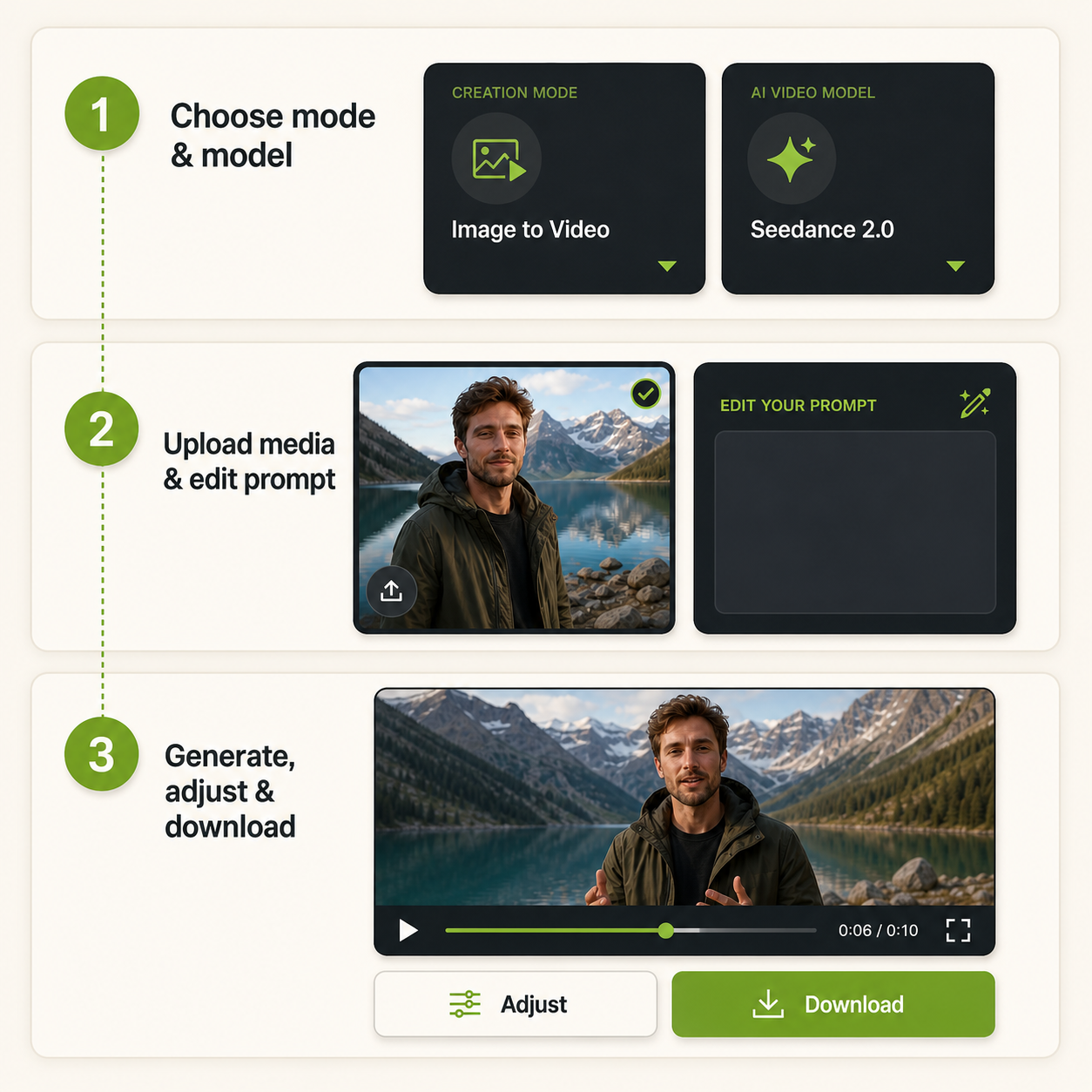
Choose text, image, frames, or reference to video in the AI video generator, then select a compatible model for that mode.
Add the required image, frames, or reference media, then describe the motion, camera, and visual direction.
Generate your video, refine the available settings or prompt, and download the version you want to use.
Choose a creation mode, find a compatible model, and transform your creative direction into motion.
Available in the generator
Built around real creative workflows
See real user experiences with this AI video generator.
For weekly social campaigns, I can test several visual directions without rebuilding the project in different tools. Switching modes and models keeps our short-form workflow organized.

Our product team turns still photography into launch concepts and ad variations much faster. The model choices help us balance realistic motion, detail, and iteration speed.

I use the AI video generator to explore establishing shots and transitions before production. Starting from text, frames, or references makes early creative decisions easier to communicate.

For client pitches, I can move from a rough image and prompt to a polished motion concept in one place. It reduces setup time and gives our team clearer options to review.
The first-and-last-frame workflow is useful when I already know how a shot should open and close. I can direct the visual journey without building a full edit first.

As a small creative team, we value having multiple video models in one workspace. We can compare outputs, adjust prompts, and download the strongest version without switching platforms.

Common questions