


Seedream 5.5 helps me design social media posts with consistent colors and realistic details. I can explore different layouts and create fresh visuals for each campaign without starting over.

Claire WhitmoreSocial Media Designer


Seedream 5.5 AI Image Generator
Create high-quality images with Seedream 5.5, featuring precise image editing, stronger visual consistency, transparent backgrounds, and AI layer decomposition.
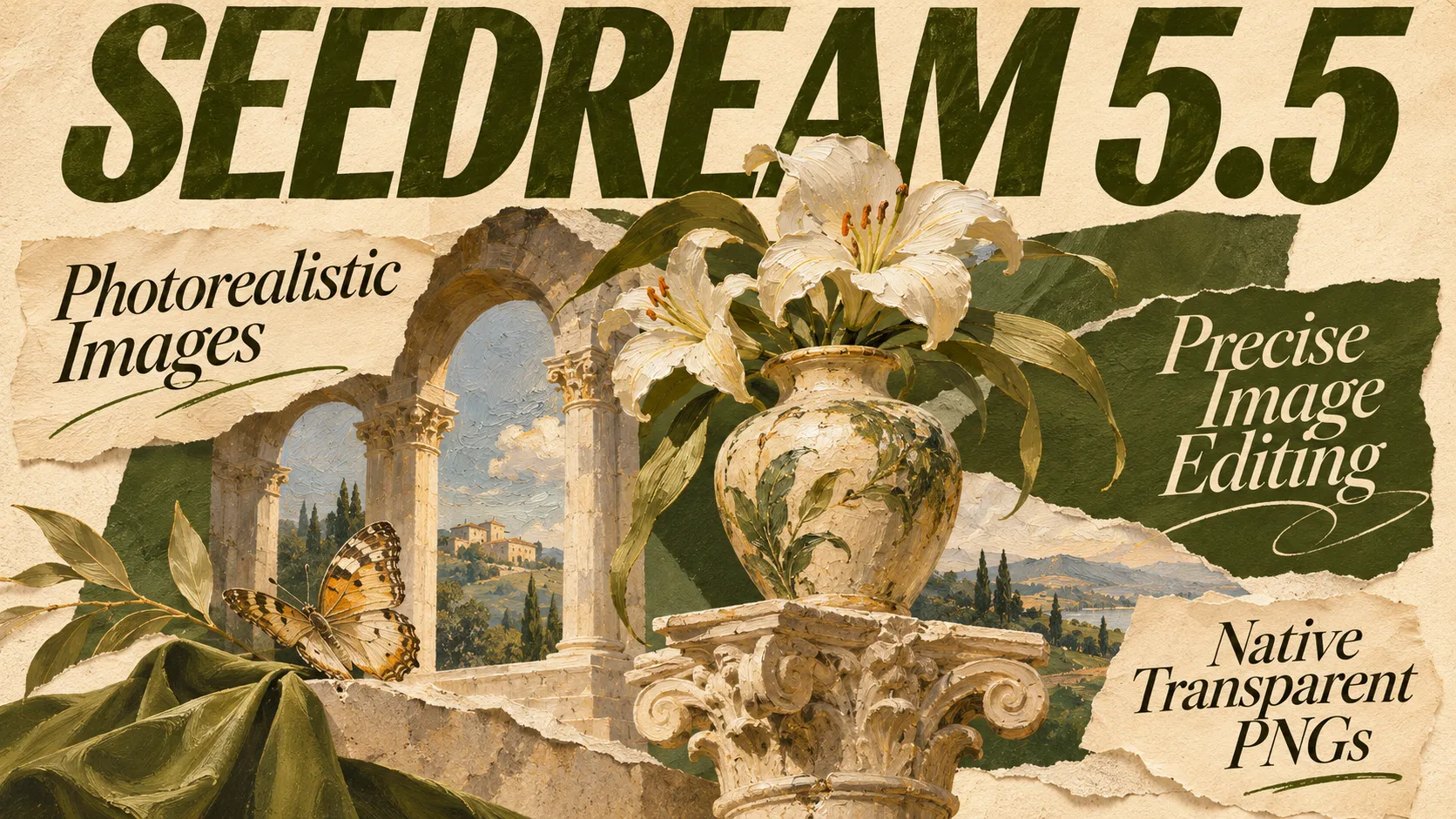
Generate detailed images from text prompts or edit existing photos with Seedream 5.5. The model delivers natural lighting, realistic textures, and accurate text rendering. Use up to 10 reference images to refine visual details, or generate transparent PNGs for design and marketing projects.
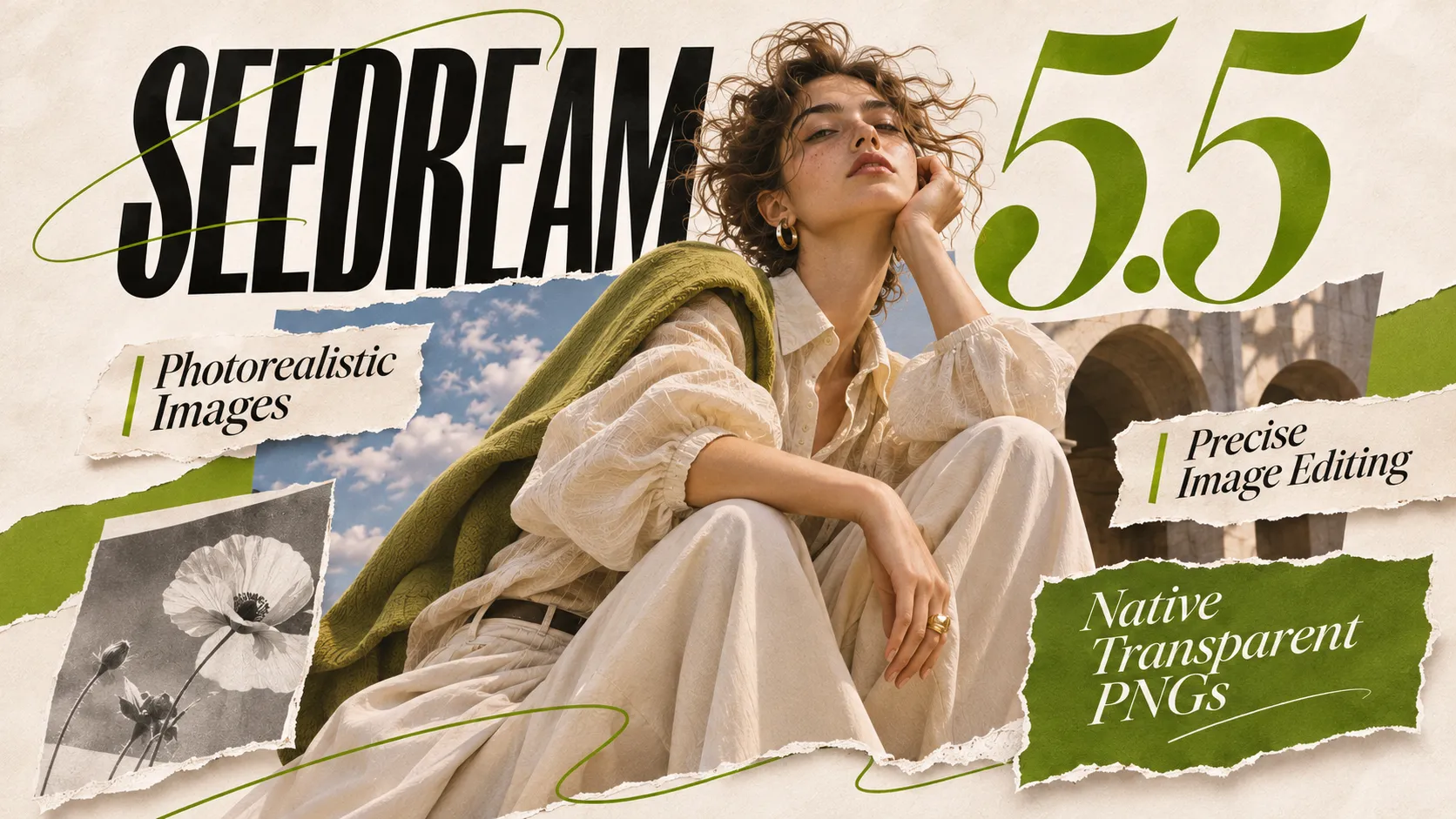
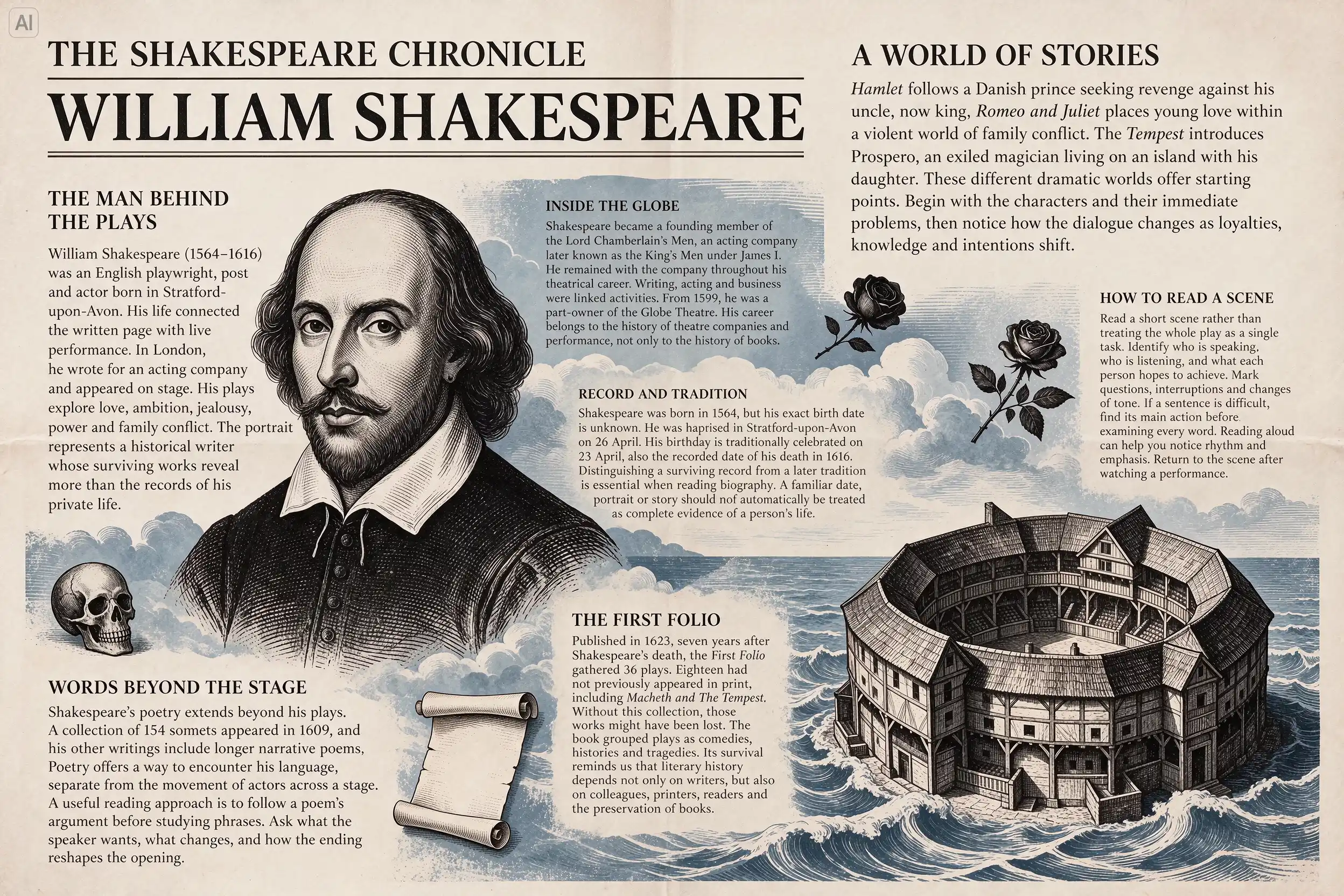
Seedream 5.5 produces realistic portraits, product photos, and illustrations with natural lighting, detailed textures, and accurate colors. The model also improves text rendering, making small lettering and complex typography more suitable for posters, packaging, and social media graphics.
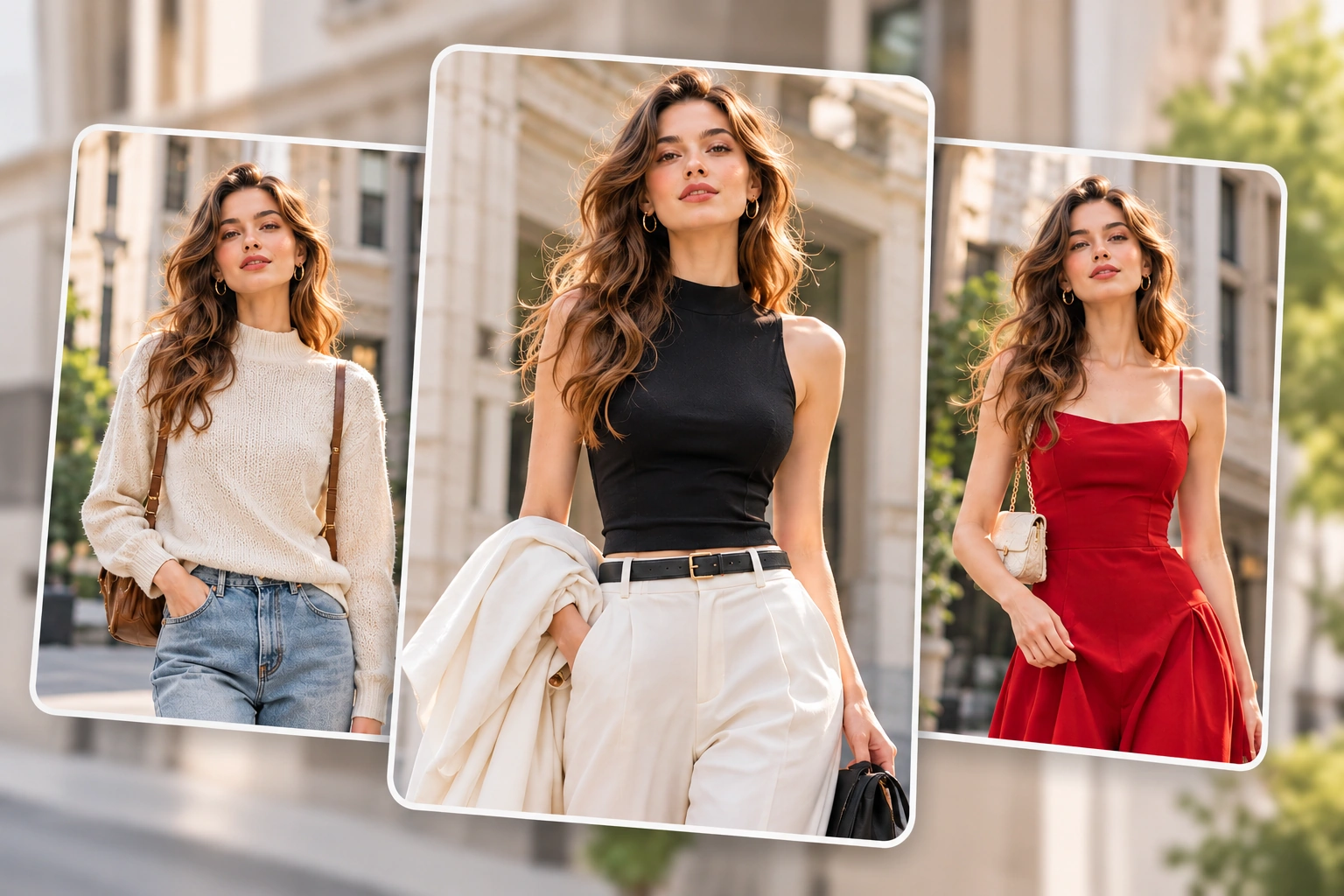
Change outfits, replace backgrounds, or adjust objects without repeatedly altering the rest of your image. Seedream AI improves consistency across multiple editing rounds, preserving important details such as facial features, colors, and compositions. Use the previous result as a reference for your next edit.
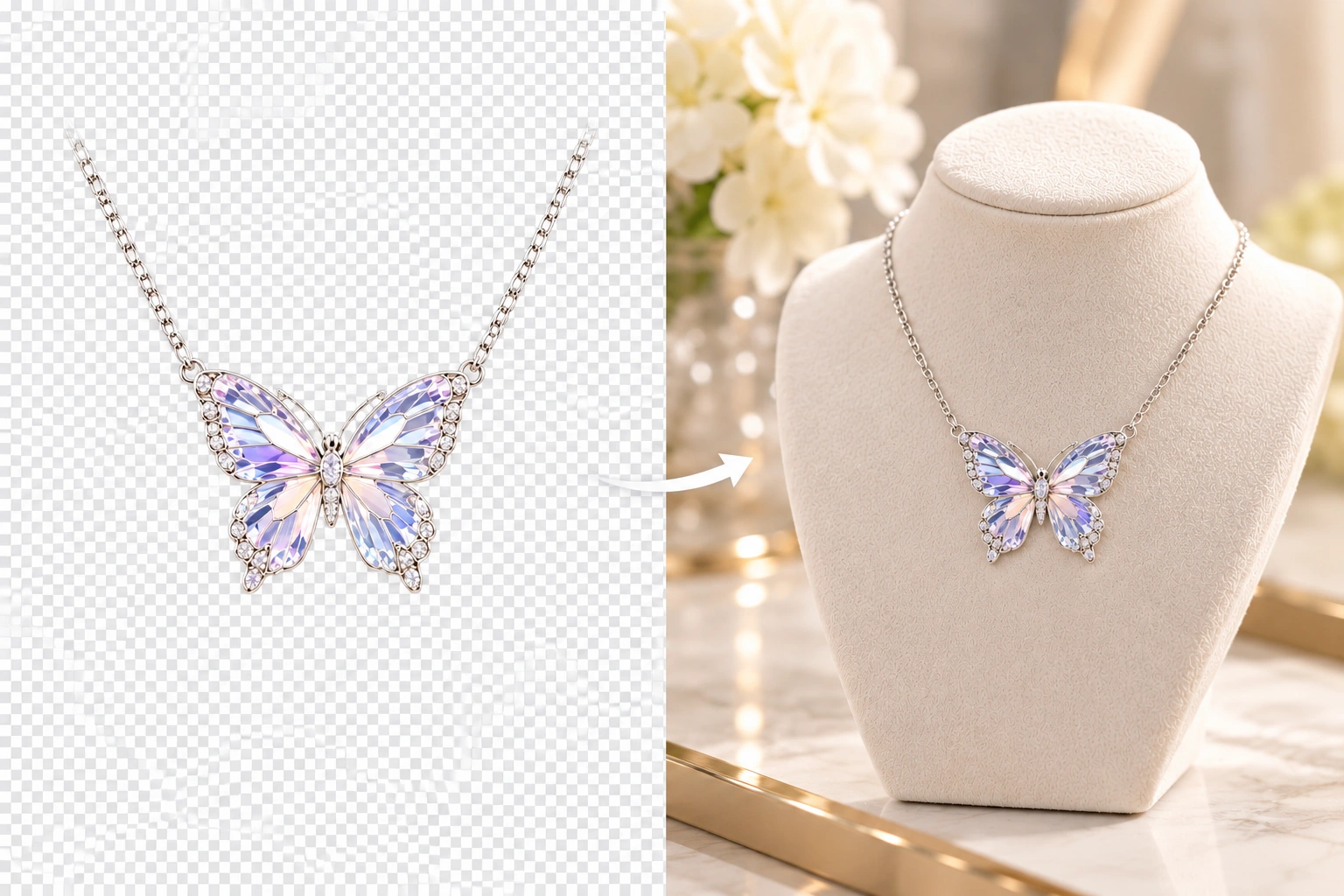
Create transparent PNG images directly from text prompts or reference photos with Seedream 5.5. The model supports native RGBA output, including partially transparent details and fine edges. Prepare product cutouts, stickers, logos, and design elements without an additional background removal step.
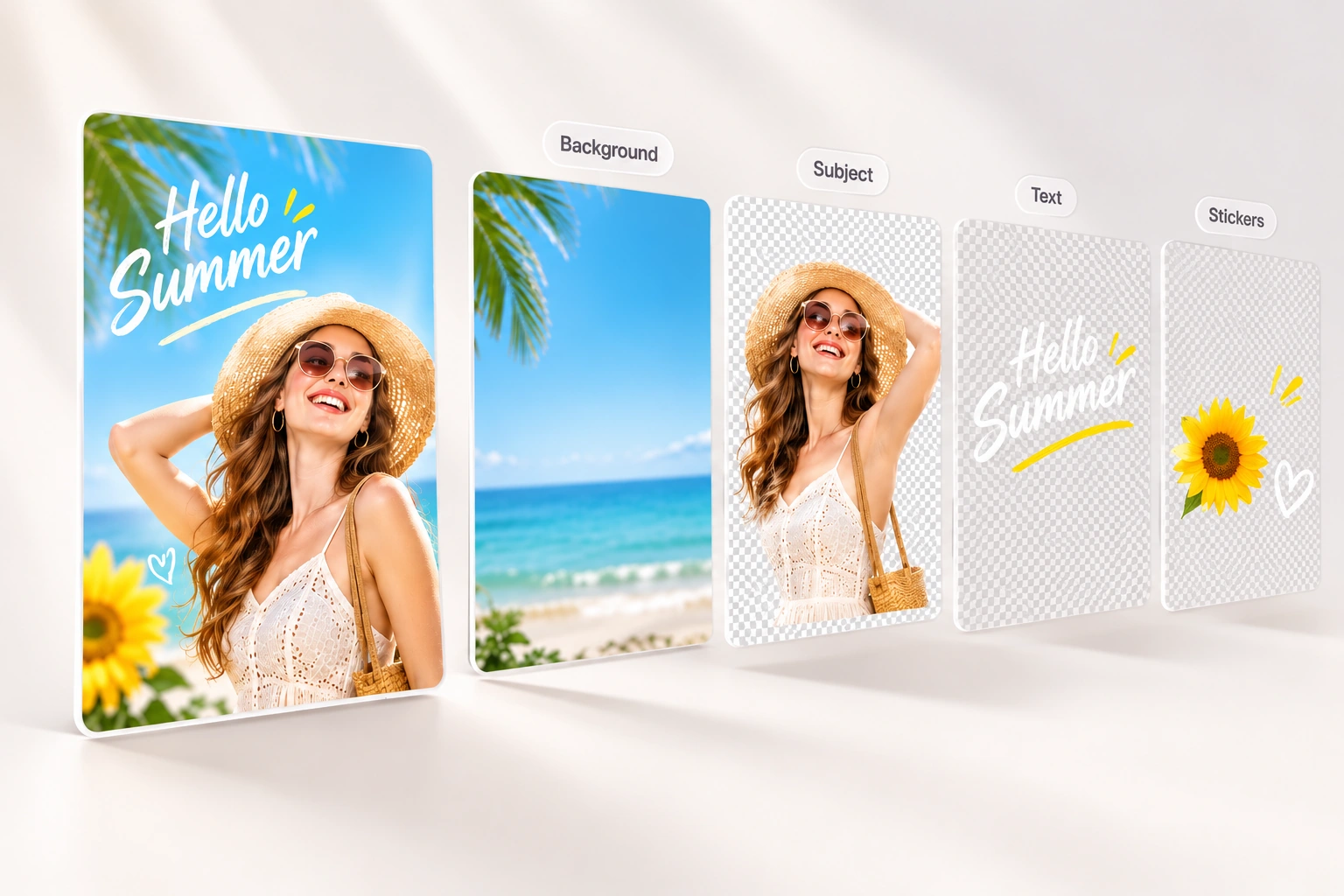
Seedream 5.5 supports layer decomposition to separate an image into a base image and up to 99 individual transparent layers. Isolate subjects, backgrounds, text, and decorative elements for independent adjustments. Rich-text recognition can also identify text content, colors, and formatting for further editing.
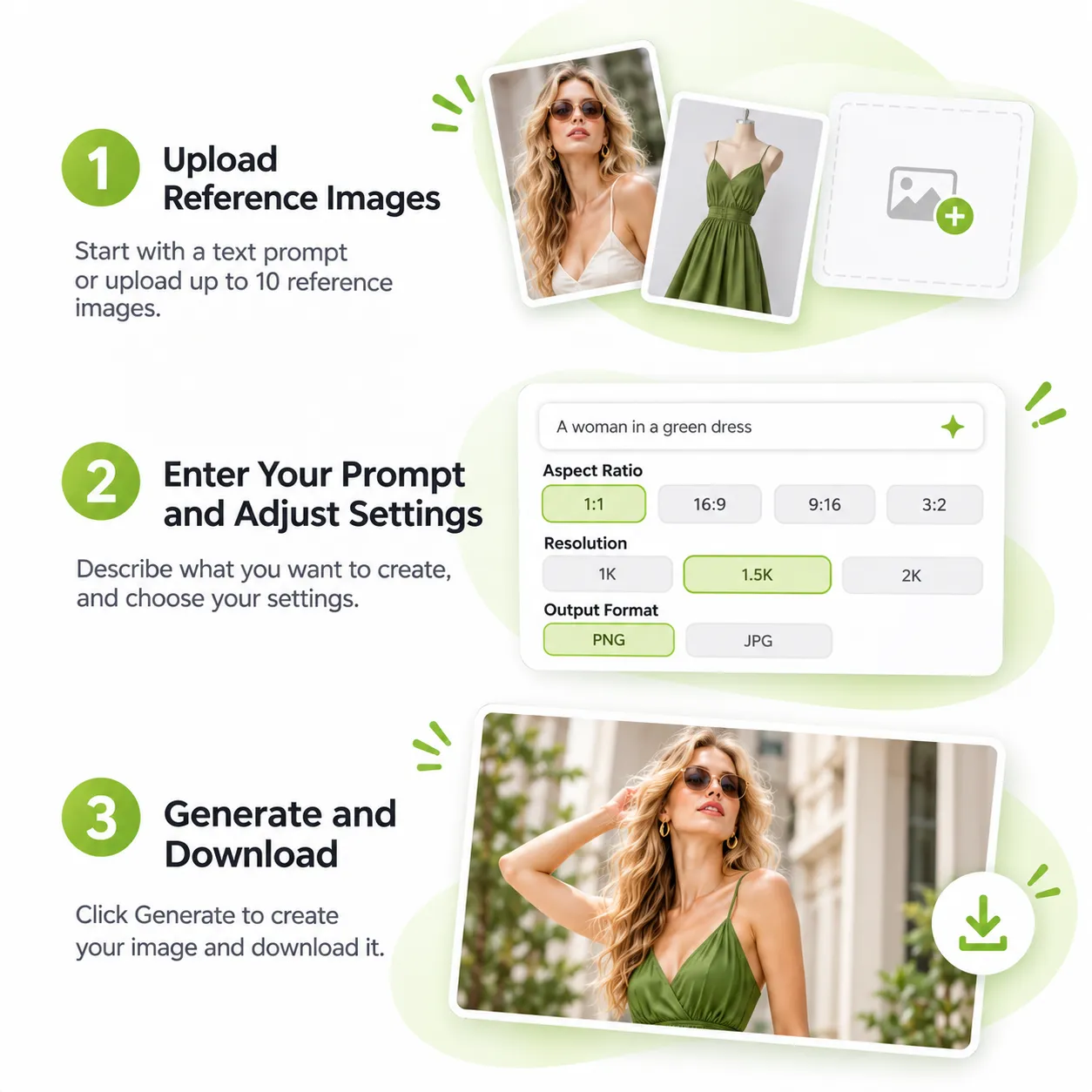
Start with a text prompt or upload up to 10 reference images. Use photos, products, or artwork to guide the result, or skip uploading to create an image from scratch.
Describe what to generate or change. Choose an aspect ratio, 1K, 1.5K, or 2K resolution, background type, and PNG or JPEG output before submitting your request.
Click Generate to create an image with Seedream AI. Preview the result and download the PNG or JPEG file. Upload the result again for another round of editing.
Both Seedream 5.5 and GPT Image 2.5 support image generation and editing, but they offer different strengths in editing consistency, reference control, and output flexibility.
| Feature | Seedream 5.5 | GPT Image 2.5 |
|---|---|---|
| Image Realism | Natural lighting and lifelike textures | High-quality visuals with detailed rendering |
| Multi-Turn Editing | Pixel-level preservation of unedited areas | Consistent editing and subject preservation |
| Reference Images | Up to 10 images | Up to 16 images |
| Resolution | 1K, 1.5K, 2K | 1K, 2K, 4K |
| Transparent Background | Native RGBA with partial transparency | Transparent background support |
| Output Formats | PNG, JPEG | PNG, JPEG, WebP |
| Layer Decomposition | Supported | No dedicated layer decomposition |
| Model Options | Single model | Flare for speed, Sunburst for quality |
Turn prompts and references into lifelike images with clear, readable text. Refine specific details while preserving the rest of the image, and create transparent PNGs and editable layers for your workflow.
Seedream 5.5 helps me design social media posts with consistent colors and realistic details. I can explore different layouts and create fresh visuals for each campaign without starting over.
I use Seedream AI to develop storyboard frames before shooting. The reference image feature helps me maintain similar characters and settings while exploring different camera angles and scenes.

The transparent PNG option makes product promotions much easier. I can generate clean product cutouts with Seedream 5.5 and place them into banners, ads, and online store layouts.

I use the Seedream AI image generator to create thumbnail concepts for my videos. The 16:9 aspect ratio and 2K resolution give me enough flexibility to test different visual styles.

Seedream 5.5 helps me refine product visuals without changing every detail. I can upload the previous result, adjust specific elements, and keep the overall design consistent across revisions.

I enjoy using Seedream AI to explore character designs and fantasy environments. Multiple reference images help me experiment with different outfits, lighting, and artistic styles.

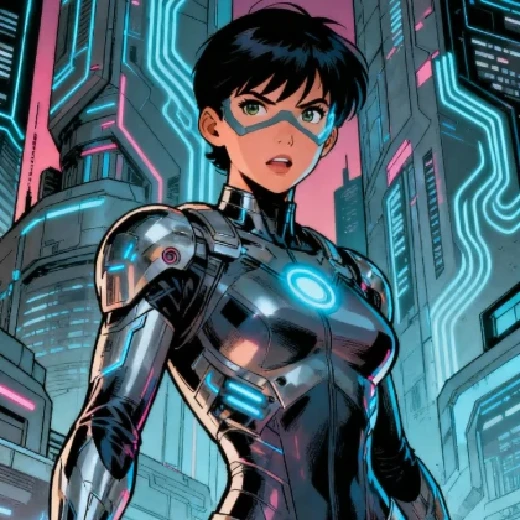
Generate any character image you want with advanced model.
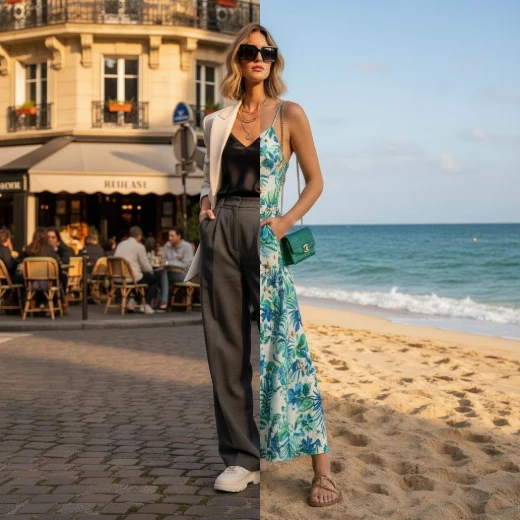
Freely modify image style, content, atmosphere, etc. via text.
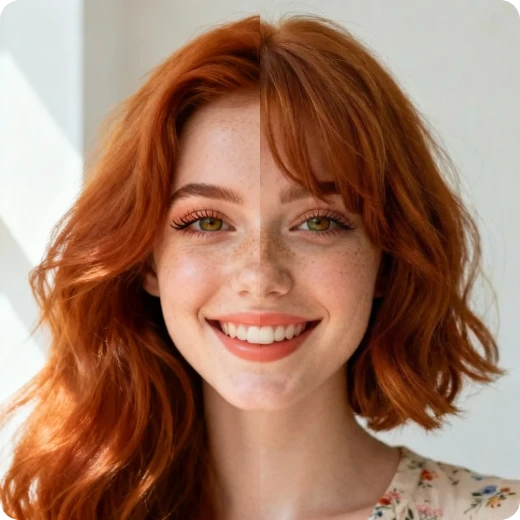
Upload your photo and virtually try on various hairstyles for free.
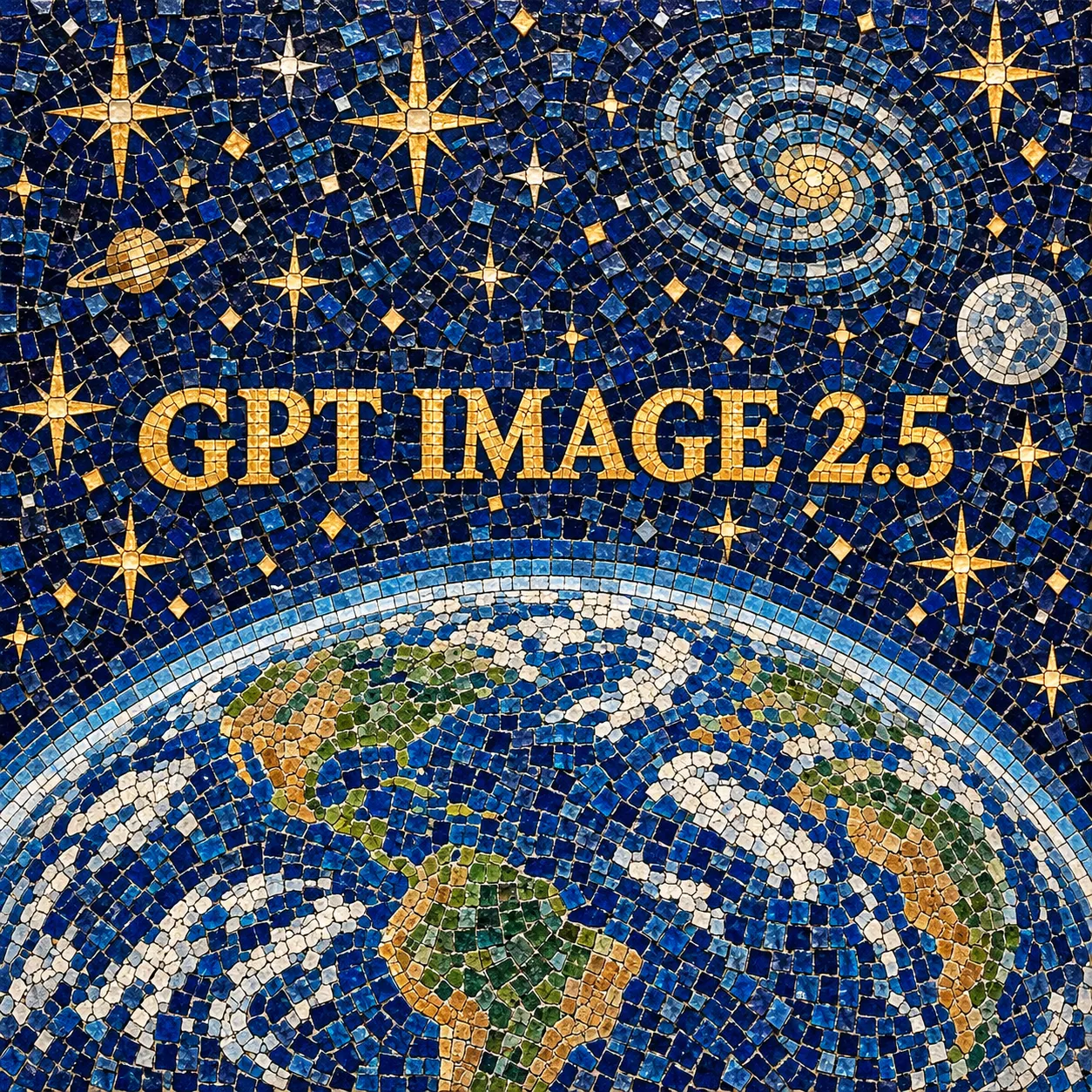
Precise image editing with stronger reference control and faster generation.