TypeBalanceValidity period
Check-in Credits0Today
Share Credits0Today
Follow Credits0This Week
Post Credits0This Week
Paid Credits0Permanent
lip sync
GPT Image 2.5 is up to 50% faster, with better consistency.Learn More→
Pricing
0
Sign In
Lip Sync
AI Avatar
AI Video
AI Ads
AI Audio
AI Image
Creation
Sign In
Lip Sync
AI Lip Sync
Talking Photo
Singing Photo
Talking Cartoon
Talking Animals
AI Baby Podcast
Talking Objects
AI Video Dubbing
AI Avatar
AI Avatar Generator
Avatars
Talking Avatar
AI Human Generator
Avatar Dialogue
AI Influencer Generator
Video Tools
AI Video Generator
AI Image to Video
Motion Control
Green Screen Remover
ByteDance
Seedance 2.5
ByteDance
Seedance 2.0
Minimax H3
Kling 3.0
Gemini Omni
Veo 3
Grok Imagine Video
ByteDance
Seedance 1.5 Pro
Hailuo 2.3
HappyHorse 1.0
AI Ads Tools
AI Ad Clone
Product Avatar
Product Video
Product Image
AI Audio
Text to Speech
AI Voice Cloning
AI Image Tools
AI Image Editor
GPT Image 2.5
GPT Image 2.0
AI Character Generator
AI Hairstyle Changer
AI Hair Color Changer
AI Baby Generator
Creation Tools
Drop a video here or browse (0/1)
For generated subtitles, use a video without burned-in captions.
English
Fast
Enhance translated voice

Improves clarity, but may reduce similarity to the original speaker.

Adjust video length to fit speech

Improves pacing; the final video may be longer or shorter.

Keep original music

Adjusting the video length may cause the original music to fall out of sync.

Display History
  1. AI Lip Sync
  2. ›
  3. AI Video Dubbing

AI Video Dubbing

Turn one video into multiple language versions with natural lip sync—all in one workflow.

ENGLISH
Français
Español
العربية الفصحى الحديثه
日本語

AI video dubbing

AI Video Dubbing with Lip Sync

Translate one video into 150+ languages with natural lip sync. Choose Fast or Accurate mode, create several language versions at once, preserve each speaker’s voice, add automatic subtitles, and process videos up to one hour.
  • 150+ languages
  • Up to 1 hour
  • Multi-speaker dubbing
  • Automatic subtitles
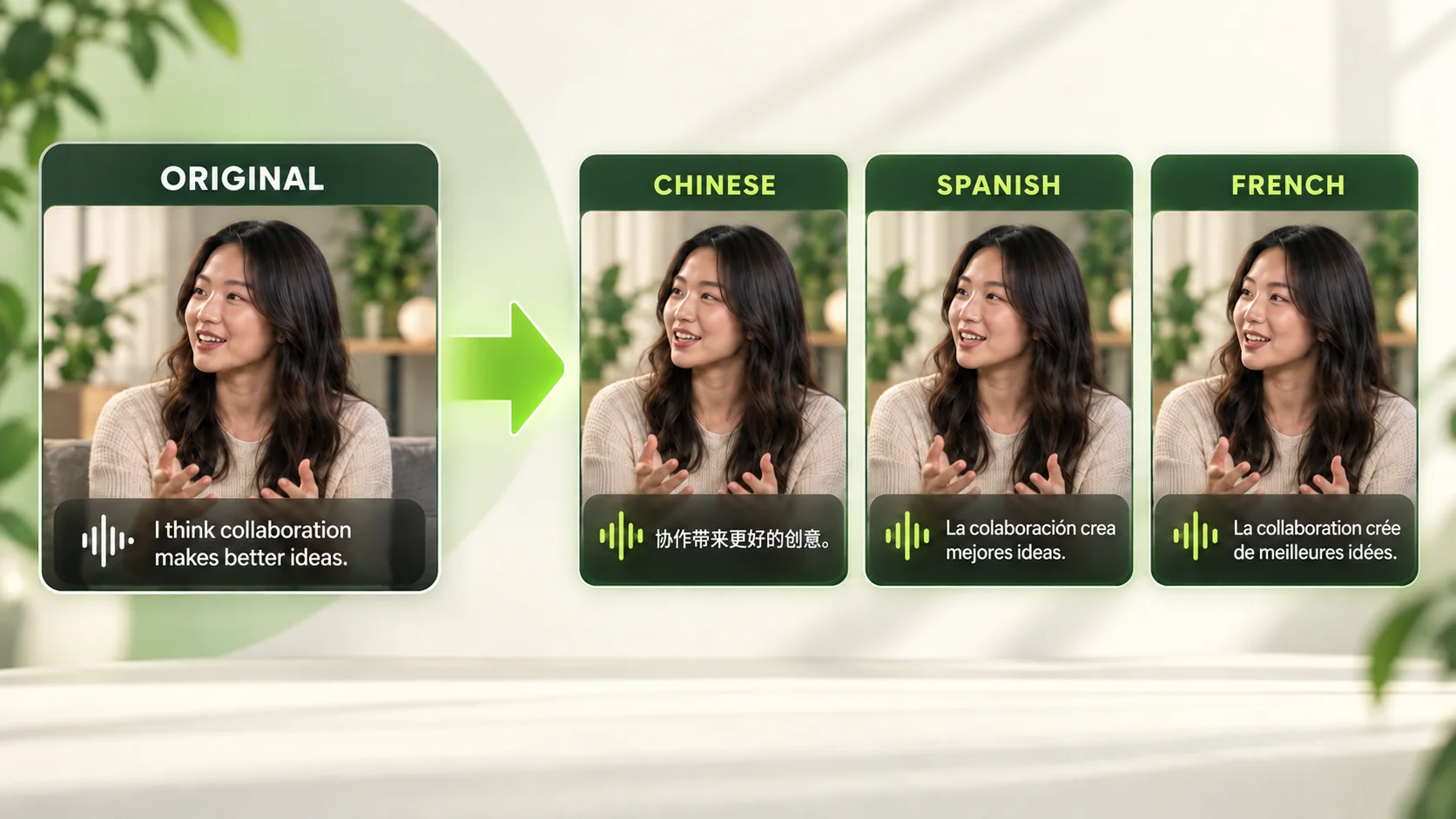
One original video translated into Chinese, Spanish, and French versions

Core capabilities

Video Dubbing Built for Accuracy and Scale

Translate short clips, conversations, and long-form videos with the controls each project needs.

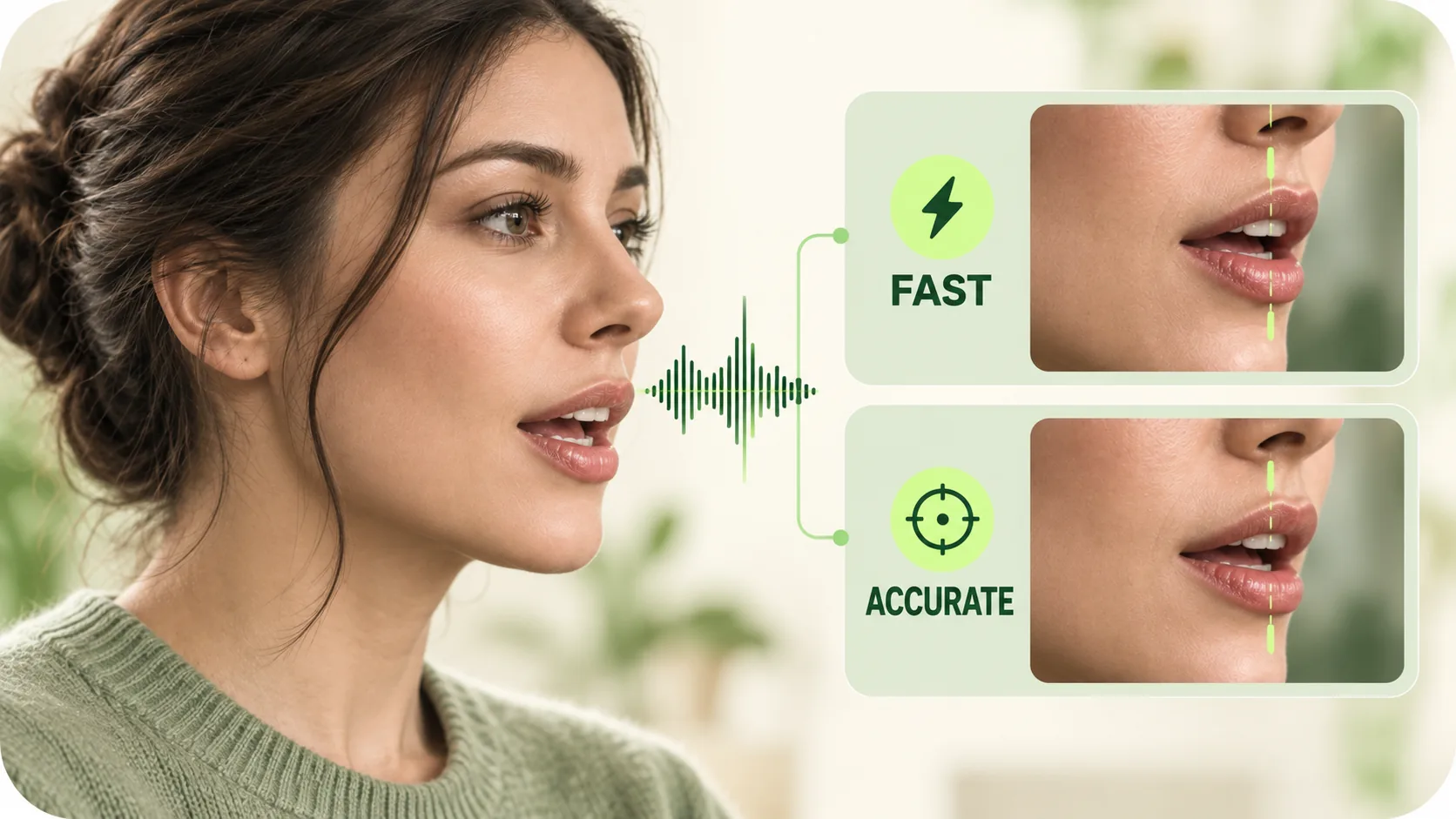
Fast and Accurate lip-sync processing shown in a unified visual system

Natural Lip Sync with Two Processing Modes

AI video dubbing aligns translated speech with visible mouth movements for a natural result. Choose Fast mode when turnaround matters or Accurate mode when you need higher translation and lip-sync precision. Results vary with source quality and facial visibility.
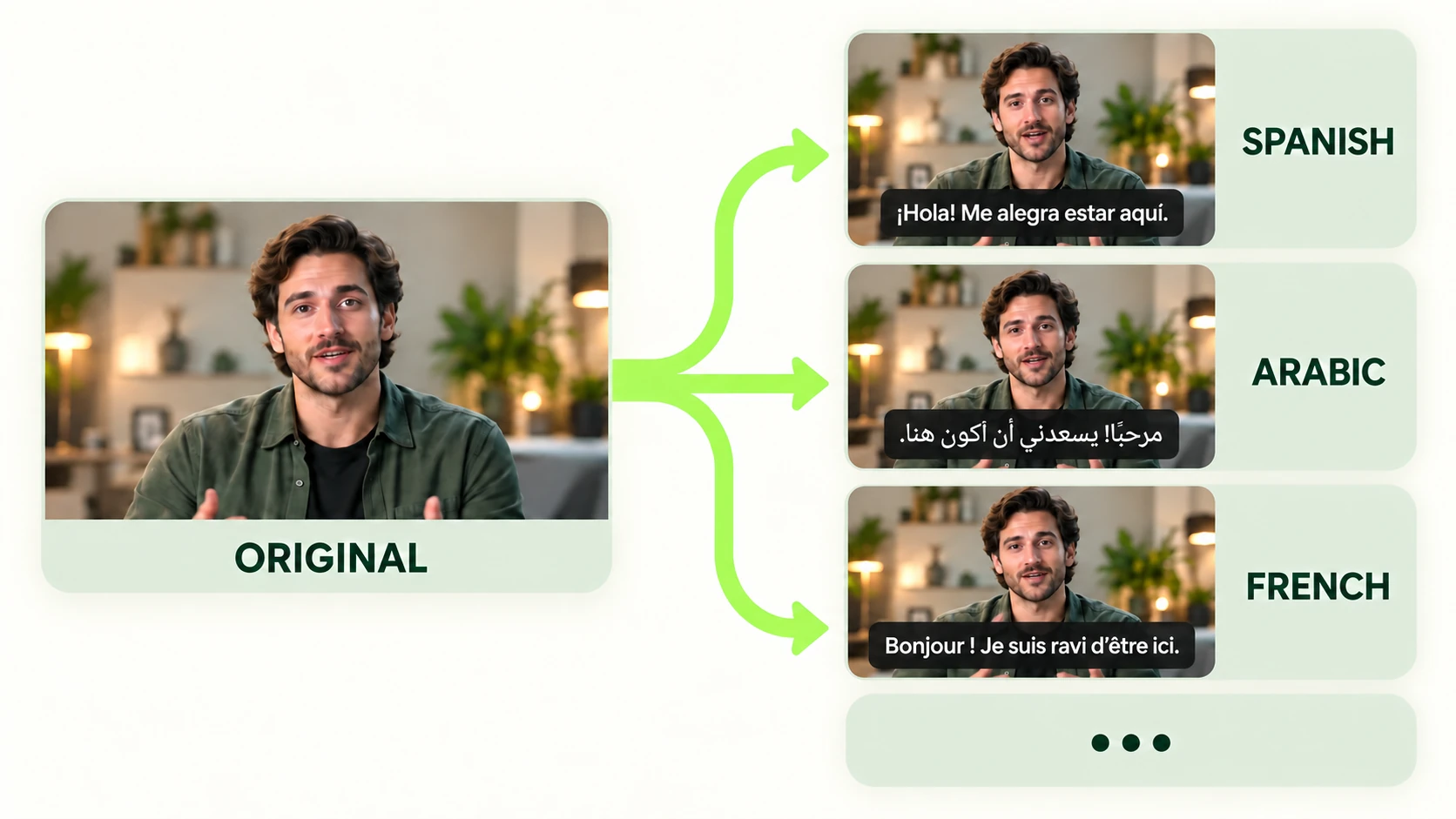
One original video translated into Spanish, Arabic, French, and more languages

Translate One Video into Multiple Languages

Select several target languages and generate localized versions in the same project. This video dubbing tool eliminates repeated uploads and setup steps, simplifying multilingual delivery for campaigns, courses, product videos, and support content.
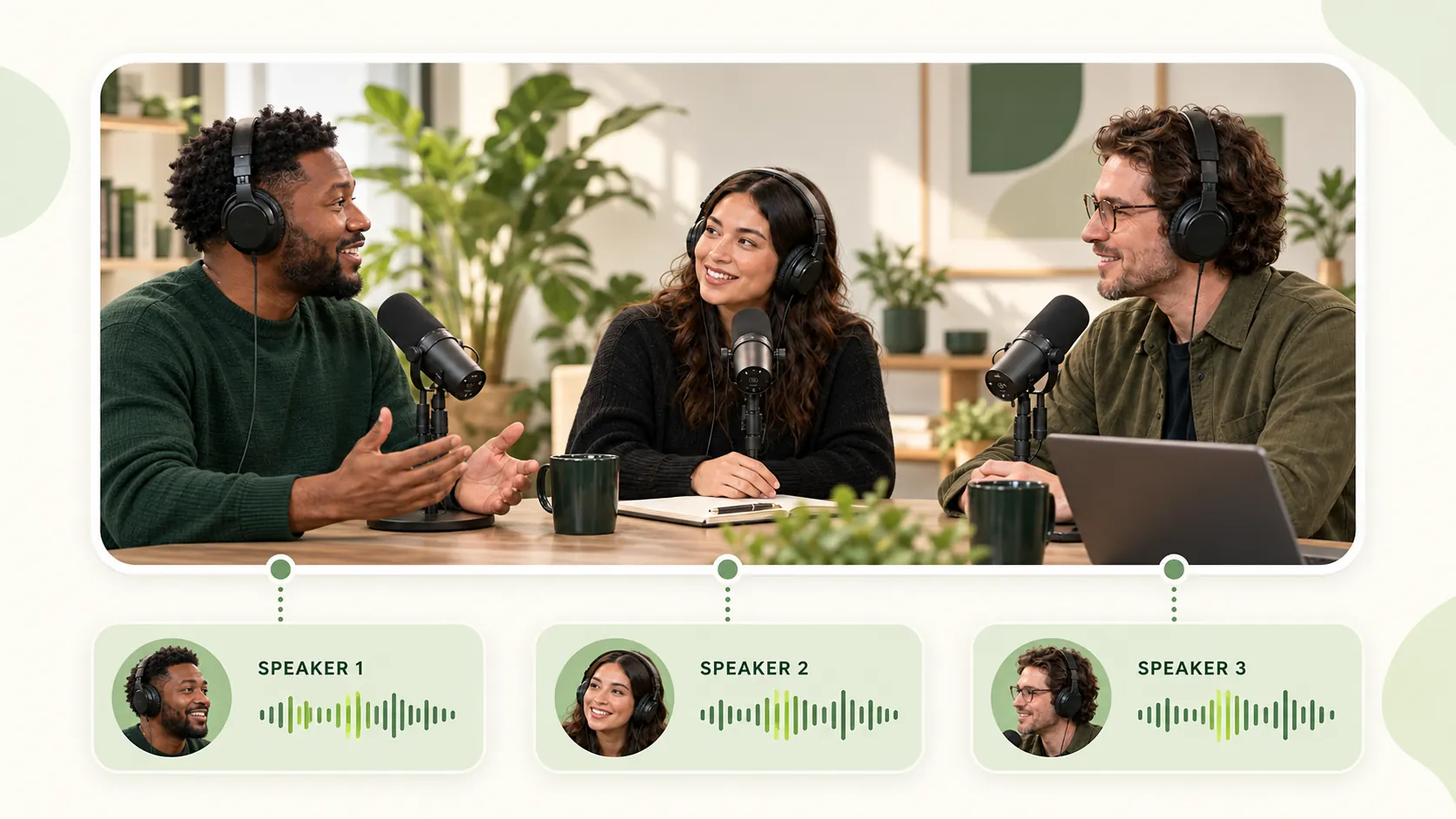
Three speakers with separate voice tracks shown outside the video frame

Preserve Voices in Multi-Speaker Conversations

AI video dubbing recognizes multiple speakers and can preserve each speaker’s distinct voice throughout the translated dialogue. Interviews, podcasts, panels, and team videos retain clear speaker identities rather than using one voice for everyone.
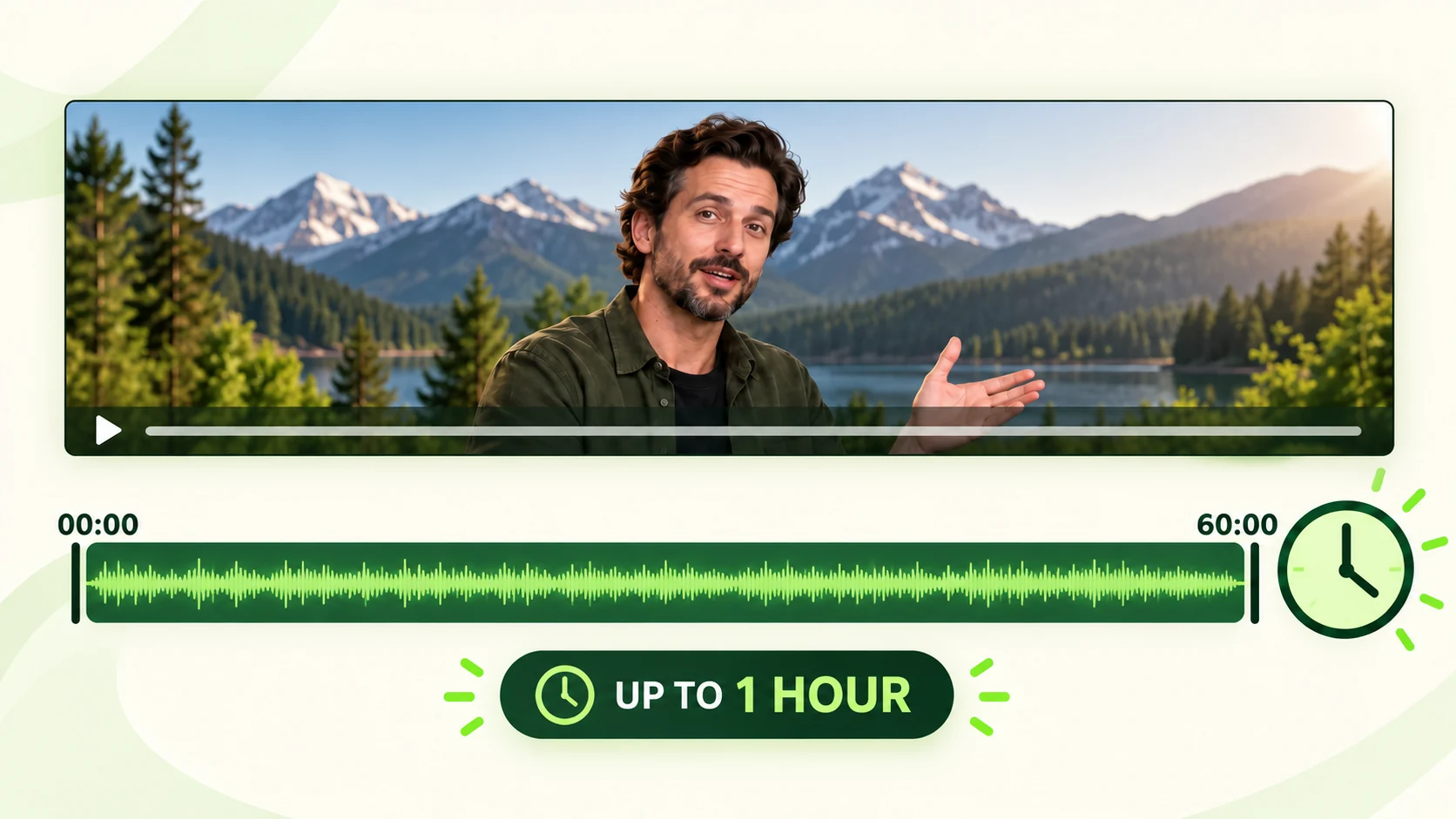
One continuous video translation timeline running from zero to sixty minutes

Dub Long Videos up to One Hour

Translate a complete video of up to 60 minutes in one project. Process lessons, interviews, webinars, presentations, and other long-form content without splitting the source into a series of short clips first.

Who it is for

Who Is AI Video Dubbing For?

Built for people and teams creating video for audiences across languages.

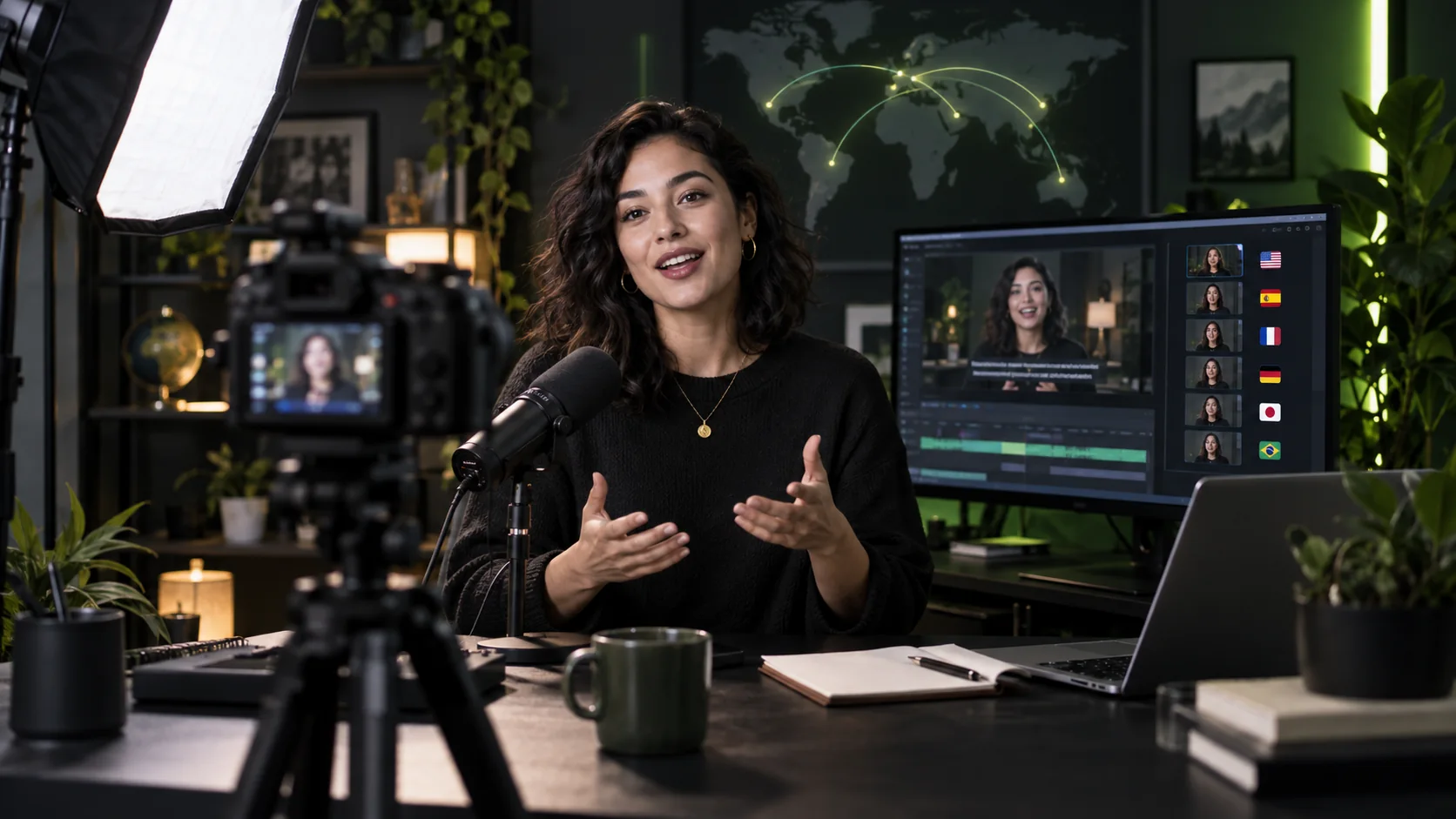
A video creator recording multilingual content in a home studio

Video Creators

Turn one creator video into localized versions for audiences in several languages while preserving the on-camera voice and adding subtitles when needed.

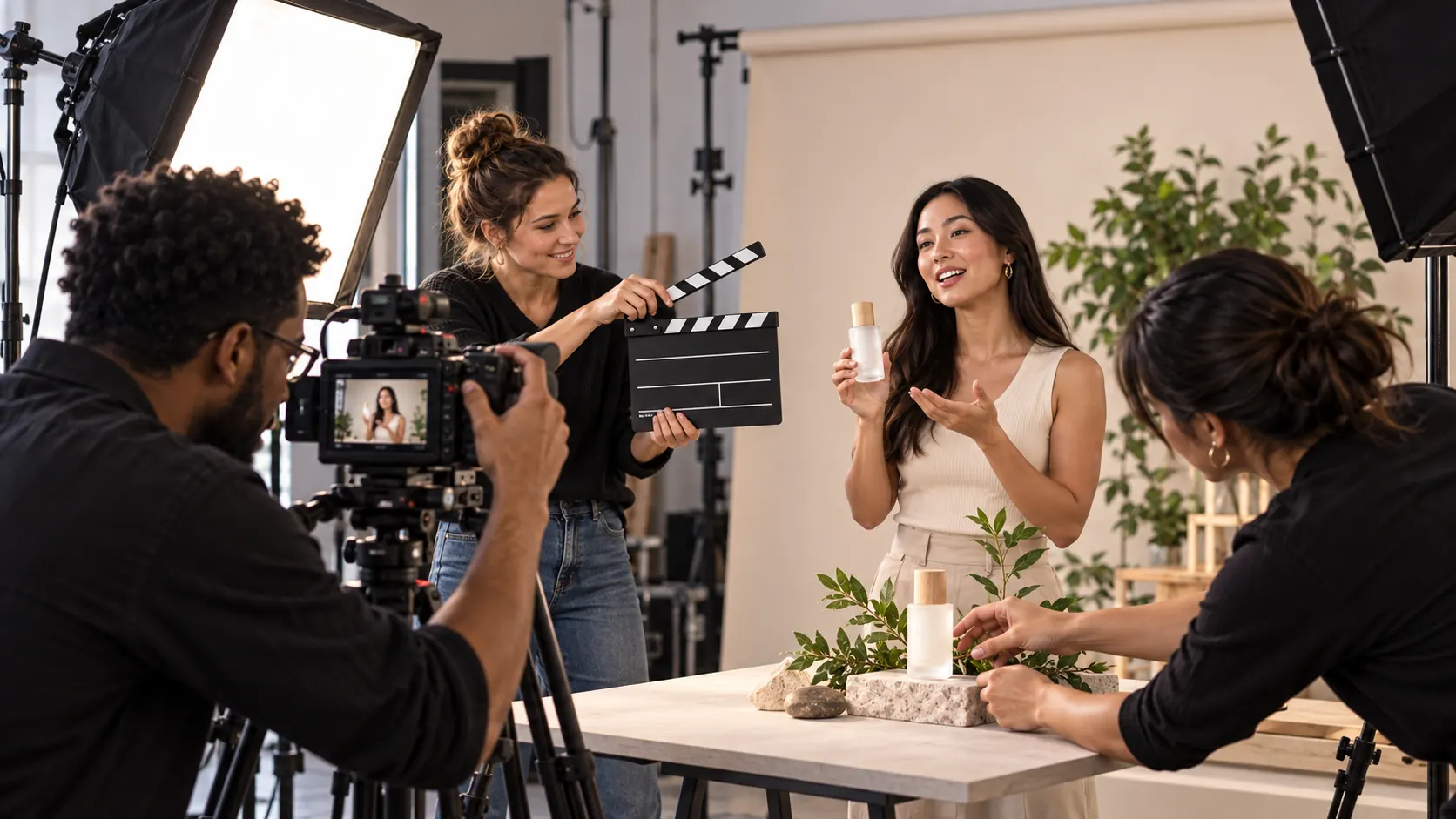
A marketing team actively filming a product video advertisement

Marketing Teams

Localize ads, launch videos, and product explainers so a single campaign can reach multiple language markets without repeating the setup.
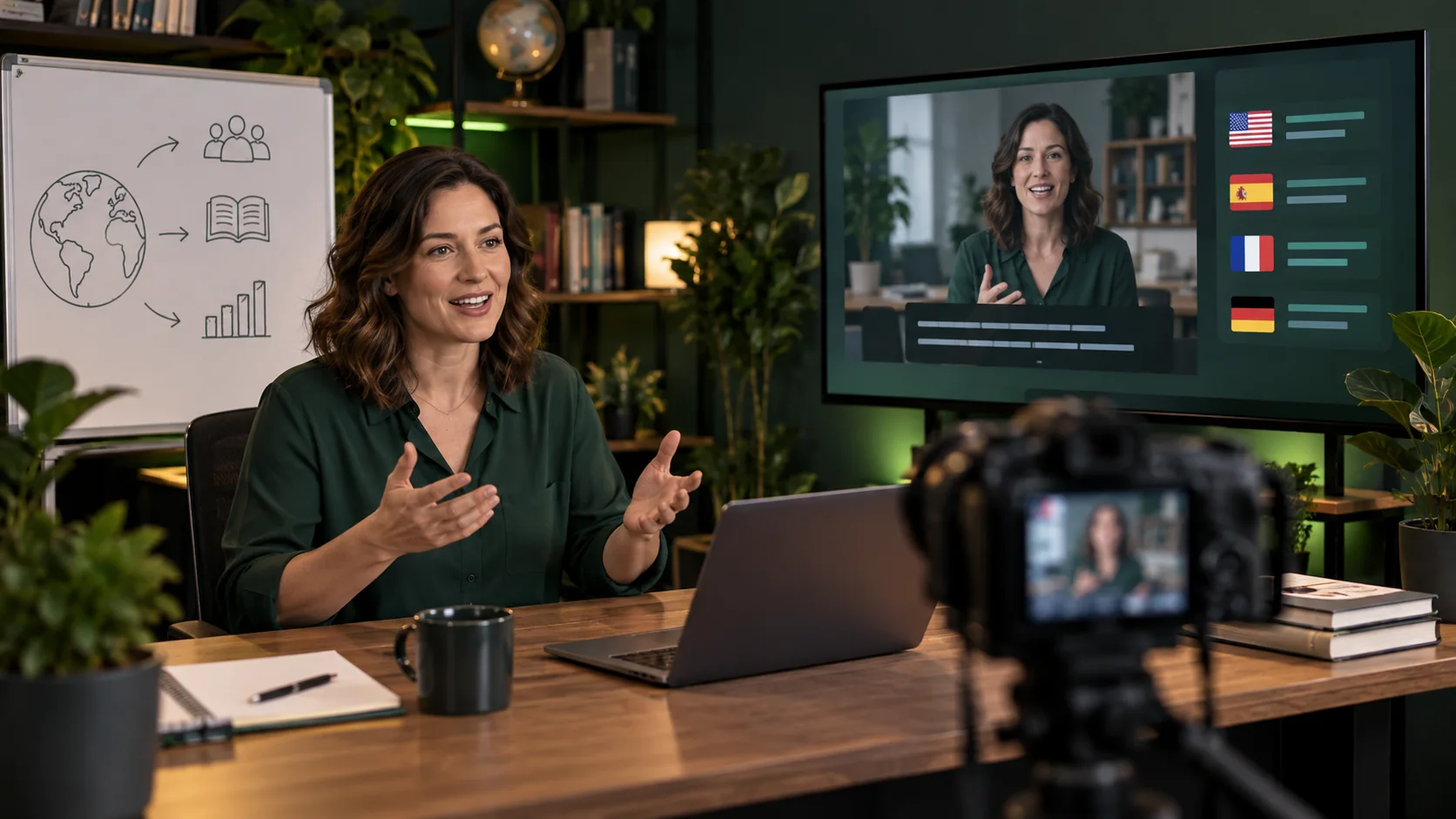
An educator recording a course for learners in several languages

Course and Training Teams

Translate lessons, onboarding videos, and training sessions up to one hour, with optional generated subtitles and your choice of Fast or Accurate mode.
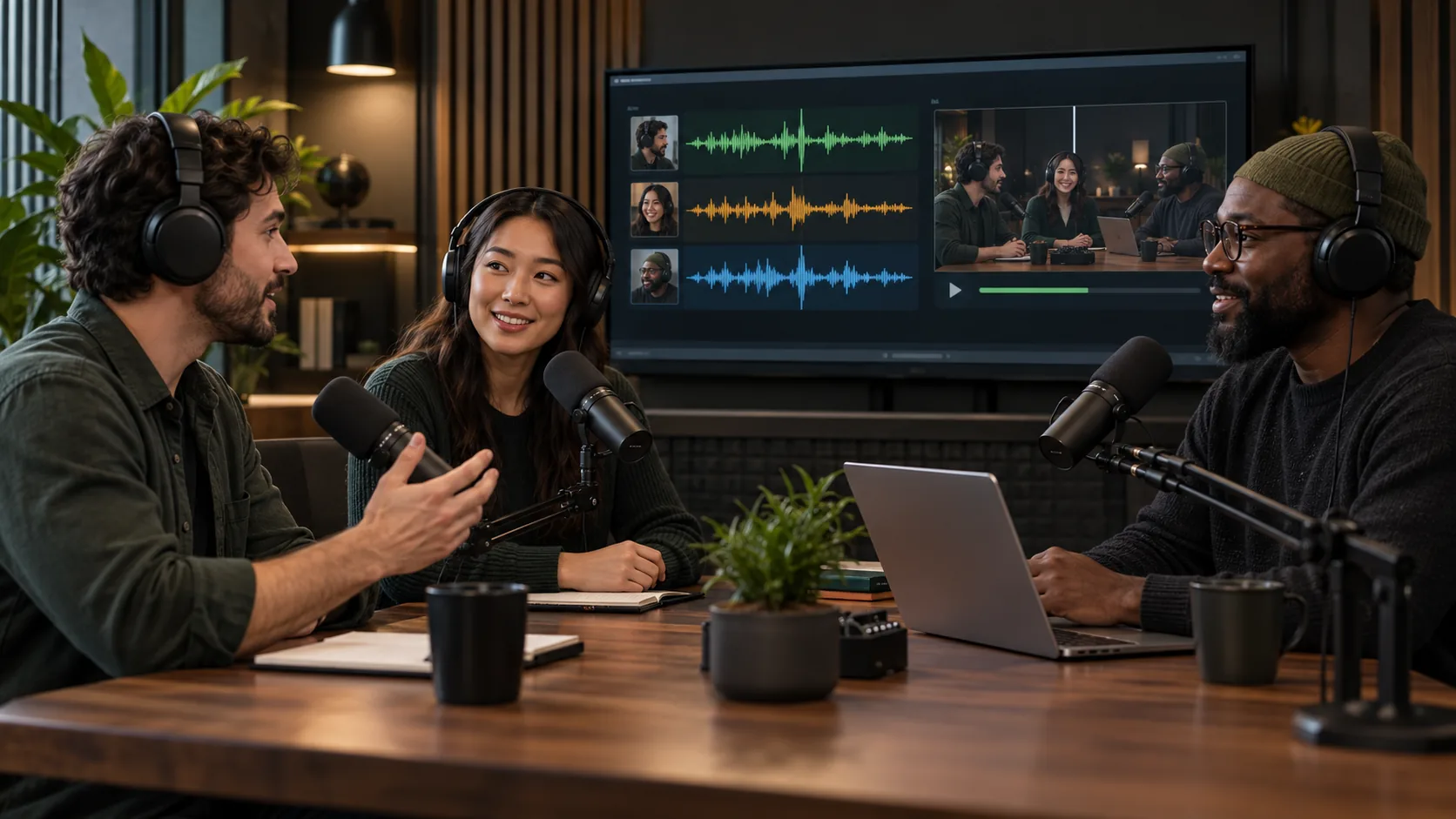
Podcast hosts recording a multi-speaker conversation for translation

Podcasters

Dub interviews, panels, and multi-person podcasts while keeping each participant’s voice distinct throughout the translated conversation.

Simple workflow

How to Create a Dubbed Video

Complete the video dubbing workflow in three steps: upload, configure, then generate and download.
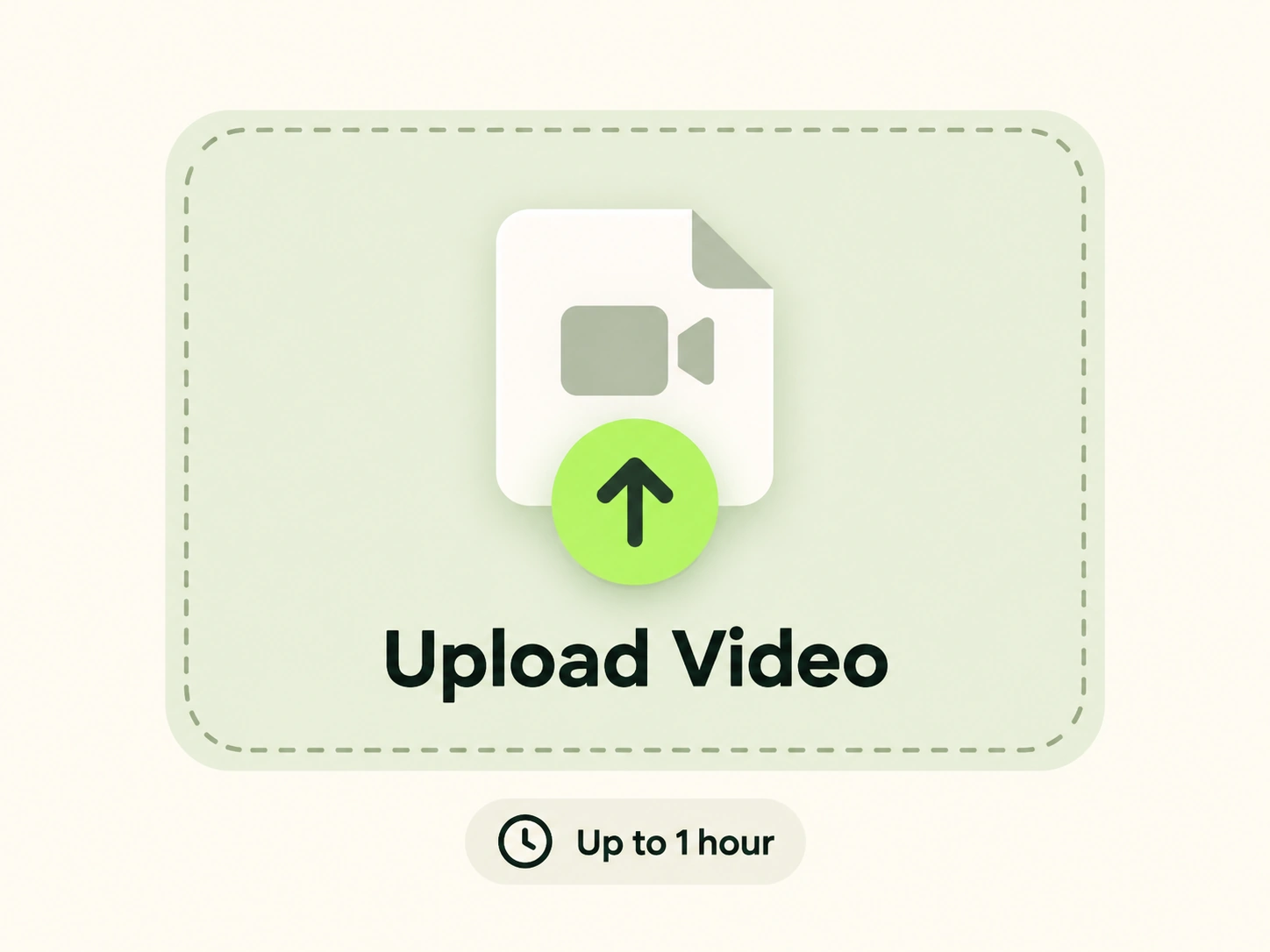
Upload a video file up to one hour long
1

Upload a Video up to One Hour

Upload a supported video file up to 60 minutes long. If you want generated translated subtitles, choose a clean source without burned-in captions.
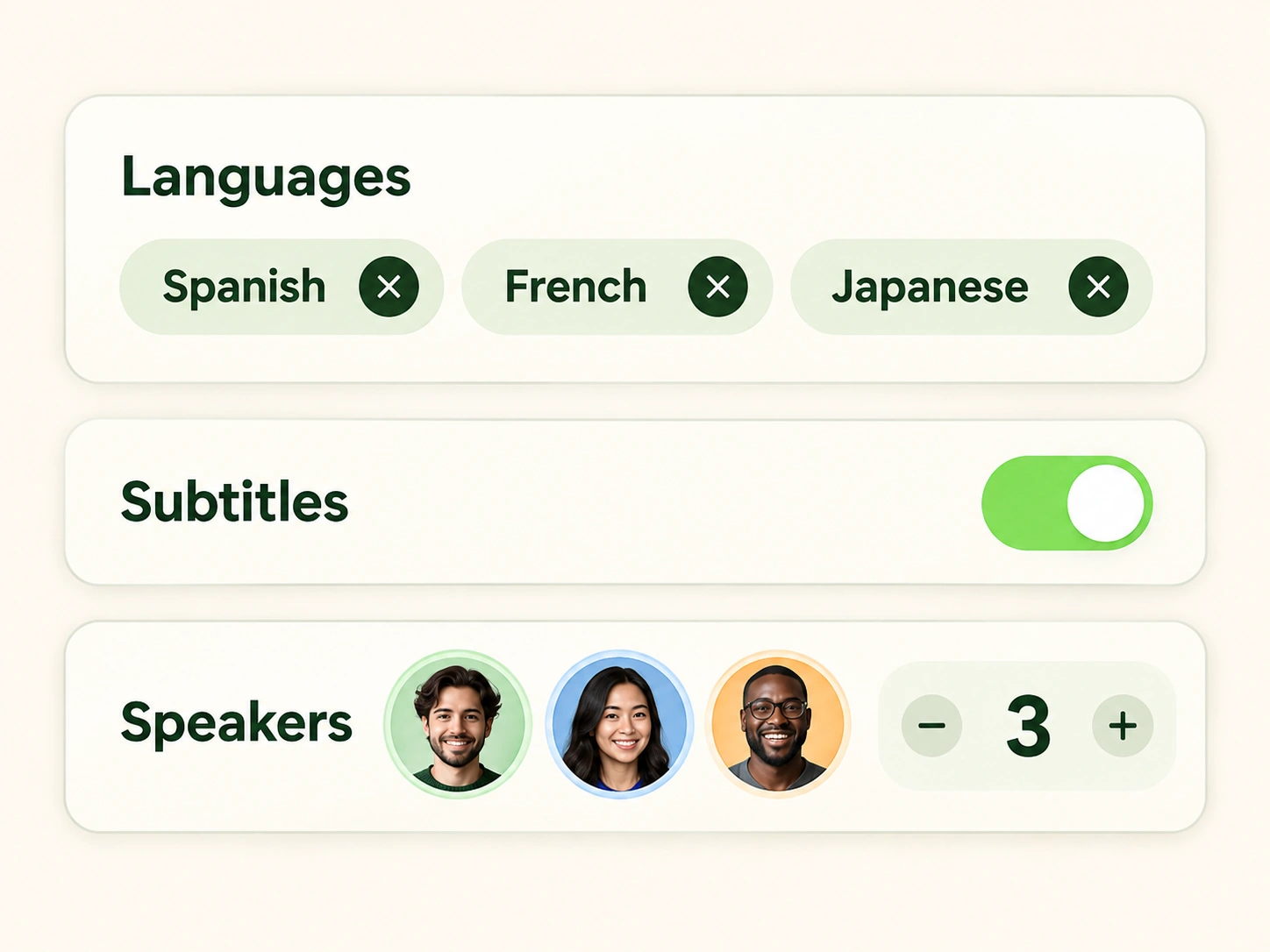
Select multiple languages, enable subtitles, and set the number of speakers
2

Choose a Mode and Output Options

Choose Fast or Accurate mode, select one or more target languages, set the number of speakers, decide how voices should be handled, and turn automatic subtitles on or off.
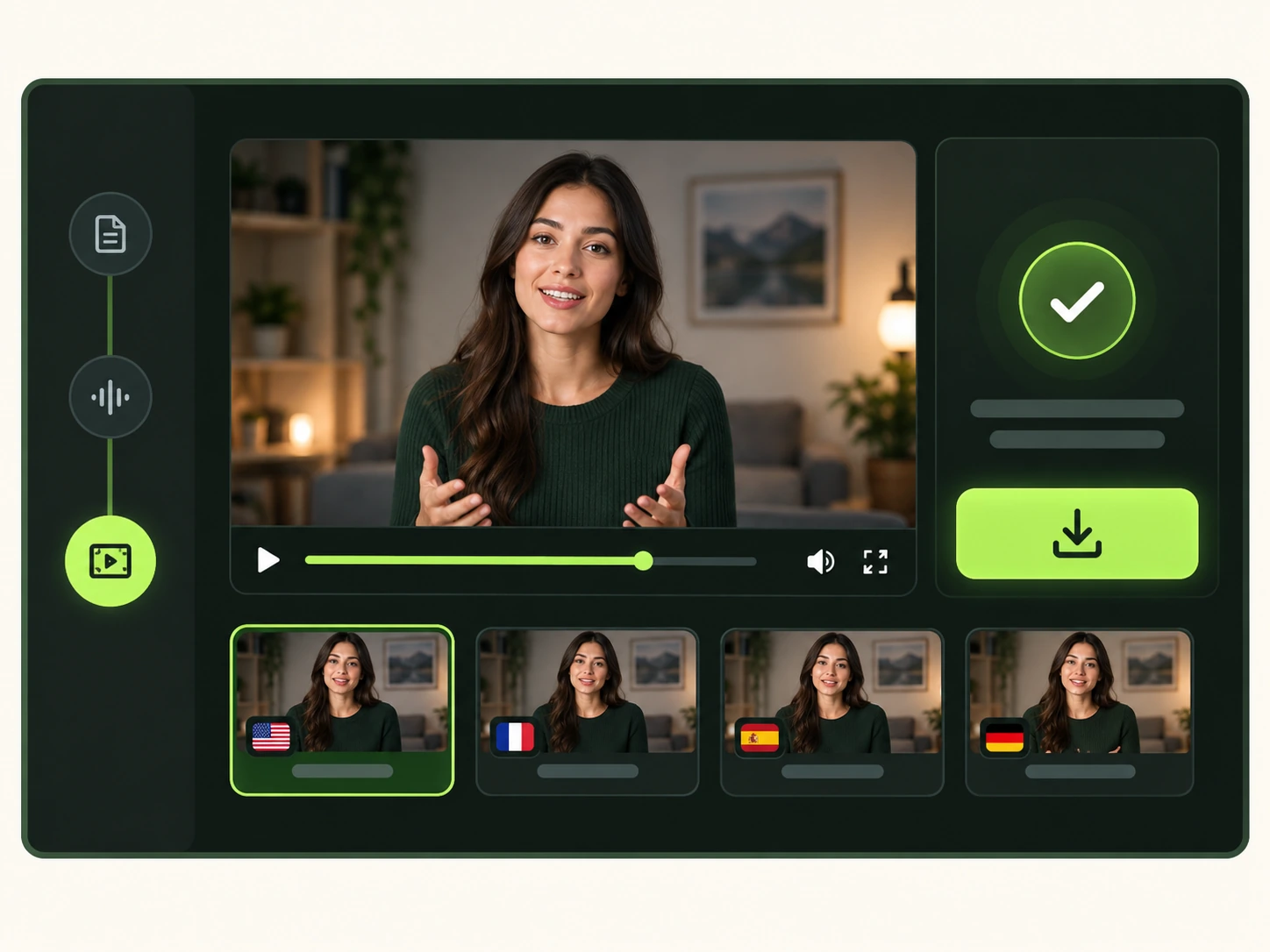
Preview and download completed dubbed video versions
3

Generate, Preview, and Download

Start the dubbing process, then preview each completed language version. Check the translated speech, speaker voices, subtitles, and lip sync before downloading the finished videos.

Start AI Video Dubbing

Upload a video, choose a mode and output settings, and generate localized versions in 150+ languages.

Explore more

Related AI Video Tools

AI Lip Sync

AI Lip Sync

Convert your video clips into complete lip sync videos.

Talking Photo

Talking Photo

Turn your photo to lip-synced video with natural motion.

Singing Photo

Singing Photo

Transform images and audio into vivid, lip-synced singing videos.

AI Video Generator

AI Video Generator

Transform any of your creative ideas into stunning videos.

Loved By Global Content Creators

Join millions of satisfied customers using our AI for video localization.

This AI dubbing tool is a game-changer. I translated a marketing video into Spanish and German, and the viewer engagement from those regions skyrocketed. Incredibly fast and natural!

Emily R.
Emily R.Marketing Manager

As a YouTuber, reaching a global audience was always a struggle. This free AI dubbing service made it possible. The lip-sync is surprisingly good, and my subscribers love it.

John D.
John D.YouTube Creator

Our e-learning platform now offers courses in multiple languages thanks to this AI. The cost savings compared to traditional dubbing are massive, and the quality is outstanding.

Rachel M.
Rachel M.E-Learning Director

Common questions

AI Video Dubbing FAQ

What is AI video dubbing?

AI video dubbing translates spoken dialogue, generates target-language audio, and aligns the new speech with visible mouth movements. Unlike subtitle-only video translation, it creates a dubbed video with synchronized speech and can preserve distinct voices when multiple people are speaking.

Can I dub one video into multiple languages at once?

Yes. Select multiple target languages during setup, then generate the localized video versions together in the same project.

What is the difference between Fast and Accurate modes?

Fast mode prioritizes turnaround, while Accurate mode prioritizes higher translation and lip-sync precision. Choose the mode that fits your deadline and quality needs.

Can it translate videos with multiple speakers?

Yes. Multi-speaker video dubbing can preserve each person’s distinct voice so interviews, podcasts, panels, and conversations maintain clear speaker identities.

How long can an uploaded video be?

A single video can be up to one hour long. This supports long-form video dubbing for lessons, interviews, webinars, presentations, and similar content.

Can I keep the speakers’ original voices?

Yes. Choose the voice-preservation option to retain the distinctive vocal characteristics of each detected speaker in the translated video.

Does video dubbing include automatic subtitles?

Yes. Turn automatic subtitles on or off during setup. For the best subtitle results, upload a source video without burned-in captions.

What languages are supported?

The tool supports video translation and dubbing across 150+ languages. The target-language selector shows the languages currently available for your project.

What video formats can I upload?

You can upload common video formats including MP4, MOV, M4V, and WEBM. YouTube URL import is not currently supported, so upload the video file directly.

How long does AI video dubbing take?

Processing time varies with video length, the number of selected languages, the chosen mode, and current demand.
lip sync

Create expressive AI videos, voices, images, and ads in one creative workspace.

Office Address: Singapore[email protected]
AI Lip Sync
  • AI Lip Sync
  • Talking Photo
  • Singing Photo
  • Talking Animals
  • Talking Cartoon
  • AI Baby Podcast
  • Talking Objects
AI Image
  • AI Image Editor
  • GPT Image 2.5
  • GPT Image 2.0
  • AI Character Generator
  • AI Hairstyle Changer
  • AI Hair Color Changer
AI Avatar
  • AI Avatar Generator
  • Talking Avatar
  • AI Human Generator
  • AI Influencer Generator
  • Avatar Dialogue
AI Audio
  • Text to Speech
  • AI Voice Cloning
AI Video
  • AI Video Generator
  • AI Image to Video
  • Motion Control
  • Green Screen Remover

AI Video Models

  • Seedance 2.5
  • Seedance 2.0
  • Minimax H3
  • Kling 3.0
  • Gemini Omni
  • Veo 3
  • Grok Imagine Video
  • Seedance 1.5 Pro
  • Hailuo 2.3
  • HappyHorse 1.0
AI Ads
  • AI Ad Clone
  • Product Video
  • Product Image
  • Product Avatar
About Us
  • Pricing
  • Feedback
  • Privacy Policy
  • Terms of Service

Copyright © 2026 LipSync.video. All rights reserved.