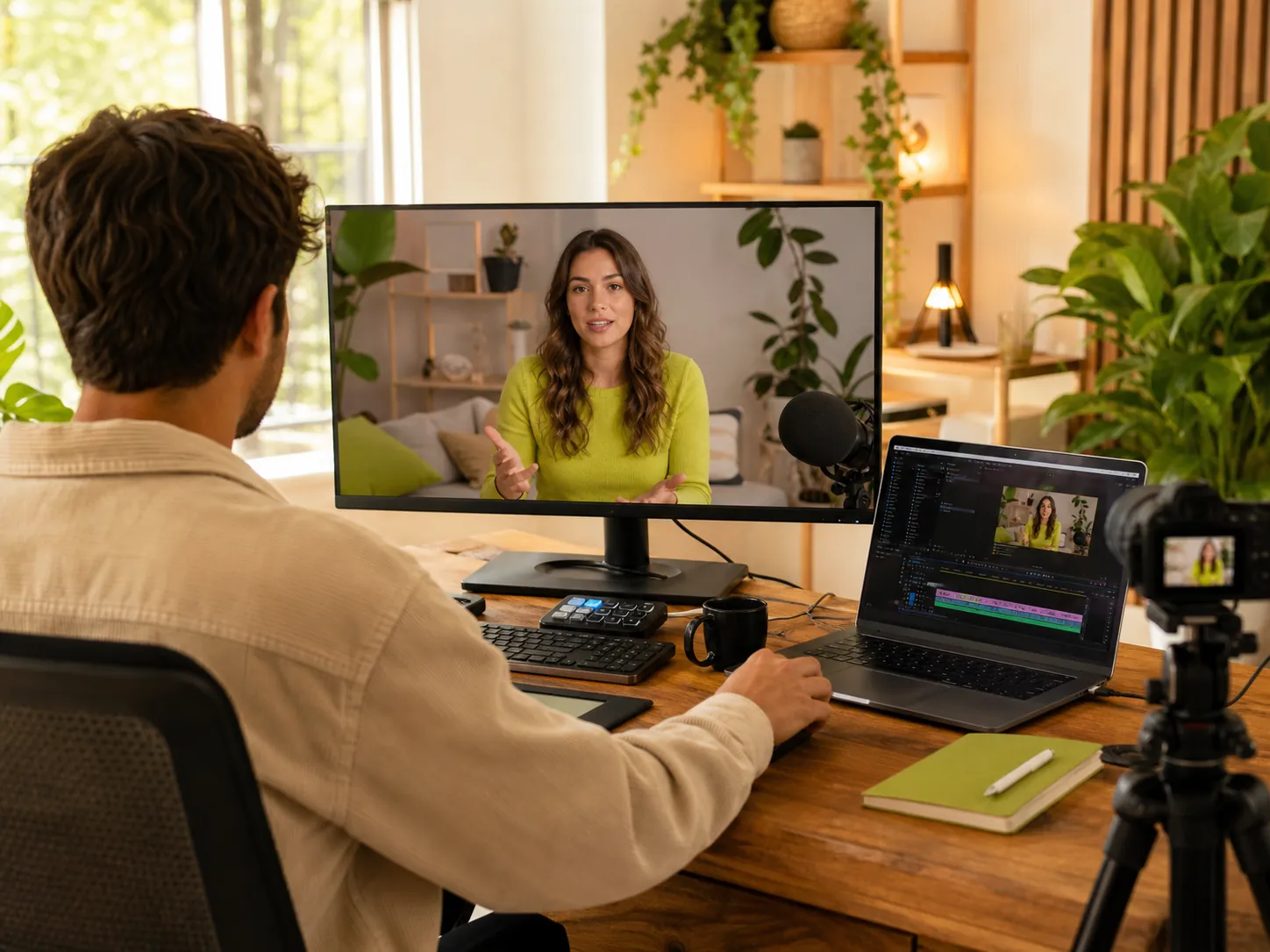
AI Avatar Generator: Create an Avatar You Can Reuse

Create a custom AI avatar from a photo or prompt, add a voice, save the identity, and reuse the same recognizable character across future videos.

01

Best for a recognizable presenter based on a real person.

Click or drag to upload a portraitJPG, PNG or WEBP · up to 10MB
Clear front-facing photos work bestPhoto mode
02

Best for designing a new character from a written description.

Add detail for a more specific resultPrompt mode

Reusable identity

What Is an AI Avatar Generator?

An AI avatar generator creates a digital person or character from a photo or written description. The result can represent you, an original virtual character, or a ready-made presenter designed for recurring video content.

Instead of preparing a different presenter for every project, you can keep one recognizable AI avatar identity available for future videos. Save the selected appearance and voice, then adapt the script, setting, and video style while retaining a familiar on-screen character.

01Create
02Add voice
03Save identity
04Reuse

Three starting points

3 Ways to Create Your AI Avatar

The AI avatar generator supports different starting points depending on whether you need a digital version of a real person, an original character, or a ready-made presenter.

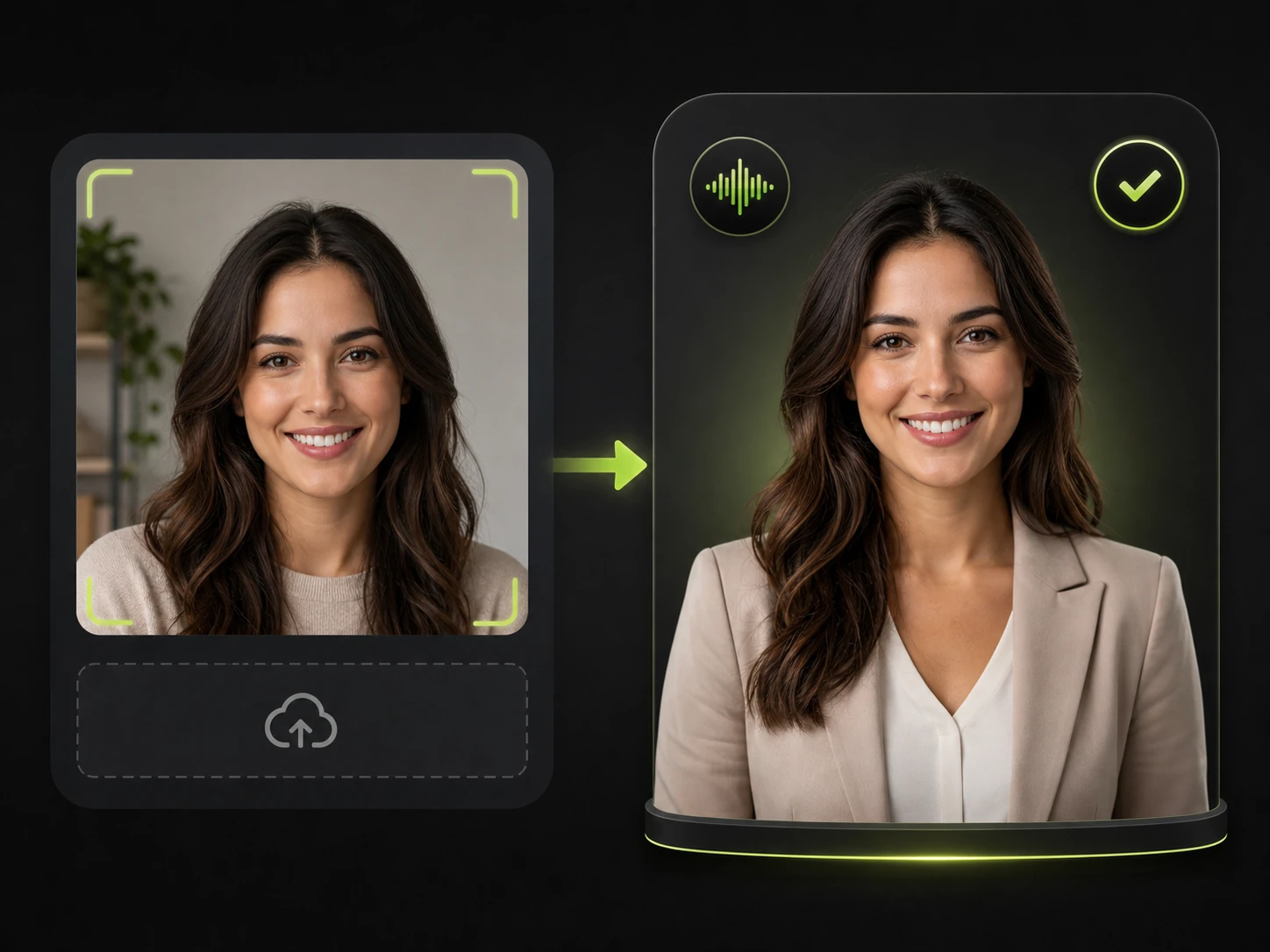
portrait transformed into a reusable digital presenter with the same identity
Option 01 · Photo

Build a Digital Version of Yourself

Start with your own portrait when you need a recognizable presenter for personal branding, lessons, company communication, or recurring social content. Pair the avatar with an appropriate voice and save it for later use.
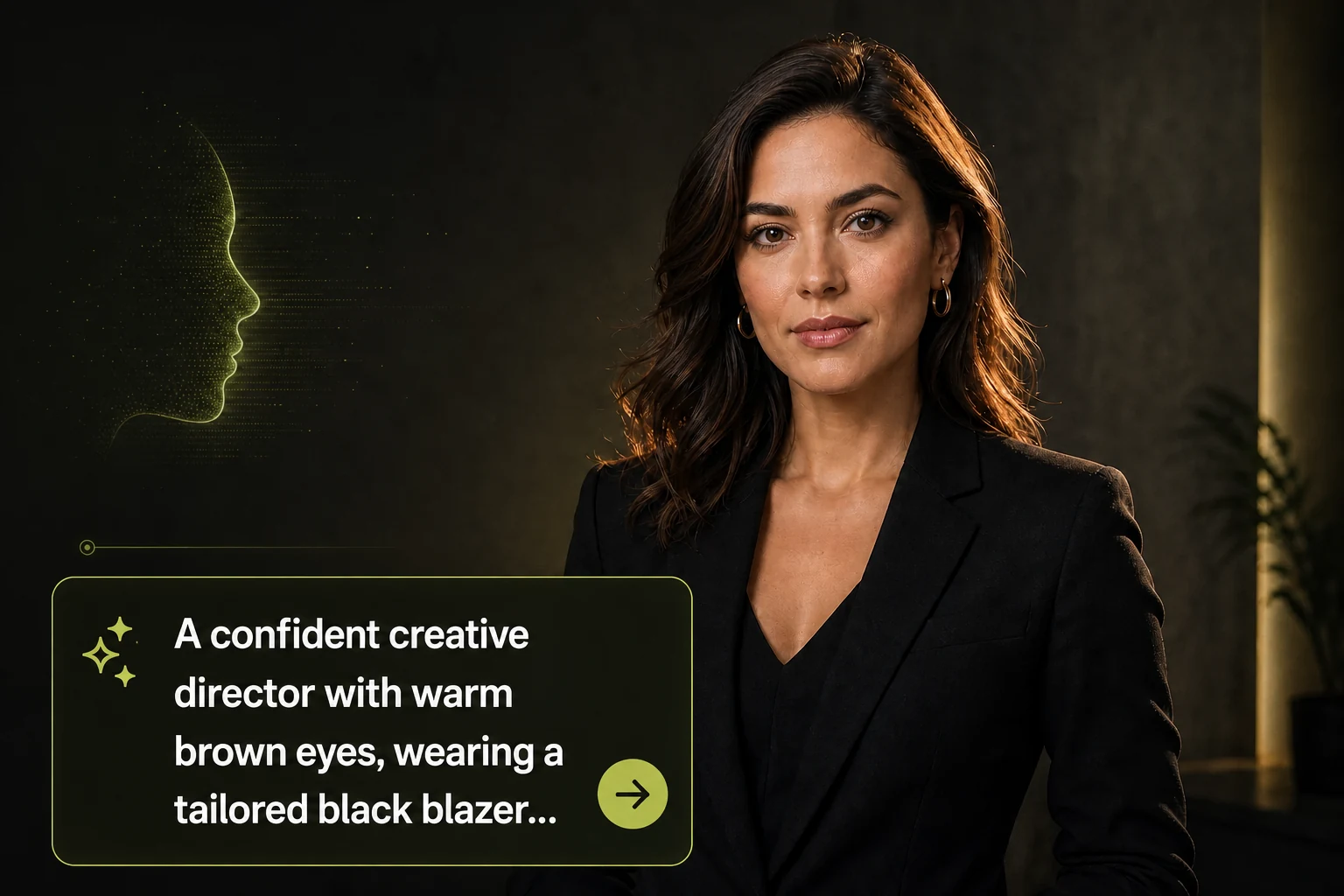
realistic virtual presenter generated from a large readable written description in a prompt field
Option 02 · Prompt

Design an Original Virtual Character

Use a text prompt to create a character for a brand, channel, campaign, or story. Describe the visual identity you want instead of arranging a photoshoot or sourcing a presenter for every new concept.

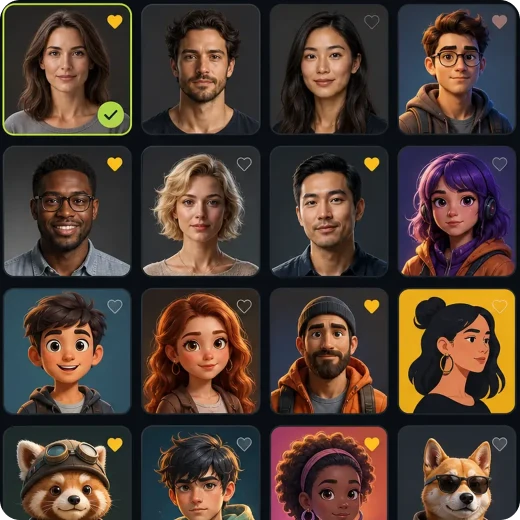
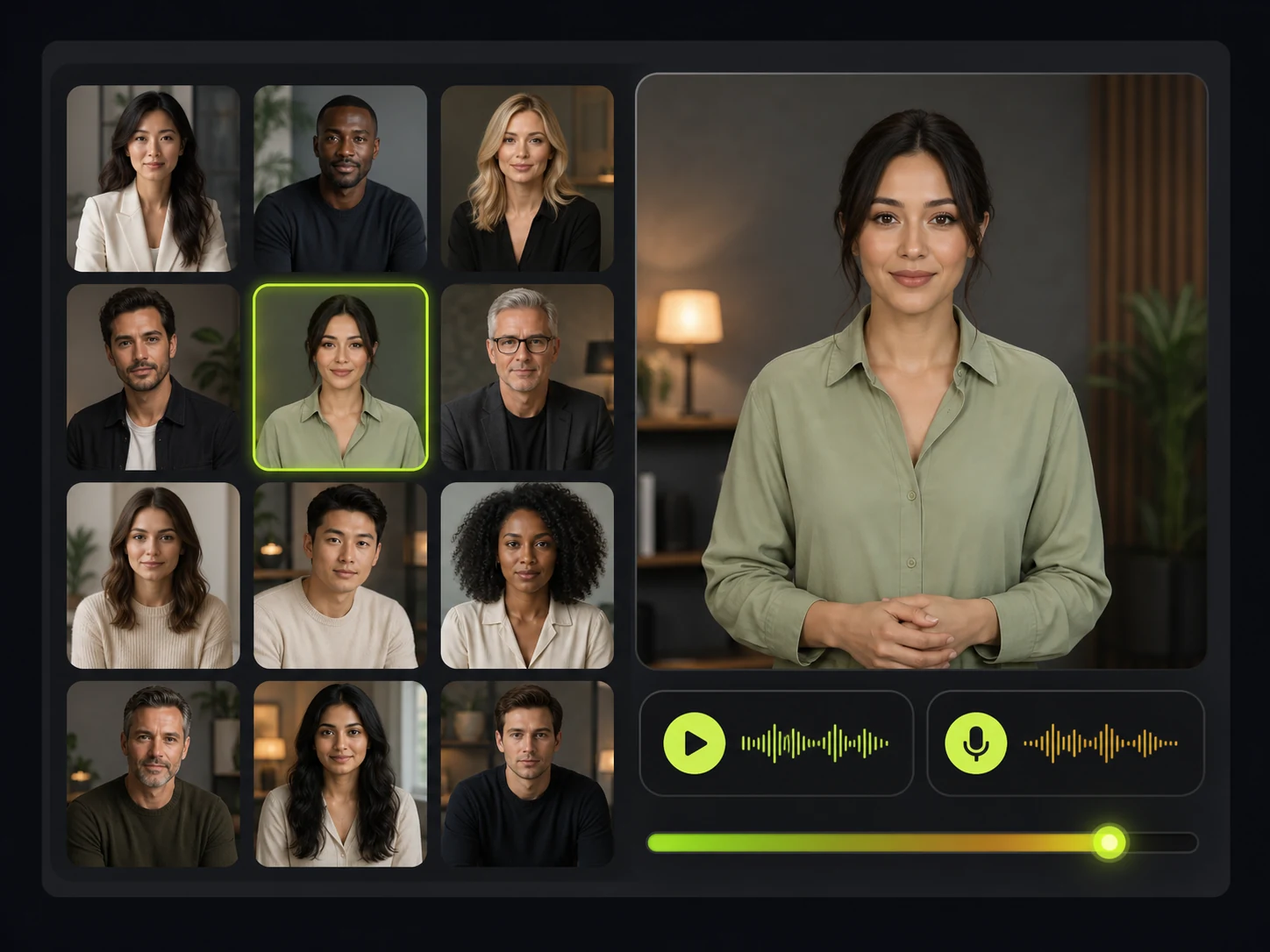
ready made avatar selected from a diverse presenter library
Option 03 · Library

Start with a Ready-Made Avatar

Choose an existing avatar when speed matters more than creating a unique identity. Add a script and voice, then move directly into the video workflow that fits the project.

Connected workflow

Create, Save and Reuse AI Avatar

Build the visual identity first, connect a voice, and keep the finished character ready for every new project.

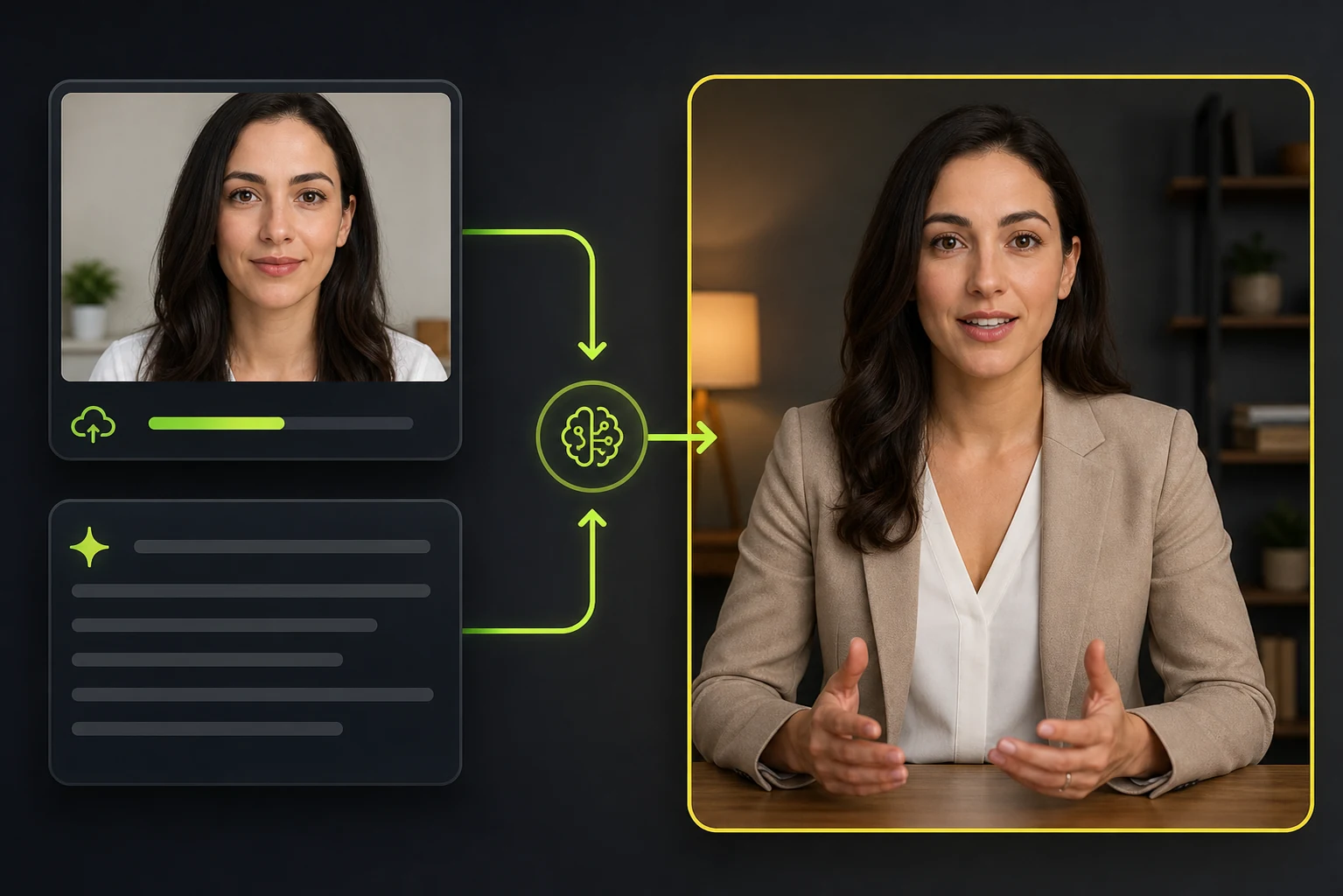
portrait photo or written prompt generating a realistic human avatar presenter

Create from a Photo or a Prompt

Upload a clear portrait when you want an avatar based on a real person, or enter a prompt to design an original character. Describe the appearance, clothing, expression, setting, and visual style you need, then choose the generated result that best fits your content.

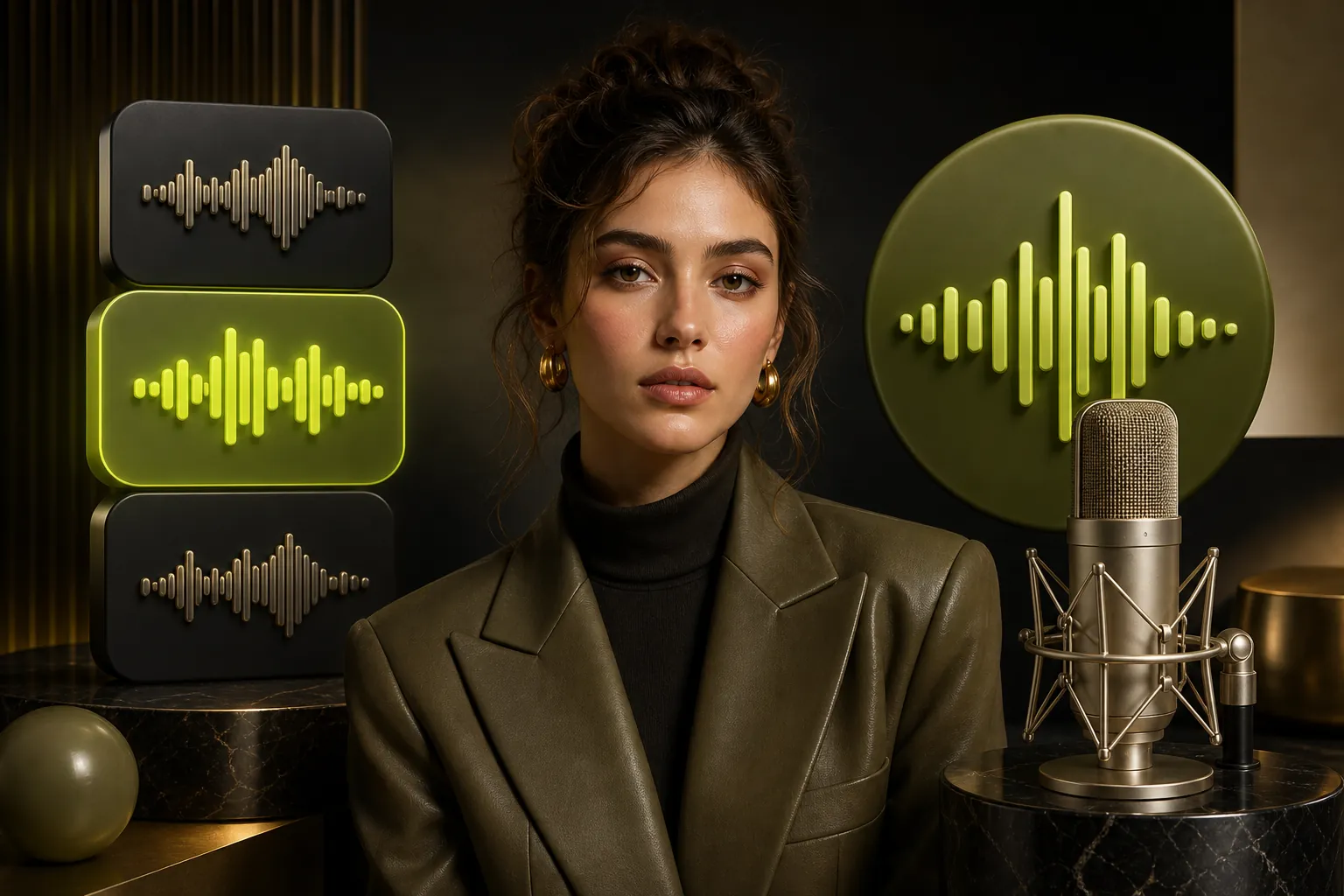
stylish realistic avatar with voice library choices and a studio microphone for voice cloning

Add a Reusable Voice

Choose a suitable voice from the library or create a custom one with Voice Cloning. Bind the selected voice to the avatar so the same character-and-voice combination is ready for later projects, recurring presenters, and multilingual content.

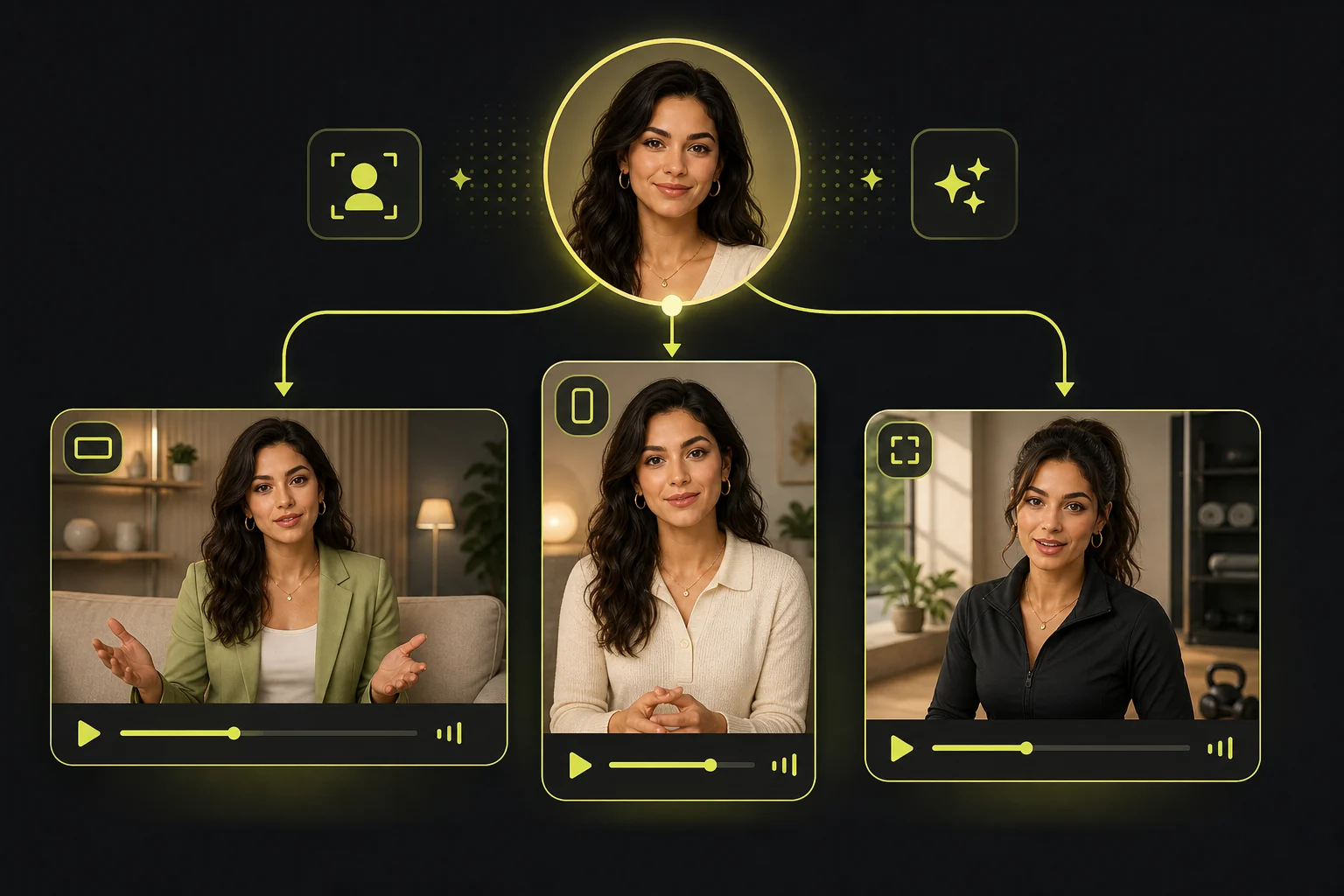
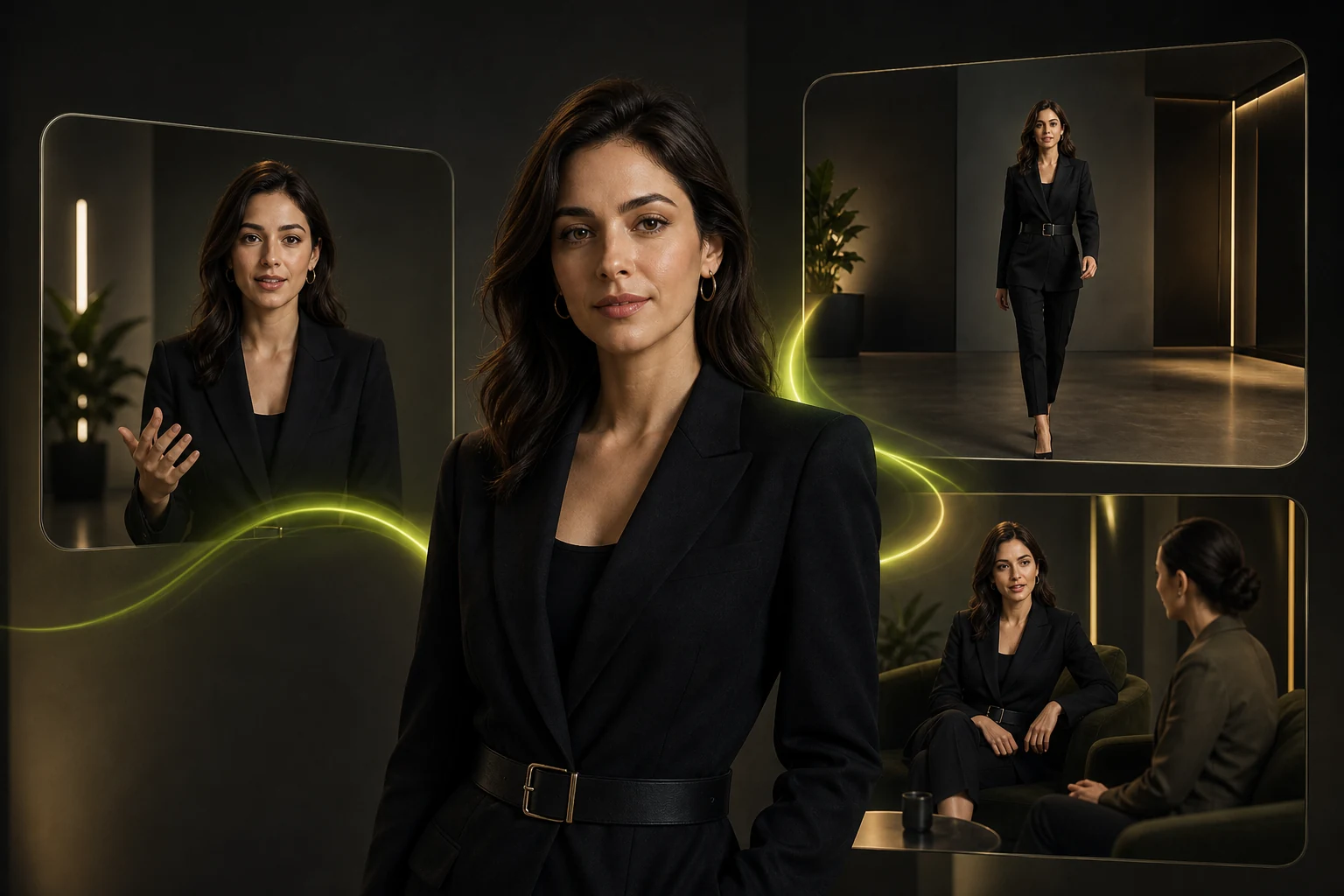
same avatar identity reused across three different scenes

Keep a Consistent Avatar Identity

Save the selected appearance as a reusable identity instead of rebuilding the character for every project. The AI avatar generator helps your character maintain a consistent, recognizable look across a series, even when you change the script, clothing, background, or video format.

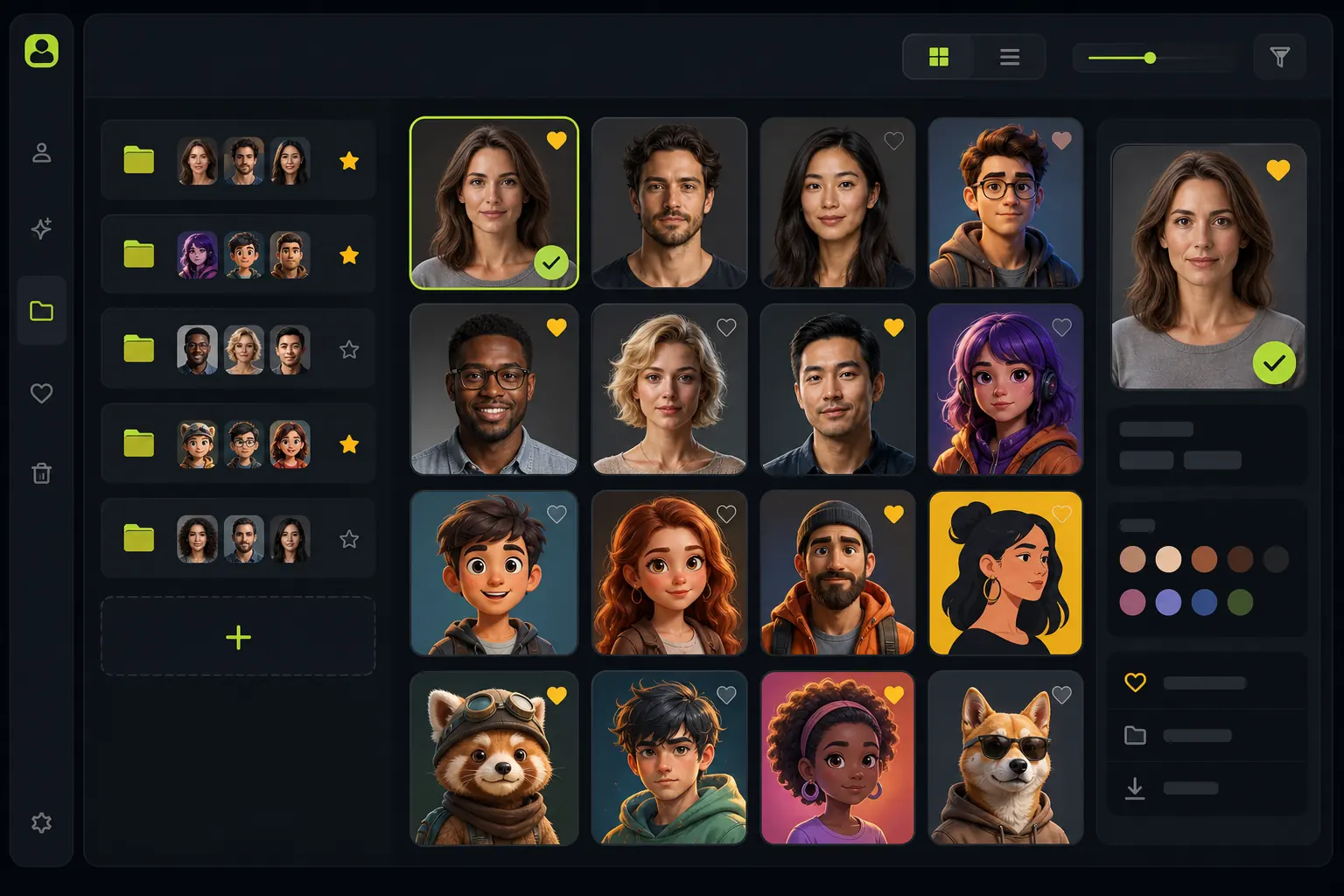
saved avatar library containing realistic human and colorful cartoon identities

Save and Manage Your Avatar

Save the finished AI avatar in My Avatars and return to it when you start a new project. Organize recurring instructors, creator personas, brand representatives, and original characters without repeating the full setup.

same fashionable saved avatar reused in speech natural motion and dialogue videos

Turn the Saved Avatar into Video

Choose the video format that matches your goal. Make the character deliver a script, generate broader human movement, or build a multi-character conversation. Reuse the saved AI avatar as the recognizable starting point for each new video.

Where avatars work

Several Popular Scenarios for Using AI Avatars

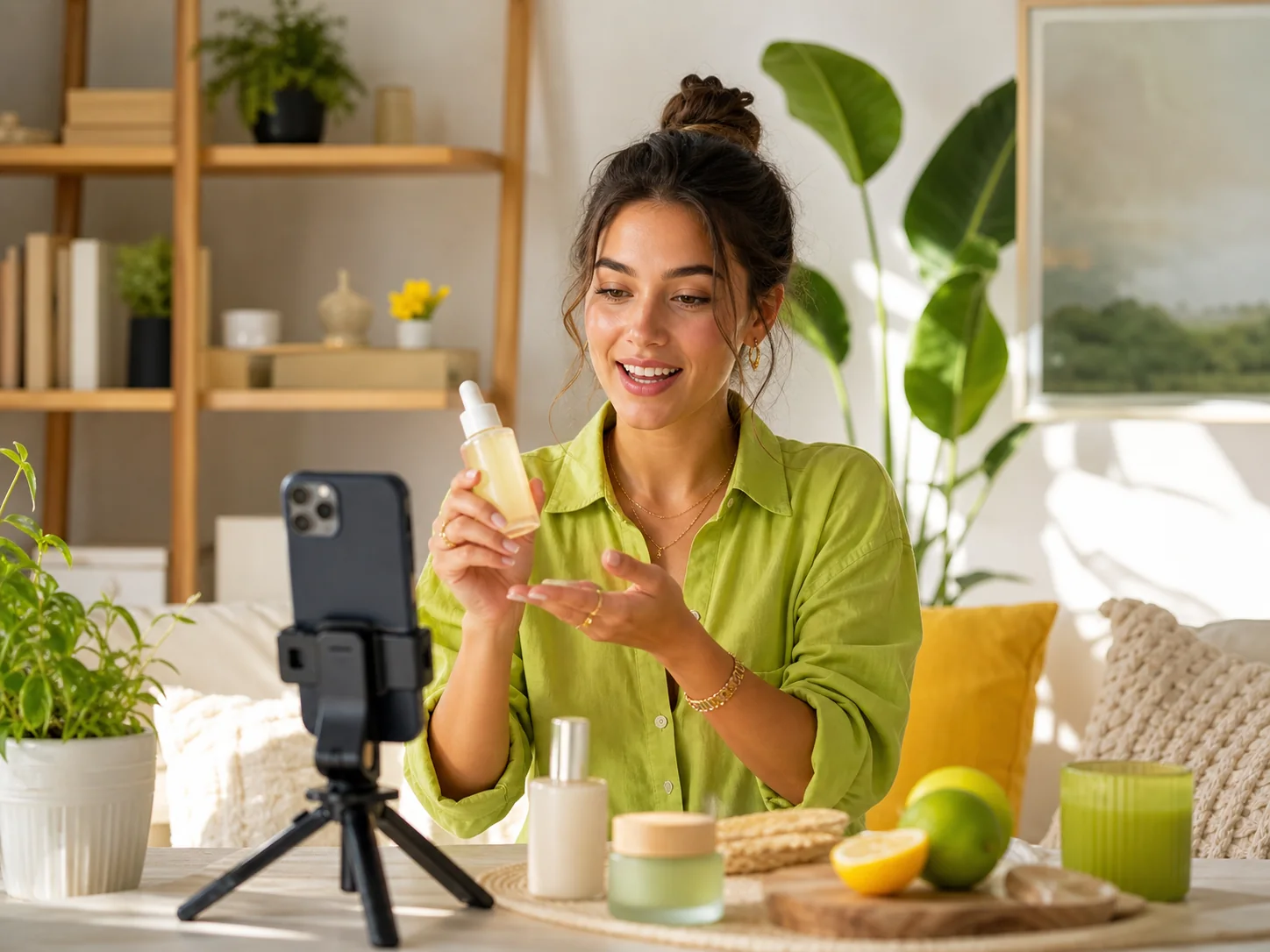
Influencer Marketing and Social Content

Create a recurring virtual creator for product features, brand collaborations, short-form posts, and campaign variations. Use AI Influencer Generator when the project specifically centers on influencer-style content.

Create Influencer Content
virtual creator presenting a product for influencer marketing and social content

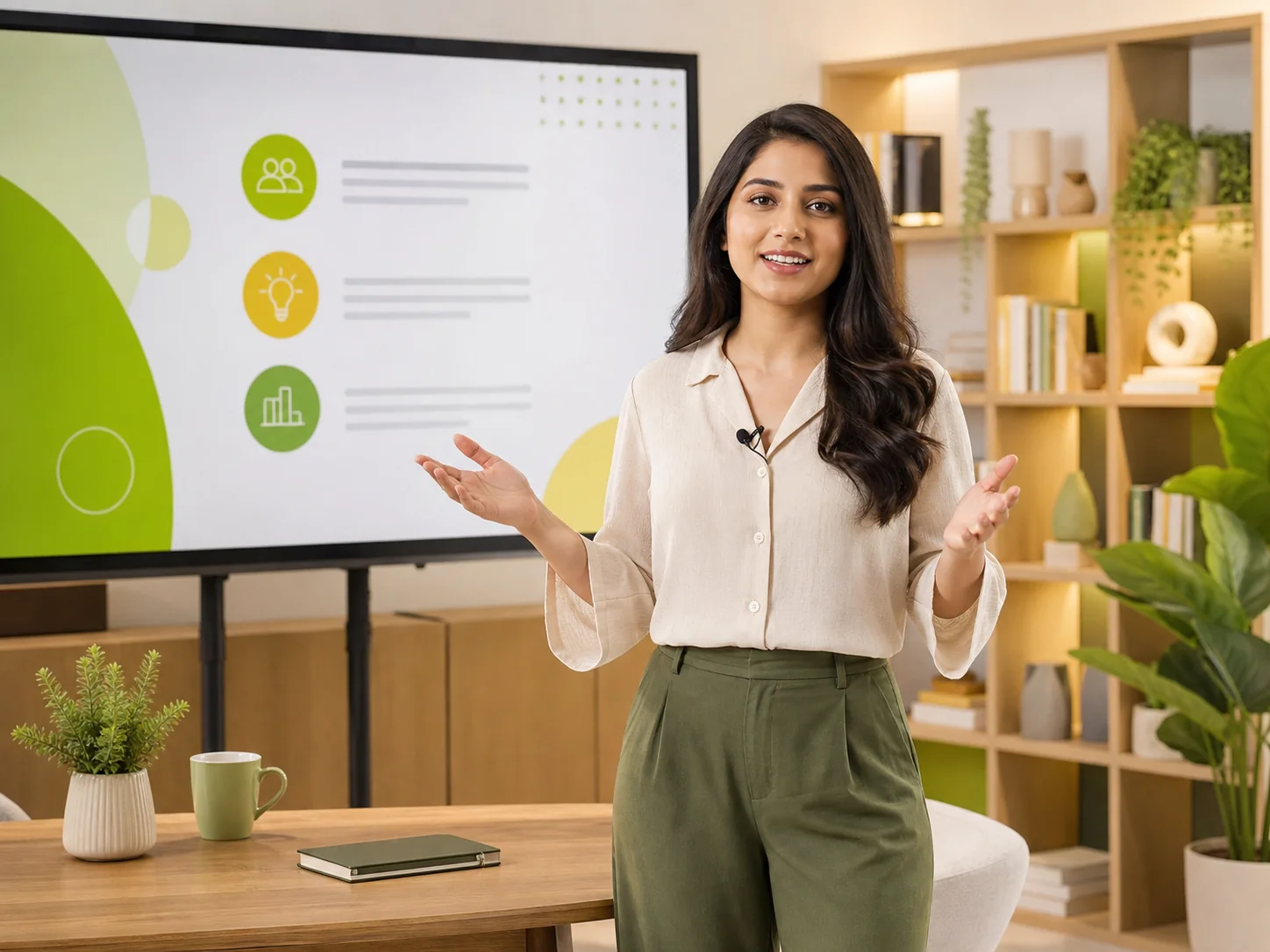
Education, Training and Tutorials

Build an AI avatar instructor or guide for lessons, onboarding, product walkthroughs, and internal training. A saved avatar makes it easier to update the script while retaining a recognizable presenter across a content series.

Create a Training Video
ai avatar instructor presenting an education and training lesson

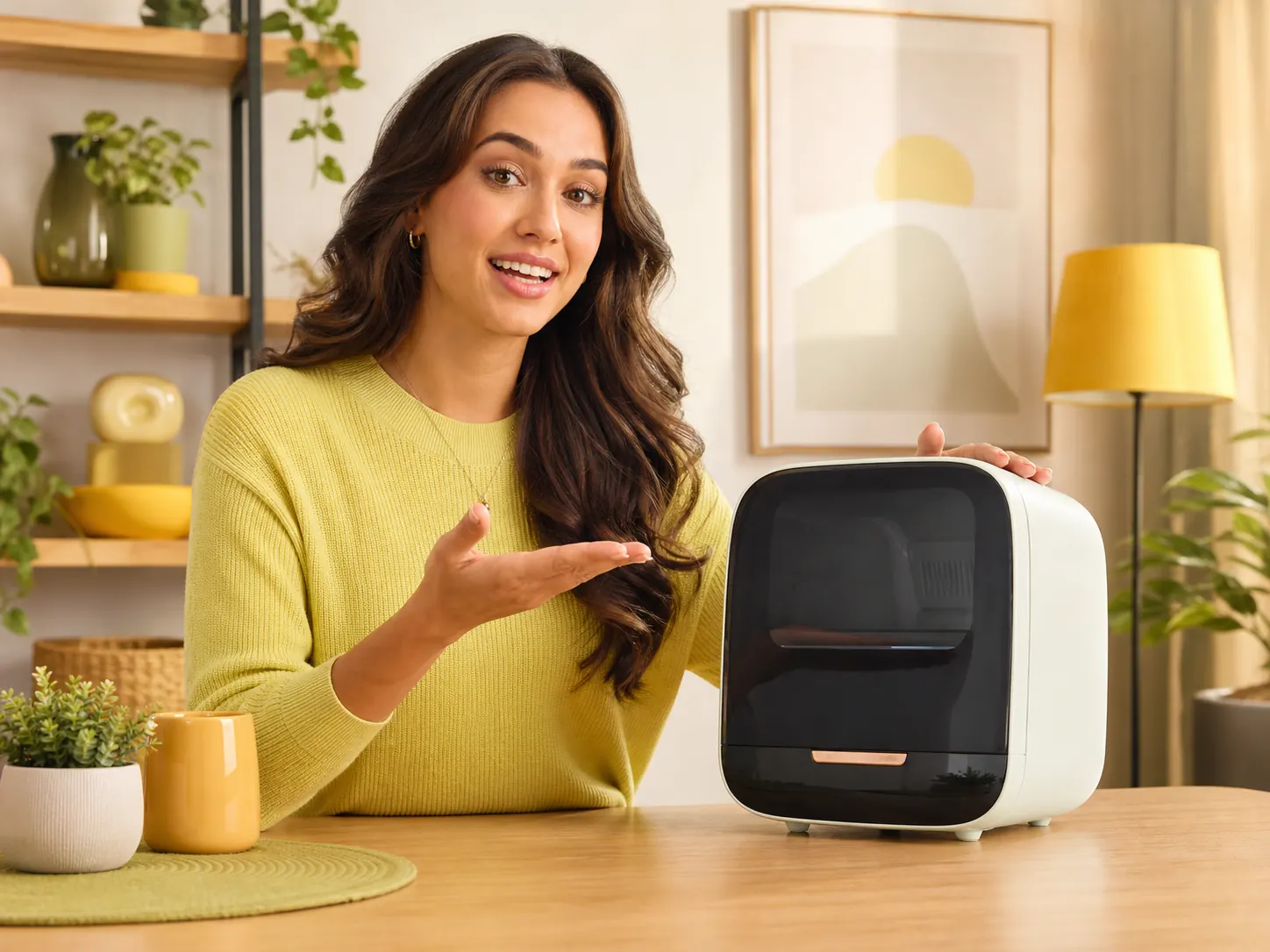
Product Marketing and Advertising

Use an avatar to introduce a product, explain key benefits, present a promotion, or support a social ad concept. Choose a talking format for direct delivery or an animated-human workflow when the scene requires more movement.

Create a Product Avatar
product presenter demonstrating a device for marketing content

Creator Branding and Faceless Content

Develop an on-screen identity without recording yourself for every upload. The AI avatar generator helps you reuse the same digital avatar across channel updates, explainers, commentary, and recurring social series.

Create Faceless Reels
faceless creator producing recurring videos with a digital presenter

Create an AI Avatar and Keep Building with It

Create and save a reusable avatar, then bring it into the video workflow that fits your next idea.

What Creators Say About Our AI Avatar Generator

I publish daily but can't shoot every day. With the AI avatar video generator, I script a clip, paste it in, and my cloned voice does the rest. My avatar looks exactly like me and my audience can't tell the difference.

Tyler Nguyen
Tyler NguyenYouTube Creator

We run paid social in six markets. Localizing spokesperson videos used to be a multi-week production job. Now I create AI avatar variants per language in an afternoon. Our localized ad CTR went up significantly.

Camila Herrera
Camila HerreraPerformance Marketing Manager

Course narration used to require studio time for every revision. Now I save the instructor's AI avatar once, clone their voice, and regenerate updated modules on demand. The AI avatar manager stores every course variant.

James Okafor
James OkaforE-Learning Developer

My clients need content in three languages. The AI avatar generator handles all of it. I build one avatar per client from their photo, clone their voice in one session, and deliver a weekly content pack in every required language.

Yuki Matsuda
Yuki MatsudaSocial Media Strategist

I use the AI avatar video generator to produce NPC dialogue for my game. I design the character visually, record a reference voice, and generate all the dialogue variants I need. The stock model library saved me hours.

Luca Ferretti
Luca FerrettiIndie Game Developer

Our brand ambassador can't always be available for shoots. We used the AI avatar generator to create her digital avatar from one photo session. Now we create AI avatar content for every product launch on our own schedule.

Destiny Walker
Destiny WalkerBrand Content Producer

Common questions

FAQ about the AI Avatar Generator

What is an AI avatar?

How does the avatar creation process work?

Can I create an AI avatar from a photo?

Can I create an avatar without using my own photo?

Can I give the avatar my own voice?

Can I save and reuse the same avatar?

What is the difference between the AI Avatar Generator and a talking-video tool?

What is the difference between a talking avatar and AI Human Generator?

Can I use an avatar in a dialogue video?

Is the AI avatar generator free?