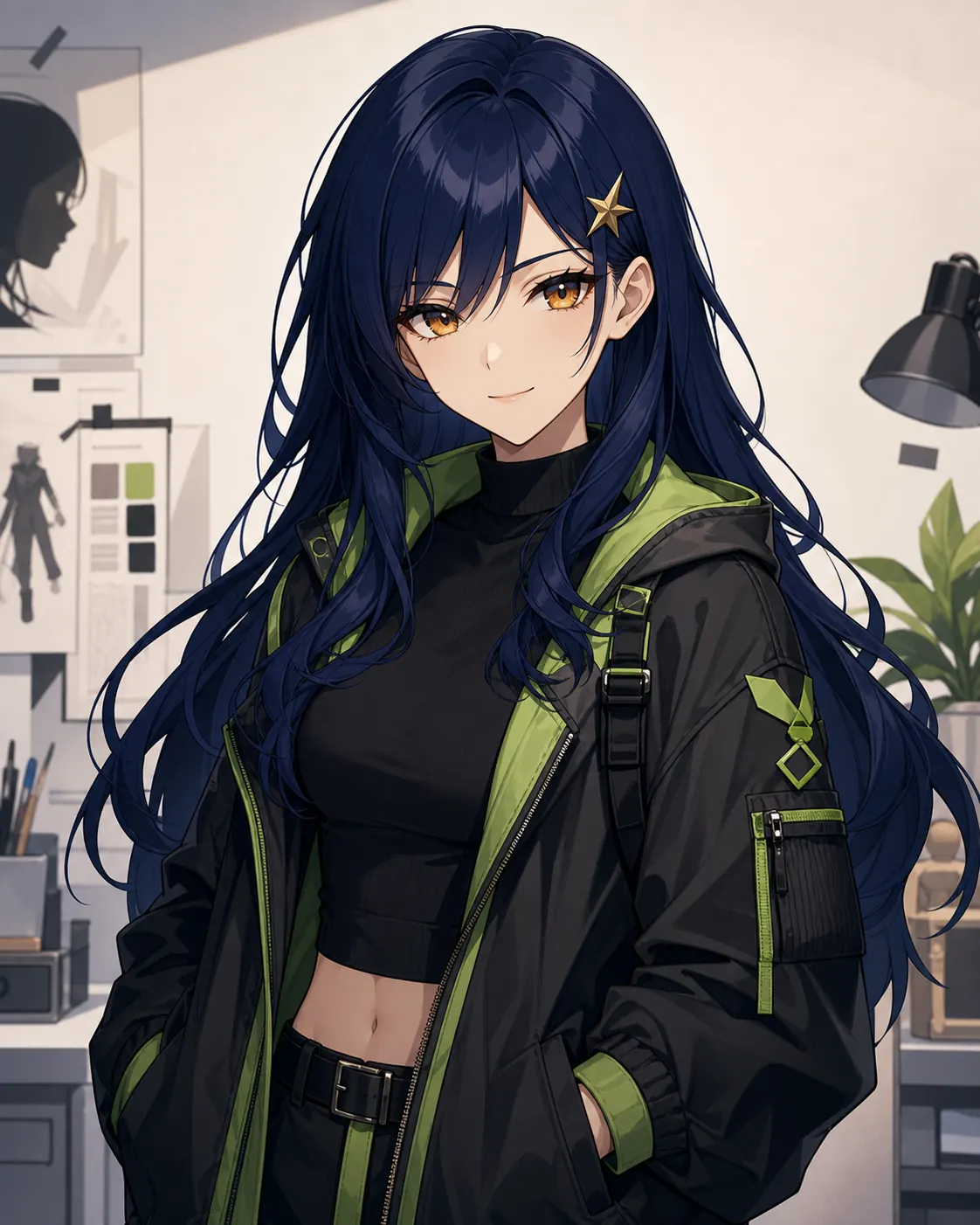
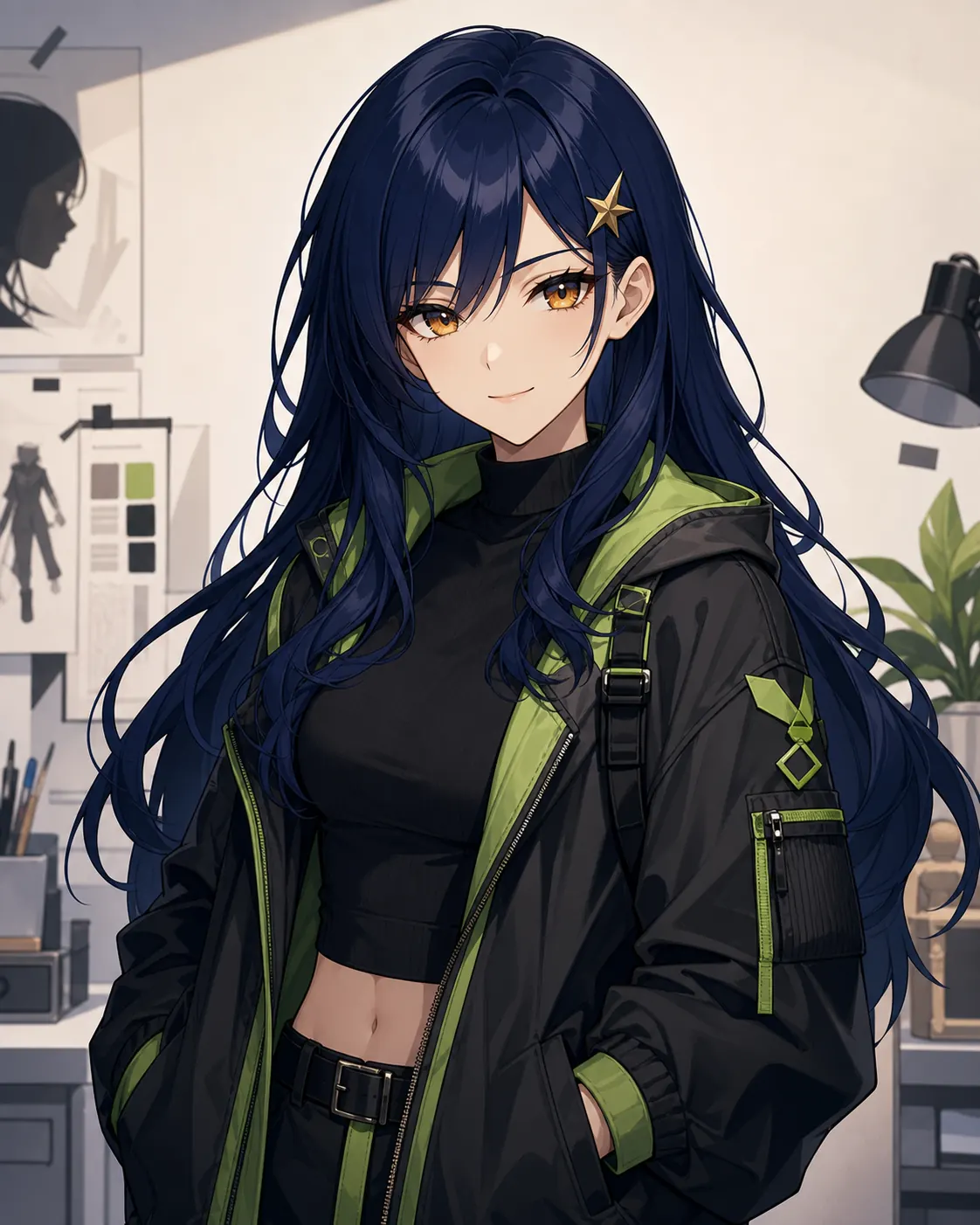
Original DesignUse the anime character creator to create an original design from a prompt, photo, or reference illustration.

Create once. Perform anywhere.
Create an original anime character from text or an image, then turn it into an anime avatar that talks, sings, dances, and performs in AI-generated videos.
Explore more ways to create and reuse stylized digital characters with our AI Avatar Generator.
Create a character · Add a voice · Copy motion · Generate a video
Describe the character’s appearance, clothing, personality, pose, and environment.
The anime character creator helps you start with one anime character, then explore new looks, performances, and video scenes. Create a recognizable, consistent anime character while changing what it wears, says, and does.
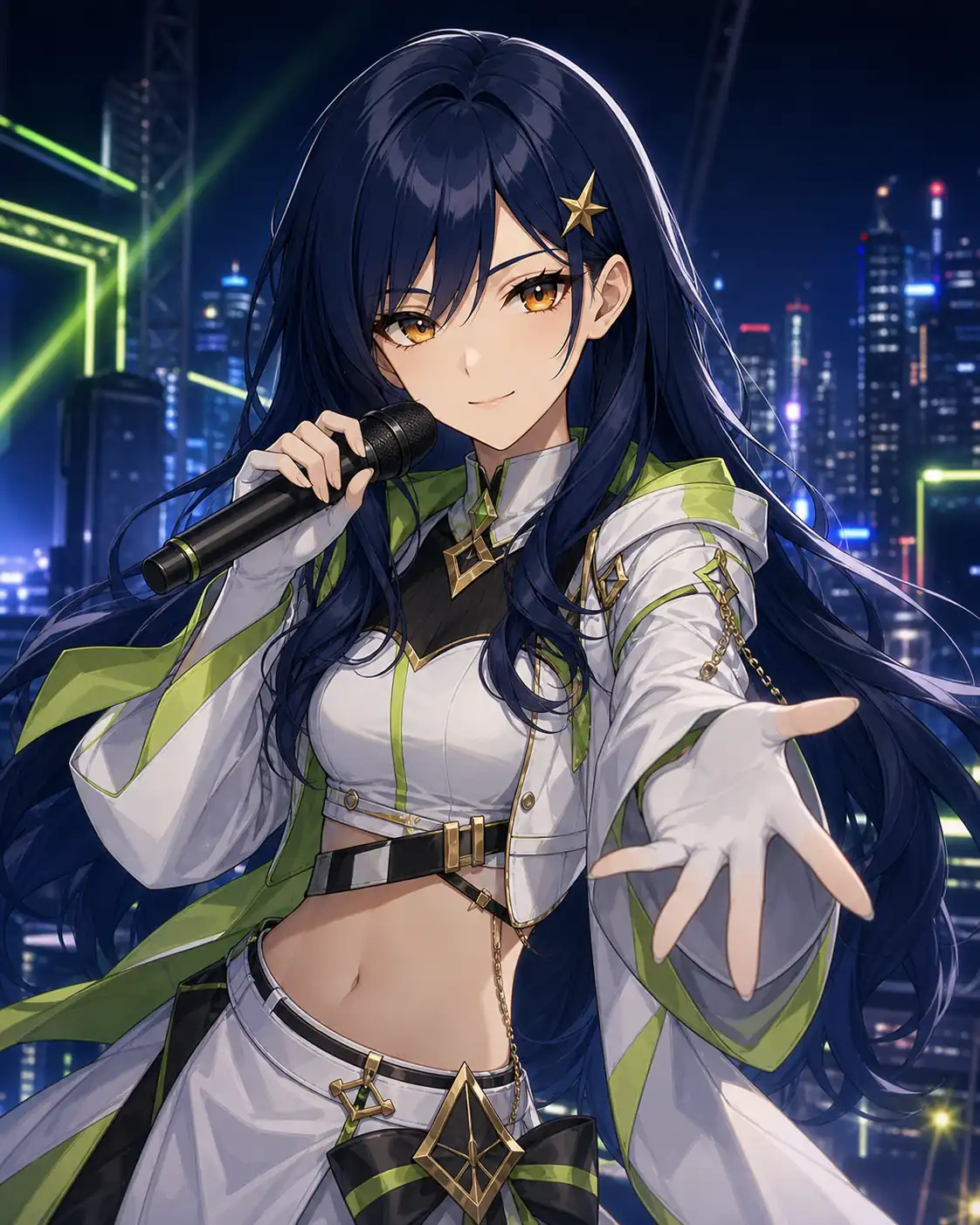
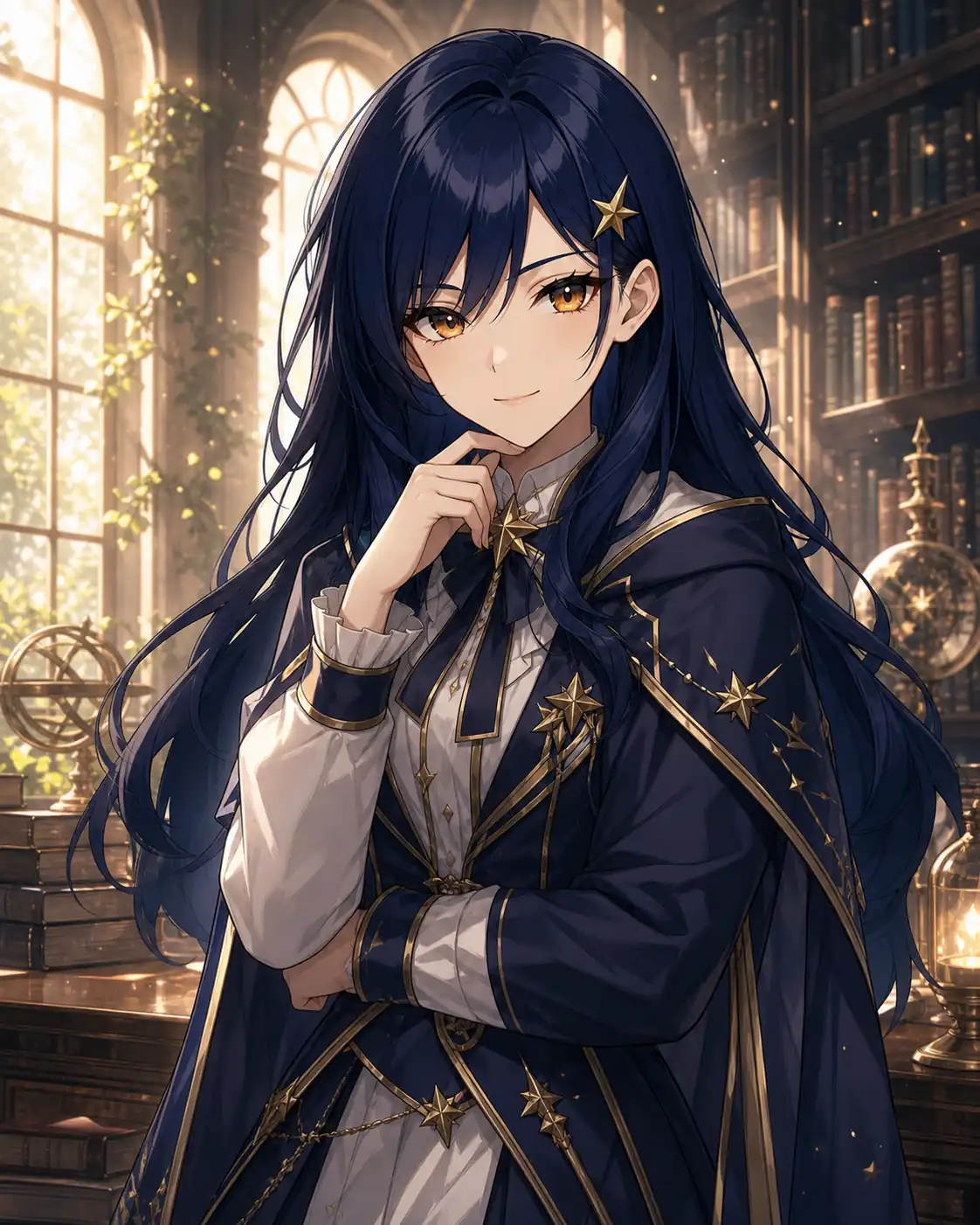
Beyond a Static Portrait
An anime character is a visual identity defined by a recognizable face, hairstyle, outfit, personality, and artistic style. With an AI anime character creator, you can generate an original design from text or an image, then reuse it in different clothing, backgrounds, expressions, and scenes.
Unlike a basic anime avatar maker that produces one static profile image, this workflow connects character creation with voice, motion, and video generation. Turn your design into a reusable anime avatar that can talk, sing, dance, and appear in cinematic scenes.
The anime character creator connects a reusable visual identity with voice, music, motion and cinematic video workflows.
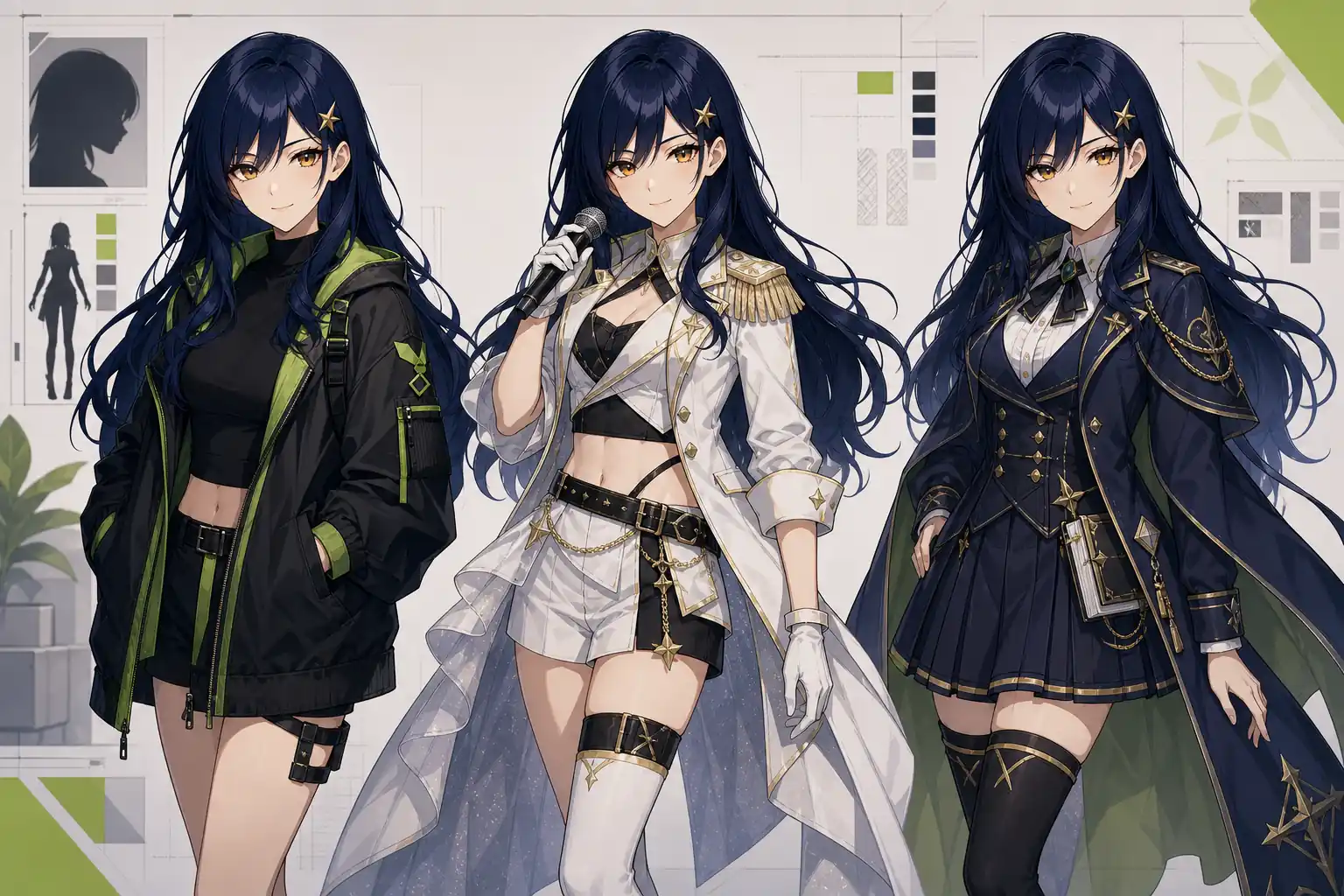
Use the anime character creator to generate an original design from text or a reference image, then explore different outfits, expressions, and backgrounds. Choose a voice from the voice library or create a custom voice with Voice Cloning, then bind it to the character for consistent dialogue, performances, and future videos.
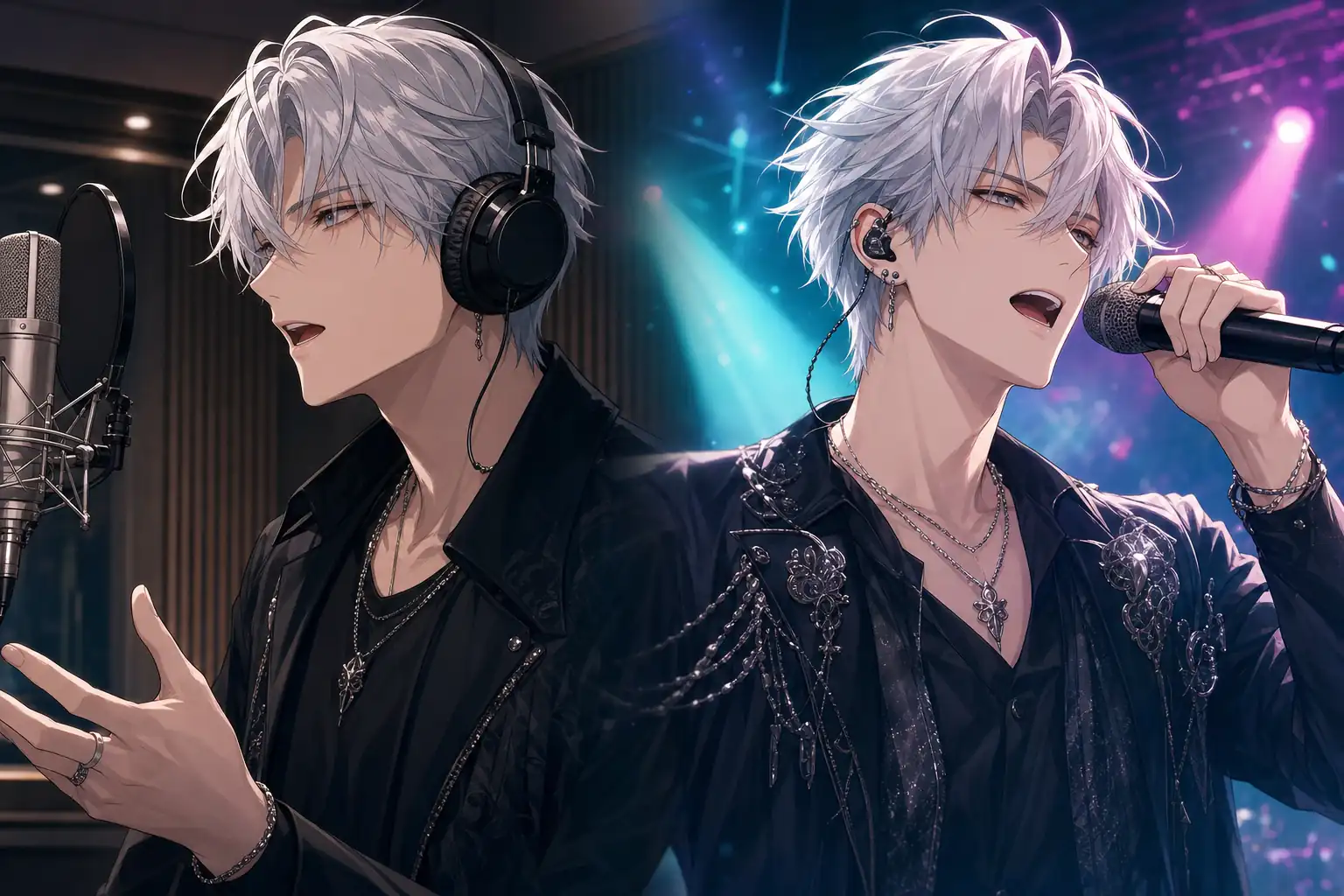
Turn a static portrait into an attractive video. Use Talking Photo to add dialogue, introductions, or narration, or open Singing Photo to synchronize facial movement with a song. Create expressive talking or singing videos without manual mouth animation.
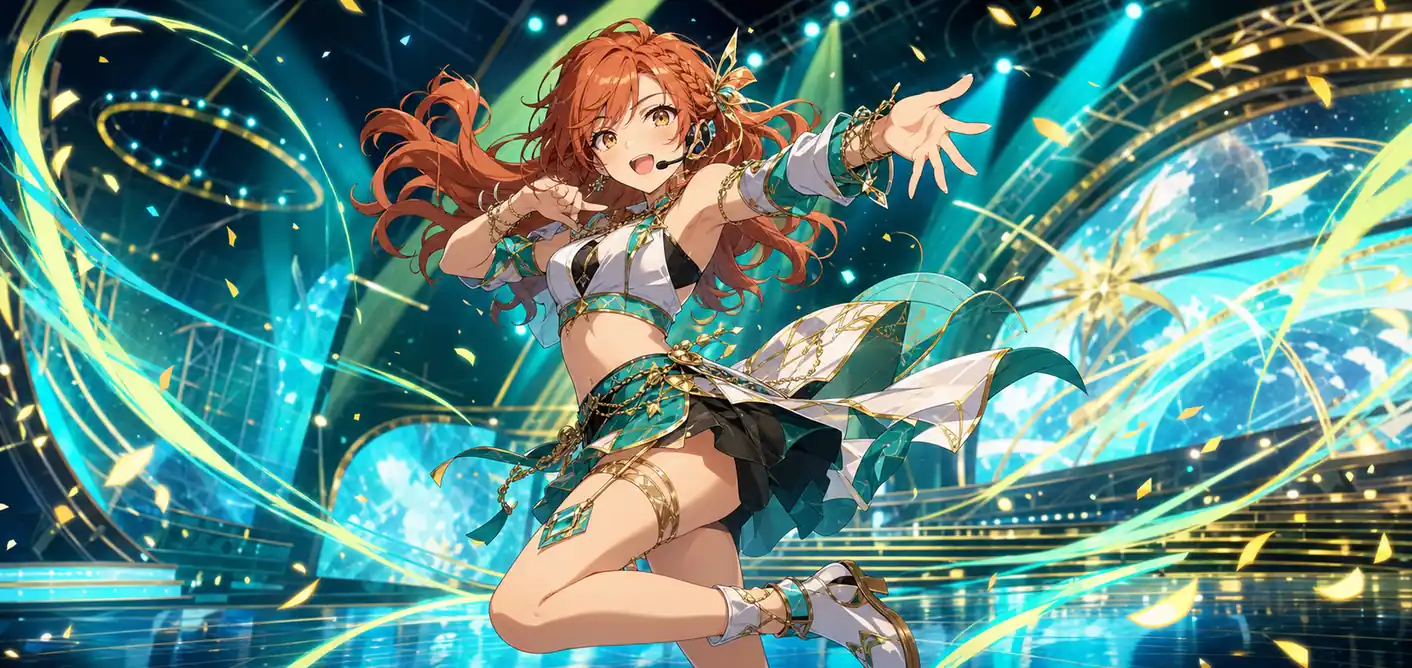
Use Motion Control to transfer choreography from a reference clip and generate a dancing anime avatar. Then send the completed dance video to AI Lip Sync and add a song. AI matches the mouth to the vocals, creating a coordinated singing-and-dancing performance.
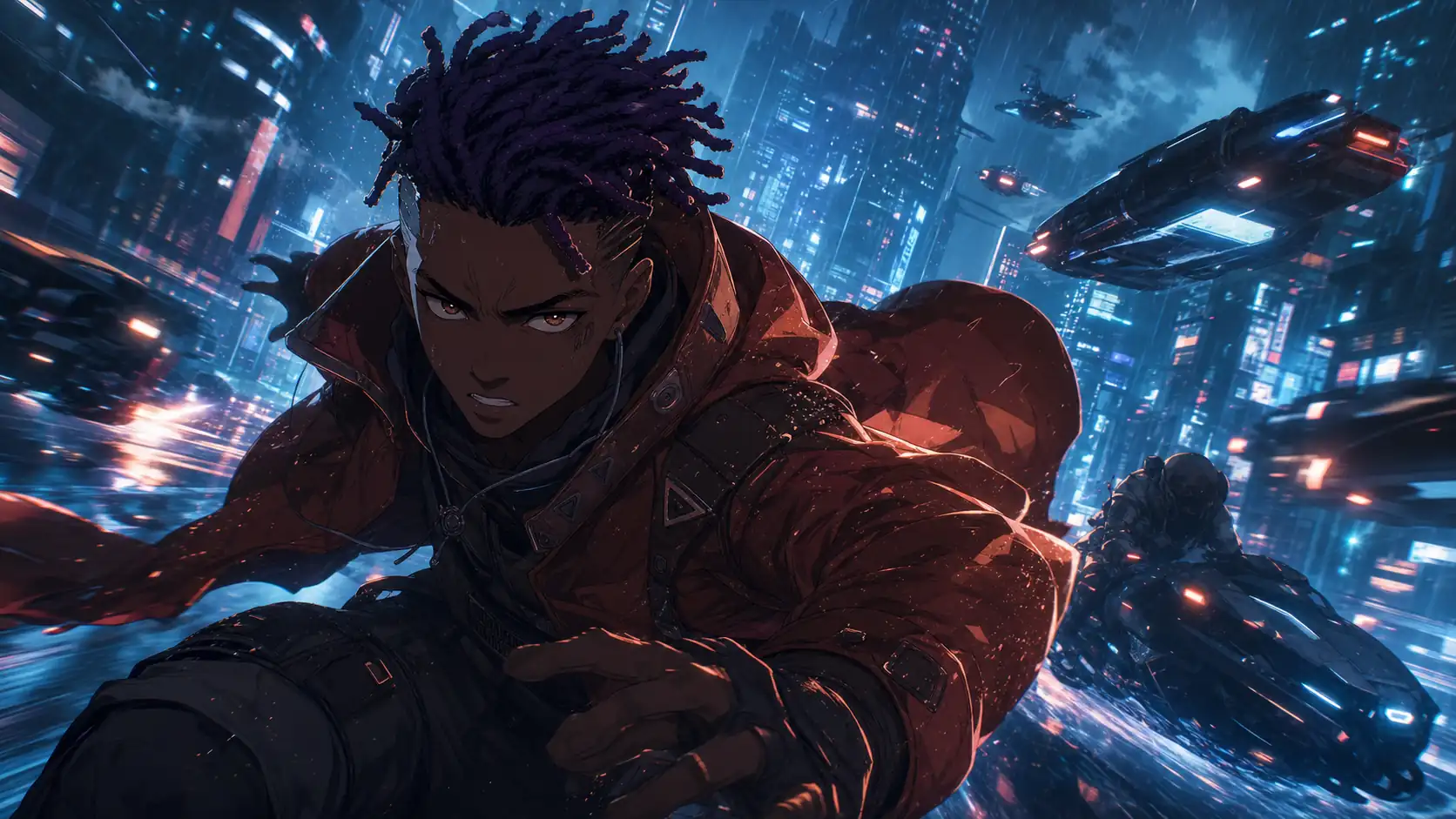
Place your design inside a dynamic scene with the Image-to-Video Generator. Add actions, environmental motion, and camera movement, or use Seedance 2.0 for complex sequences. This anime character video generator workflow is ideal for action shots, music visuals, story moments, and short-film concepts.
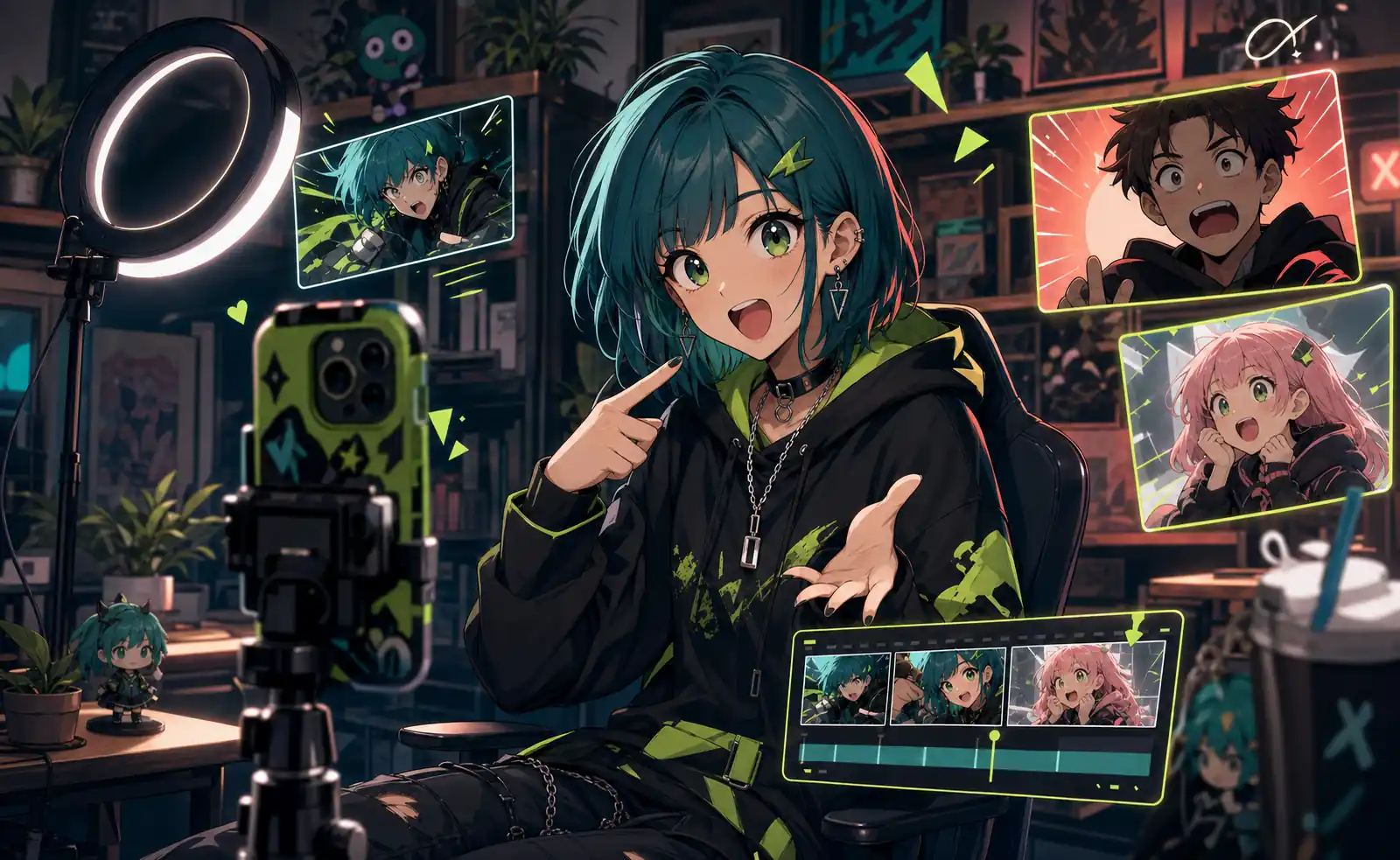
Use the anime character creator to build a recognizable anime character for TikTok, YouTube Shorts, and Instagram Reels. Use it for commentary, reactions, trending-audio clips, dance challenges, and recurring videos without appearing on camera.
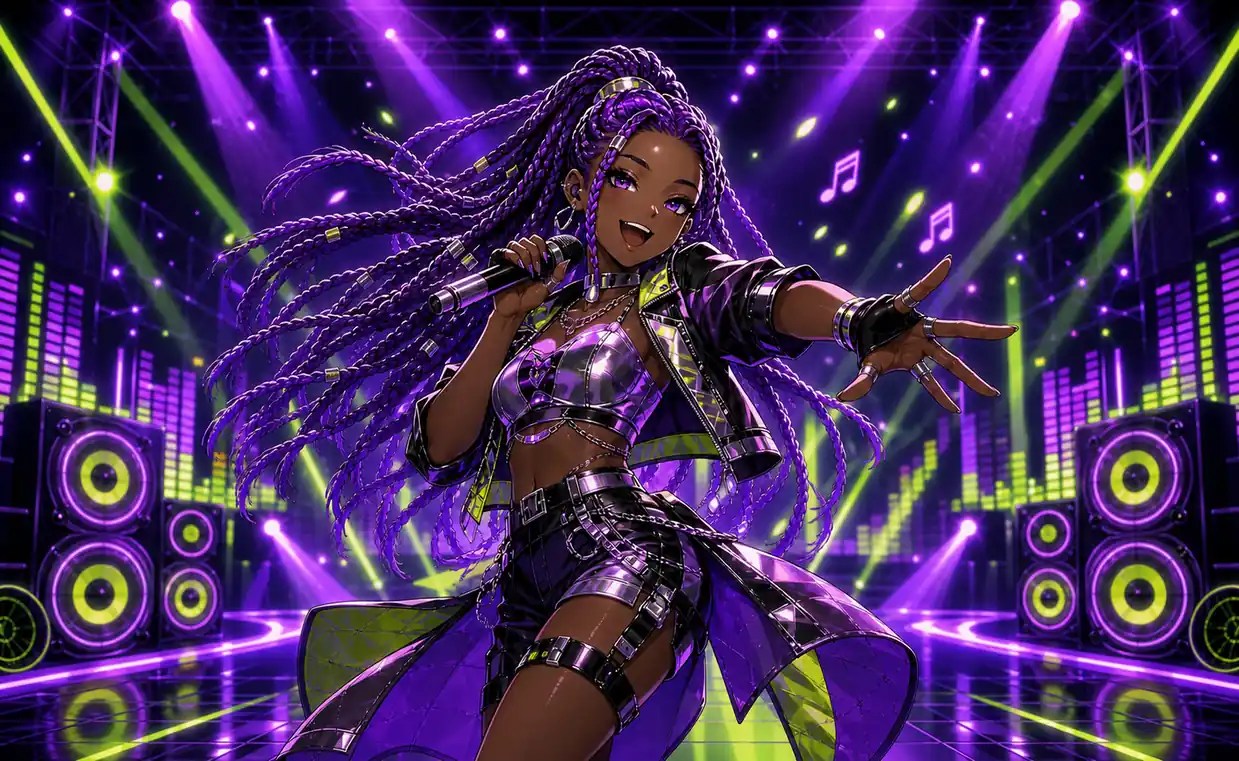
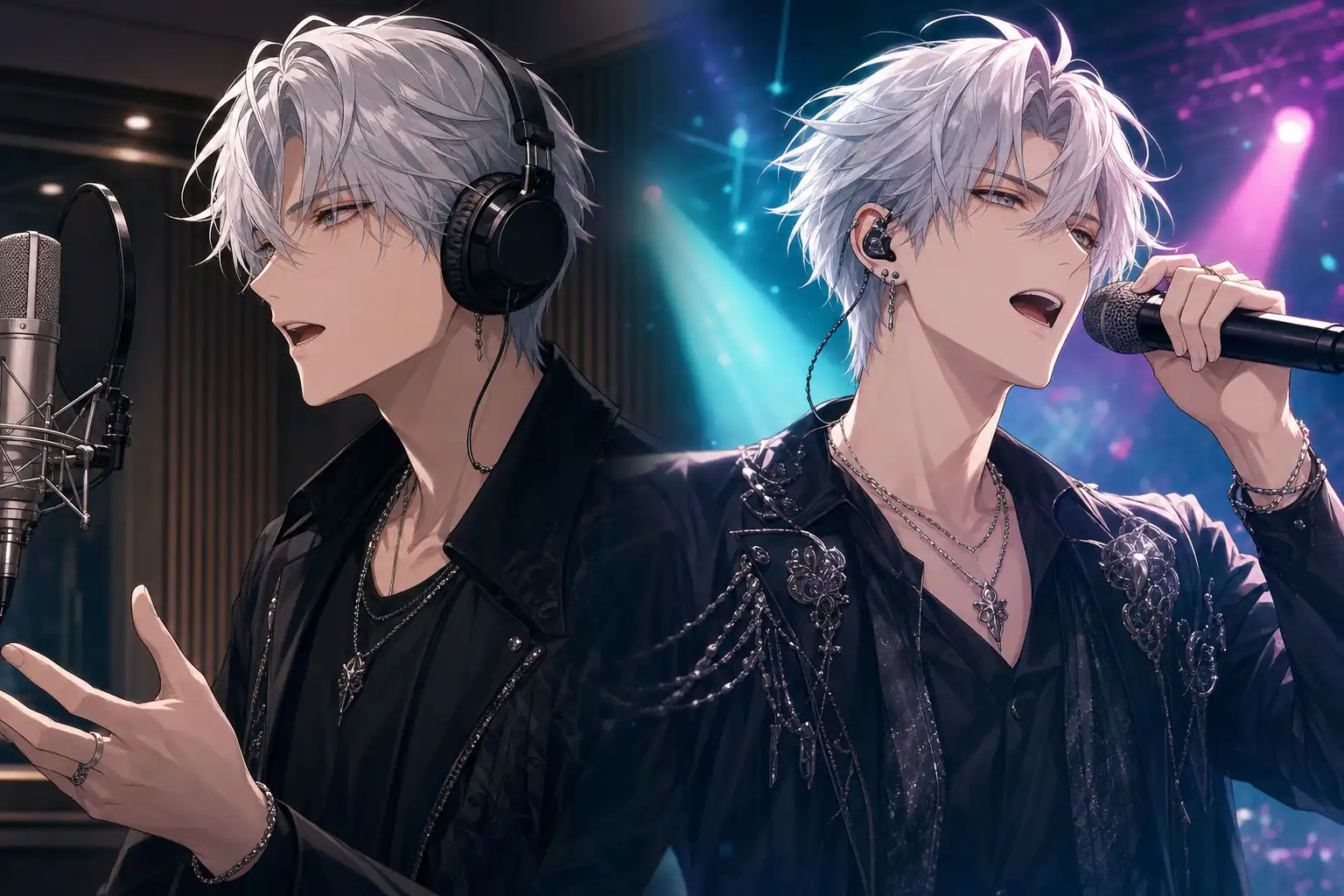
The anime character creator can turn cover art, an original design, or a virtual singer into an animated performer. Produce song promotions, dance challenges, virtual performances, music clips, and visual content for new releases.
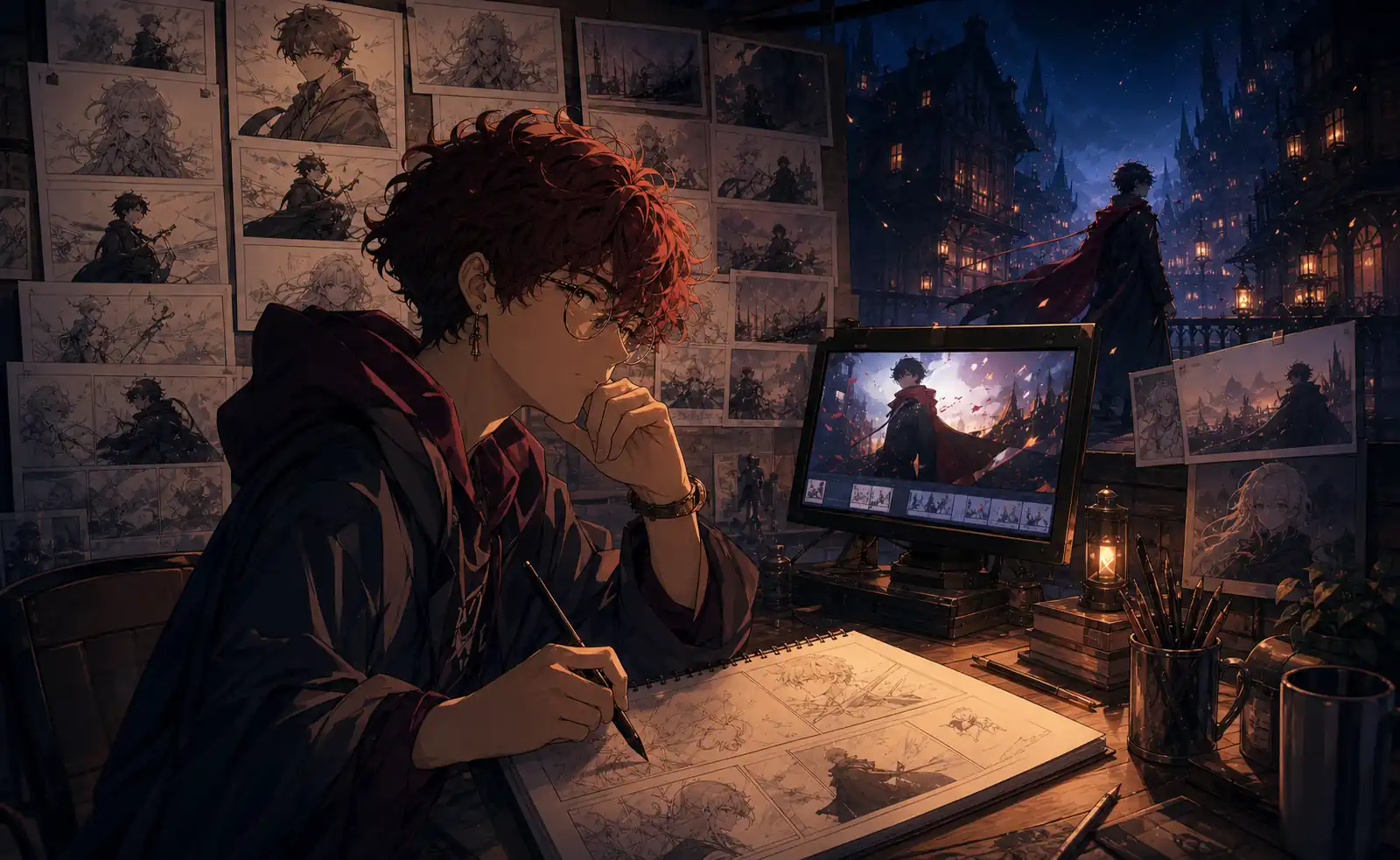
Develop a recurring character for visual novels, trailers, short stories, or early film concepts. Reuse the design across locations and story moments, then animate key images when a scene needs movement.
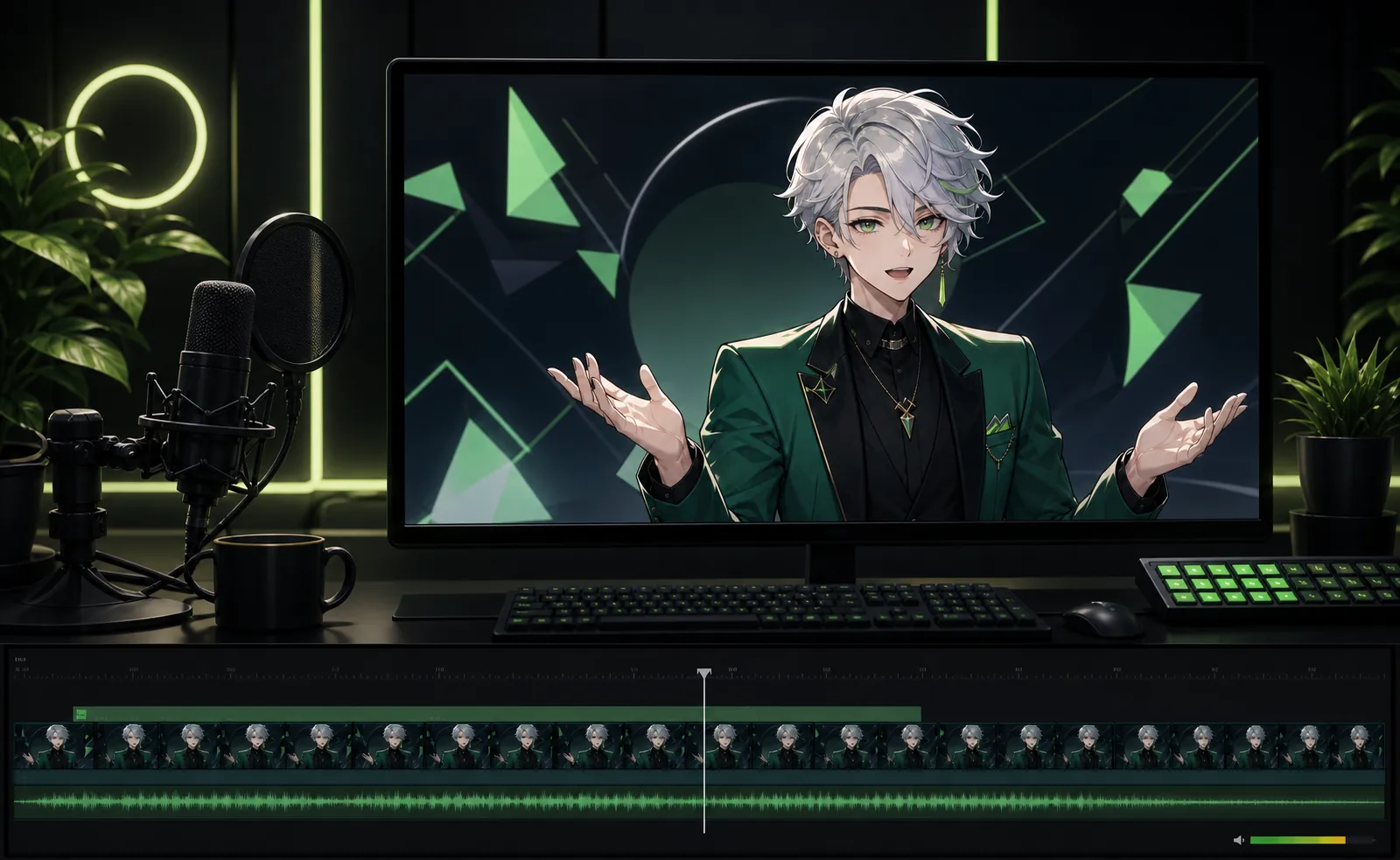
Build an anime avatar for prerecorded introductions, explainers, performances, and reactions. Create a consistent on-screen identity without filming yourself or setting up live tracking, rigging, or streaming software.
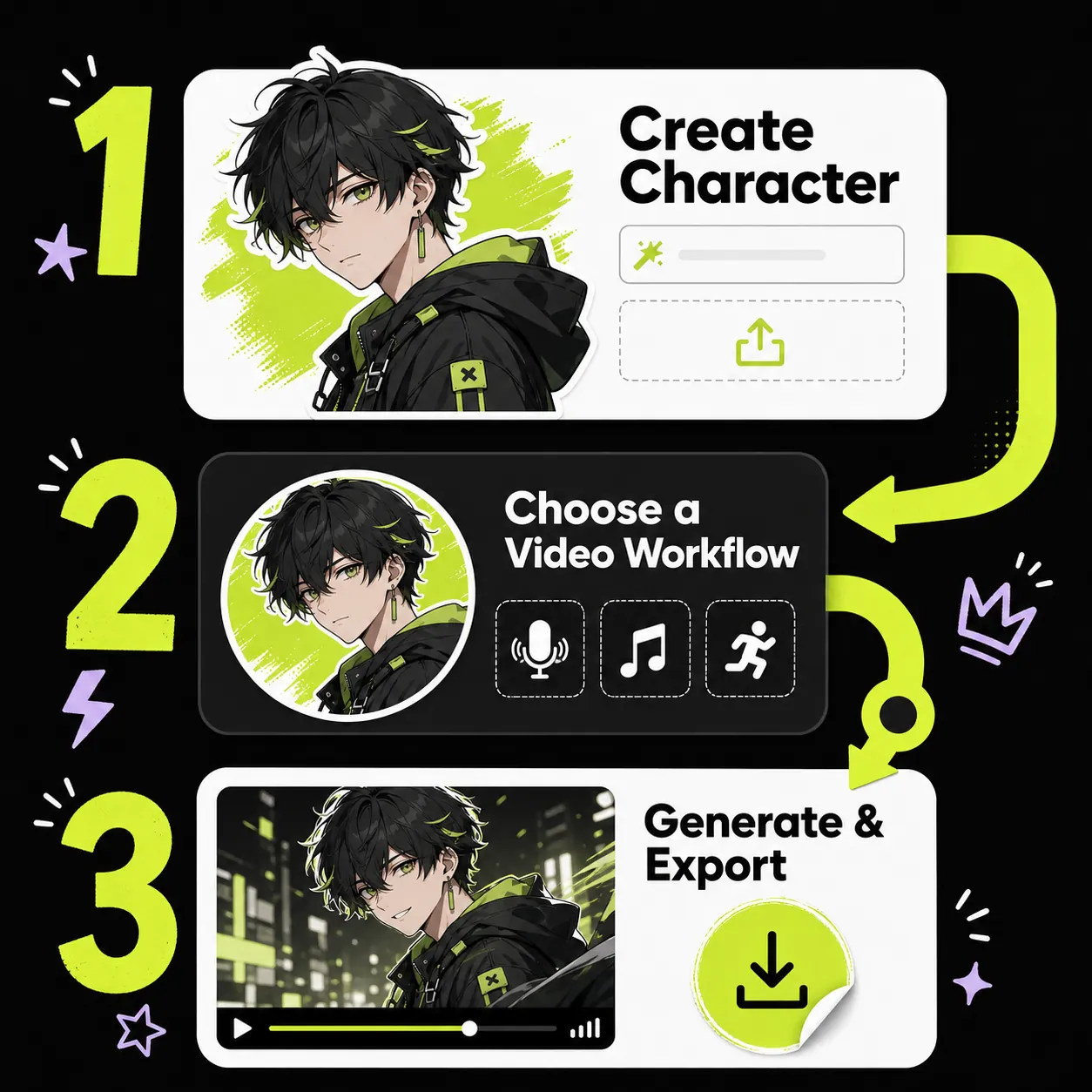
Use the anime character creator to describe or upload a character, then choose a clear design to reuse in future images and videos.
Create the video you need with Talking Photo, Singing Photo, Motion Control, or AI Image to Video—make your character talk, sing, dance, or perform in an anime short story.
Review the appearance, mouth movement, body motion, and overall scene. Download the finished video or reuse the design in another outfit, background, performance, or AI-generated story moment.
Use the anime character creator to create the look, direct the movement, add the voice, and turn one image into an anime avatar video worth sharing.
These testimonials are layout and copy placeholders. Replace every name, occupation, and quote with verified customer feedback before publication.
I wanted one recurring character instead of generating a different face for every post. I created the look once, made a talking introduction, and then used the same design for dance and music clips.

I cannot draw or animate, but I still wanted to test a short anime story. Creating the lead first and turning selected images into video scenes made the entire project feel much more achievable.

My favorite workflow is generating the dance movement first and then matching the performance to my song. It feels more like directing a virtual artist than adding a basic effect to a picture.
We used one virtual character for several campaign clips with different settings and expressions. Moving from the original image to the talking and motion tools saved us from rebuilding every scene.

I use the anime character creator to explore ideas before refining my artwork. Seeing the same design in another outfit, a different location, and an animated scene helps me evaluate the full concept.
I wanted an anime avatar for prerecorded videos without building a Live2D model. I can create introductions, reactions, dance clips, and performances without setting up real-time tracking.