Using Kling AI image to video for product demos is a game-changer. The character consistency allows our digital models to wear multiple outfits while keeping the brand logo perfectly sharp and readable.

Marcus T.Marketing Lead


Cinematic multishot storytelling
Kling 3.0 AI Video Generator
Create cinematic AI videos with smooth motion and consistent style.
Create stunning image to video and text-to-video content with Kling 3.0 AI— 15-second cinematic videos with multi-shot direction, strong character consistency, and native multilingual audio.
Kling 3.0 Sample Video
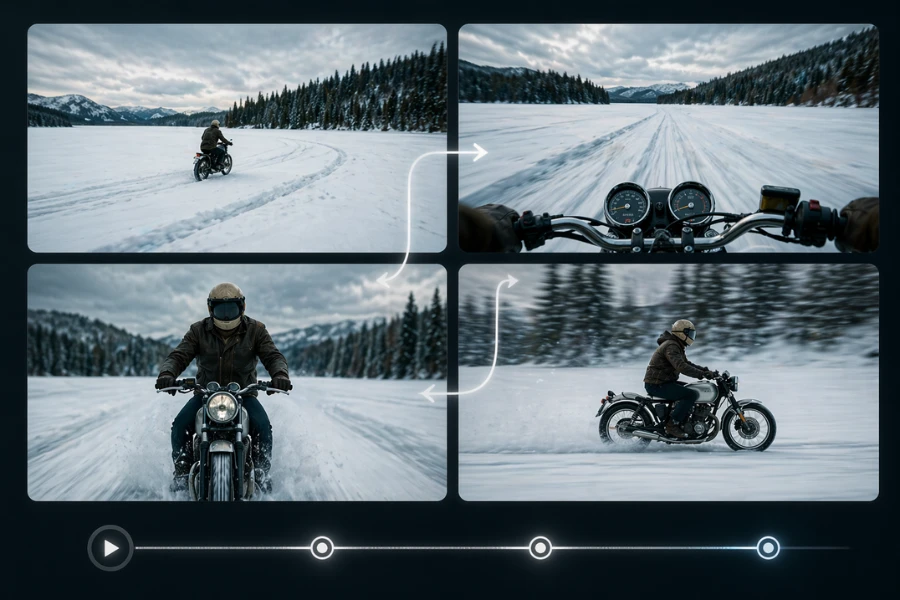
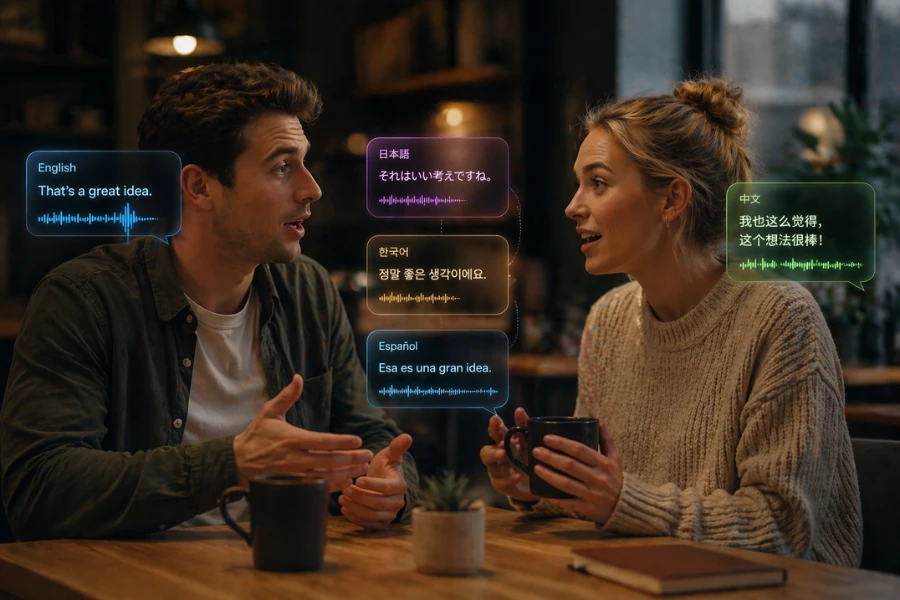
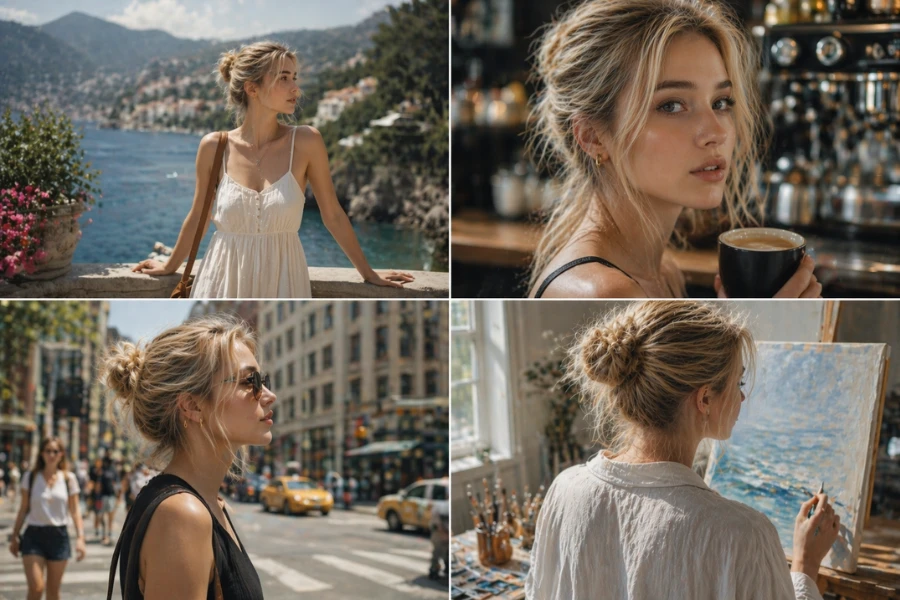
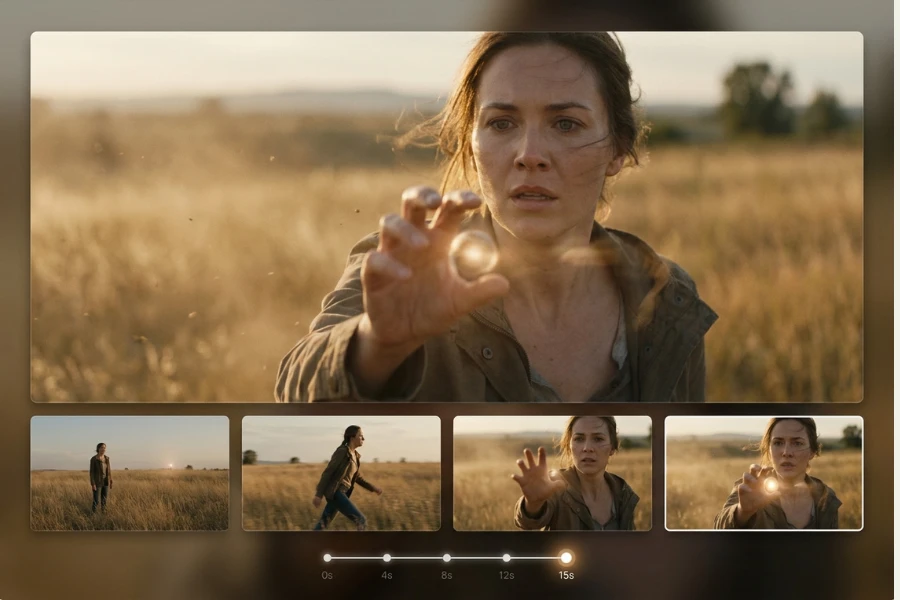
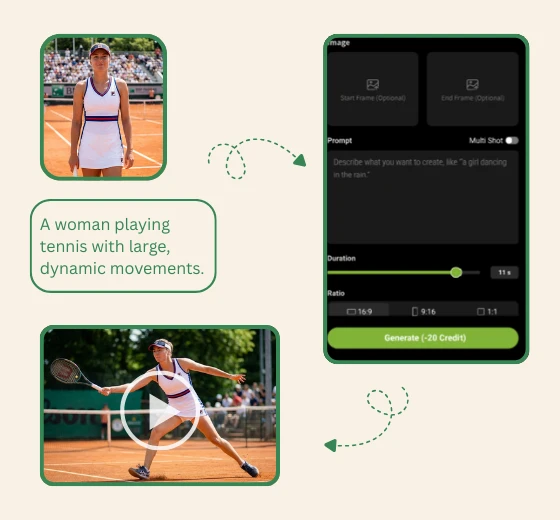
Describe characters, mood, and lighting. Use Kling 3.0 multi-shot mode for precise cinematic pacing, shot control, and consistent AI video storytelling.
Select a duration between 3 and 15 seconds. Choose an aspect ratio-16:9 for ads or 9:16 for social-to ensure your Kling 3.0 content perfectly fits your target platform's requirements.
Generate cinematic motion with synchronized audio, preview high-quality Kling 3.0 results, and instantly download videos ready for any project.
Growing a global audience means posting constantly—but production slows you down. Kling 3.0 AI generates 15-second multilingual reels with consistent character identity, so creators scale output without scaling budgets.
Ad shoots cost thousands and take days. Kling 3.0 lets agencies produce multi-camera commercials in minutes, with flawless character consistency across every cut-no crew, no reshoots, no delays.
Independent filmmakers rarely have budget for complex multi-shot sequences. Kling 3.0 turns a single prompt into a 15-second narrative scene, complete with camera direction and synchronized dialogue.
| Feature | Kling 3.0 | Seedance 2.0 |
|---|---|---|
| Supported resolutions | 720P / 1080P / 4K | 480P / 720P / 1080P |
| Reference inputs | Up to 4 images + video reference lock | 9 images + 3 videos + 3 audio |
| Multi-shot | 2-6 shots AI Director, auto camera continuity | Yes multi-shot narrative, character consistency |
| Motion Realism | Strong, dynamic | Controlled, natural |
| Cost / second (1080P) | 12 credits / sec | 36 credits / sec |
| Duration options | 3-15 seconds | 4-15 seconds (or auto) |
Craft 15-second narratives with seamless multi-camera transitions and locked-in character consistency to captivate your global audience.
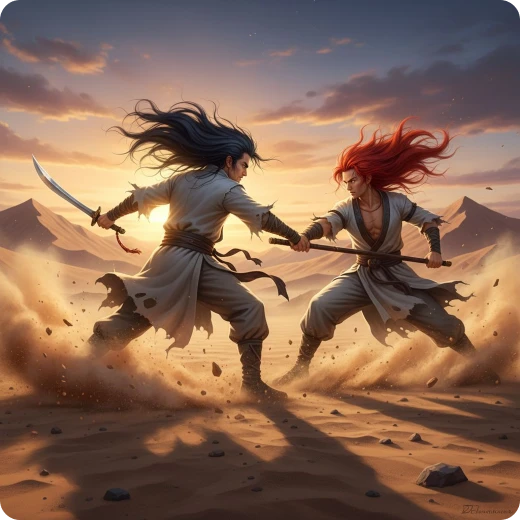
Generate precise videos by referencing multiple images, videos, audio and text.
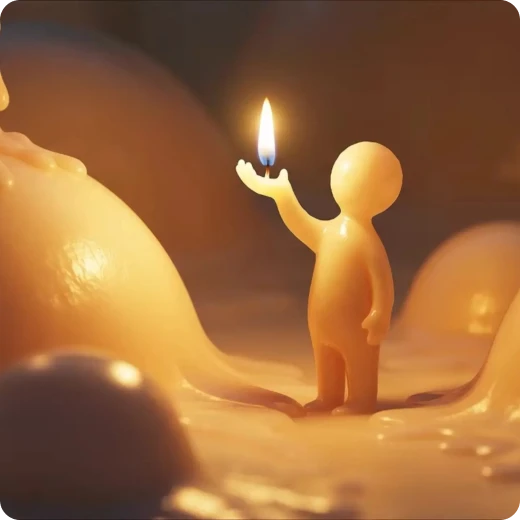
Create cinematic videos with native audio and realistic motion.
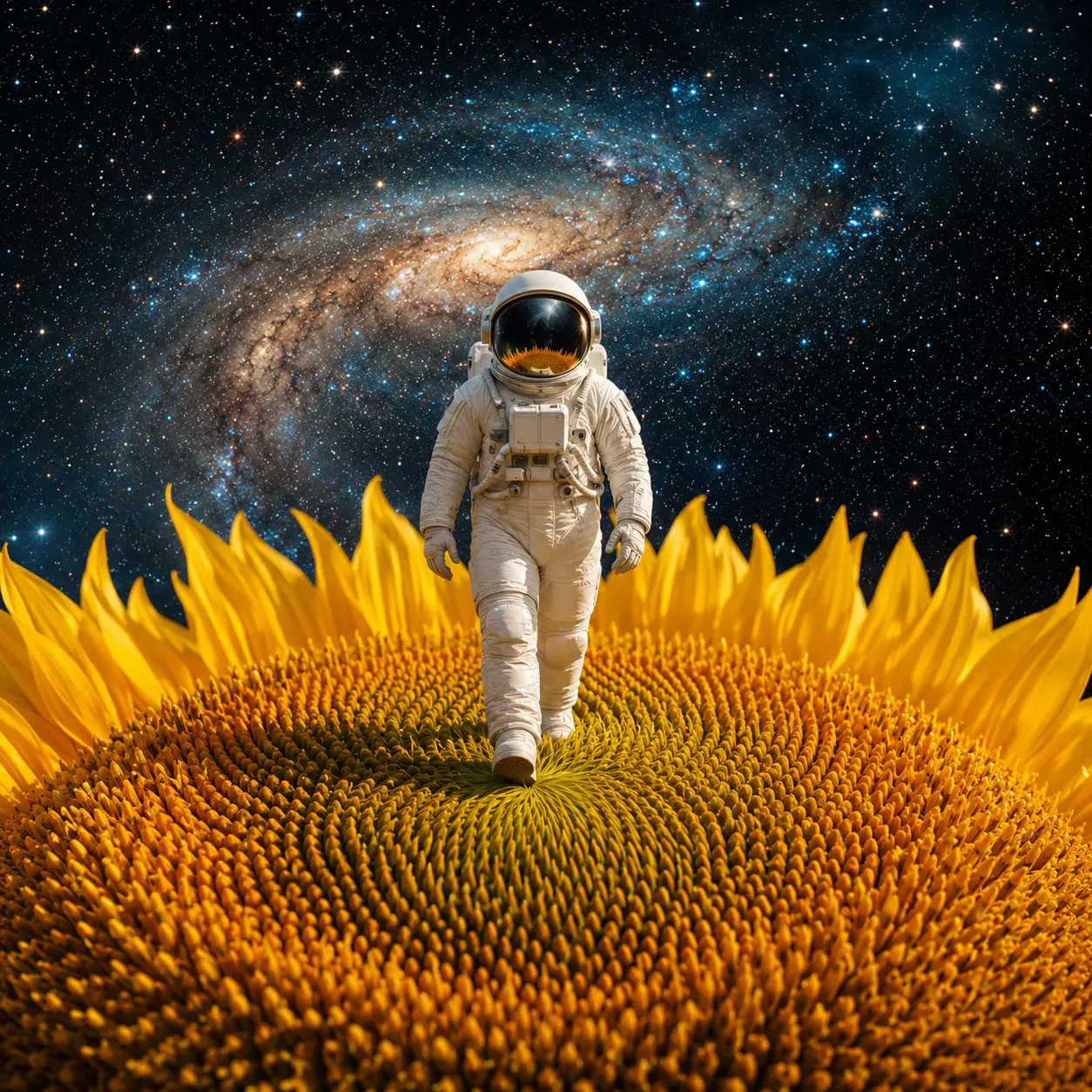
Scene understanding and multimodal inputs enable more realistic AI videos.
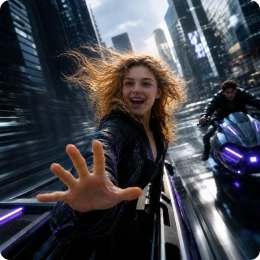
Create stunning AI videos with smooth motion and cinematic storytelling.
Using Kling AI image to video for product demos is a game-changer. The character consistency allows our digital models to wear multiple outfits while keeping the brand logo perfectly sharp and readable.
The quality of Kling video makes pre-visualization much more practical for independent filmmakers. I can map out complex sequences and camera movement before stepping onto set.

My engagement skyrocketed since switching to the Kling AI video model. The AI video generation is so realistic that my followers can't believe these high-energy travel reels were created from text prompts.

We use Kling 3.0 AI to create historical reenactments. The native lip-sync in multiple languages allows us to make history come alive for students in their own native dialects.

Creating cinematic trailers used to take weeks. With Kling 3.0 AI video generator, we can maintain character consistency for our game heroes and generate 4K teasers in a fraction of the time.

Traditional ad shoots used to take days and cost a fortune in fees. With Kling 3.0 AI, we produce multiple high-end spots faster and for much less. It’s transformed our agency's efficiency overnight.