Kling AI motion control made my TikToks go viral! I simply uploaded my selfie and a trending dance clip. The tool animated me dancing perfectly to the beat. It's unbelievably easy and fun!

Alex L.Content Creator


Perfectly sync full-body motion
Kling Motion Control
Upload a character image and reference video to transfer motion with stable identity.
Simply upload a reference video and a static image to perfectly replicate any motion sequence. Kling Motion Control's advanced engine maps every gesture and expression onto your character, transforming a single photo into a precise, guided performance with unmatched cinematic stability.
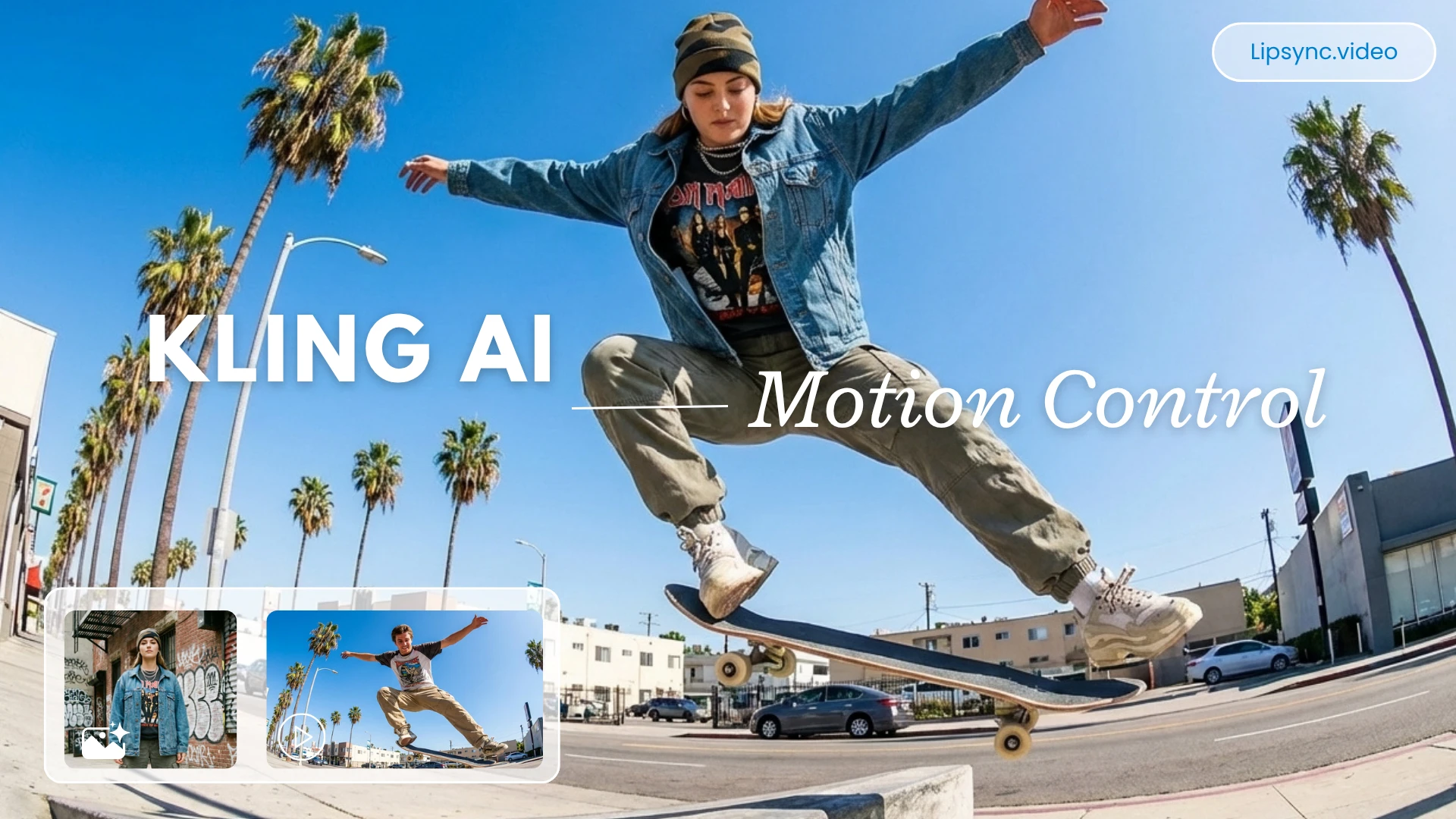
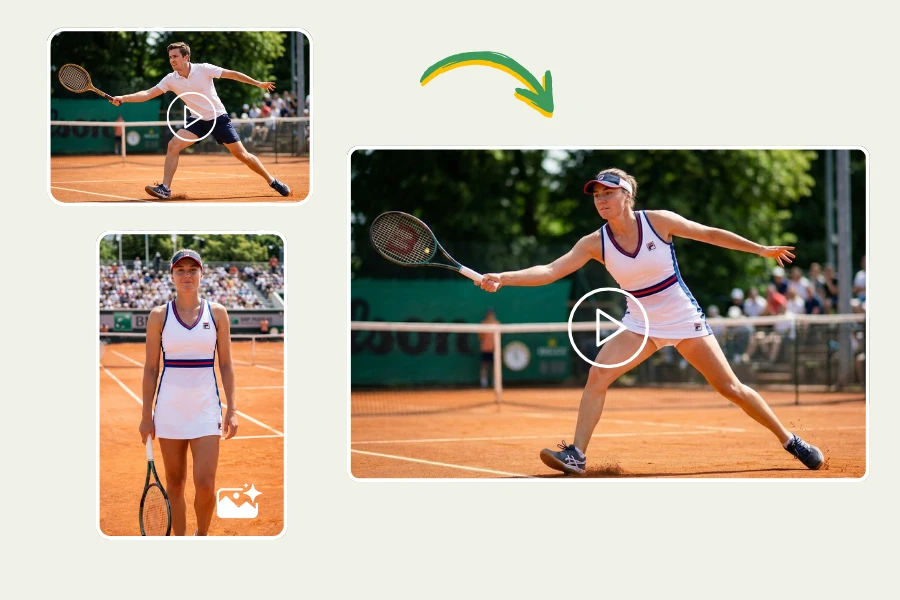
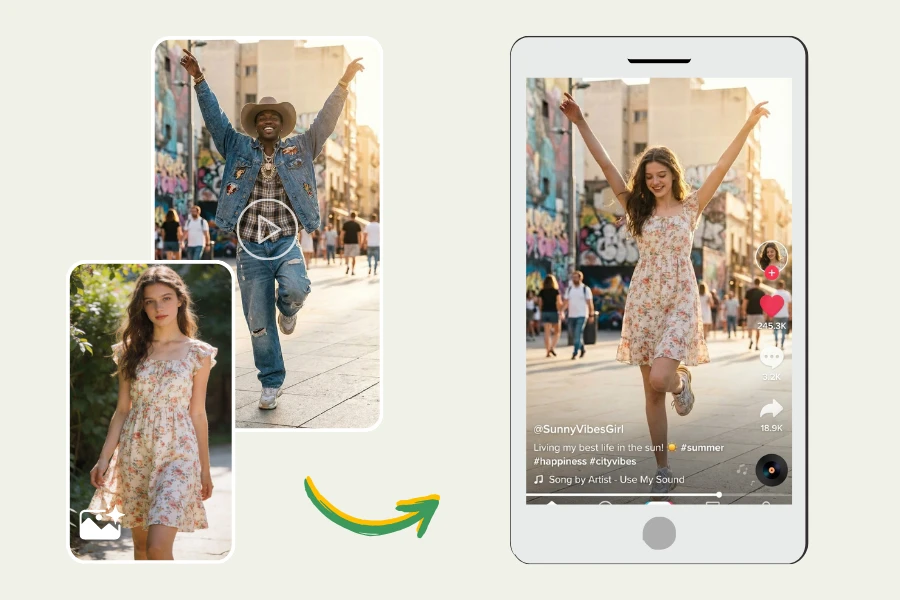
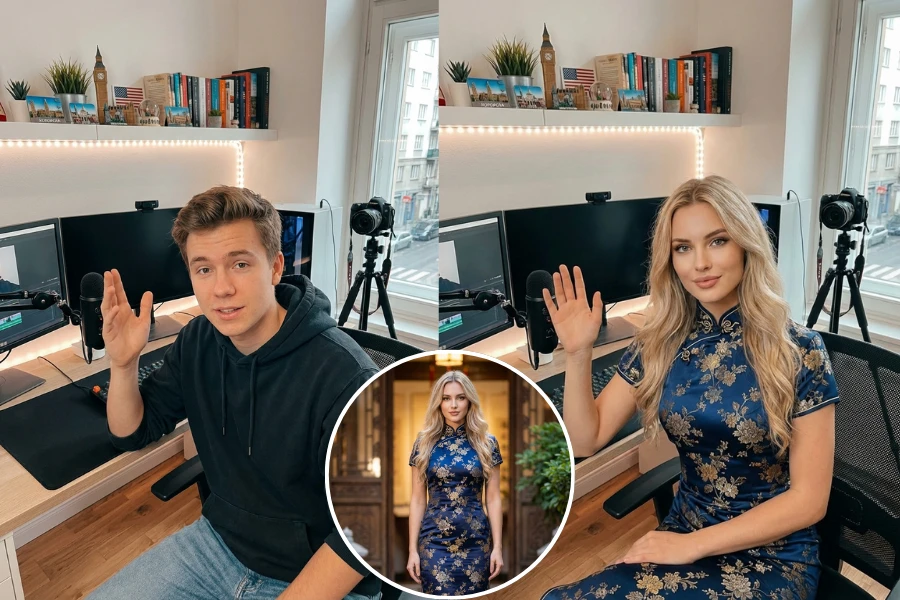
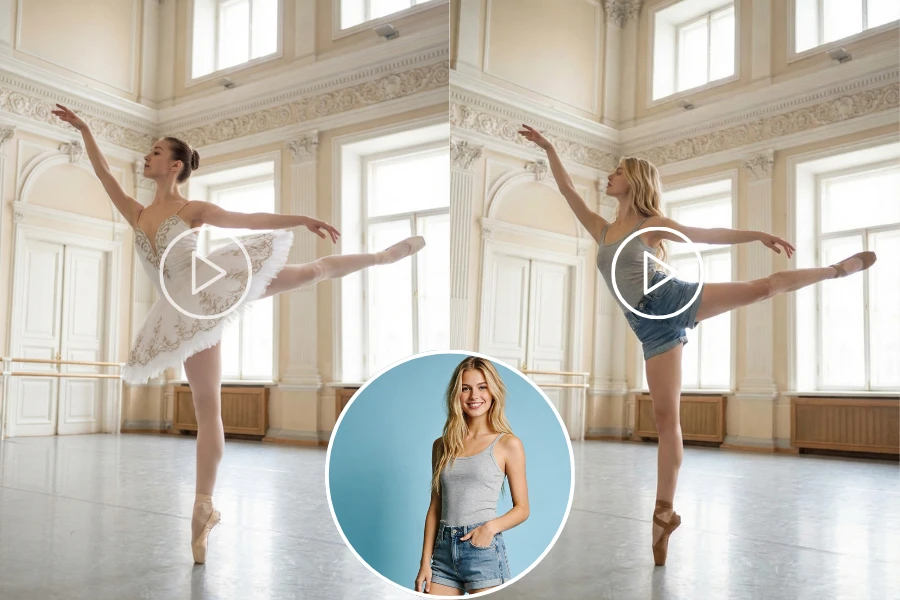
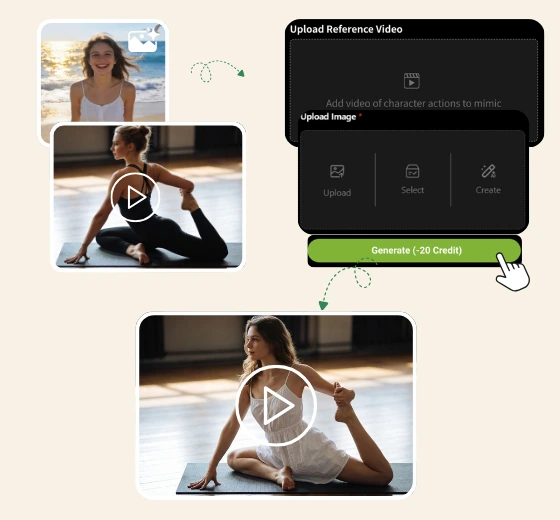
Upload the viral video or motion sequence you wish to copy. Kling AI will automatically analyze the skeletal data to prepare for 1:1 motion mimicry.
Upload, select, or create a high-quality static character image you want to animate. For best character consistency, make sure the lighting is clear and the subject is well defined.
Click "Generate" to sync motions with 1:1 precision. Once satisfied, download your HD AI video, ready to go viral with perfect character stability.
Replicate trending TikTok and Instagram hand-dances with pixel-perfect precision. By using a reference video, Kling Motion Control maps every gesture and rhythm onto your character, letting you join viral challenges with professional-grade motion consistency.
Transform static AI models into expressive digital humans. Kling Motion Control's advanced facial syncing maintains 100% identity stability, allowing your AI influencers to deliver realistic emotions and fluid movements that captivate and grow your audience.
Upgrade static product photos into cinematic fashion videos. Seamlessly animate models to walk, turn, or showcase apparel in high-definition. This high-fidelity motion reduces production costs while significantly increasing engagement and conversion rates for online stores.
| Feature | Kling 2.6 Motion Control | Kling 3.0 Motion Control |
|---|---|---|
| Best for | Lower-cost iteration, clean gesture clips, and fast social edits | Production work where face consistency, hand detail, or aggressive motion is the bottleneck |
| Core input | 1 character image + 1 reference video | 1 character image + 1 reference video |
| Face consistency | Strong for standard shots with limited head rotation | Stronger under turns, partial occlusion, and expression changes |
| Hand & finger detail | Good for typical gesture clips | Better articulation for close-up hand and finger precision |
| Motion realism | Reliable for dance loops, presenter gestures, and mascot content | Built for high-speed action, wide movement range, and momentum-heavy sequences |
| Character motion scope | Single-subject motion | Multi-character motion support |
| Reference video length | 3-30 seconds | 3-30 seconds |
| Output resolution | 720p / 1080p | 720p / 1080p |
| Credits on lipsync.video (720p) | 5 credits/s | 7 credits/s |
| Credits on lipsync.video (1080p) | 7 credits/s | 10 credits/s |
Upload a photo and reference video to replicate any motion instantly. Achieve perfect character stability and high-fidelity AI animation in seconds.
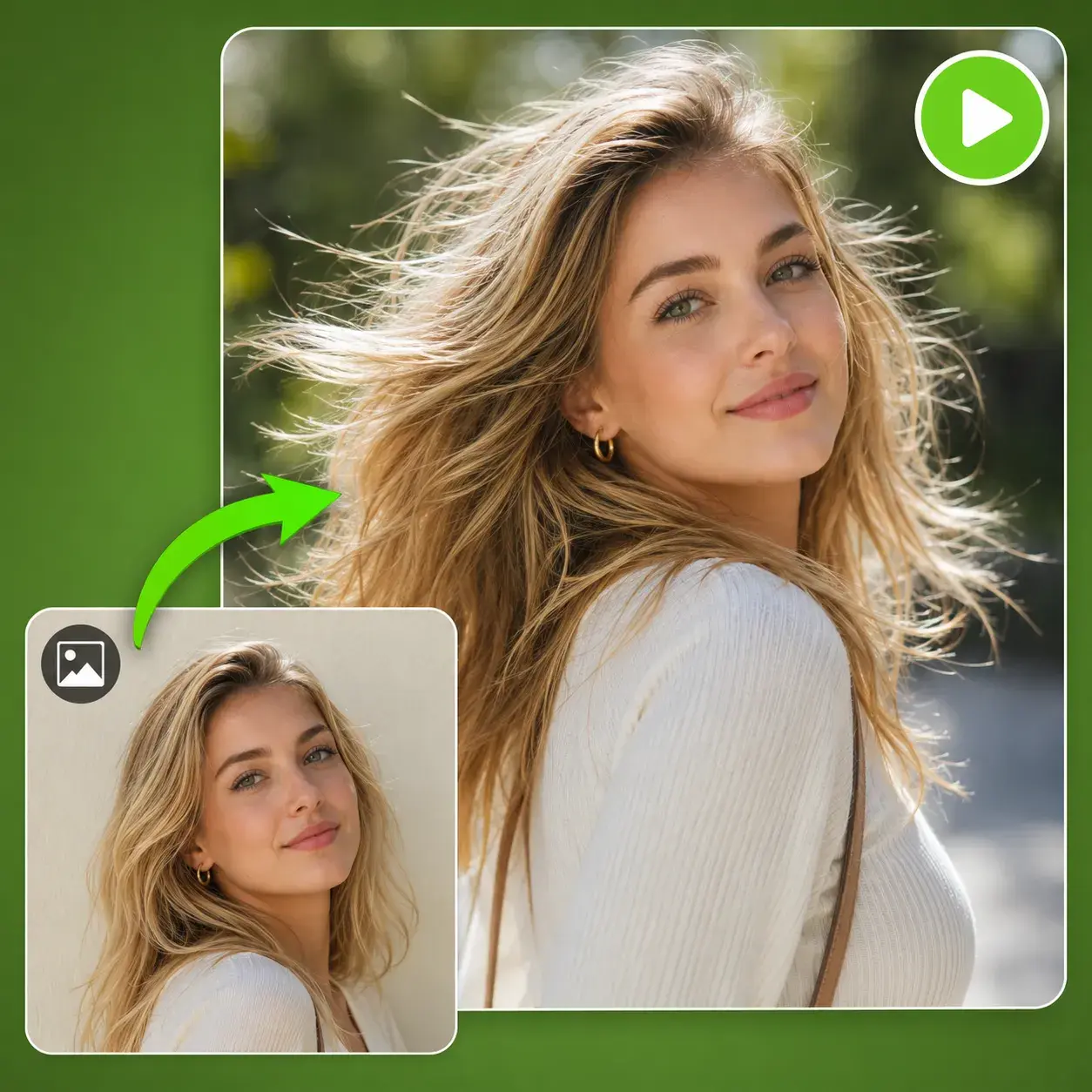
Transform static images into lifelike videos with advanced AI models.
Generate a 30-second video directly using up to 50 multimodal references.
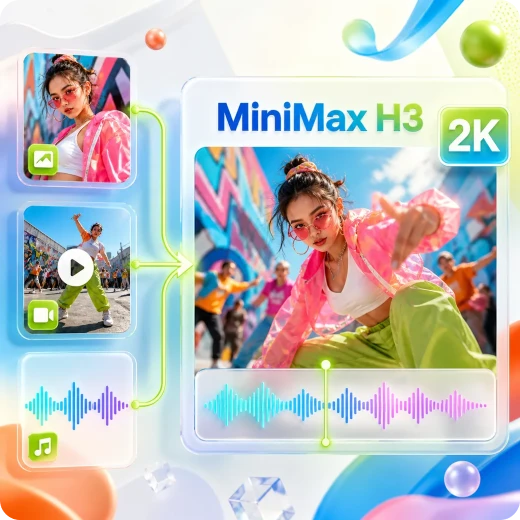
Generate 2K audio-visual synchronized videos from multimodal references.
Create cinematic AI videos with multi-shot control and native audio.
Kling AI motion control made my TikToks go viral! I simply uploaded my selfie and a trending dance clip. The tool animated me dancing perfectly to the beat. It's unbelievably easy and fun!
Kling Motion Control transformed our agency workflow. We now create viral Instagram and TikTok videos for AI influencers at scale by mapping trending dances and gestures onto custom digital characters.

Clients want AI videos that feel natural. Kling AI helps us create expressive, realistic characters for brand storytelling, and its free online access makes rapid content testing much easier.

Consistent facial identity was always difficult in AI video. With Kling motion control, I can rotate characters from any angle while keeping faces stable, giving me real cinematic control.

We use Kling motion control for virtual try-on videos. A reference walking clip can animate static clothing photos into 1080p fashion videos, cutting costs and increasing engagement.

Kling AI motion control stands out from other tools. It keeps facial expressions and identity stable, making it easy to turn a single photo into a viral-quality video in minutes.