TypeBalanceValidity period
Check-in Credits0Today
Share Credits0Today
Follow Credits0This Week
Post Credits0This Week
Paid Credits0Permanent
Seconds Pause
  • English
  • Español
  • Português
  • 简体中文
  • 繁體中文
  • Neutral
  • Happy
  • Sad
  • Angry
  • Surprised
  • Fearful
  • Disgusted
    Speed:1
    0.52
    Volume:1
    010
    Pitch:0
    -1212
lip sync
Unlimited subscription for Lipsync/ Talking/ Singing.Learn More→
Pricing
0
Sign In
Lip Sync
AI Avatar
AI Video
AI Ads
AI Audio
AI Image
Creation
Sign In
Lip Sync
AI Lip Sync
Talking Photo
Singing Photo
Talking Cartoon
Talking Animals
AI Baby Podcast
Talking Objects
AI Avatar
AI Avatar Generator
Avatars
Talking Avatar
AI Human Generator
Avatar Dialogue
AI Influencer Generator
Video Tools
AI Video Generator
AI Image to Video
Motion Control
ByteDance
Seedance 2.5
ByteDance
Seedance 2.0
Minimax H3
Kling 3.0
Gemini Omni
Veo 3
Grok Imagine Video
ByteDance
Seedance 1.5 Pro
Hailuo 2.3
HappyHorse 1.0
AI Ads Tools
AI Ad Clone
Product Avatar
Product Video
Product Image
AI Audio
AI Voice Cloning
AI Image Tools
AI Image Editor
GPT Image 2.0
AI Character Generator
AI Hairstyle Changer
AI Hair Color Changer
AI Baby Generator
Creation Tools
New
icon
Talking 1.0
Fastest, basic effect
  • icon
    Talking 4.5New
    Quickly generate 3-minute videos
    4+ Credit/s180s
  • icon
    Talking 4.0Recommended
    Best Effect
    3 Credit/s40s
  • icon
    Talking 3.0
    High quality output
    2 Credit/s90s
  • icon
    Talking 2.0
    Quality and effect balance
    2 Credit/s90s
  • icon
    Talking 1.0
    Fastest, basic effect
    1 Credit/s90s
No data

Avatar

Upload
Select
Create
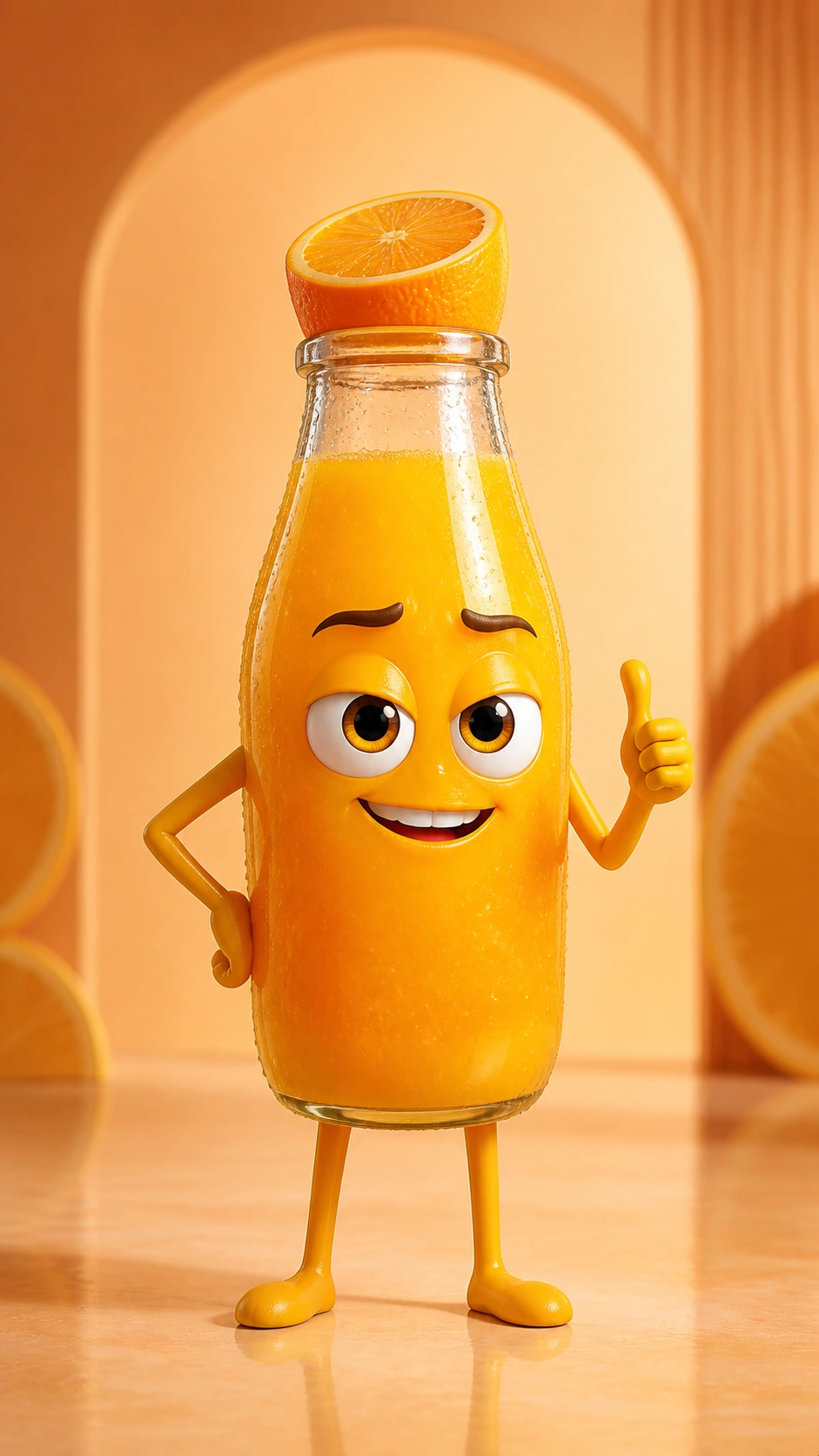
Happy talking orange juice bottle
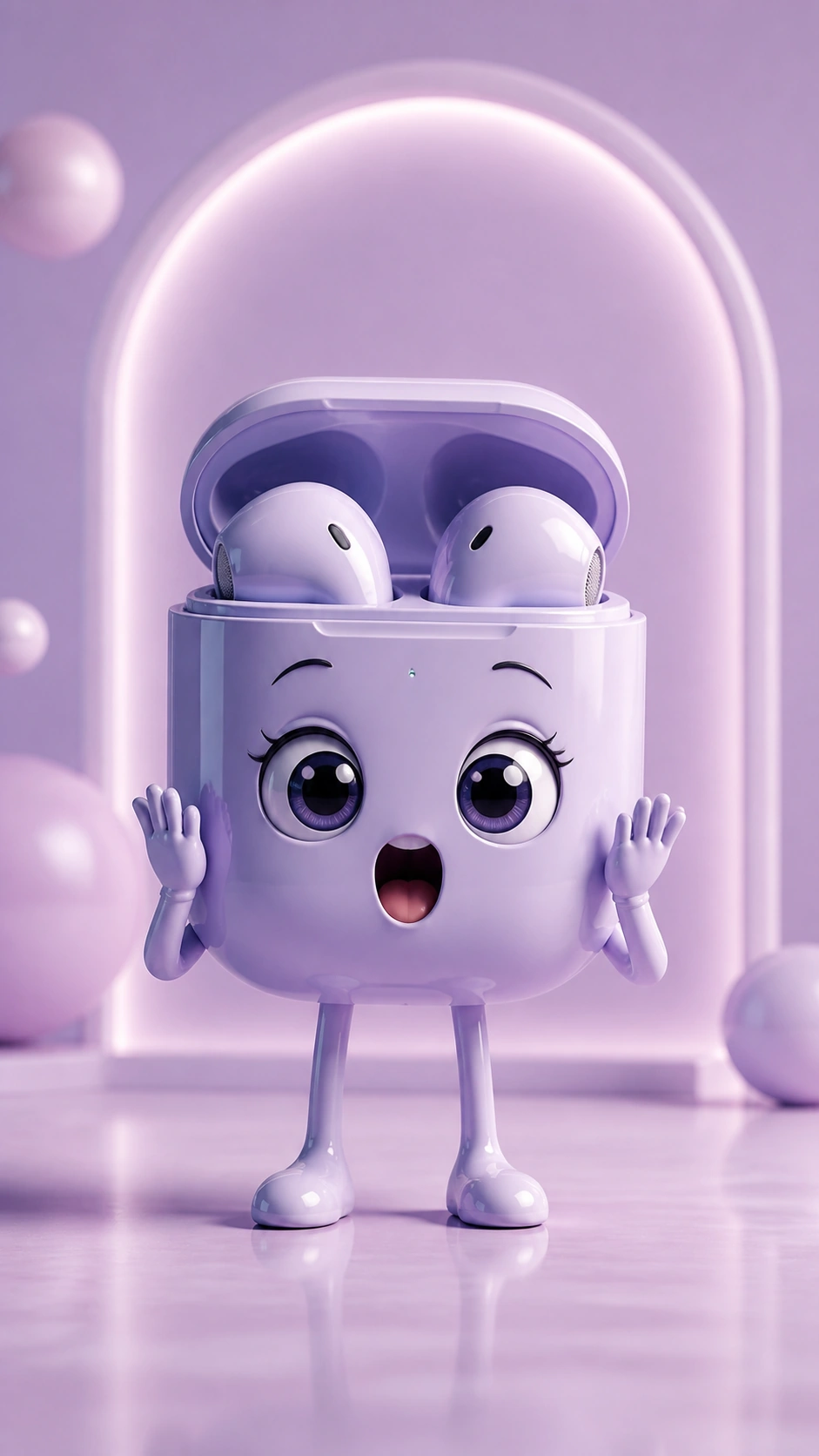
Cheerful talking purple Bluetooth headphones
Smiling talking green tea cup
Happy talking pink face cream
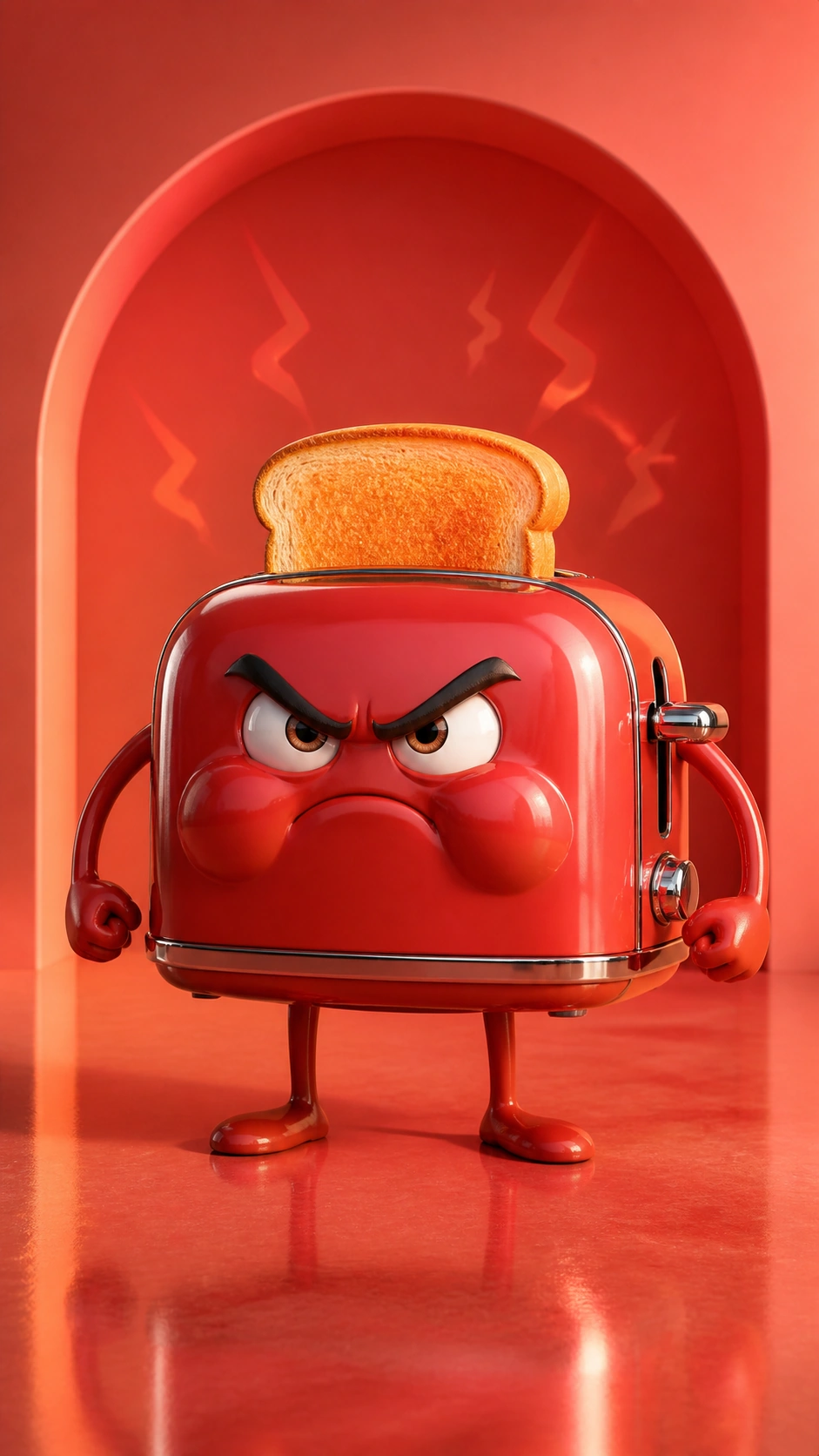
Cheerful talking red toaster

Create Your Talking Object

Upload up to 5 images.
Faithful TransformationExpressive EmotionsPlayful Advertising
Auto
1:1
9:16
16:9
3:4
4:3
2:3
3:2
Preview
Generated video will be displayed here
0 / 1000
Calm Woman
Upload Audio Up to 90s
Record Audio Up to 90s
Display History
  1. AI Lip Sync
  2. ›
  3. Talking Objects

AI Talking Object Generator

Upload an object character, add text or audio, and generate a talking video in minutes.

Make Any Object the Star of Your Next Video

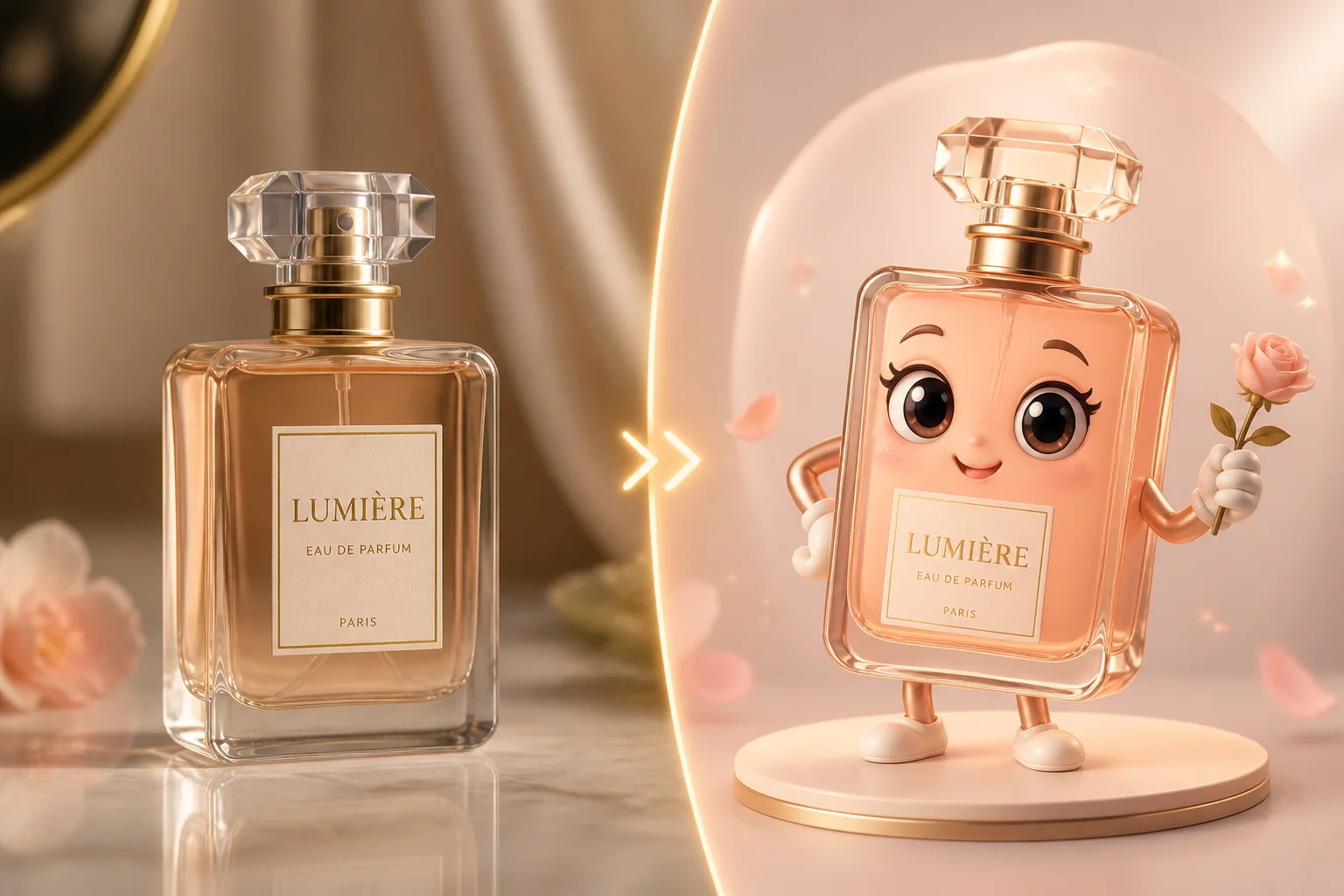
Turn a snack into a comedian, a perfume bottle into a diva, or everyday items into expressive talking objects with something to say. Create or upload your own character, give it a voice with text or audio, and turn a simple idea into a talking video for stories, humor, and social content.

Social Media Content Featuring Talking Objects

Key Feature of Our AI Talking Object Generator

Perfume Becomes a Character That Can Speak

Transform Any Object into a Character

  • Start with a product, food item, toy, package, or everyday object and transform the image into a recognizable character. Create the character on our platform or upload your own image before making a talking object video.
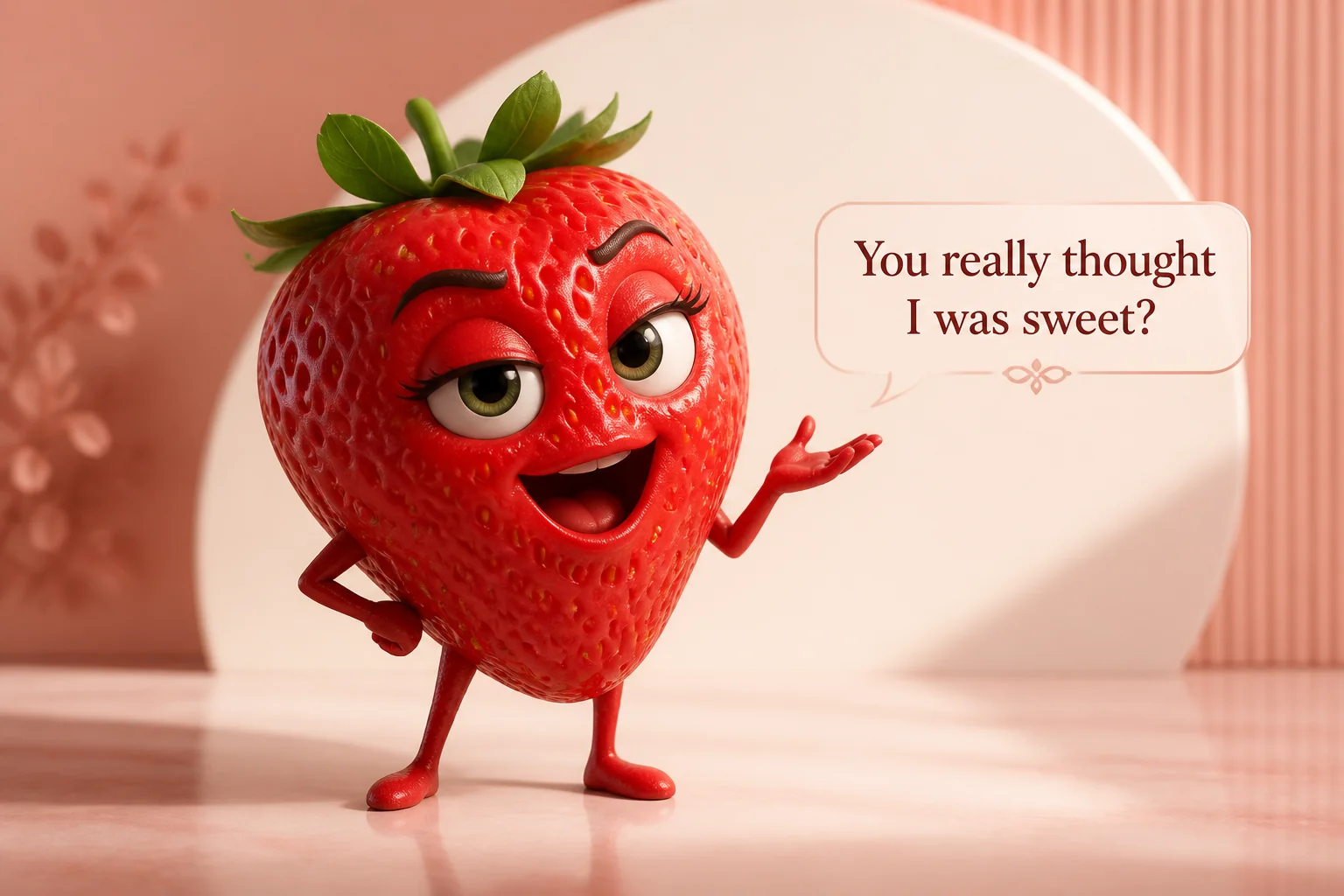
  • Talking objects work best when each character has a distinct look and personality. A coffee cup can be sarcastic, a perfume bottle can feel elegant, and a piece of fruit can become playful.
A strawberry is talking

Make Your Talking Objects Speak Naturally

  • Add text or upload audio to define exactly what the character should say. Facial movements are synchronized with the supplied speech, helping the object feel expressive rather than looking like a static image with a moving mouth.
  • Creators can use scripts for precise dialogue or upload recorded audio when a specific voice, delivery, or performance has already been prepared.
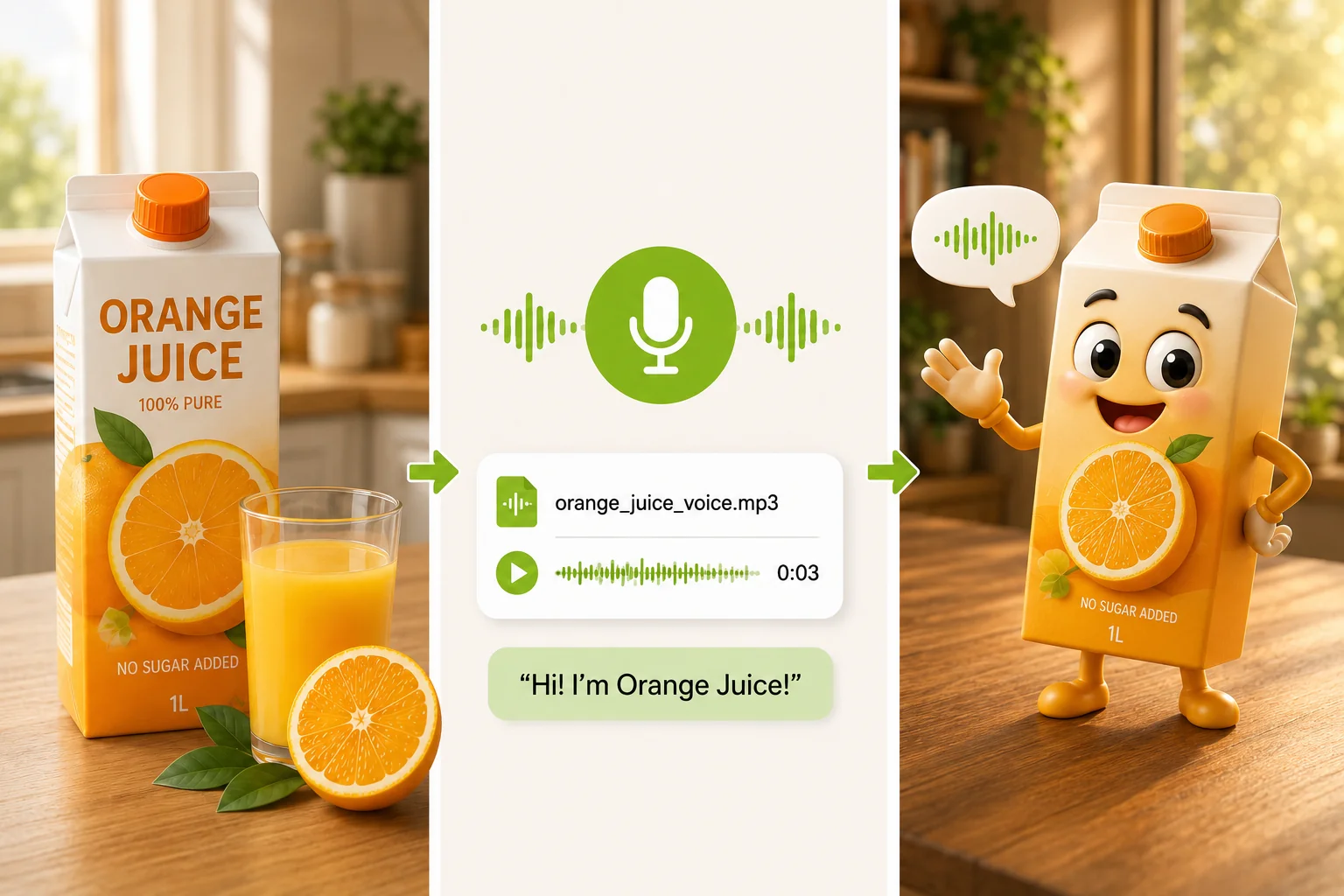
A Workflow That Lets Objects Speak

Create Talking Objects with a Simple Workflow

  • Talking objects can become recurring characters across short stories, episodic videos, product-led content, and themed social posts. Upload your character image, add written dialogue or audio, and generate the result through a direct workflow without timelines, keyframes, or manual lip-sync editing.
  • The process is designed for creators who need to move quickly from an idea to a usable video without learning traditional character animation tools.
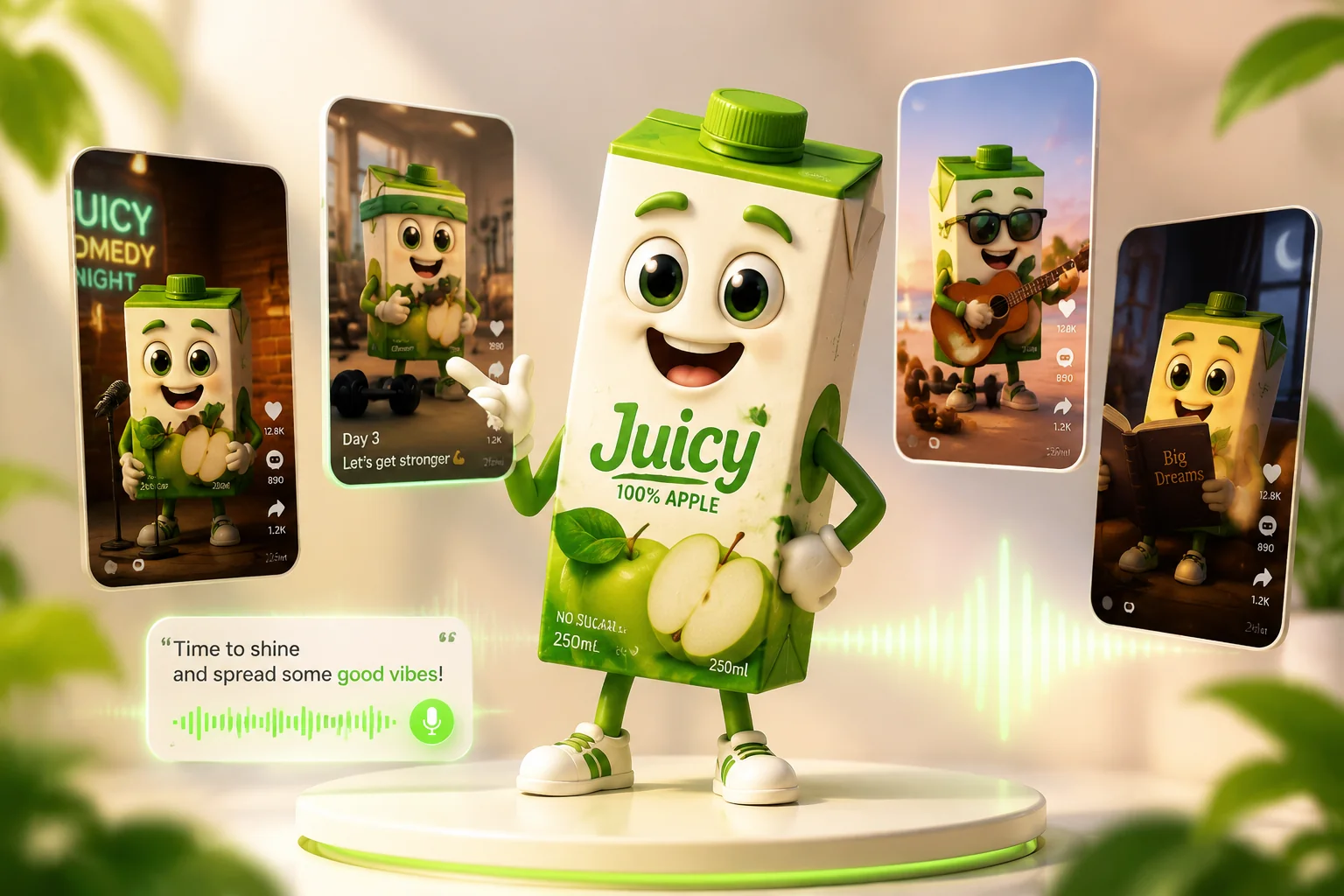
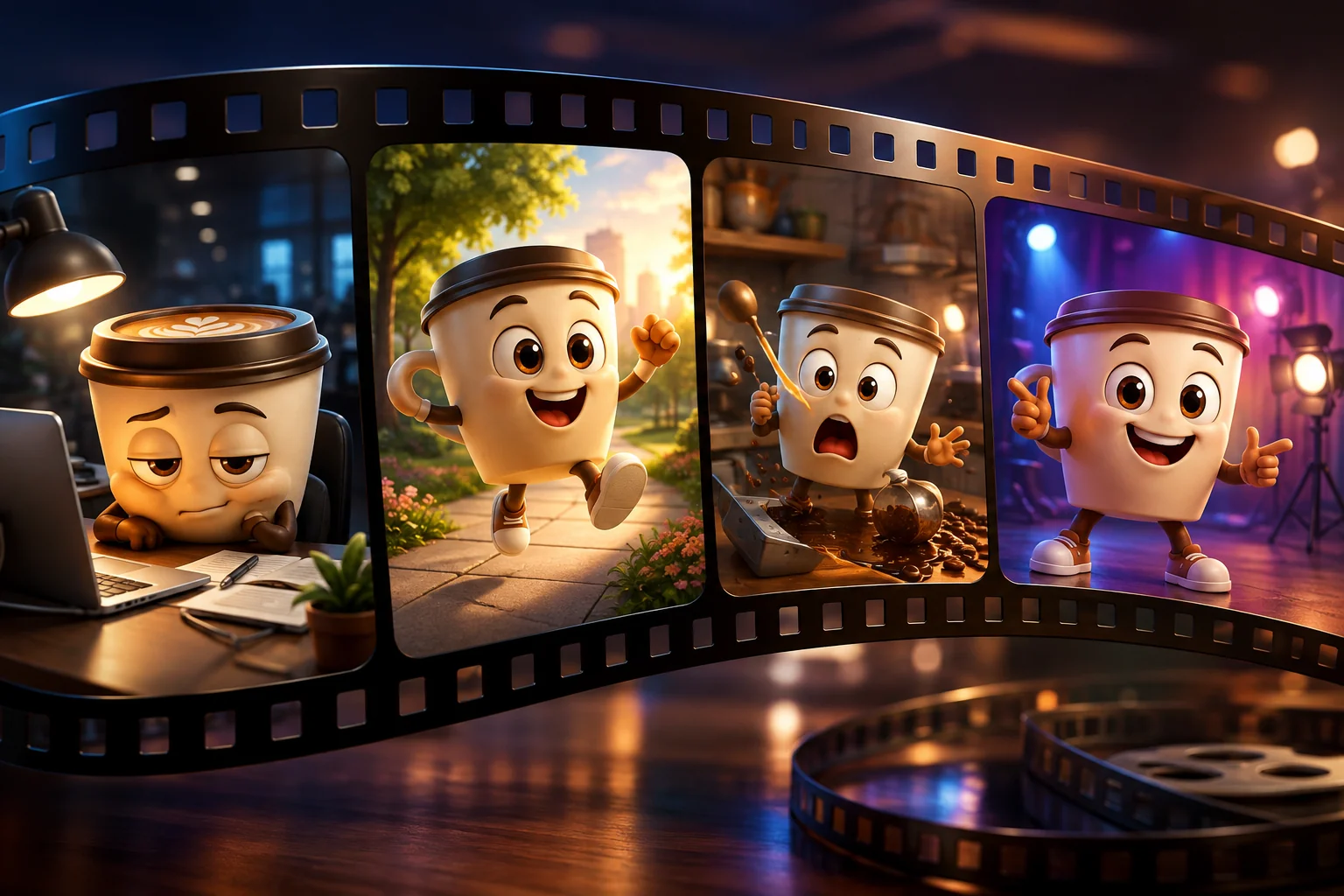
Create a video series featuring talking objects

Turn One Character into an Ongoing Content Series

  • Bring the same talking object back across short stories, recurring episodes, product-led content, or themed social posts. Create vertical videos for TikTok, Instagram Reels, and YouTube Shorts, and keep developing the character with new ideas.
  • One strong character idea can become more than a single clip—it can grow into a recognizable series your audience comes back to.

How to Use Our AI Talking Object Generator

How to Use Our AI Talking Object Generator
1

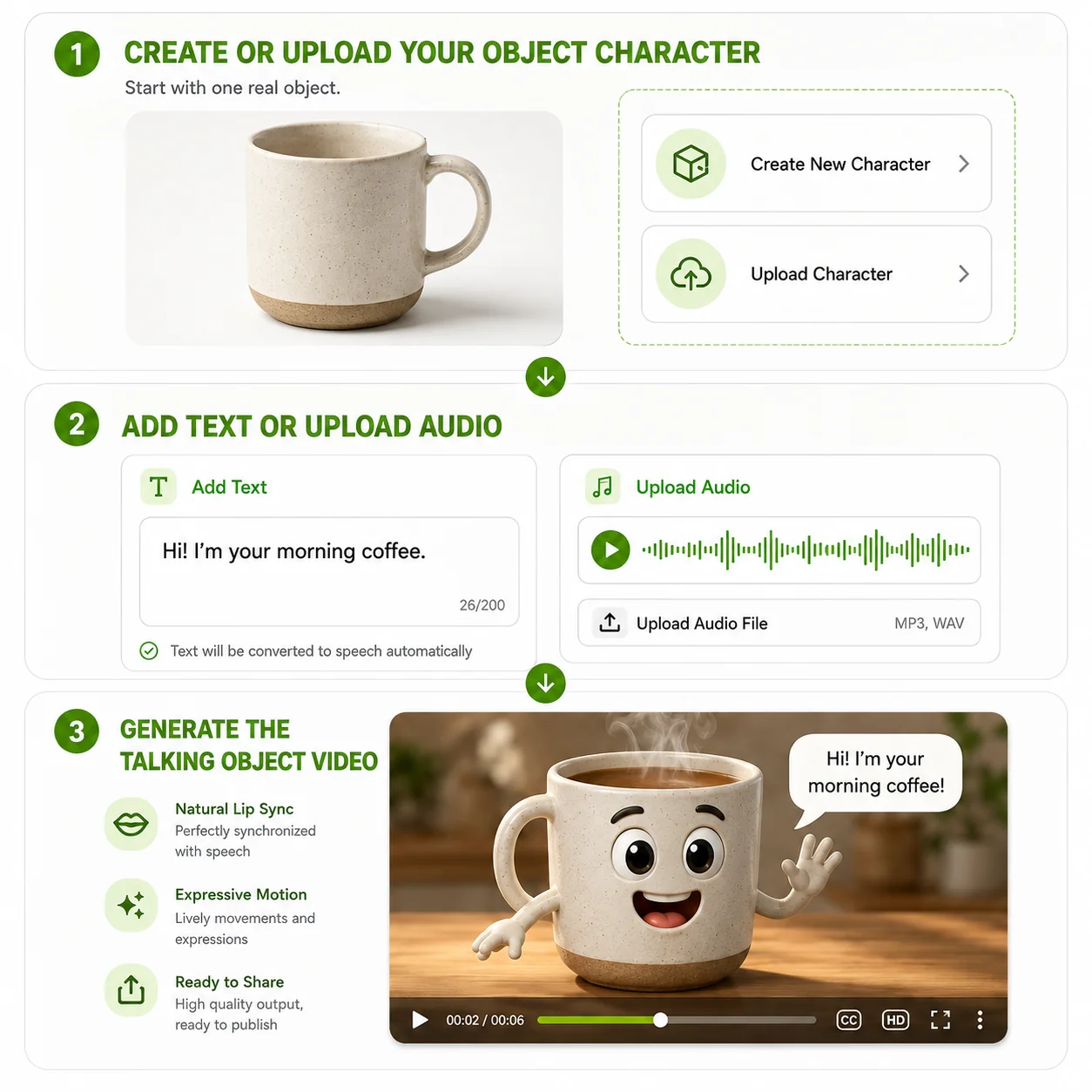
Create or Upload Your Object Character

Upload an existing object character image or create a new character with an AI image tool. Use a clear face so the talking objects can produce more readable expressions.

2

Add Text or Upload Audio

Type the words you want the character to say or upload an audio file with the finished voice. This gives the object talk workflow the speech needed for the final animation.

3

Generate the Talking Object Video

Start generation and let Our talking objects generator animate the character around the supplied speech.

Ready to Make Your Object Talk?

Bring bottles, toys, products, and everyday objects to life with AI. Generate a talking object video in seconds.

Explore Related AI Tools

Talking Photo

Talking Photo

Turn your photo to lip-synced video with natural motion.

Singing Photo

Singing Photo

Transform images and audio into vivid, lip-synced singing videos.

Talking Cartoon

Talking Cartoon

Make cartoon character images talk, create stunning cartoon video.

Talking Animals

Talking Animals

Make funny animal talking videos using only animal pictures.

What Creators Say About AI Talking Object Generator

I use talking objects when I need an idea that looks different from another face-to-camera video. A simple food character and a short script can become an entire TikTok sketch.

Natalie Brooks
Natalie BrooksTikTok Creator

Our product content used to rely heavily on demos. Turning a product into a talking object gives us another creative format for launches, reactions, and short branded stories.

Marcus Reed
Marcus ReedBrand Content Strategist

I like how easy it is to test an object talk idea. I can start with a household item, add a short line, and see whether the concept works before spending more time editing.

Priya Shah
Priya ShahReels Creator

I use talking objects as recurring characters in short stories. Adding text or recorded audio gives me a quick way to create dialogue without building a traditional animation setup.

Owen Parker
Owen ParkerYouTube Shorts Creator

Talking objects are useful when I need a stronger visual hook for a campaign. A package or everyday item can become a character that feels much more native to short-form social content.

Gabrielle Turner
Gabrielle TurnerSocial Media Specialist

I already design strange object characters for fun. The talking objects workflow lets me give those drawings dialogue and turn a static character into something I can actually share.

Javier Morales
Javier MoralesIndependent Illustrator

Frequently Asked Questions About AI Talking Object Generator

What is a talking object?

A talking object turns an everyday item into a speaking character with facial movement and personality for stories, social videos, or product content.

How to make talking objects AI tutorial?

Upload a character image, add a script or audio, generate the talking objects, preview the result, then edit or publish the finished social video.

How can I make an object talk from a photo?

Start with a clear character-style object image, add dialogue as text or audio, and generate an object talk video with synchronized facial movement.

Do I need animation skills to create talking objects?

No. Talking objects can be created without character rigging, keyframes, or manual lip-sync editing, making the workflow accessible to beginners.

Can I upload audio to make an object talk?

Yes. Upload recorded speech when you want to use your own voice or performance. The talking objects workflow animates the character around that audio.

Can I type text instead of recording audio?

Yes. Add written dialogue when you want a faster workflow. The talking objects tool uses the supplied text to create the character's spoken content.

What can I turn into talking objects?

Products, food, toys, packages, gadgets, household items, and many other images can become talking objects when the character has a visible face.

Can I make talking object videos for TikTok and Reels?

Yes. Talking object videos can be created for short-form platforms including TikTok, Instagram Reels, and YouTube Shorts.
lip sync

Create expressive AI videos, voices, images, and ads in one creative workspace.

Office Address: Singapore[email protected]
AI Lip Sync
  • AI Lip Sync
  • Talking Photo
  • Singing Photo
  • Talking Animals
  • Talking Cartoon
  • AI Baby Podcast
  • Talking Objects
AI Image
  • AI Image Editor
  • GPT Image 2
  • AI Character Generator
  • AI Hairstyle Changer
  • AI Hair Color Changer
AI Avatar
  • AI Avatar Generator
  • Talking Avatar
  • AI Human Generator
  • AI Influencer Generator
  • Avatar Dialogue
AI Audio
  • AI Voice Cloning
AI Video
  • AI Video Generator
  • AI Image to Video
  • Motion Control

AI Video Models

  • Seedance 2.5
  • Seedance 2.0
  • Minimax H3
  • Kling 3.0
  • Gemini Omni
  • Veo 3
  • Grok Imagine Video
  • Seedance 1.5 Pro
  • Hailuo 2.3
  • HappyHorse 1.0
AI Ads
  • AI Ad Clone
  • Product Video
  • Product Image
  • Product Avatar
About Us
  • Pricing
  • Feedback
  • Privacy Policy
  • Terms of Service

Copyright © 2026 LipSync.video. All rights reserved.