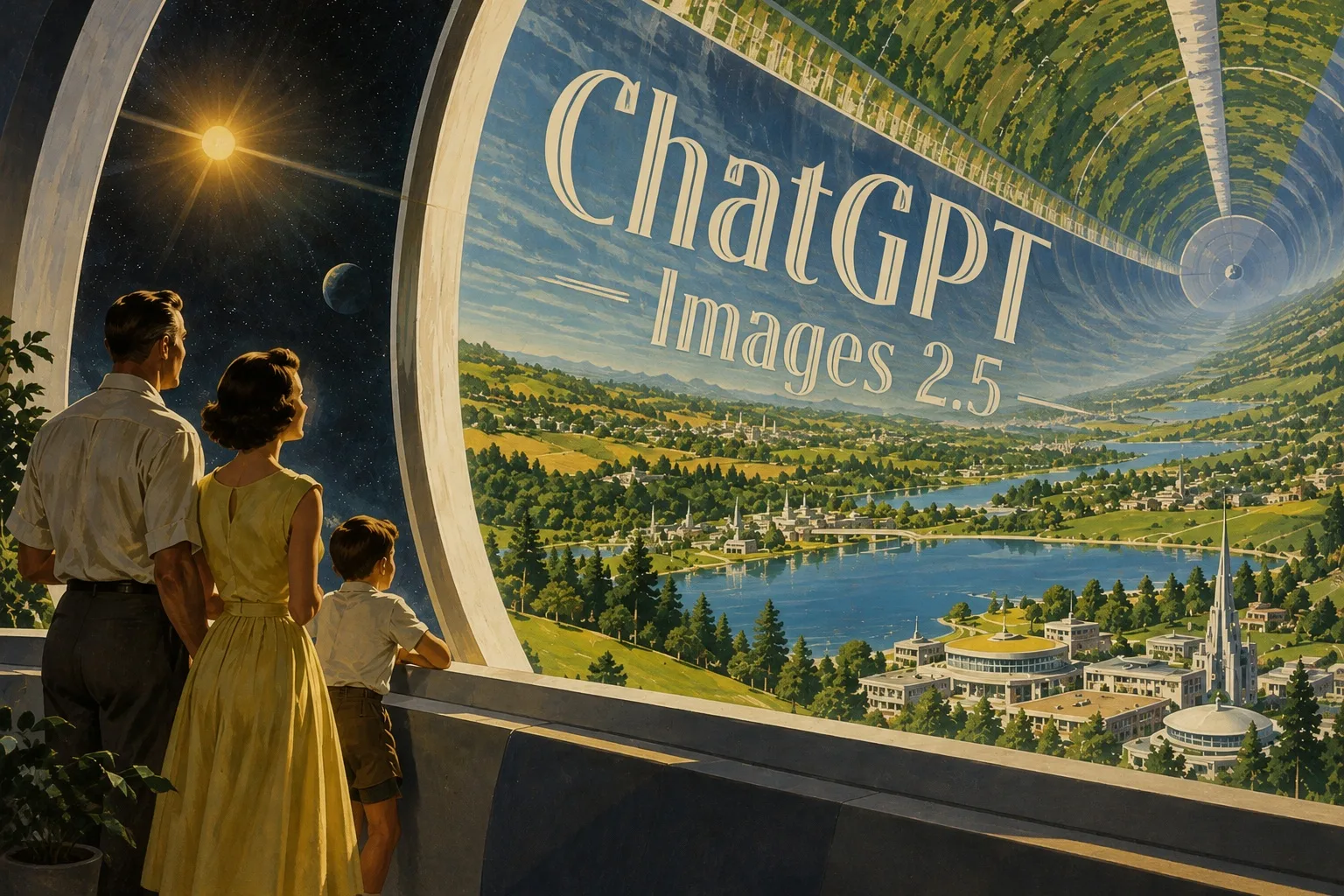
ChatGPT Image 2.5 has become one of my go-to tools for creating campaign visuals. The AI image generator understands detailed prompts well, and I can quickly refine an image without starting over every time I need a small change.



GPT Image 2.5 AI Image Generator
Create detailed, high-quality images with GPT Image 2.5, featuring sharper details, richer textures, and more natural-looking results.
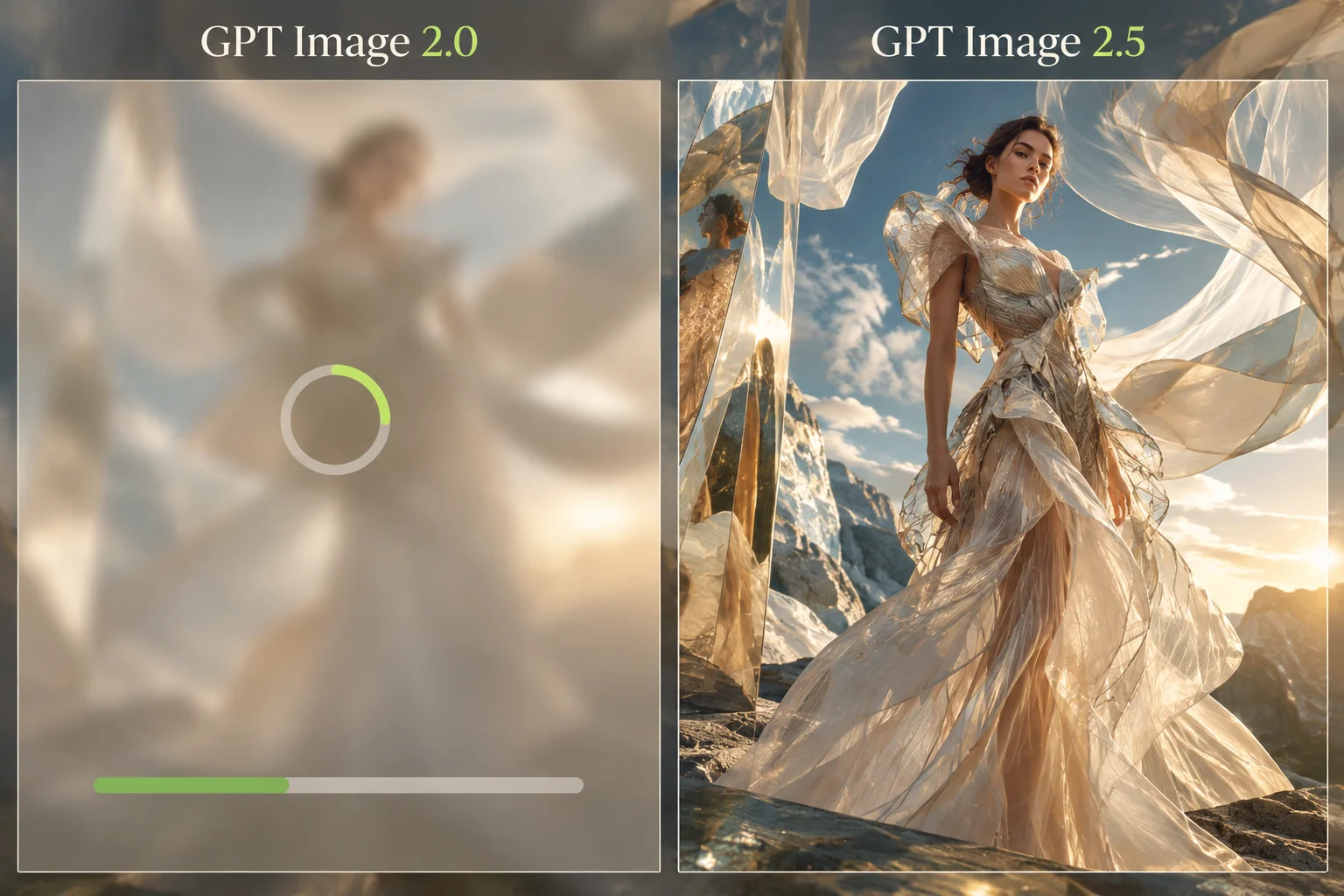
Generate high-fidelity visuals from prompts and references with GPT Image 2.5, featuring sharper details, faster generation, precise editing, and stronger reference fidelity. Use it as a ChatGPT AI image generator to turn your ideas into detailed images with greater control over the final result.


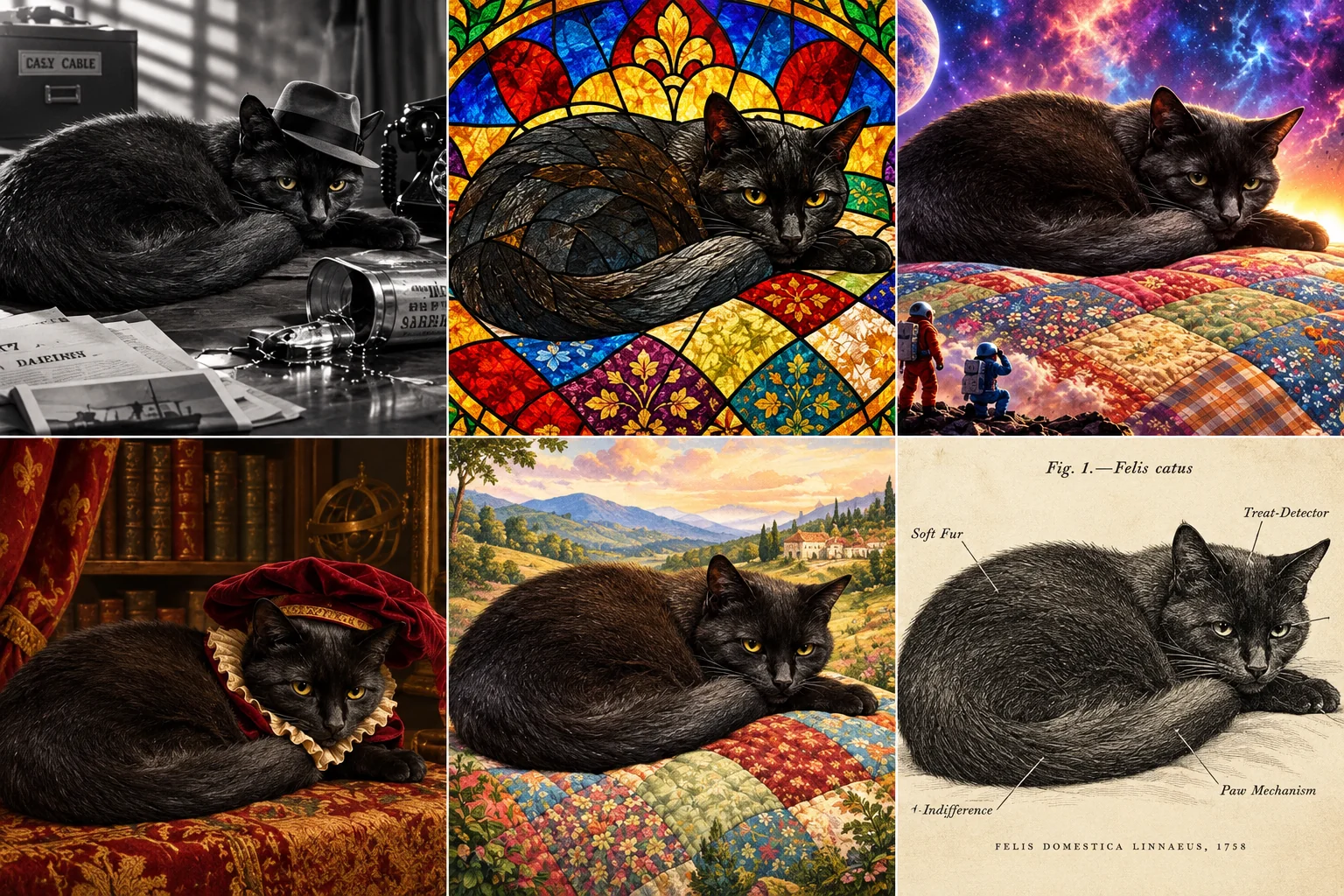
Keep important visual elements stable across multiple generations. ChatGPT Image 2.5 helps maintain character details, objects, layouts, and other key features when refining an image over several rounds.

Change a specific part of an image without rebuilding the entire composition. GPT Image 2.5 lets creators refine an object, detail, background area, or other selected element while keeping the rest of the image stable.

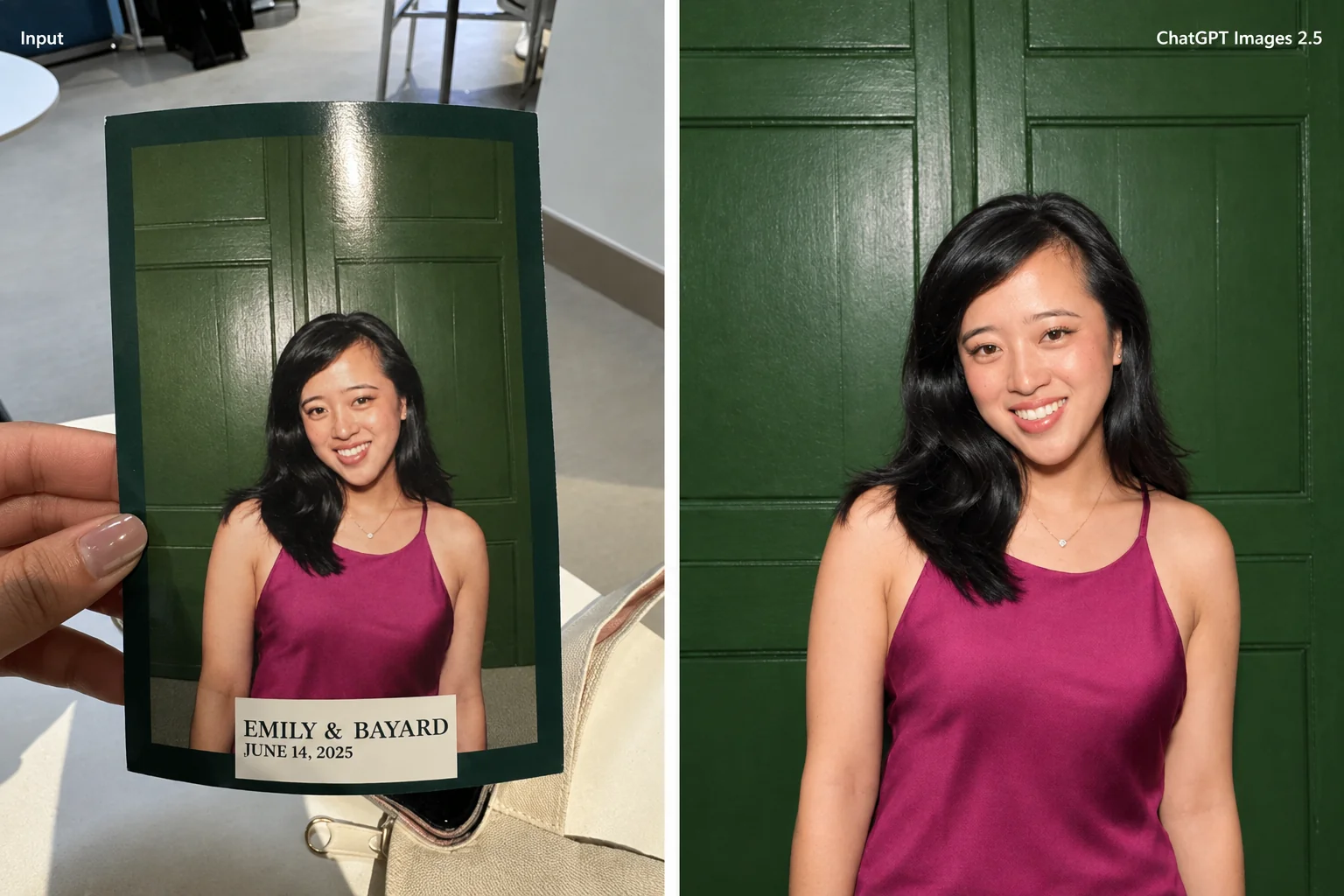
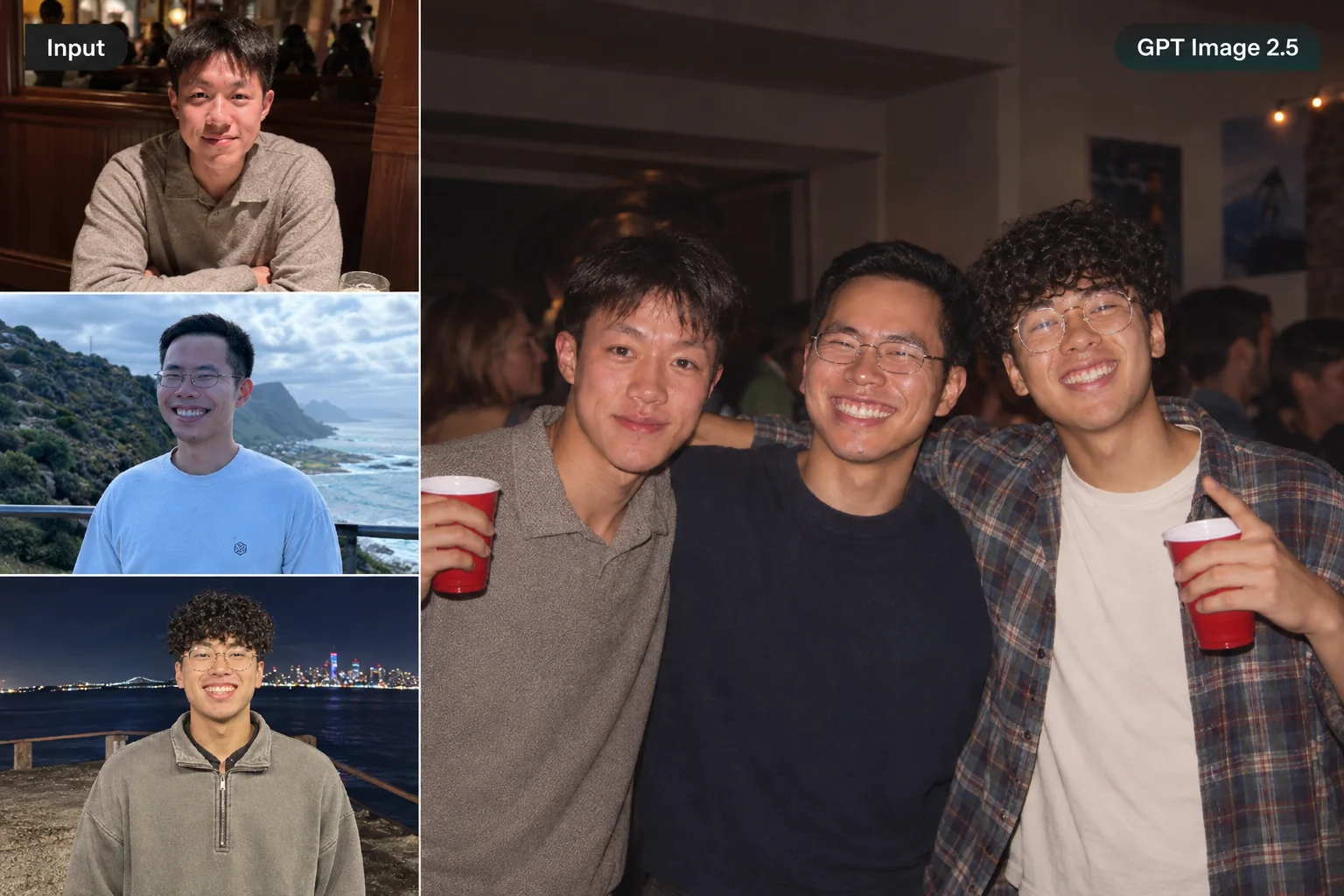
Use reference images to give ChatGPT Image 2.5 clearer visual direction. This ChatGPT image generator helps preserve important appearance, style, character, and product details while you create new variations.

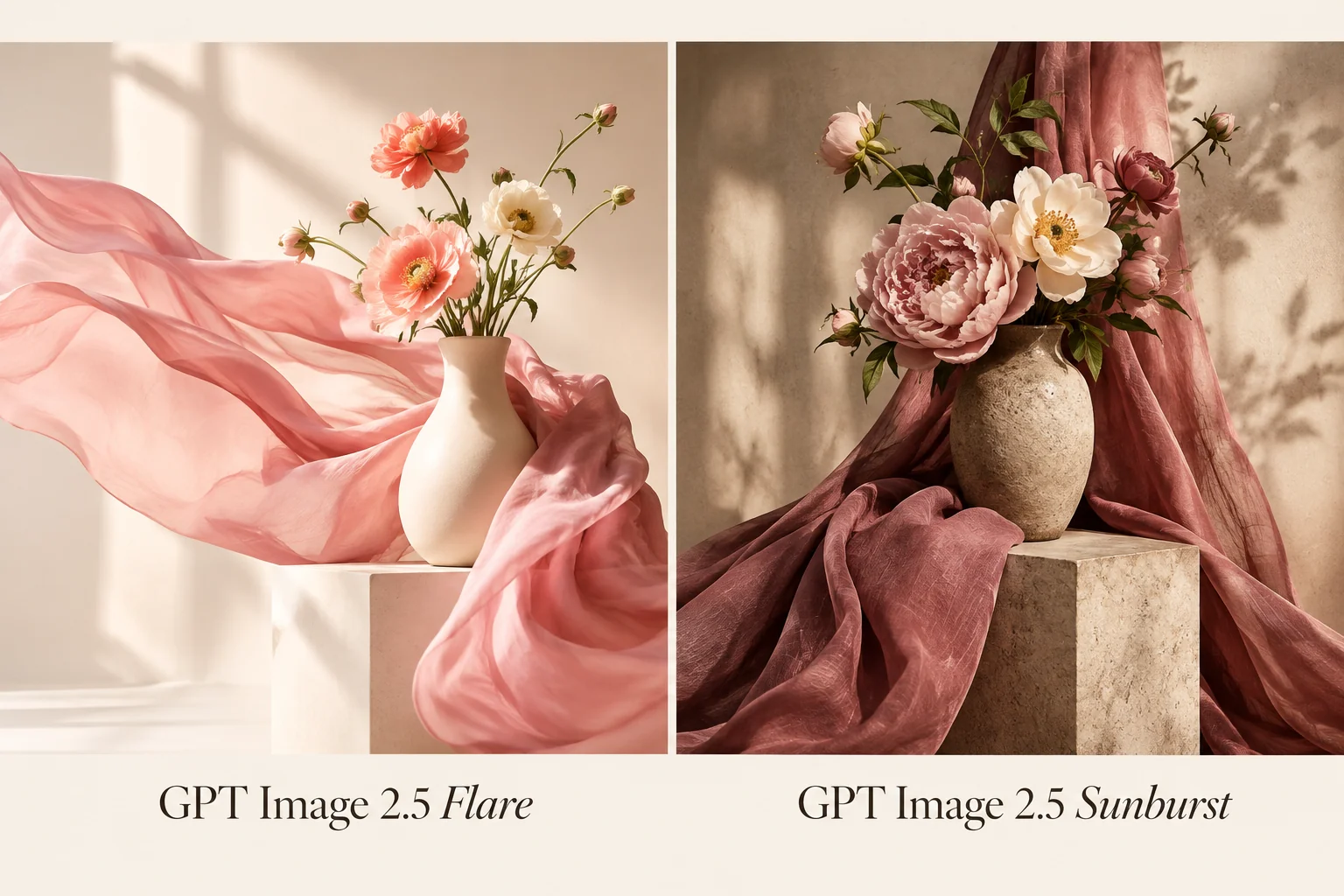
Different projects need different levels of image generation. ChatGPT Image 2.5 provides model options that help creators balance image quality and generation speed based on the needs of each project.

Move from prompt to usable visuals faster. With GPT Image 2.5 Flare, the ChatGPT AI image generator can deliver up to 50% lower latency than GPT Image 2, making it easier to create visual content quickly for social media, marketing, video projects, and other creative work.

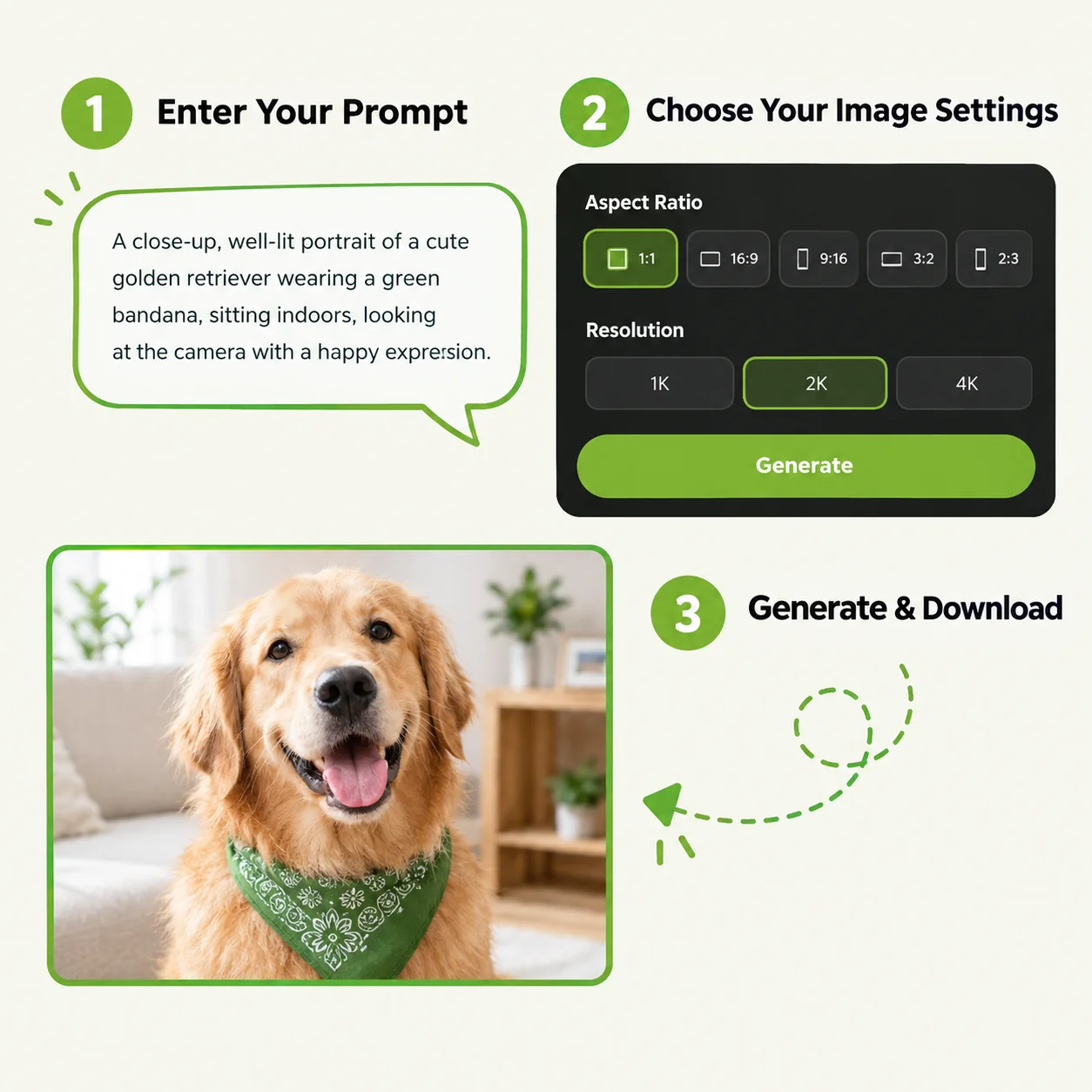
Describe the image you want to create, including the subject, style, composition, setting, and key details. Clear instructions help ChatGPT image generator better understand your idea and produce a more accurate result.
Choose the aspect ratio, image resolution, and other available settings based on how you plan to use the image.
Generate your image and review the result once it is ready. Download the final image when you are satisfied with the result.
GPT Image 2.5 helps you generate high-quality visuals faster, while advanced generation and editing capabilities give you greater control over the final result.
| Feature | GPT Image 2.5 | GPT Image 2 |
|---|---|---|
| Generation Latency | Up to 50% faster with Flare | Baseline latency |
| Multi-Turn Editing | Stronger consistency across edits | More variation across iterations |
| Targeted Local Editing | More precise control over selected areas | Changes may affect nearby areas |
| Reference Fidelity | Better subject and detail retention | More potential subject drift |
| Background Support | Transparent backgrounds | More limited background options |
| Model Options | Flare for speed; Sunburst for quality | Single general model |
ChatGPT Image 2.5 has become one of my go-to tools for creating campaign visuals. The AI image generator understands detailed prompts well, and I can quickly refine an image without starting over every time I need a small change.

I work with product visuals for different campaigns, so keeping the same product consistent matters a lot. ChatGPT Image 2.5 does a great job with reference images, and the editing workflow makes it much easier to create variations for different formats.

I use GPT Image 2.5 to build characters and scenes for short-form videos. The faster generation speed lets me test different ideas quickly, while the reference control helps keep the visual style consistent from one scene to another.

The local editing feature is what I use most. With GPT Image 2.5, I can change a specific object or area without affecting the rest of the composition. That makes the AI image generator much more practical for client revisions.

I create social media assets almost every day, and GPT Image 2.5 makes the process much faster. I can start with a simple prompt, generate several directions, and refine the best one instead of spending hours rebuilding each design.

I like being able to choose between Flare and Sunburst depending on the project. Flare works well when I need fast iterations, while Sunburst is a better fit for detailed creative work. ChatGPT Image 2.5 gives me more flexibility than a single-model workflow.


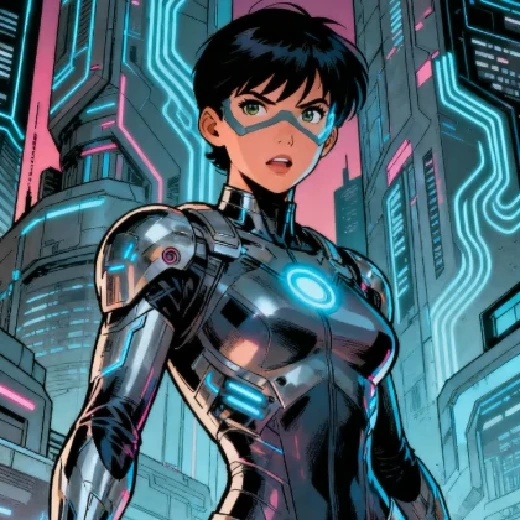
Generate any character image you want with advanced model.

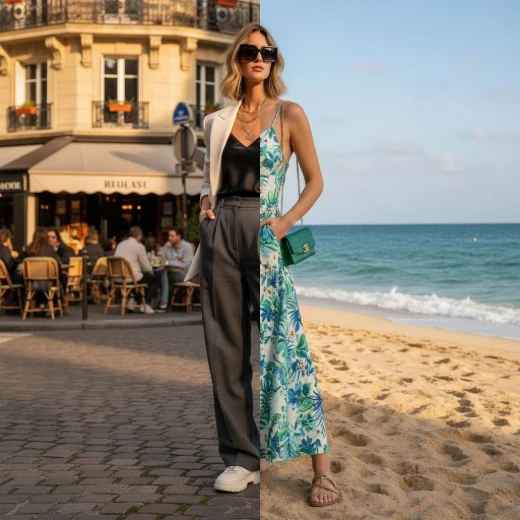
Freely modify image style, content, atmosphere, etc. via text.

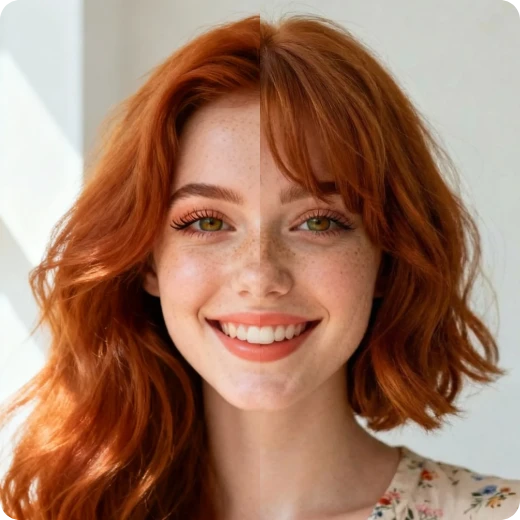
Upload your photo and virtually try on various hairstyles for free.

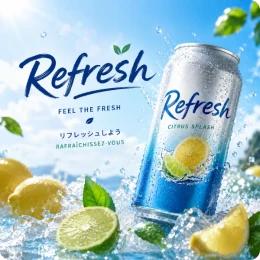
Photorealistic images with perfect text and multilingual support.