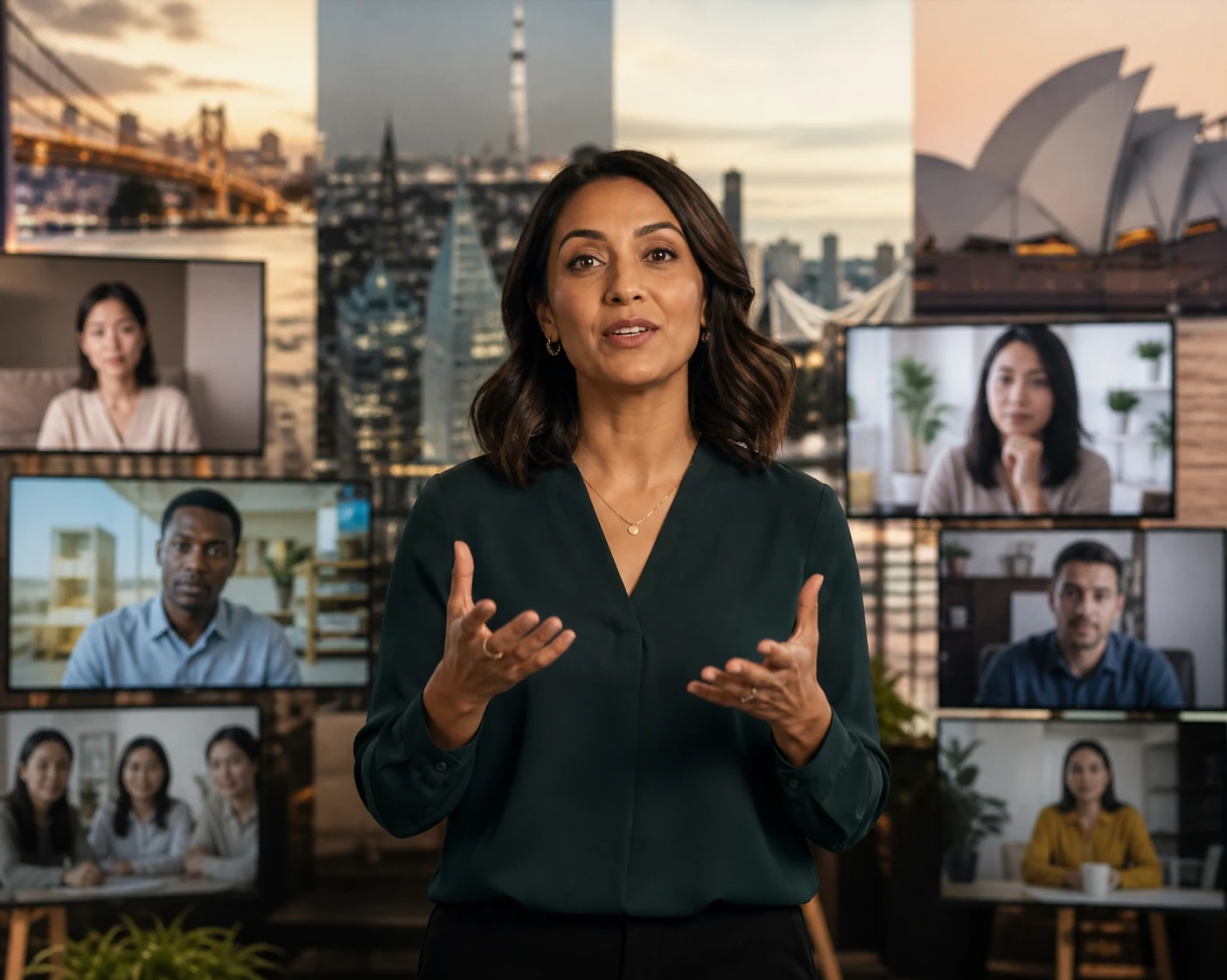
AI Video Creation and AI Lip Sync solve different parts of video production. Compare their inputs, controls, length, and ideal outputs before choosing a workflow—or combine them in one finished video.
Dimension
AI Video Creation
AI Lip Sync
Main task
Generate new scenes, shots, and motion
Make an existing video, photo, or avatar speak or sing
Starting material
Text, images, opening and closing frames, or reference media
Video, photo, or avatar plus text, audio, or recorded speech
Current maximum length
Up to 30 seconds
Up to 3 minutes
Core control
Scene, action, camera, and visual style
Spoken content, mouth movement, and character delivery
Best suited to
New scenes, complex movement, B-roll, stories, and ad visuals
Talking videos, longer dialogue, presenters, localization, and singing characters
Cost profile
Generates the complete visual clip and generally costs more
Works from existing visual material and generally costs less
Output
A newly generated video shot
A character video with synchronized speech or singing
AI Lip Sync for Videos, Photos, and Avatars
Create Natural Lip-Synced Talking and Singing Videos
Preserve an existing performance with video, or animate one photo into a new talking or singing character.
Video Lip Sync
Add synchronized speech or singing while preserving the source performance.
✓
Starts with an existing character video
✓
Works with people, avatars, cartoons, and animal characters
✓
Keeps the source movement, framing, and scene
✓
Best for dubbing, localization, explainers, and longer talking videos
AI Video Generator can turn an idea, prompt, image, frame sequence, or reference into new video content. Create cinematic shots, ads, stories, animation, product visuals, character action, environments, transitions, and many other forms of video without starting from recorded footage.
Text to Video
Describe the scene, subject, camera direction, mood, and action you want to see.
Image to Video
Animate a product image, character design, key visual, or generated image into a moving shot.
Create ads, stories, animation, presenter videos, social content, localized videos, and performances.
CINEMATIC STORY
01
Short Films, Dramas & Cinematic Stories
Create AI short dramas, narrative films, cinematic story scenes, trailers, concept films, and individual shots for a larger production.
AI Video
Motion Control
AI Image
AI Voice
CHARACTER
02
Animation & Character Videos
Bring cartoons, animals, illustrated characters, mascots, and original avatars into animated stories, dialogue scenes, and character-led videos.
AI Video
AI Lip Sync
AI Image
Motion Control
MULTILINGUAL
03
Localized and Multilingual Videos
Create translated ads, localized courses, multilingual product videos, dubbed character content, and versions of existing videos in additional languages.
Video Translator
AI Voice
AI Avatar
AI Lip Sync
PERFORMANCE
04
Music and Performance Videos
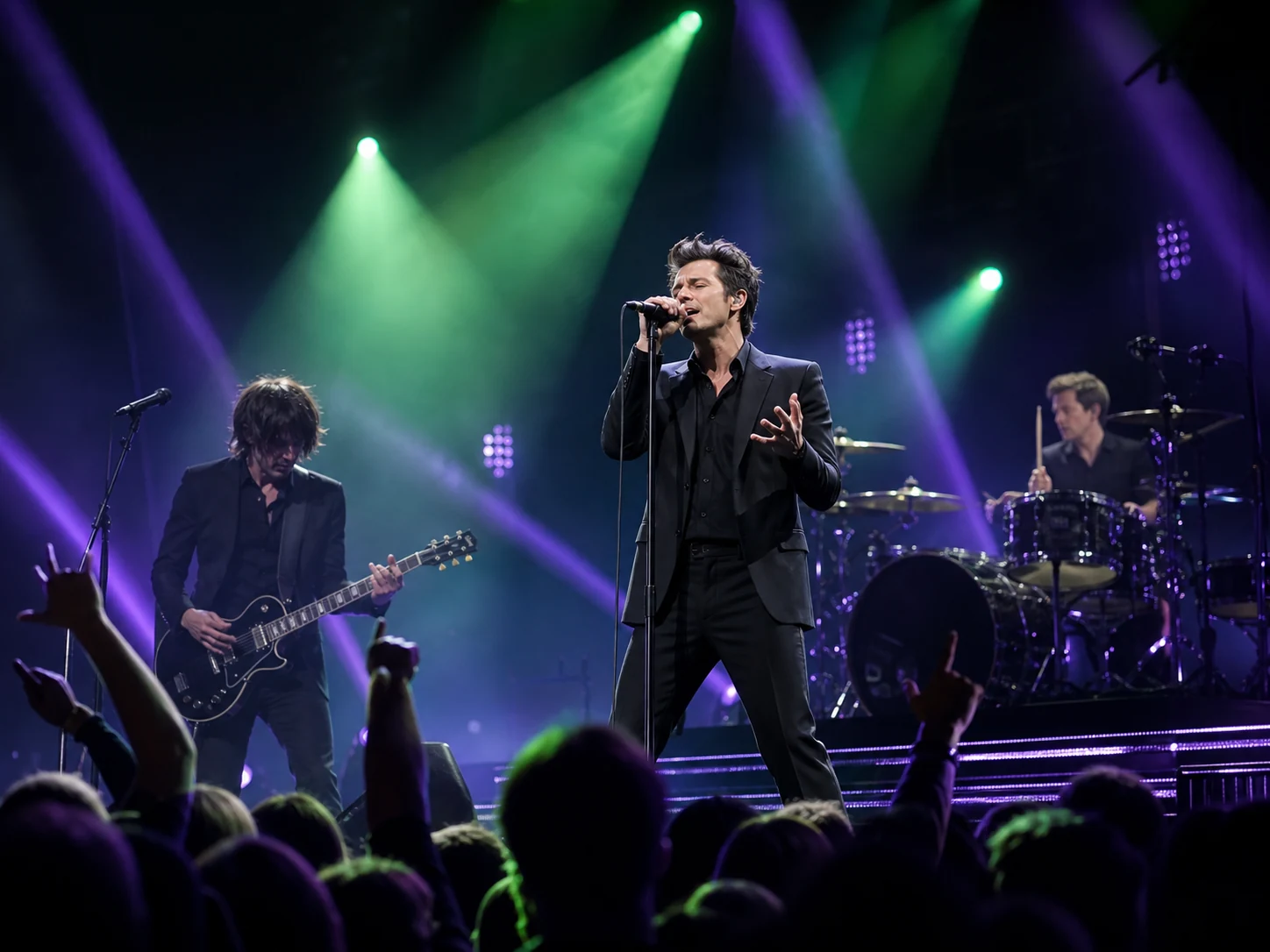
Create singing photos, virtual performers, music clips, dance and motion sequences, character performances, and music-focused visual stories.
AI Lip Sync
Singing Photo
AI Image
Motion Control
PRODUCT CREATIVE
05
Ads & Product Videos
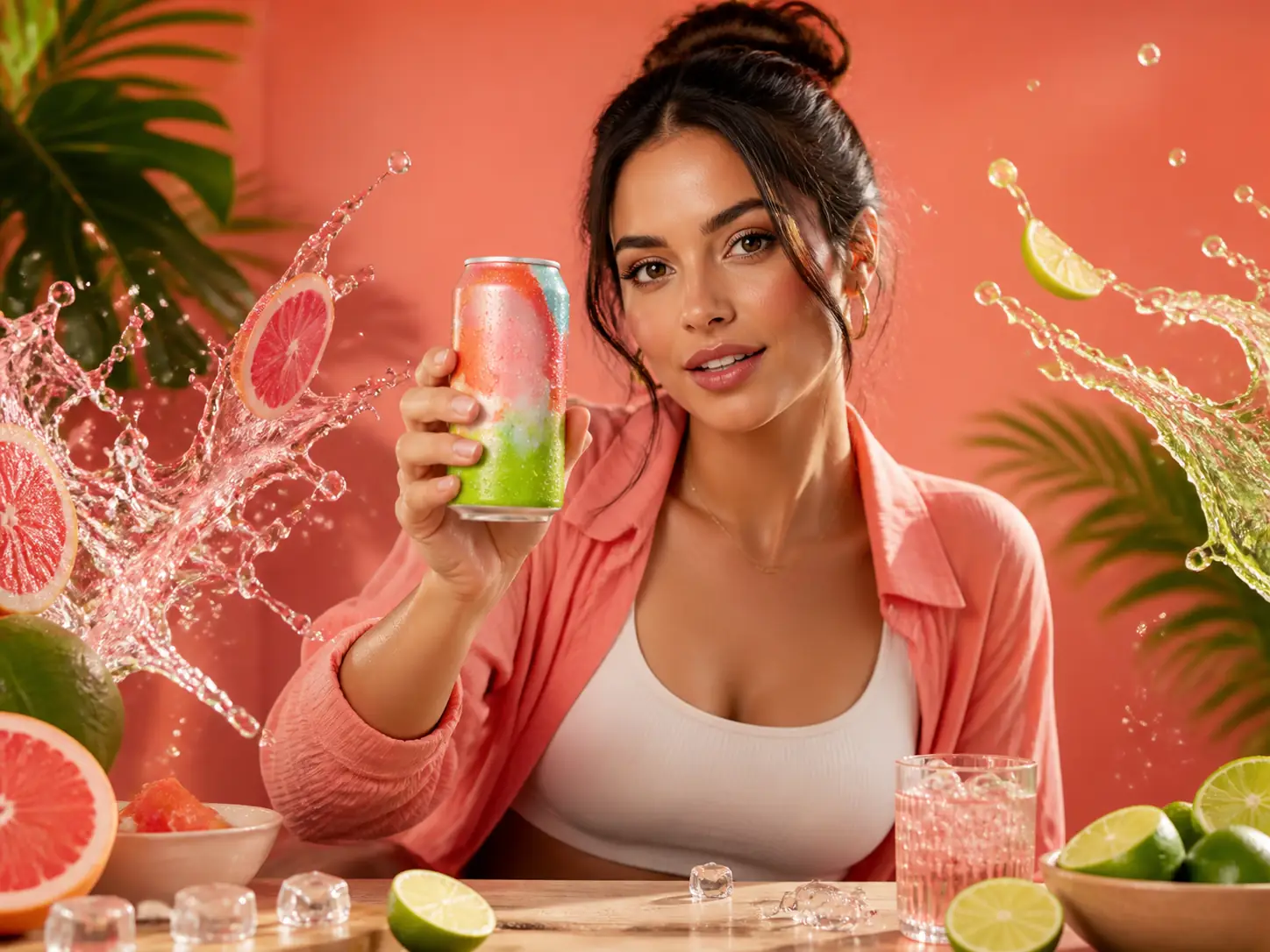
Create product ads, brand films, UGC-style creative, e-commerce showcases, service promotions, product launches, and visual demonstrations.
AI Video
AI Avatar
AI Lip Sync
AI Image
AI Voice
PRESENTER
06
Talking Presenter and Avatar Videos
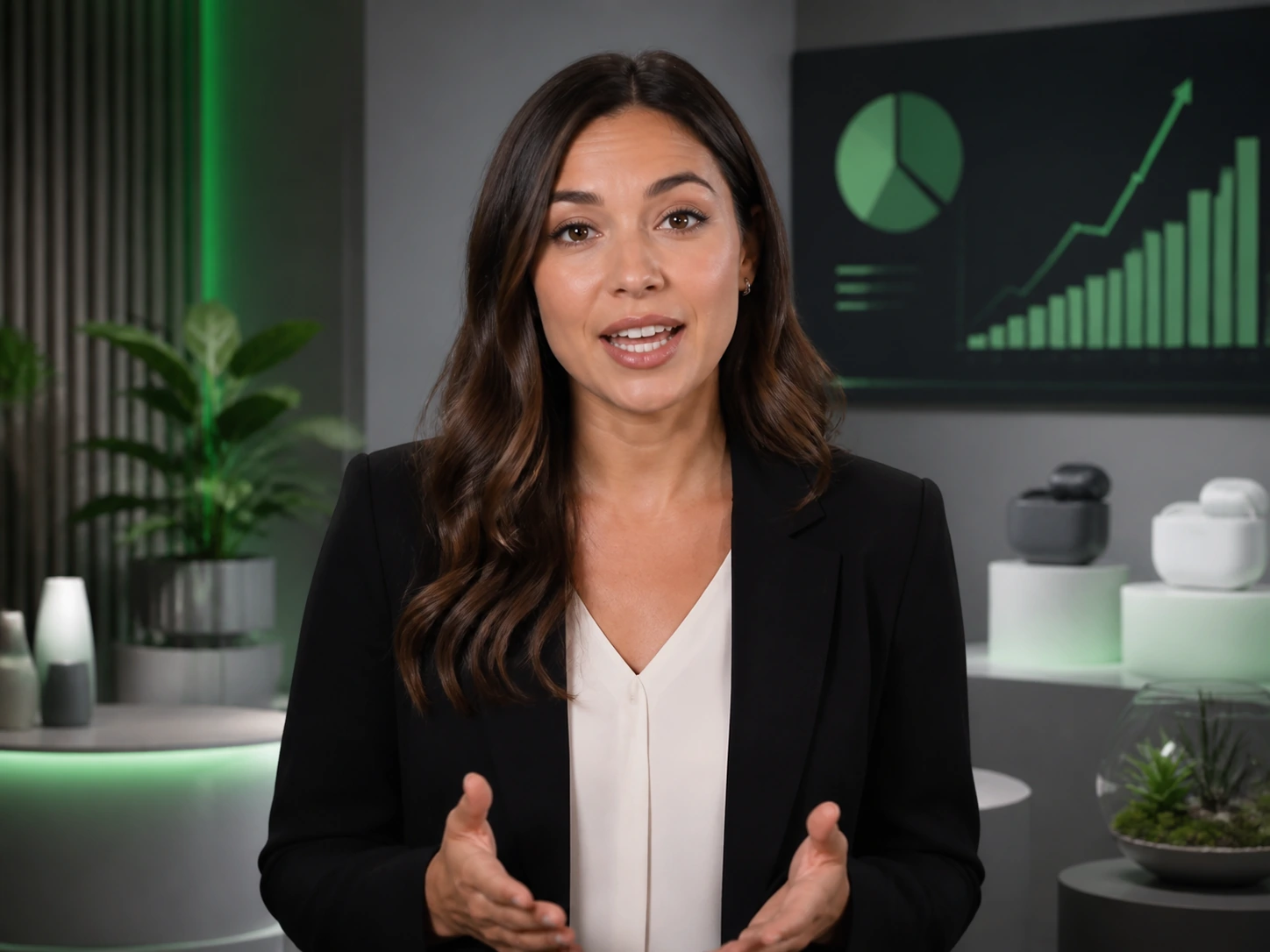
Create explainers, lessons, announcements, training videos, product introductions, educational and informational content, and presenter-led communications.
AI Avatar
AI Lip Sync
AI Voice
VERTICAL VIDEO
07
Social & Creator Videos
Create TikTok videos, Reels, YouTube Shorts, visual jokes, creator content, trend-led clips, reactions, and vertical stories designed for social feeds.
AI Video
AI Lip Sync
AI Avatar
AI Image
Supporting Tools
Build the Characters, Visuals, and Voices Your Video Needs
Prepare reusable characters, visual assets, and speech for any video workflow.
AI Avatar
Create a recognizable AI Avatar and reuse it across outfits, expressions, backgrounds, images, and videos. Keep a visually consistent presenter or character for product content, explainers, stories, lessons, and campaigns.
Use AI image tools to create or edit video assets such as characters, products, environments, and keyframes. Use them as source material for AI video generation, or turn a static character into a performer who speaks or sings.
Create character dialogue or narration with Text to Speech when you do not have a recording. Use the voice in an AI lip sync video, talking avatar, product presentation, localized version, or as narration for generated scenes.
See how people use lipsync.video and what they think about it.
AI Lip Sync lets me turn approved scripts into polished presenter clips without reshooting every update. The mouth movement stays convincing, and localized social versions are much faster to prepare.
Maya C.Social Content Strategist
We use AI Video to explore product shots before committing to a full campaign. Moving from a reference image to several visual directions helps our team review concepts and choose the strongest idea sooner.
Jordan L.E-commerce Creative Lead
For early story development, AI Video gives me a practical way to test camera movement, atmosphere, and scene transitions. I can communicate the intended look clearly before production begins.
Alex R.Independent Filmmaker
Combining AI Video for B-roll with AI Lip Sync for presenter scenes keeps our workflow in one place. We can shape the visuals, refine the message, and assemble a more coherent final video.
Sam K.Creative Director
I can build expressive character scenes, then use photo lip sync or AI Lip Sync for video when dialogue matters. The workflow makes it easier to keep the performance and visual style working together.
Nina T.Motion Designer
AI Lip Sync helps our marketing team create language versions from approved footage while preserving the presenter’s delivery. It reduces repeat filming and keeps each regional campaign visually aligned.
Daniel W.Product Marketing Manager
Bring Your Next Video to Life
Make the ad, story, presenter video, animation, or performance you have been imagining. Bring every scene and character to life with AI lip sync and AI Video Creation.
AI lip sync synchronizes a visible character’s mouth movements with spoken or sung audio. On Lipsync.video, you can start with a video, photo, or avatar and add speech from text, an audio file, or a browser recording when supported.
Should I use Video Lip Sync or Photo Lip Sync?
Use Video Lip Sync—sometimes searched as “video to lip sync”—when you already have footage with the movement, timing, and visual performance you want to keep. Choose Photo Lip Sync, sometimes searched as “photo to lip sync,” when you want to create a talking or singing video from one portrait, avatar, cartoon, animal, or other suitable character image.
Can AI lip sync work with cartoons, animals, and AI characters?
Yes. AI lip sync is not limited to real people. It can work with supported avatars, cartoons, illustrated characters, and animals when the face and mouth area are clear enough for the chosen workflow.
How long can my video be?
The current AI Lip Sync workflow supports videos up to 3 minutes. Current AI Video Creation models support clips up to 30 seconds. Actual options may also depend on the selected model and input mode.
Can I use an AI video model to create a lip-synced video?
Yes. An AI Video model can be a good choice when the character must speak while performing more complex body movements or interacting with a scene. These clips are generally shorter, the spoken content and mouth synchronization may be less precise, and generation costs are usually higher. For longer, speech-focused content, a dedicated AI lip-sync workflow is usually a better fit.
Can I change the language of an existing video?
Yes. Prepare the translated script or audio, then use Video Lip Sync to synchronize the new speech with the visible character. This is useful for localized presenter, marketing, education, and character videos.
Do I need a recorded video to make a talking character?
No. You can begin with a suitable photo, portrait, avatar, cartoon, animal, or character image and use Photo Lip Sync. You can also create the character with AI Avatar, then animate the still image with the same photo-based workflow.
When should I use Motion Control instead of AI lip sync?
Use Motion Control when the main creative need is body action, poses, performance, or choreography guided by a reference video. Use AI lip sync when precise speech or singing is the priority. A finished project can combine both types of output in separate shots.