Using AI image to video helped transform thumbnails into engaging intro clips. The motion feels natural and saves hours of editing work. The photo to video AI workflow fits right into my production routine.

Alex TurnerYouTube Creator

AI Image to Video Generator
Easily create videos of your imagination using images, with support for multiple cutting-edge video models.
Bring your photos to life with the AI Image to Video Generator. No editing skills required. Whether you're building marketing assets, growing a social media presence, or exploring creative storytelling, our AI image to video generator delivers cinematic results in seconds.
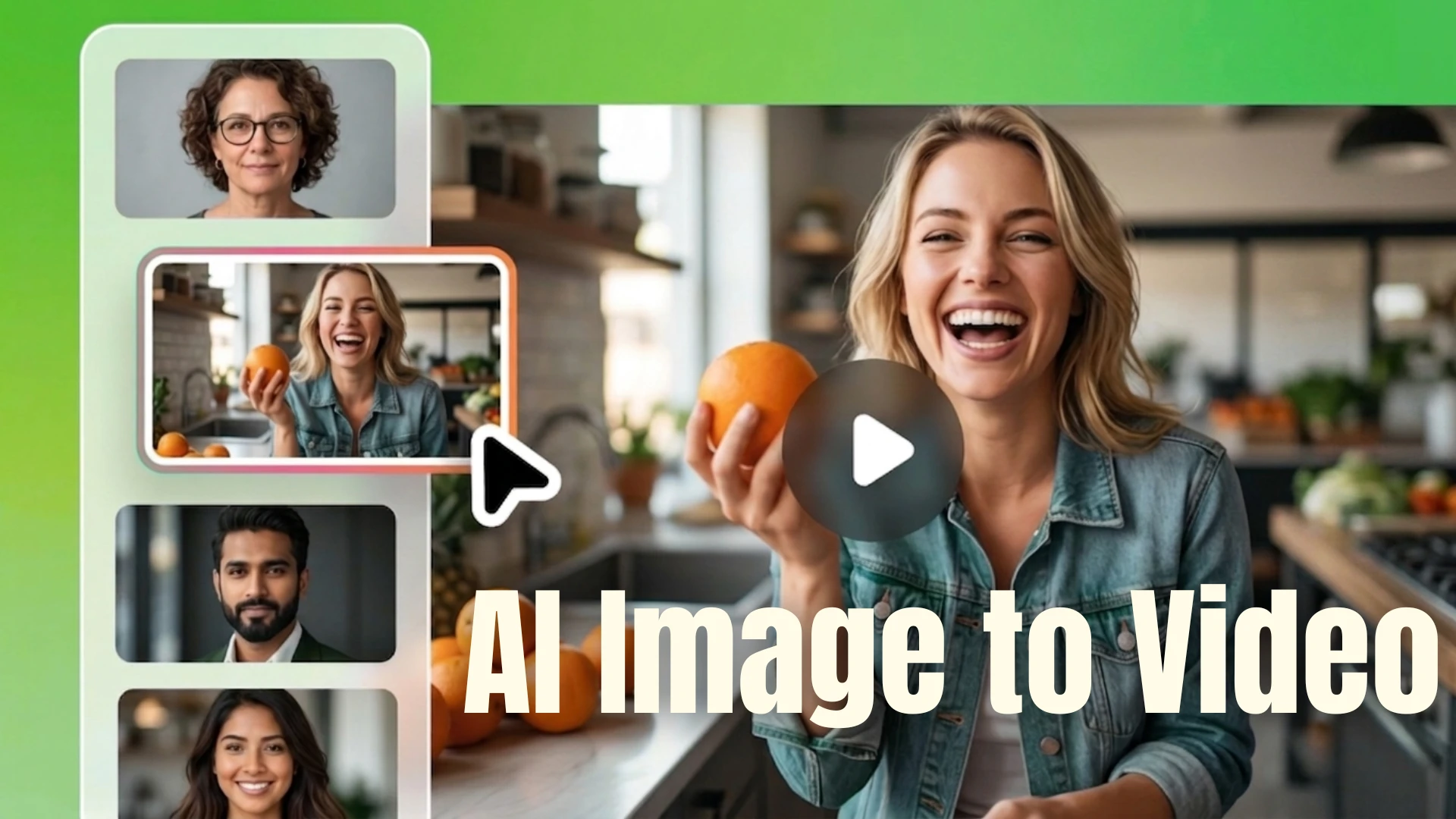
Choose the generation mode that fits your creative workflow. Different models support different input types.
| Mode | Input | Best For | Pros | Cons | Supported Models |
|---|---|---|---|---|---|
Single Image to Video | 1 Image & Prompt |
|
|
| All Models |
Start & End Frames to Video | 2 Images & Prompt |
|
|
| Seedance 2.0 Kling 3.0 Seedance 1.5 Pro |
Multiple Reference Images to Video | 1+ Images & Prompt |
|
|
| Seedance 2.0 Gemini Omni HappyHorse 1.0 Grok Imagine Video |
AI Image to Video Sample
The AI image to video generator interprets prompts with high accuracy. It generates motion that aligns with your intent — camera movement, subject animation, and scene flow. This ensures every photo to video AI output reflects creative direction without manual editing or complex timelines.
The AI image to video generator automatically creates suitable audio based on visual content. It analyzes motion, pacing, and scene context to generate sound that fits naturally. This helps creators produce complete, engaging videos without manual audio editing.
Upload multiple reference images to maintain visual consistency across your video. The AI image to video generator preserves character appearance, outfit details, and scene elements — ensuring every frame stays true to your original references, even with complex motion and dynamic effects.
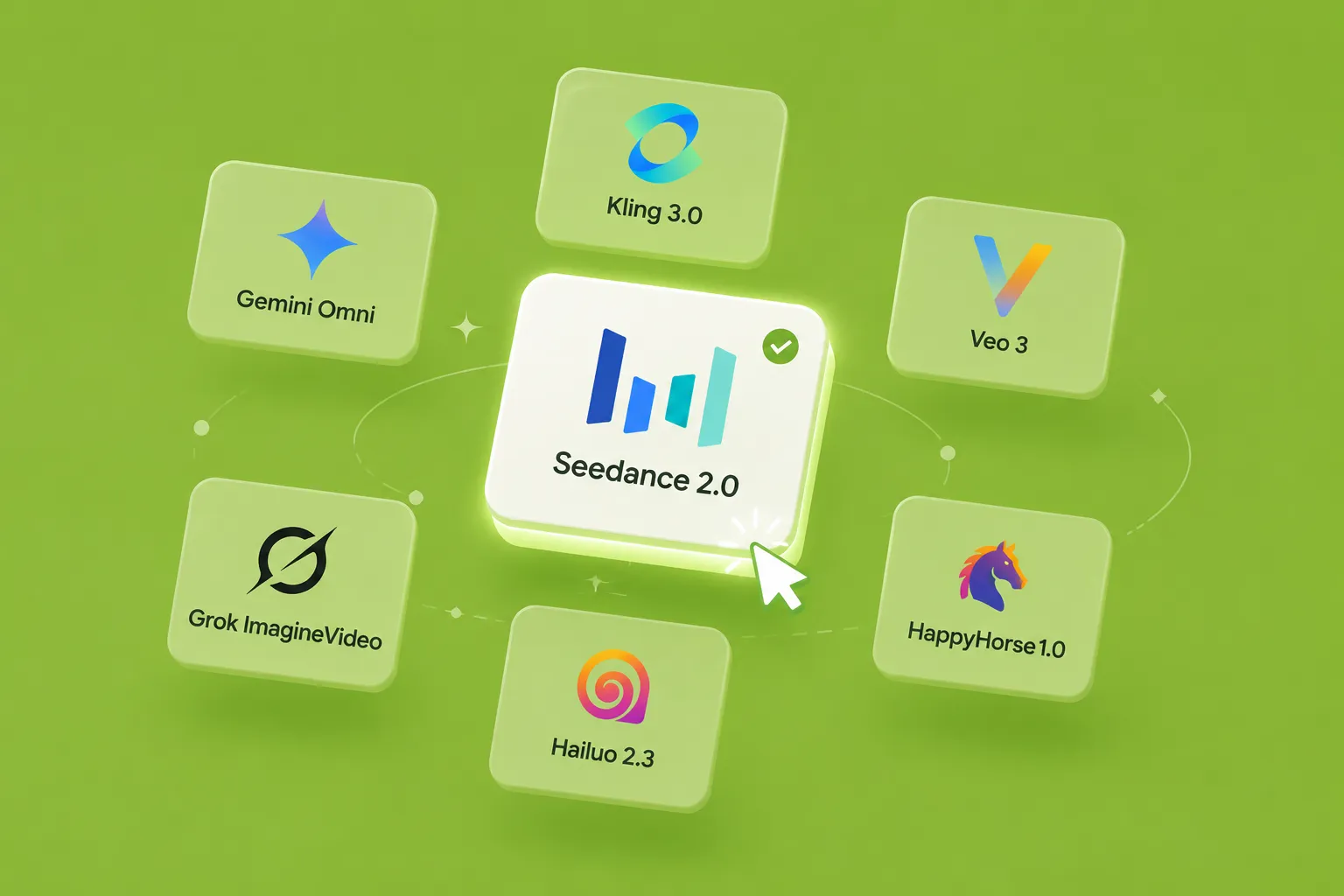
Not every video needs the same treatment. Choose from multiple leading AI models — including Seedance, Kling, Veo — each optimized for different visual styles and output formats. Whether you need fluid realism, stylized motion, or cinematic quality, the right picture to video AI model is already built in.
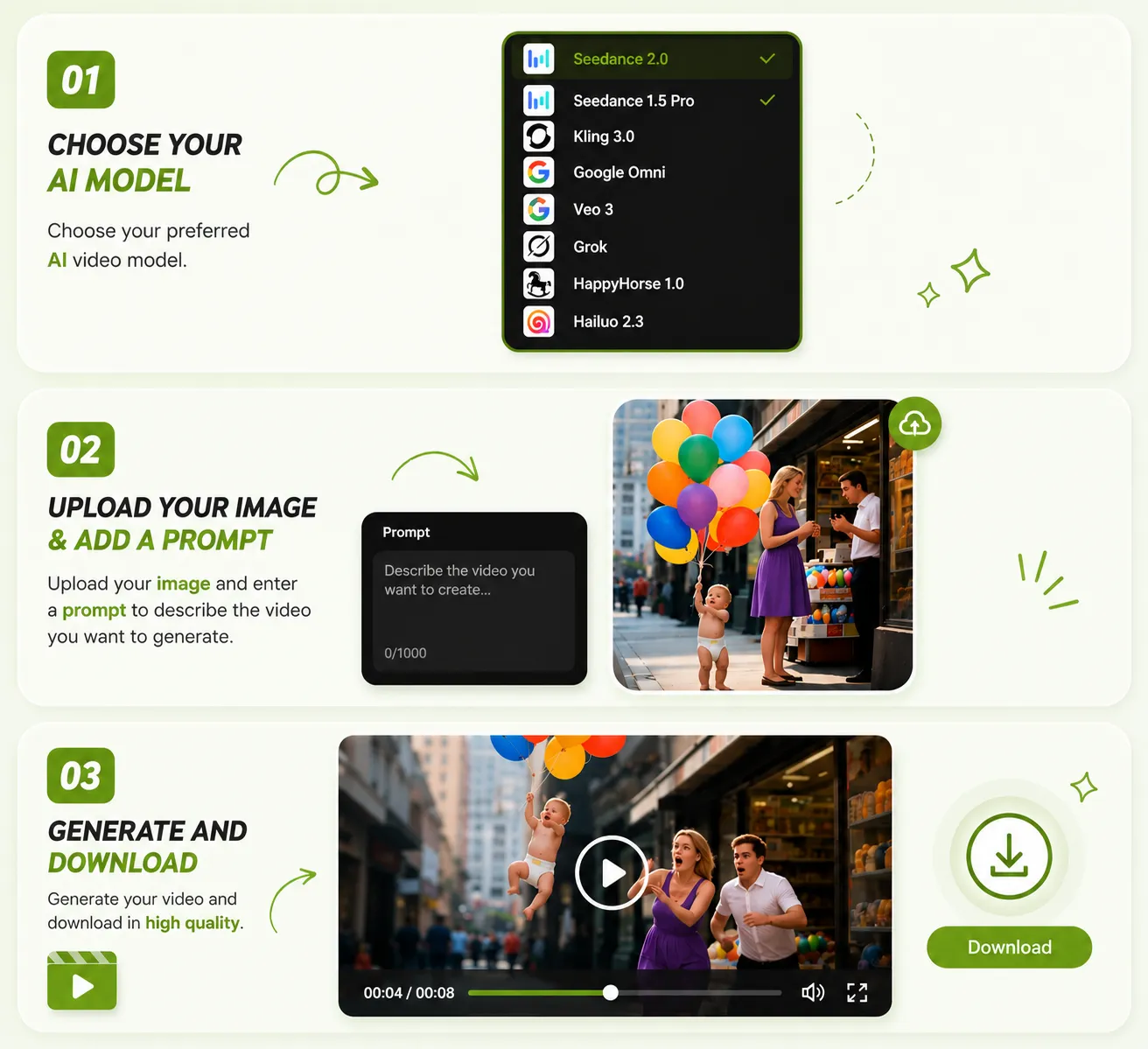
Choose from 8 leading AI video models based on your creative goal — each built for different visual styles and input needs.
Upload your image based on the mode you selected — one image, two frames, or multiple references. Then describe the motion you want: camera zoom, subject movement, cinematic pan. The AI image to video engine applies your direction precisely.
Click generate and let the AI image to video engine create your video. Within seconds, your AI video is ready for download and publishing.
Create smooth, high-quality motion videos from any image using AI image to video.
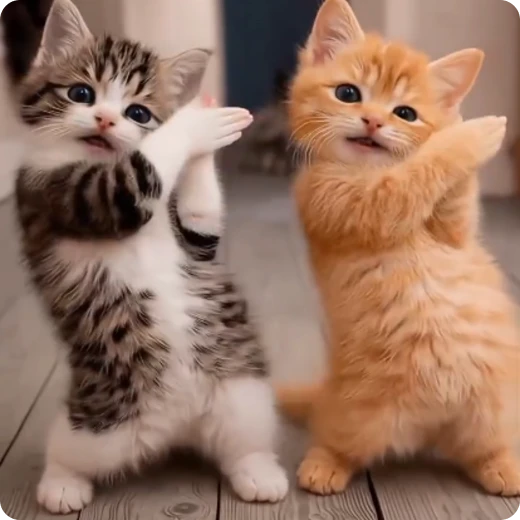
Recreate the reference video's movements 1:1 for your character.
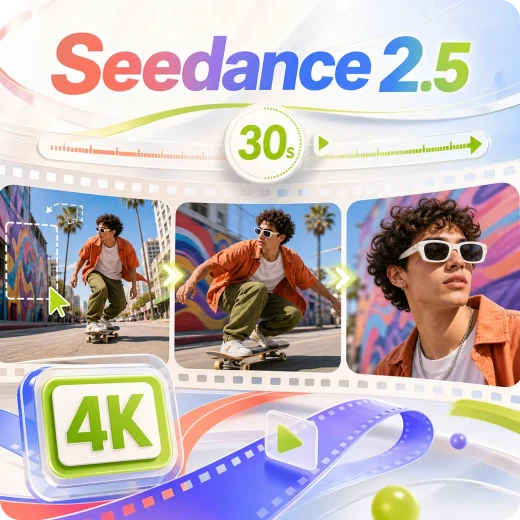
Generate a 30-second video directly using up to 50 multimodal references.
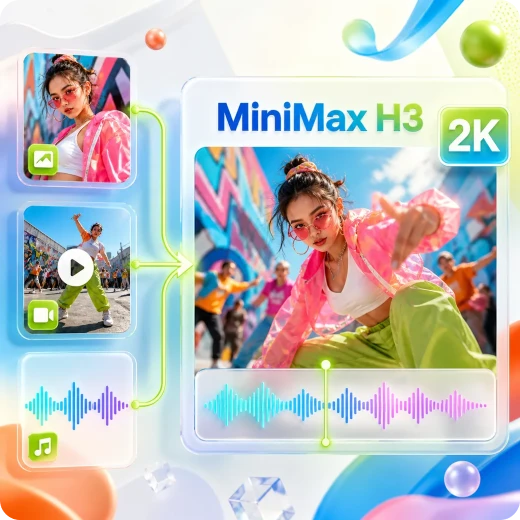
Generate 2K audio-visual synchronized videos from multimodal references.
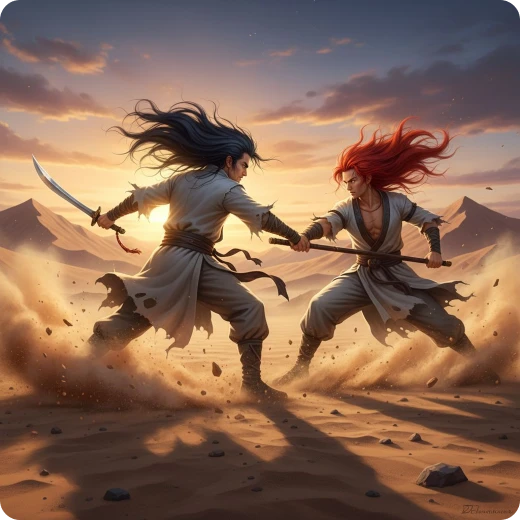
Generate precise videos by referencing multiple images, videos, audio and text.
Using AI image to video helped transform thumbnails into engaging intro clips. The motion feels natural and saves hours of editing work. The photo to video AI workflow fits right into my production routine.
The image to video AI tool converts product images into ad creatives quickly. The picture to video AI feature makes batch creative testing so much faster. Campaign performance improved because motion content attracts more clicks.
With AI image to video, static posts became dynamic reels. This increased engagement across platforms and reduced content production time dramatically.
The image to video AI system makes storytelling easier. Visual consistency remains strong while adding motion that aligns with brand identity. This allows content teams to scale branded video production using picture to video AI.
Product images now look alive using AI image to video. This improved customer interest and boosted conversions on landing pages. It helps showcase product details more effectively through photo to video AI enhancements.

Even without editing skills, image to video AI produces impressive results. Creating motion videos from photos is now simple and fun. This makes it easy to share engaging visual stories using picture to video AI tools.