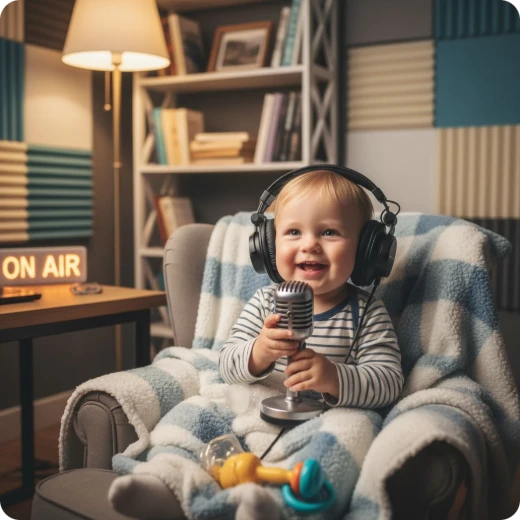
AI Baby Talking Video Generator

Turn AI baby photos into scroll-stopping videos with AI Baby Talking. Designed for short-form creators, it helps boost views, increase engagement, and grow followers on TikTok, Shorts, and Reels. Try it online for free today.

1. Upload your photo

Supported formats: jpg, png, webp
Maximum file size: 30MB
Sample Avatars

2. Model Select

Talking Photo 1.0

Fastest, basic effect

1 Credit/s
90s

Talking Photo 2.0

Recommended

Quality and effect balance

1 Credit/s
90s

Talking Photo 3.0

High quality output

4 Credit/s
90s

Talking Photo 4.0

New

Best Effect

4 Credit/s
30s

3. Enter your text, upload or record audio

Add Pause
0 / 1000
Trustworth Man
NEW
Enable Subtitles

My Creations

Samples of AI Baby Talking Creations

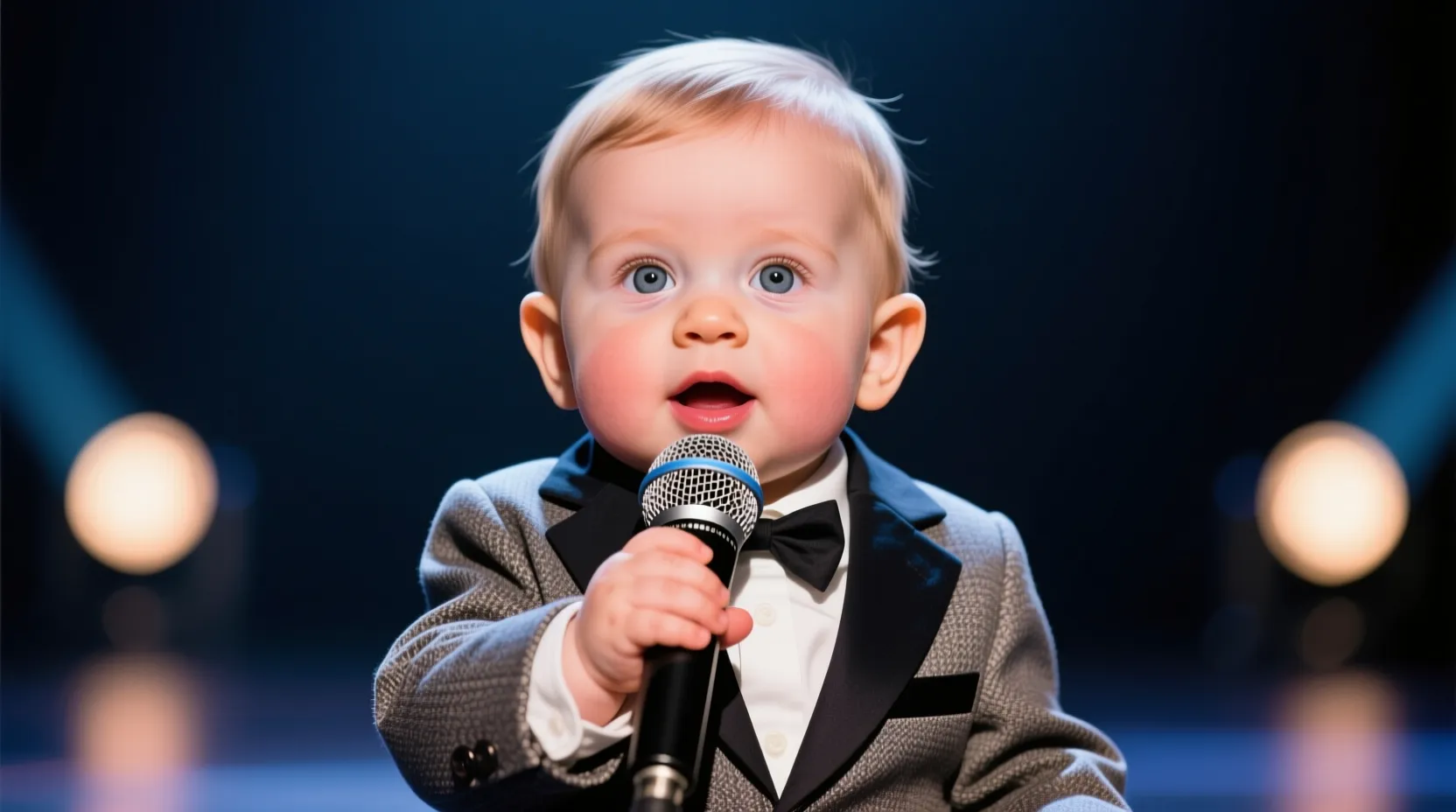
Explore endless possibilities with AI Baby Talking — turn any baby photo into a high-engagement viral baby clip. See how creators use the tool to boost views, increase engagement, and grow followers.

Why Choose Our AI Baby Talking Tool

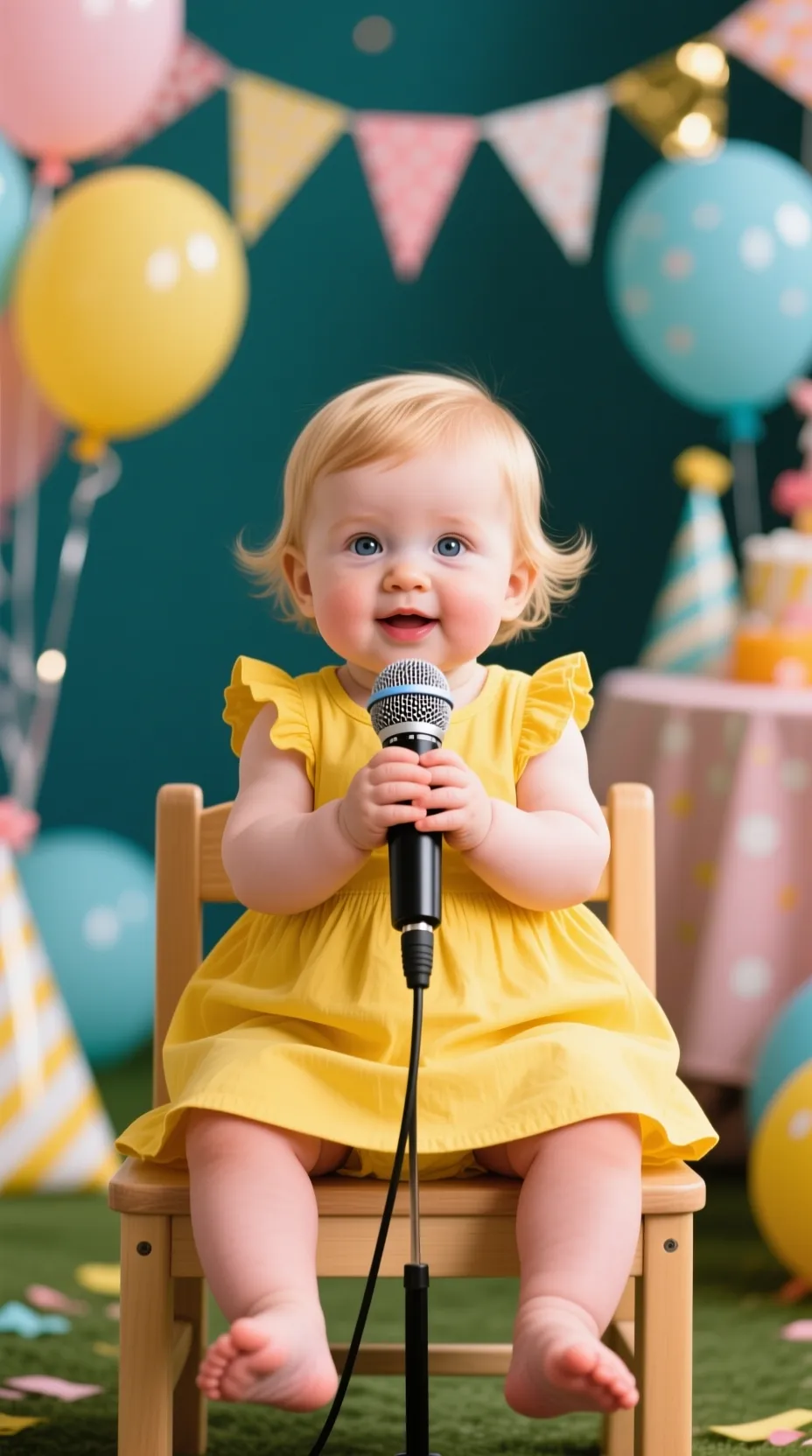
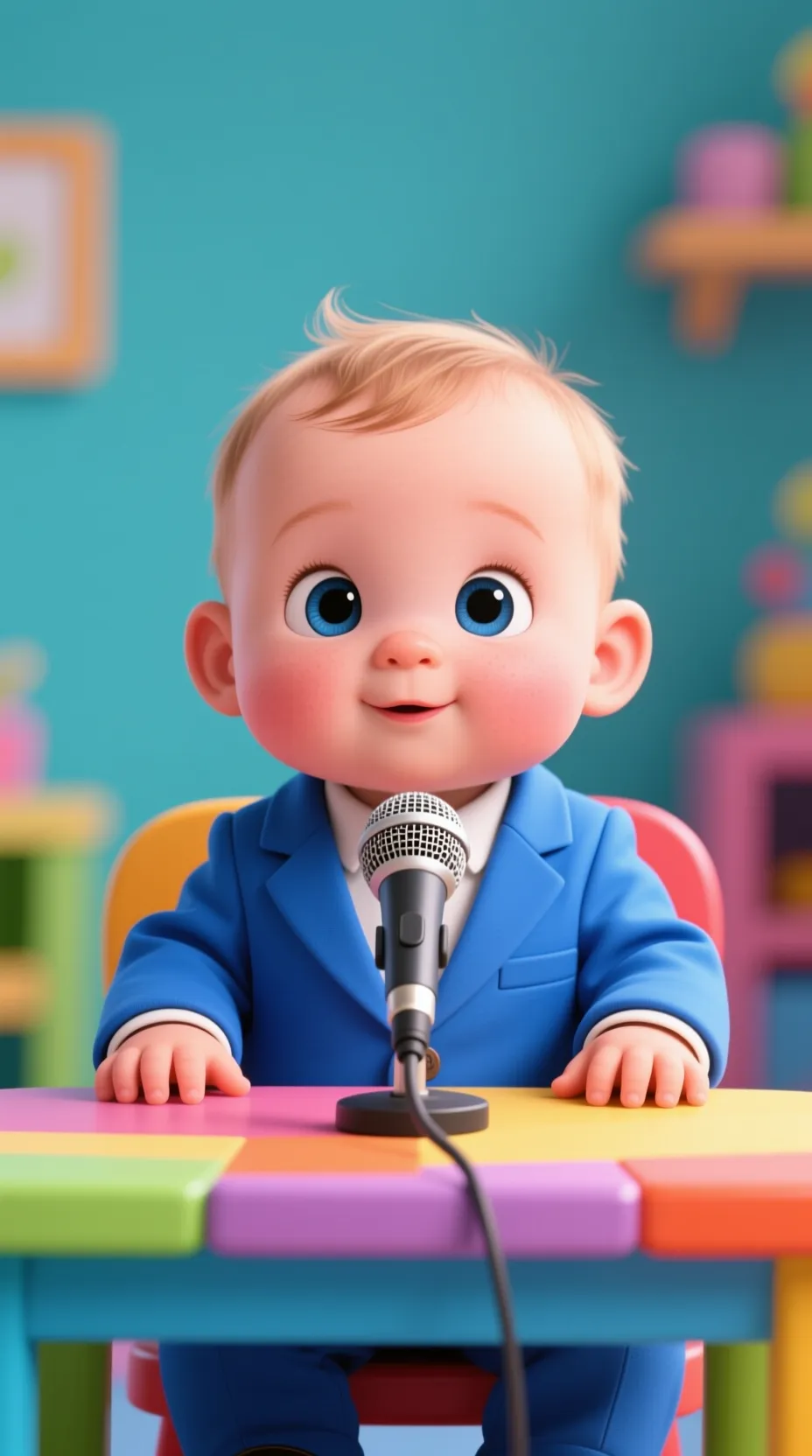
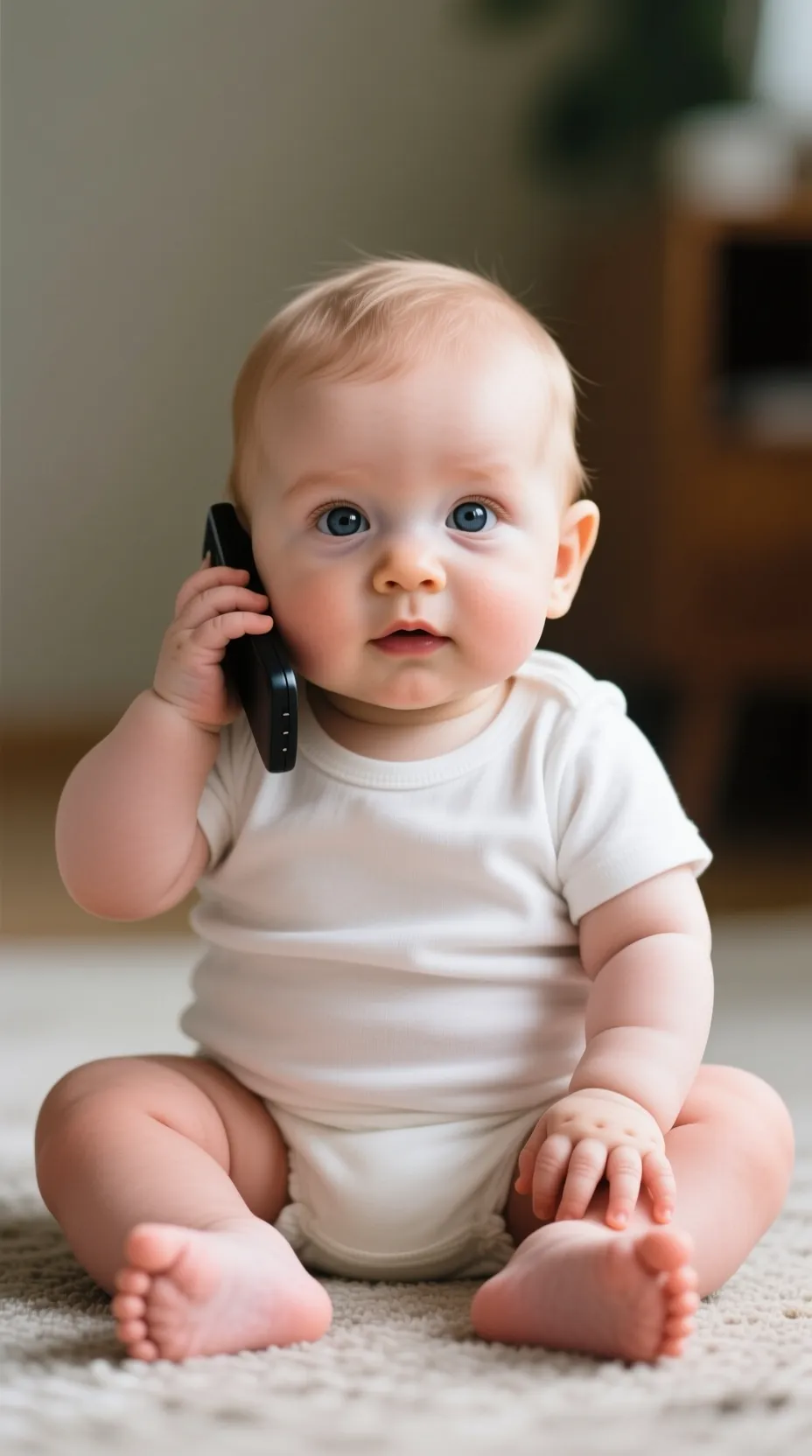
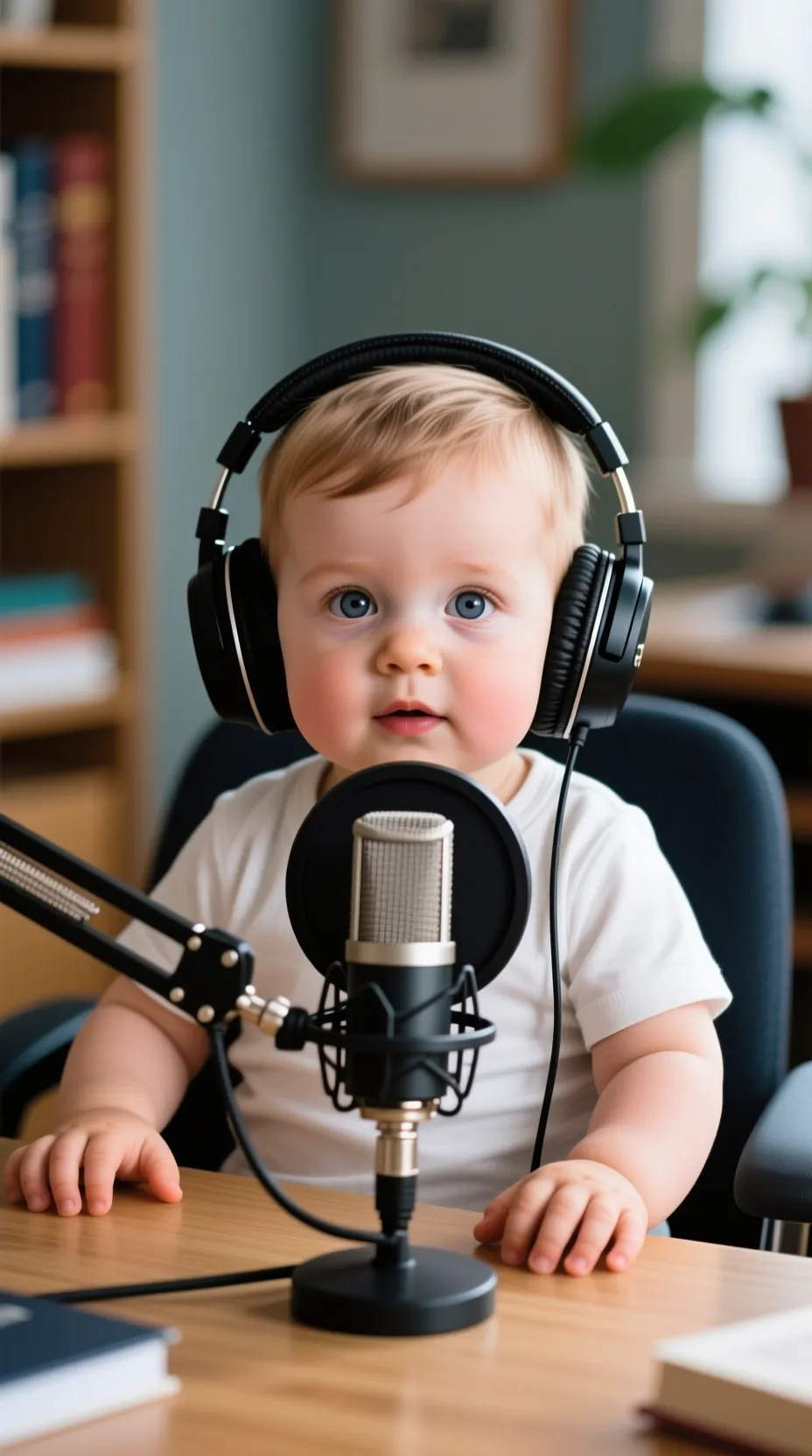
I baby talking video from realistic, cartoon, 3D, or anime photo

Make Any Baby Photo Talk

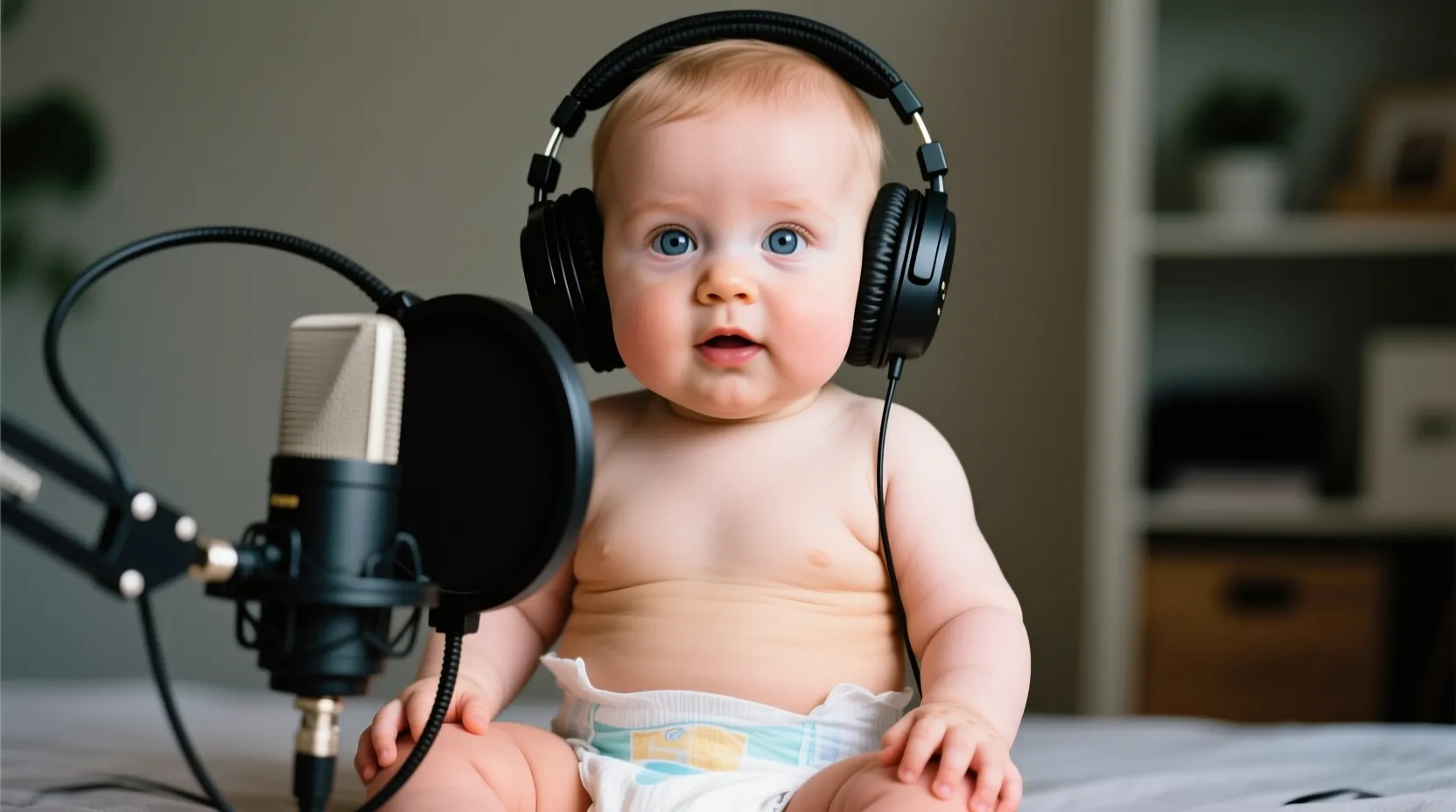
Bring baby photos to life! Whether it’s a family photo, a baby selfie, or even a cartoon baby, our tool animates them naturally. Just upload a photo and add speech or audio — your shareable baby video is ready in minutes. Simple to use, fun to watch, and perfect for sharing on social media.

Realistic baby lip sync with natural facial expressions

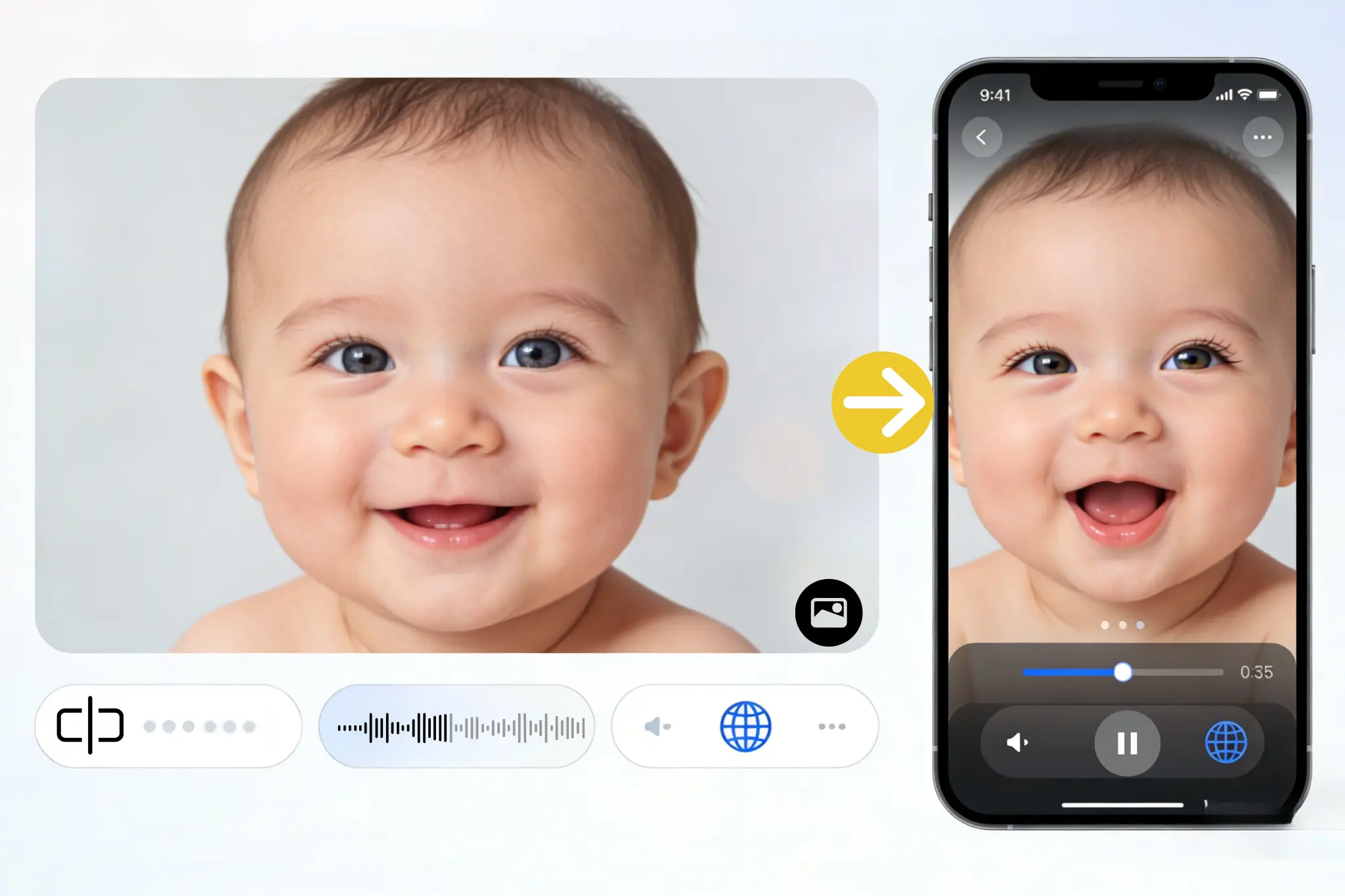
Ultra-Realistic Lip Sync

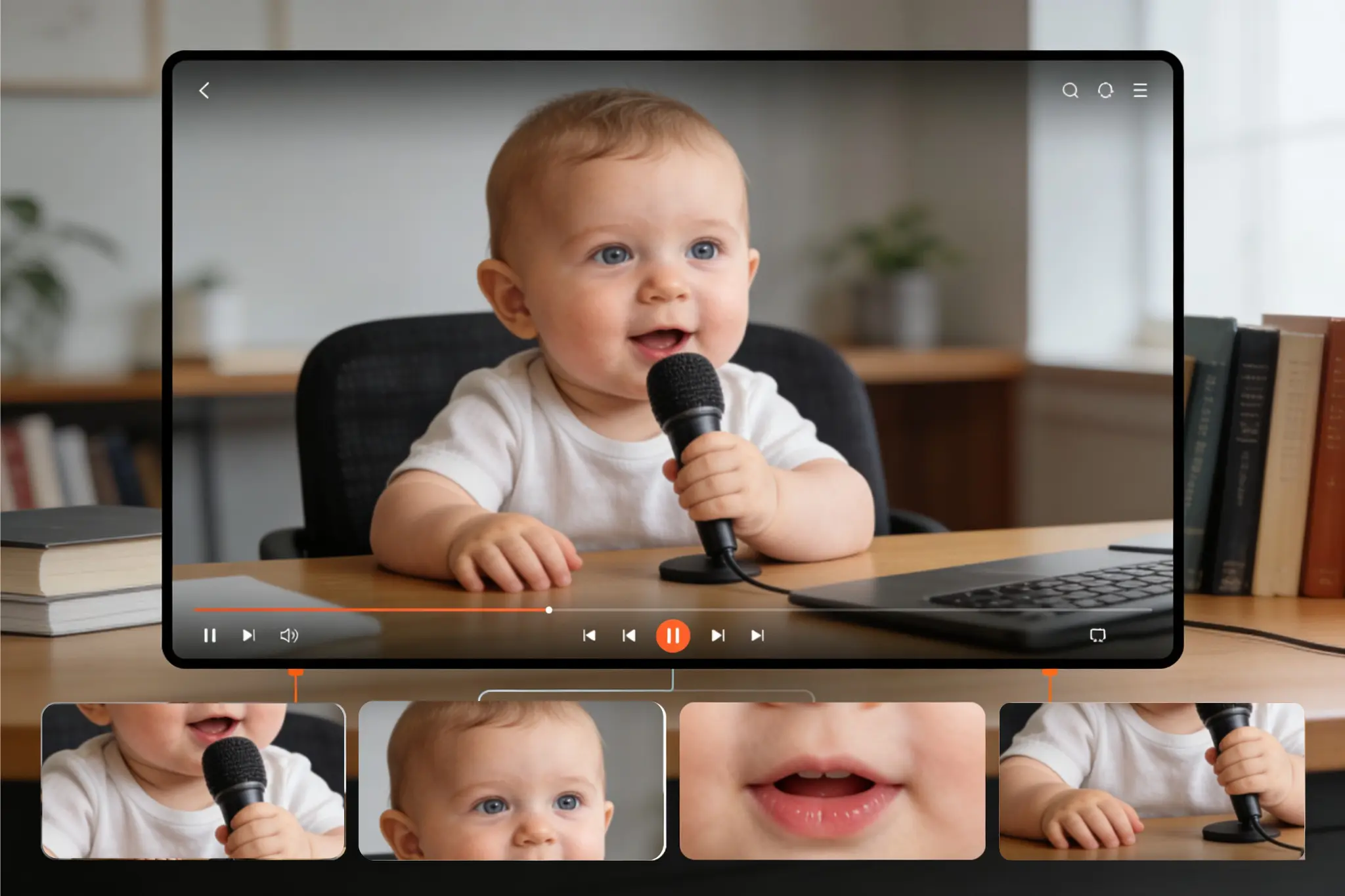
Powered by advanced facial animation models, AI Baby Talking captures subtle movements like smiles, blinks, and head turns. Lip sync matches perfectly to your audio, making the baby talk feel lively and natural — every syllable and tone is synced with lifelike precision.

Baby talking video in multiple languages for creators

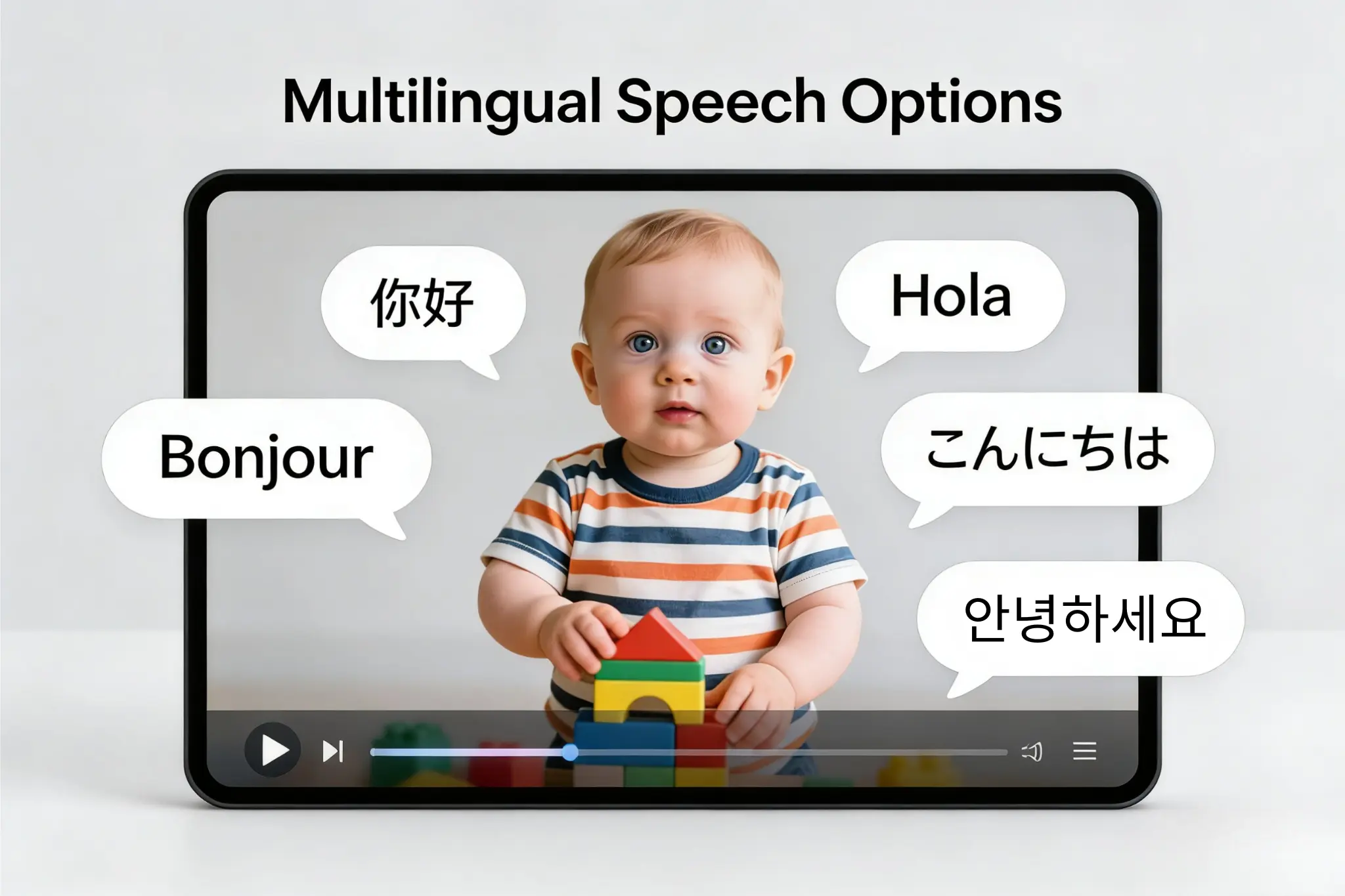
Multilingual Speech Options

Your baby can "talk" in any language. From English and Spanish to Japanese or Arabic, AI Baby Talking adapts mouth movements and pronunciation for natural results. This makes it easy for creators to reach different audiences with the same content idea.

Viral AI baby talking video boosts views and engagement

Trend-Driven Content & Creator Growth

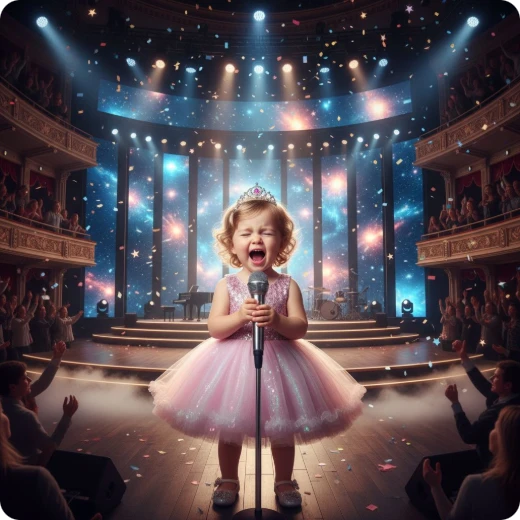
Stay ahead of the trend with AI Baby Talking. Create viral-style clips that naturally attract attention on short-form platforms. Designed for creators, this feature helps you increase views, boost engagement, and grow followers through high-retention, shareable content.

How to Create an AI Baby Talking Video

Three easy steps to create viral baby talking videos
1

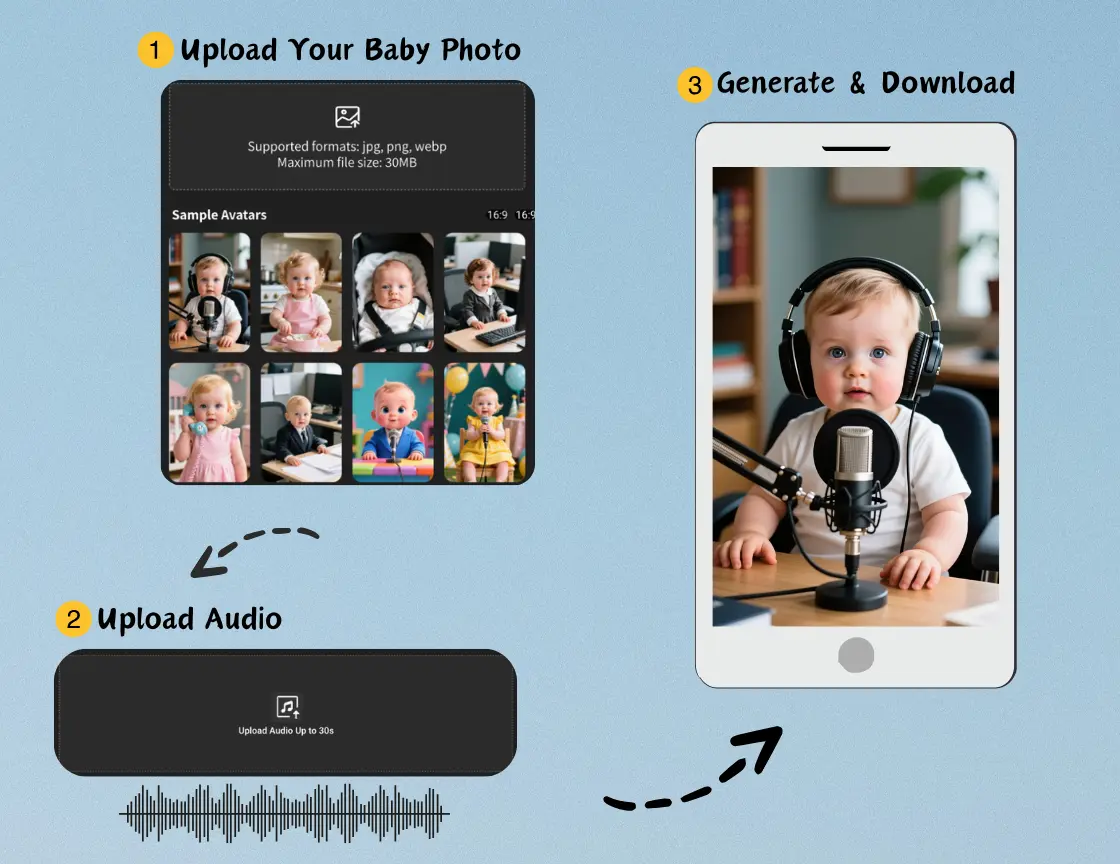
Upload Your Baby Photo

Choose a clear, front-facing baby photo or a template image. AI Baby Talking automatically detects facial features and prepares the animation. You can select expressions to match the mood of the speech or song.

2

Upload Audio or Use Text-to-Speech

Upload your voice, song, or speech or use text-to-speech. With text-to-speech, you can select different voices, adjust pitch, and choose the language, giving you full control over how your baby talks.

3

Generate & Download

Click "Generate" and watch your funny baby video come to life in minutes. Preview and download the video to share on TikTok, Instagram, YouTube, or other social platforms. Creating engaging shareable baby clips has never been easier.

Loved By AI Baby Talking Users

See how people use AI Baby Talking Generator to turn fun moments into viral videos.

We used AI Baby Talking to have a baby introduce our new toy line — the videos were adorable, our followers loved the concept, and engagement across our social channels skyrocketed!

Laura Smith
Laura Smith
Toy Brand Marketer

I made my baby talk about parenting tips for my mom-and-baby channel. Viewers loved it, shared it widely, and we saw a noticeable increase in comments and interactions!

Mia Johnson
Mia Johnson
Parenting Content Creator

I used AI Baby Talking to create fun educational videos with student photos. The kids were thrilled, participated more actively than ever, and kept asking when the next video would be ready!

Pablo Rivera
Pablo Rivera
Kindergarten Teacher

I used the tool for a baby-themed cooking tutorial video. Engagement soared, viewers kept sharing it with friends, and we even received requests for more themed episodes!

Ryan Thompson
Ryan Thompson
Content Creator

I turned my baby’s photo into a talking video for my TikTok channel — it went viral in hours, got thousands of likes, and even sparked duets and reactions from other creators!

Emma Davis
Emma Davis
Social Media Creator

My parenting blog videos featuring AI Baby Talking clips doubled our watch time, significantly increased follower growth, and prompted more readers to subscribe for weekly updates!

Olivia Martinez
Olivia Martinez
Parenting Blogger

Frequently Asked Questions about AI Baby Talking

What is AI Baby Talking?

How does AI Baby Talking work?

What types of images can I use?

Can I use text-to-speech instead of uploading audio?

Does AI Baby Talking support multiple languages?

Do I need video editing skills?

Is AI Baby Talking free?

Is the tool safe and secure?

How can I use AI Baby Talking to get more views?