Sora Alternative: 5 Best AI Video Tools After the Shutdown

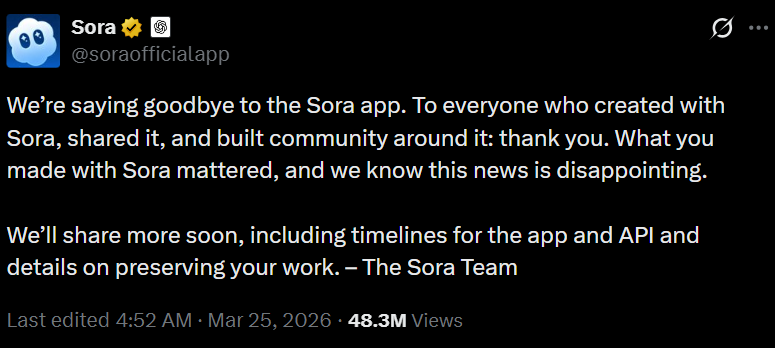
OpenAI’s official help center has confirmed a major shift: the Sora web and app experiences will be discontinued on April 26, 2026, with the API following suit on September 24, 2026. With the clock ticking, OpenAI strongly recommends exporting all content before the final shutdown. For professionals and hobbyists alike, finding a reliable Sora alternative is no longer optional—it is a business necessity.
This article is specifically crafted for those left stranded by Sora’s exit: YouTube creators requiring rapid output, overseas marketers scaling ad assets, educators seeking clear visual lessons, and casual users turning fun ideas into reality. To help you navigate this transition, we will compare five dominant players in the Sora alternative conversation: Veo, Kling, Pika, Runway Gen-4, and LipSync.
Why Everyone Is Searching for a Sora Alternative Right Now
The surge in searches is easy to understand. Creators want tools that can turn ideas into publishable clips without hours of prompt tweaking. Marketers need ad concepts they can test quickly before budgets run out. Educators are looking for ways to turn lesson scripts into engaging video without building a full production setup. Casual users just want to create something fun, shareable, and not glitchy.
That urgency is exactly why “Sora alternative” is not just another trending keyword—it reflects a real shift in demand. People aren’t browsing for inspiration. They’re trying to rebuild a workflow that just lost its core tool.
A strong Sora alternative isn’t the one with the most impressive demo. It’s the one that fits how people actually work. In this article, we evaluate each tool using four practical questions: Can it generate quickly? Can it stay consistent? Can it give you control over the message? And does the pricing make sense when you need to produce more than a single video?
This matters because these users have very different goals. Creators need repeatable output for YouTube or TikTok. Marketers need precise message control for campaigns. Educators need clarity and visual stability. Casual users want something simple and enjoyable without a steep learning curve. A useful Sora alternative should solve at least one of these problems exceptionally well.
Sora Alternative Comparison: 5 Tools You Can Use Today
Not all AI video tools are created equal. And not every tool that looks like a Sora alternative actually solves real problems. To make this comparison useful, we focus on four practical criteria:
- Speed:Can you go from idea to publishable video quickly?
- Control: Can you influence what actually happens in the video?
- Consistency:Do results stay stable across multiple generations?
- Ease of Use: Can you actually use the tool without a steep learning curve?
A good Sora alternative should help you create more, faster, and with fewer surprises.
1. Google Veo 3.1 – Best for Cinematic AI Video Generation
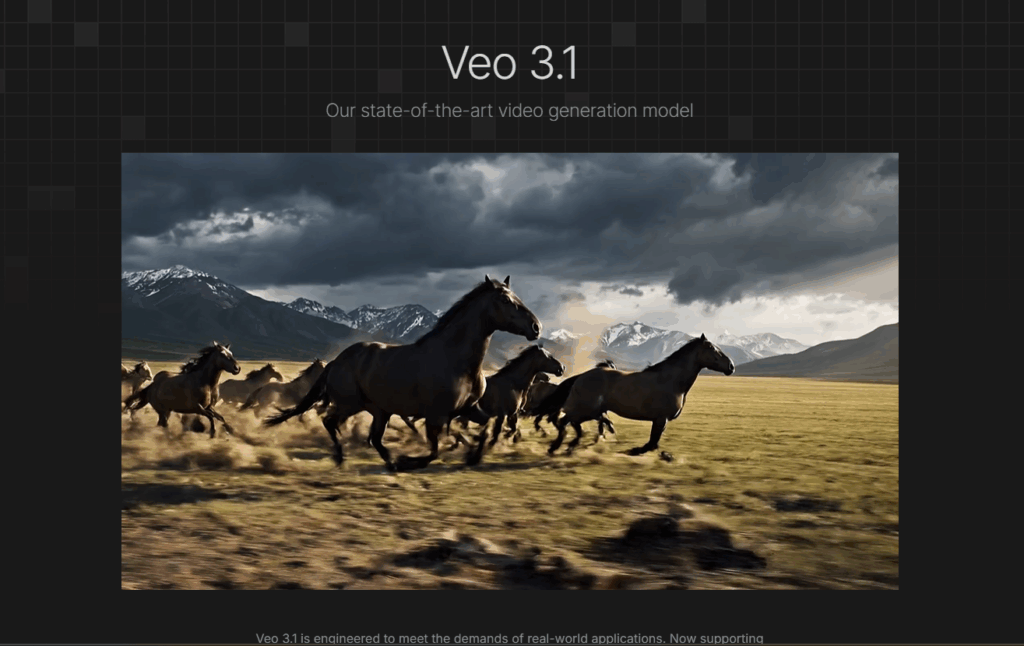
Google’s Veo is the closest Sora alternative when it comes to cinematic ambition. It doesn’t just generate video—it tries to simulate how films are actually made.
Veo stands out because it understands camera language, lighting logic, and scene composition at a deeper level than most tools. Prompts like “slow dolly-in with shallow depth of field” actually produce meaningful differences in output, not just random variation.
Pros:
- Exceptional visual fidelity (often close to film-grade output)
- Strong understanding of cinematography terms
- Native audio + video generation in a single pipeline
Limitations:
- Generation is slower compared to lightweight tools
- Less predictable results for structured content (ads, tutorials)
- Limited control over exact narrative or dialogue
Best For:
- Brand storytelling
- Concept films
- High-end creative exploration
2. Kling 3.0 – A Rising Sora Alternative with Strong Motion
Kling has quickly become one of the most talked-about Sora alternatives, mainly because of how well it handles motion and physics.
Unlike many AI video tools where objects behave unnaturally, Kling produces scenes where interactions feel grounded. If a character drops something, it falls correctly. If they interact with objects, it feels believable.
Pros:
- Industry-leading motion realism
- Longer video generation (up to ~2 minutes)
- Smooth physics and object interaction
Limitations:
- Prompt control is still limited
- Character consistency can break across scenes
- Less suitable for structured messaging (ads, scripts)
Best For:
- Action scenes
- Visual storytelling
- Dynamic environments
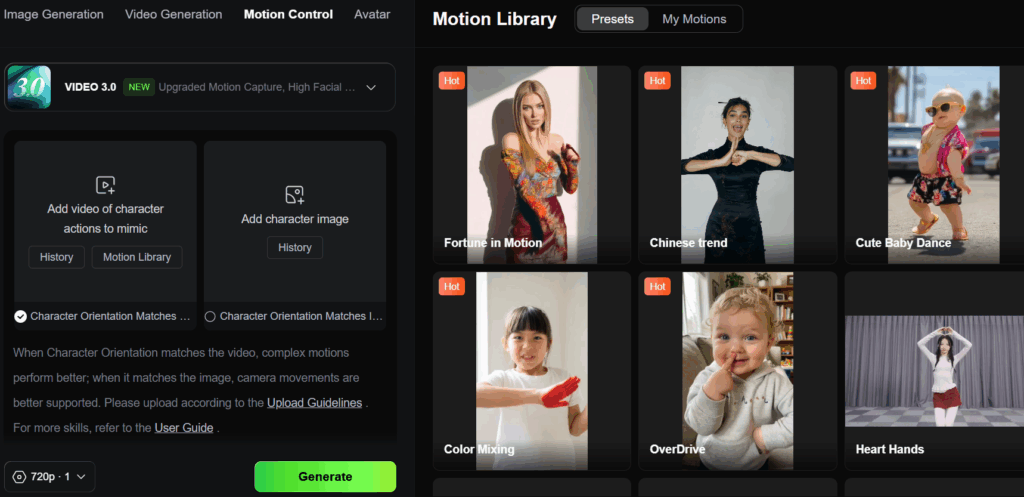
3. Pika 2.0 – Fast and Creator-Friendly Sora Alternative
Pika (specifically the 2026 Pro edition) is the go-to Sora alternative for social media managers who need a "vibe" rather than a documentary. Pika 2.0 added lip-sync capabilities, improved its “modify region” feature, and introduced creative effects like the ability to make objects explode, melt, or transform. It focuses less on realism and more on creative flexibility. The platform allows users to quickly generate stylized videos, apply effects, and experiment with different visual directions.
Pros:
- Extremely fast generation
- Beginner-friendly interface
- Strong style customization (anime, 3D, sketch, etc.)
Limitations:
- Output quality can be inconsistent
- Limited realism compared to Veo or Kling
- Not ideal for professional-grade production
Best for:
- Rapid content experimentation
- TikTok / YouTube Shorts
- Meme content
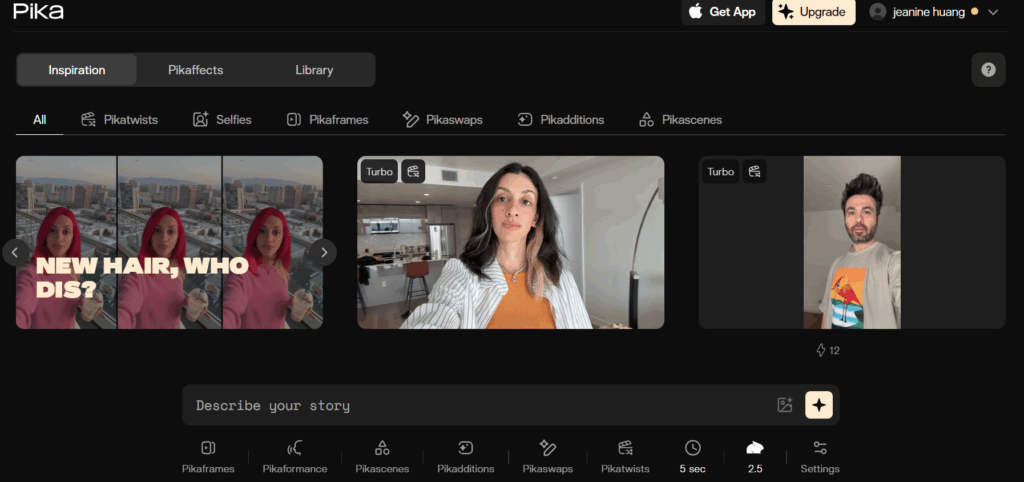
4. Runway Gen-4.5 – Powerful but Still Prompt-Heavy
Runway remains the "industry standard" for a professional Sora alternative. What sets Runway apart is not just generation quality — it is the professional editing workflow that surrounds it. It integrates with existing post-production workflows and offers features like motion brush (painting motion onto specific areas of an image) that no competitor currently matches. However, be warned: it’s not for the lazy. To get the best results, you need to master their brush tools and motion sliders.
Pros:
- Advanced control tools (motion brush, camera control)
- Integration into professional workflows
- Frame-level editing precision
Limitations:
- Steep learning curve
- Heavy reliance on prompt tuning
- Higher cost compared to competitors
Best for:
- VFX artists
- Production teams
- Advanced creators
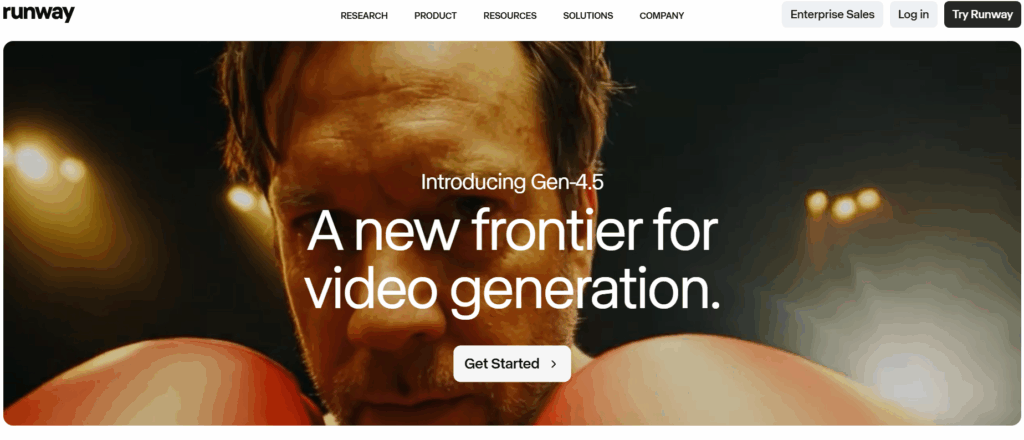
5. LipSync – A Practical Sora Alternative for Video Creation
LipSync is not just another tool trying to replicate Sora’s cinematic output.
It takes a more practical approach: building a complete and controllable video creation workflow.
Instead of relying only on prompt-based generation, LipSync gives users multiple ways to create videos depending on their needs—making it a more flexible Sora alternative in real-world scenarios.
You can:
- generate videos directly from text
- guide outputs using start and end frames
This flexibility makes LipSync less of a “demo tool” and more of a production-ready Sora alternative.
Path 1 – Generate Videos Directly with Seedance
If you loved the "type and go" simplicity of Sora, Seedance is your closest Sora alternative experience. It allows you to generate AI videos directly from text descriptions with incredible speed.
How it works:
- Describe your video idea
- Adjust settings like duration and aspect ratio
- Generate a fully synchronized video (audio + visuals)
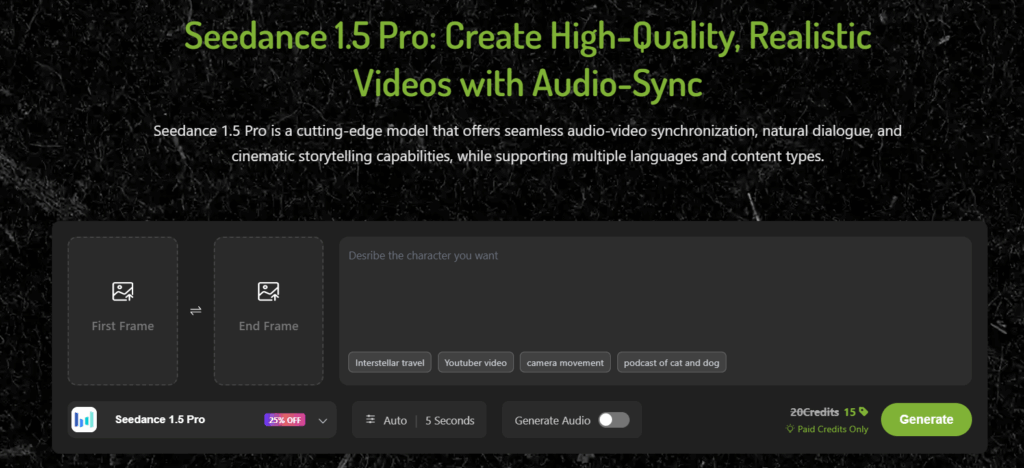
Path 2 – Create More Controlled Videos with AI character
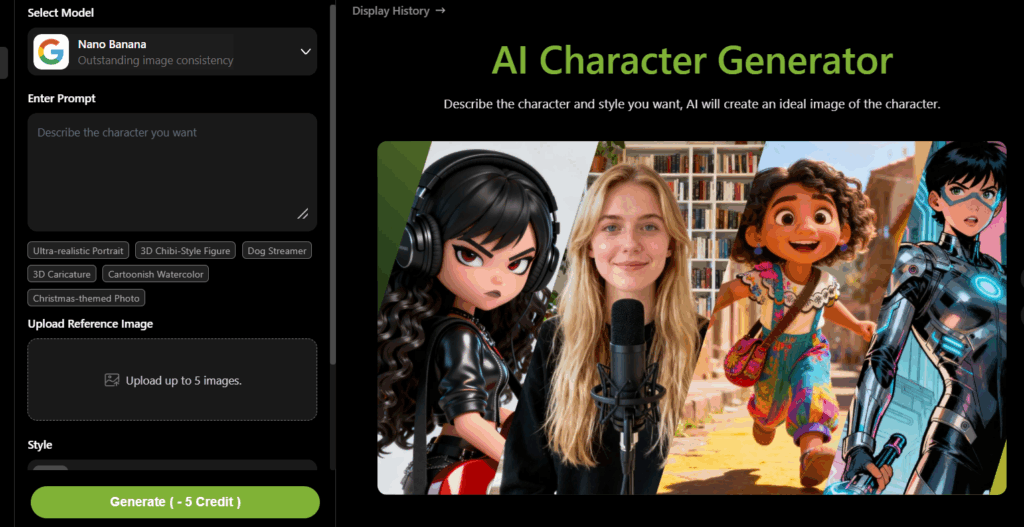
If you need more control, you can generate ai character first and use them as starting and ending frames. A practical workflow is to use Seedream or nanobanana to create or refine the visual anchor frames, then pass that imagery into Seedance so the dialogue video looks more intentional and less randomly assembled. That is an inference from the capabilities described by the official pages, but it is a very reasonable one.
This approach helps solve one of the biggest issues with most Sora alternatives: inconsistency.
Workflow:
- Generate images using SeeDream or Nanobanana
- Use them as start/end frames
- Let Seedance fill in the motion in between.
Pricing Advantage Compared to Other Sora Alternatives
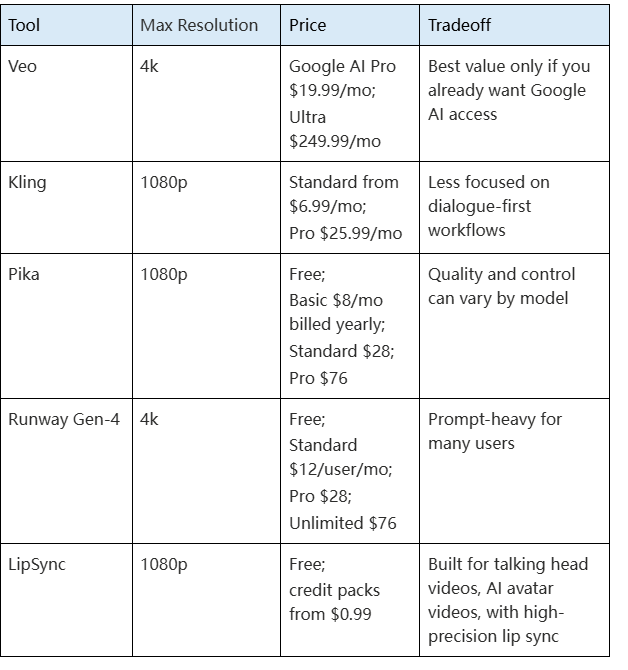
Compared to other Sora alternative tools, LipSync sits on the more accessible and usage-friendly end of the pricing spectrum.
Tools like Runway (around $76/month) and Pika (around $28/month) are powerful, but their subscription-based pricing can become expensive for frequent experimentation or high-volume content production.
LipSync takes a different approach: credit-based flexibility instead of rigid subscription pressure.
Here’s what makes it more beginner- and creator-friendly:
- $0.99 New User Offer → 100 Credits (low-risk entry point to test real generation)
- Credits Never Expire (you can use them anytime, no pressure to “burn” usage)
- Daily Free Credits (continuous zero-cost experimentation)
This structure makes LipSync easier to try, easier to continue using, and much more flexible for iterative creation compared to traditional subscription-heavy Sora alternatives.
Conclusion: Which Sora Alternative Should You Choose?
There is no single winner, and that is actually good news.
If you want the most cinematic output, Veo belongs on your shortlist.
If motion is your priority, Kling is worth a close look.
If speed and friendliness matter most, Pika is hard to ignore.
If you need a deep creative suite and do not mind a steeper learning curve, Runway Gen-4 is still a heavyweight.
But if your real problem is turning photos, characters, and scripts into talking content that can be used in ads, lessons, explainers, or social posts, LipSync is the most practical Sora alternative in this list.