Seedance Meets Lip Sync: How Creators Make Engaging Videos
In today’s creator economy, AI video tools are everywhere—but only a few actually help creators communicate like humans. Seedance AI is one of those tools. When combined with advanced lipsync technology, Seedance AI transforms AI-generated visuals into expressive, believable video content that audiences want to watch.
For content creators, overseas marketers, educators, and entertainment-focused users, the goal is simple:
make AI videos feel natural, personal, and engaging.
This is exactly where Seedance AI and lip sync meet.
What Is Seedance? Why Seedance 1.5 Pro Stands Out
Seedance AI is not just another AI video generator. What truly sets Seedance 1.5 Pro apart is its ability to generate video, voice, and lip sync in a single, unified process.
Most AI video tools still rely on a fragmented workflow: first generating visuals, then adding audio, and finally applying speech alignment as a post-processing step. Seedance 1.5 Pro takes a fundamentally different approach. It is built on a native audio-visual generation architecture, meaning speech, facial expressions, mouth movements, and motion are created together from the very beginning.
This matters because speech alignment quality is not something that can be “fixed later.” If audio and visuals are born separately, subtle timing mismatches are almost inevitable. Seedance 1.5 Pro avoids this by aligning phonemes, facial micro-expressions, and head movement during generation—resulting in speech that feels naturally human, not mechanically synchronized.
Another key strength of Seedance AI lies in multi-modal control. Creators can:
- Text-only video generation using Seedance AI
- Optional starting and ending frame uploads
- Flexible aspect ratios and durations
For creators, marketers, and educators, this means fewer steps, fewer tools, and significantly faster production cycles—without sacrificing realism.In short, Seedance AI is not “adding speech alignment to video.” It is building speech-driven video from the ground up.
Seedance AI Is Changing AI Lip Sync for Creators
Human perception is extremely sensitive to lip movement. Even slight mismatches between audio and mouth motion break immersion and reduce trust. Traditional AI video tools often stop at visuals—characters may look great, but their lips barely move, or move unnaturally.
Because Seedance AI generates speech and visuals together, voice-to-face alignment is no longer a separate technical hurdle—it becomes part of the storytelling process itself. This shift has meaningful implications for creators.
First, it changes how scripts are written. With Seedance AI, creators can focus on conversational language, pauses, and emotional tone, knowing that these nuances will translate into facial expression and mouth movement naturally.
Second, it enables multi-language content without visual compromise. Seedance AI can generate videos where different languages maintain realistic speaking rhythm, instead of forcing the same mouth movements onto translated audio.
Third, Seedance AI dramatically lowers the barrier for experimentation. Creators can iterate faster—adjusting dialogue, pacing, or tone—without rebuilding the entire video pipeline.
With Seedance AI, speech alignment is no longer a technical limitation—it becomes a creative advantage.
Seedance Meets Lipsync: A Workflow Built for Real Creators
Seedance 1.5 Pro is powerful on its own—but real creators often need more than a single-generation output.Seedance AI excels at native, first-pass video creation: generating realistic talking videos with synchronized speech. In practice, Seedance AI and voice adaptation workflows work together in three clear stages:
- Generate a talking video with Seedance AI and native speech synchronization
- Adapt or localize spoken content using a voice extension layer
- Scale one video across platforms, languages, and use cases
In these scenarios, voice-to-face alignment acts not as a replacement—but as a precision enhancement layer.A practical workflow looks like this:
1.Idea to Visual(Seedance 1.5 Pro workflow)
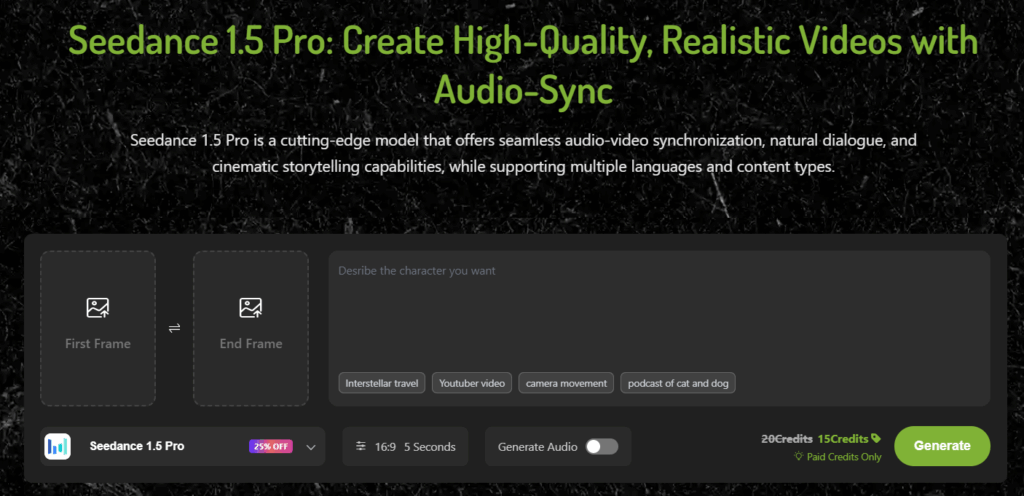
- Step 1 Open the Seedance AI——AI Video Generator
- Step 2 Describe and Upload:Describe your video concept, lesson, product demo, or story. Optionally upload a starting/ending frame to better match your needs.
- Step 3 Select Your Settings:Choose aspect ratio, duration, and whether to generate sound simultaneously. Seedance 1.5 Pro supports synchronized audio/video.
- Step 4 Generate & Download:Click “Generate” to synthesize audio and video together. Download or share your fully synchronized video.
2.Visual to Voice Extension(Seedance AI Videos with LipSync)
Seedance 1.5 Pro already delivers fully synchronized talking videos with audio in a single generation step.
However, when creators need to change the spoken content, switch languages, or localize videos for new audiences, regenerating the entire video from scratch is inefficient.
This is where lipsync.video becomes a powerful extension layer, allowing creators to reuse Seedance AI video while updating voice content—without re-rendering the video.
In practice, this means creators gain flexibility after generation. A product explainer can be localized for different regions, a lesson can be updated without re-recording visuals, and a short-form video can be repurposed with new dialogue to match trends or audience feedback. The value is not in fixing lip movement, but in unlocking reuse and scalability.
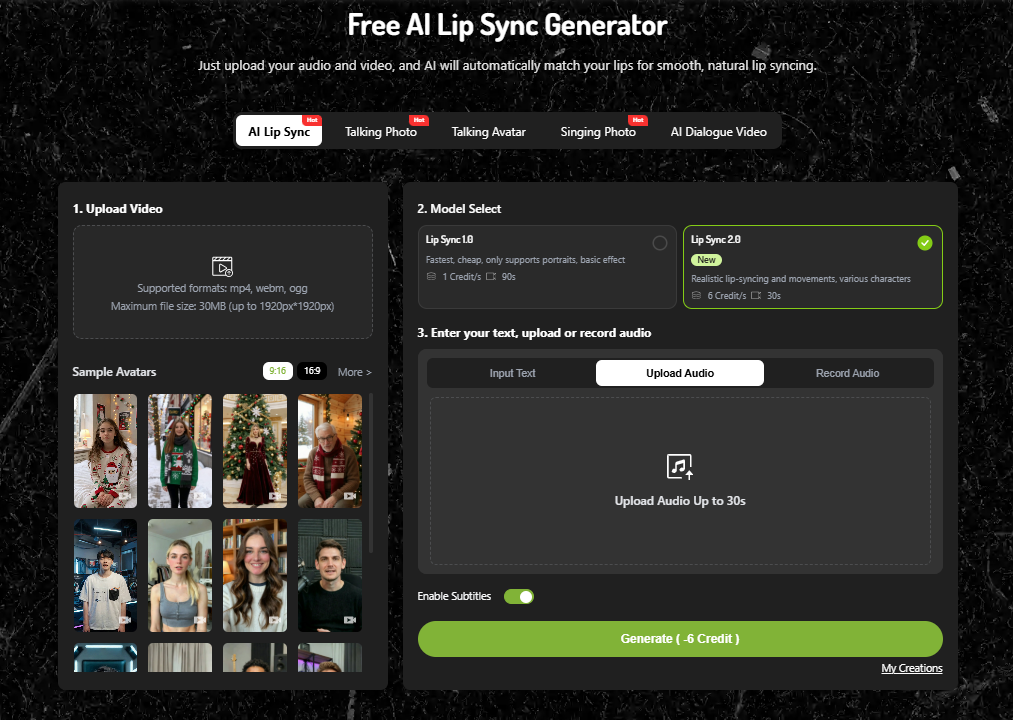
- Step 1 Upload or Select Assets:Upload your Seedance AI video, or choose a ready-to-use lip sync template to speed up production.
- Step 2 Add or Replace Voice Content:Insert new voice audio—translated speech, revised narration, or character dialogue—while keeping the original visuals intact.
- Step 3 Generate & Download: Click Generate to produce a perfectly video. Download your high-quality result, ready for global distribution.
3.Scale and Reuse
The same Seedance AI visual can now support multiple languages, markets, or platforms. One asset becomes many outputs.
This workflow is powerful because it mirrors how creators naturally work—concept first, expression second, distribution last.
How Creators Apply Seedance AI and Lipsync in Real-World Scenarios
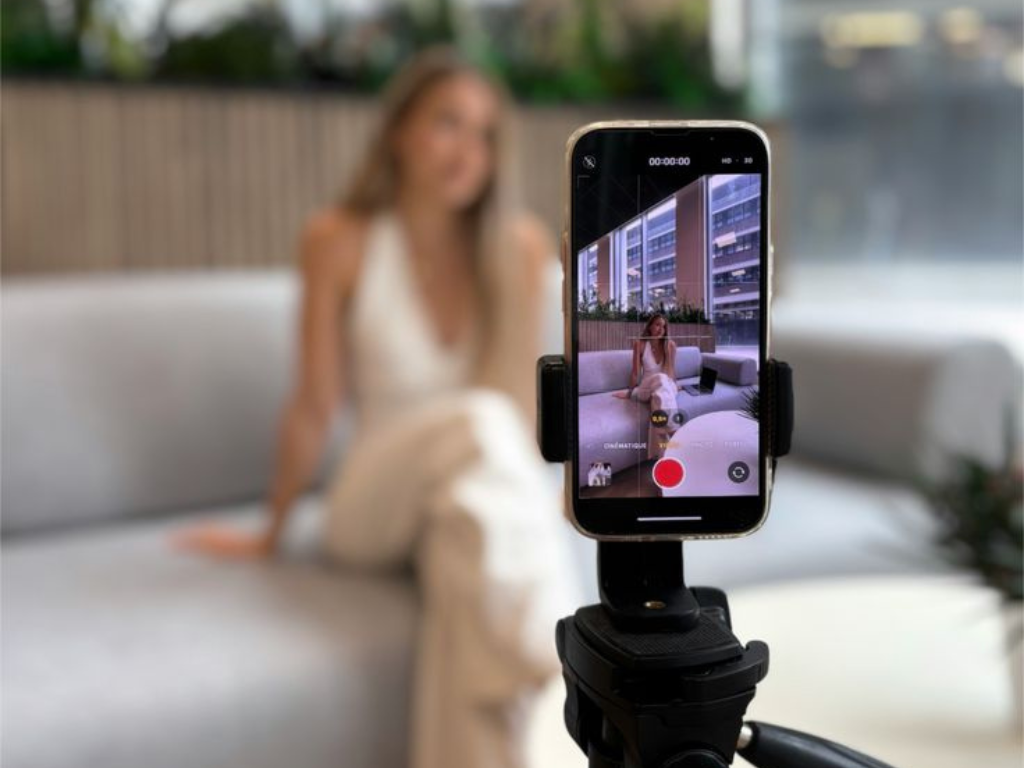
1.Short-form Content – Turn Portraits into Daily Talking Videos
For short-form creators, consistency matters more than perfection—but personality still matters most.
Seedance AI enables creators to build a stable talking identity without filming themselves every day. Using Seedance 1.5 Pro, creators can generate a realistic talking-head video directly from text, with native voice and voice-to-face alignment created in the same step. This means the avatar already speaks naturally from the first generation.
After generating a base talking video with Seedance AI, many creators reuse the same visual asset and apply new scripts or voices. Instead of regenerating visuals each time, they keep the face and identity consistent while refreshing the message.In practice, this allows creators to:
- publish daily without re-rendering video
- maintain a recognizable on-screen persona
- adapt content across TikTok, Shorts, and Reels
2.Marketing – Localized Product Videos with Multiple Languages
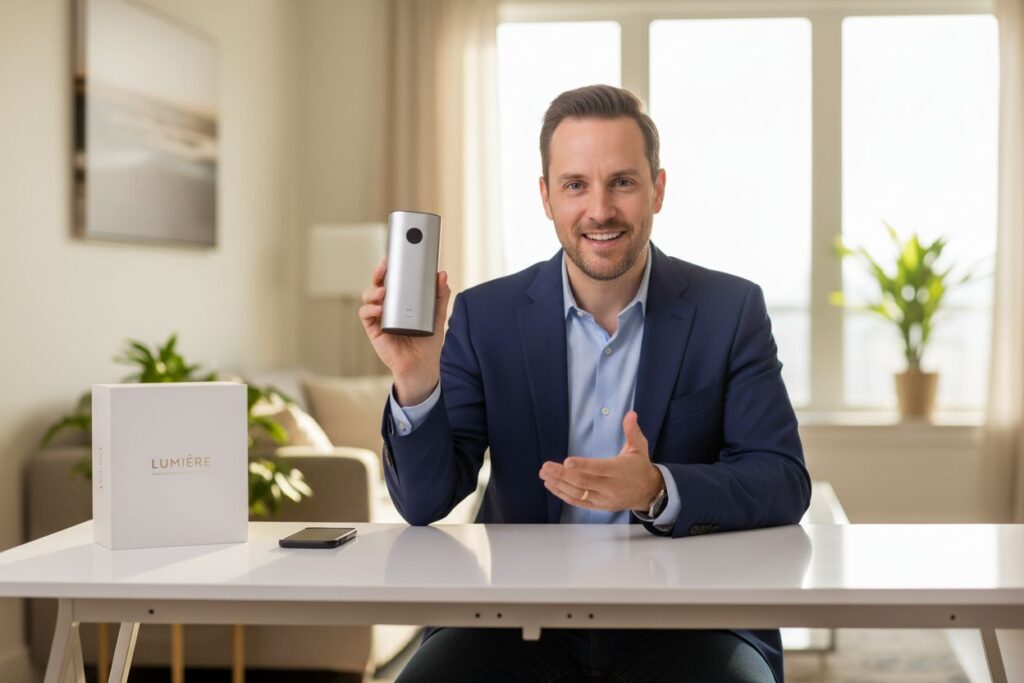
For overseas marketers, the real problem isn’t coming up with ideas—it’s turning one good video into many usable versions.
Seedance AI makes that easier by letting brands create a talking product video that already feels natural on screen.The presenter looks confident, the delivery sounds human, and the video is ready to publish as soon as it’s generated.
Instead of rebuilding visuals for every market, teams can focus on adapting the message—saving time without sacrificing quality.
As a result, marketing teams can:
- launch campaigns in new regions faster
- maintain identical brand visuals worldwide
- test messaging without touching the visual layer
3.Education – AI Instructors with Natural Delivery
In education, clarity and trust matter more than visual flair.
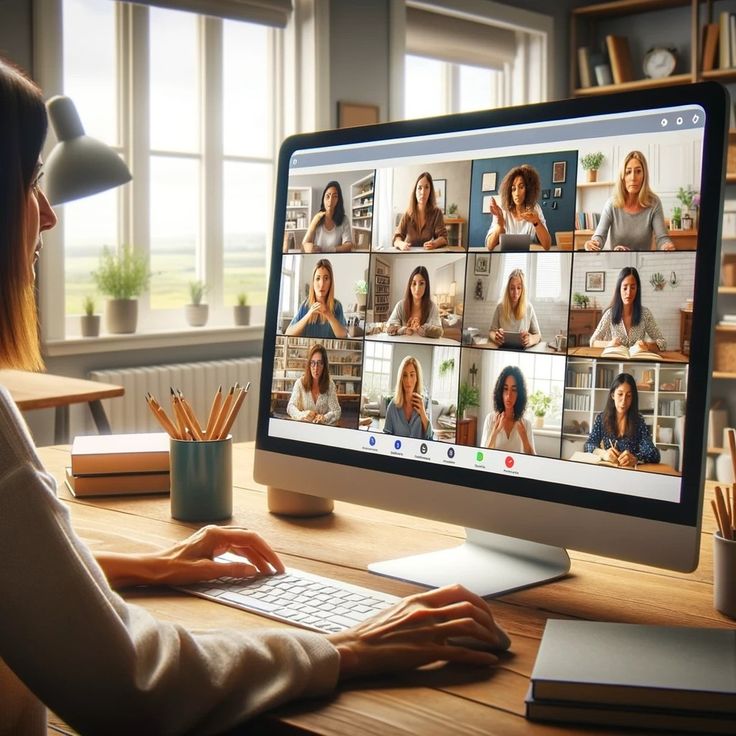
Seedance AI allows educators to create AI instructors that feel calm, professional, and consistent across lessons. Using Seedance 1.5 Pro, instructors can generate talking videos where speech rhythm and mouth movement are naturally aligned—reducing distraction and improving comprehension.
As courses evolve, content often needs updating. Instead of recreating the instructor visually, educators reuse the same Seedance AI videos and apply revised audio through lipsync.video.This approach makes it possible to:
- Update lessons without reshooting
- Offer multilingual courses using the same instructor
- Maintain a stable “teacher presence” across modules
4.Influencers – Virtual Avatars That Feel Human:
Virtual influencers often fail for one reason:they look impressive, but they don’t feel alive.
Seedance AI solves the visual foundation by generating avatars with coherent motion, facial structure, and expression. With Seedance 1.5 Pro, these avatars can already speak naturally in their first appearance.
As influencers grow, they need to respond faster, speak more often, and stay emotionally expressive. By pairing Seedance AI videos with lipsync.video, creators can rapidly inject new dialogue, reactions, and emotional timing—without rebuilding visuals.
This allows virtual influencers to:
- React to trends in real time
- Speak directly to audiences
- Maintain presence without physical filming

Final Thoughts: From AI Video to Human-Like Communication
Seedance AI is not just about making videos. It’s about making ideas visible.When used well, Seedance AI helps creators do something simple but important: make their videos feel like someone is actually speaking.If your goal is to create AI videos that speak naturally, scale globally, and still feel human, the Seedance + lipsync workflow is not optional—it’s foundational.