
How to Create a Custom Santa Video in Minutes
 Jennifer
Every December, social feeds, brand campaigns, and family chats are filled with Christmas greetings, yet standing out is harder than ever. People want warm, personal, and fun content, but traditional Christmas video production rarely delivers that easily.
This is why a custom Santa video matters. It lets anyone create personalized holiday messages instantly—no filming, no actors, no editing software, no extra cost.
For years, producing a Christmas video required cameras, lighting, green screens, scripts, and sometimes even a rented Santa suit. For most parents, creators, teachers, and marketers, that process is simply too much.
With modern AI tools,like lipsync.video,you can now turn a simple text prompt or a single photo into a custom Santa video that delivers holiday greetings, promotes your seasonal offer, or even cracks jokes like a comedian. And the best part? You don’t need editing skills, design ability, or video production knowledge. If you can type, you can produce a custom santa video.
This guide is designed for four key audiences: A. Content creators who want viral, high-retention holiday videos B. Everyday users who want fun talking or singing Santa clips C. Video and audio professionals who want faster production workflows D. Businesses and educators who need engaging Christmas video content for promotions, courses, and communication
In the next sections, you’ll learn:
5 Easy Steps to Create Your Custom Santa Video
Step1——Prepare or Generate Your Santa Image
The first step in creating your custom Santa video is to have a Santa image ready. You have two options:
Option1——Upload your own image: If you already have a Santa photo or artwork, make sure it is front-facing, high-resolution, and unobstructed. This ensures clear facial detection and smooth animation in the next steps.
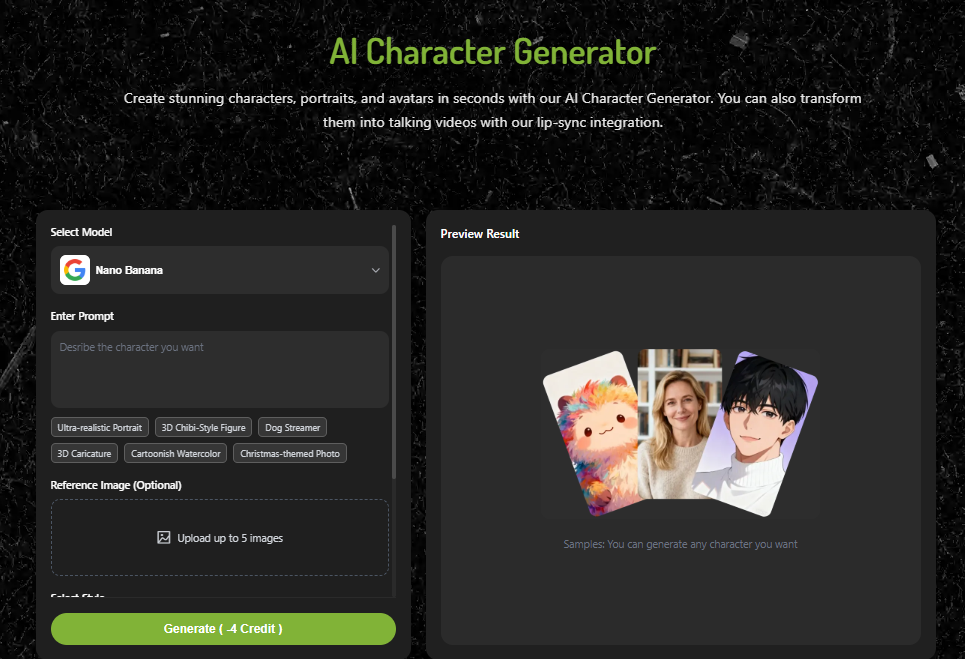
Option 2 — Generate a Santa image using AI: If you don’t have an image, ai character generator allows you to create a unique Santa with a text prompt. For example:
- “Realistic Santa smiling warmly”
- “Cute cartoon Santa holding gifts”
- “Modern AI-designed Santa with blue coat”
This step sets the foundation for a polished Christmas video, whether it’s a talking or singing Santa.A good image guarantees smooth animation and a polished custom Santa video.
Step2——Choose the Tool: Talking Photo or Singing Photo
After preparing your Santa image, Choose Talking Photo or Singing Photo based on your audience—kids, friends, customers, or social followers.Upload your Santa image; AI detects the face and prepares it for animation.
- Talking Photo: Santa will say anything you type, creating a natural, expressive custom Santa video.Perfect for personalized greetings, promotional messages, or storytelling.
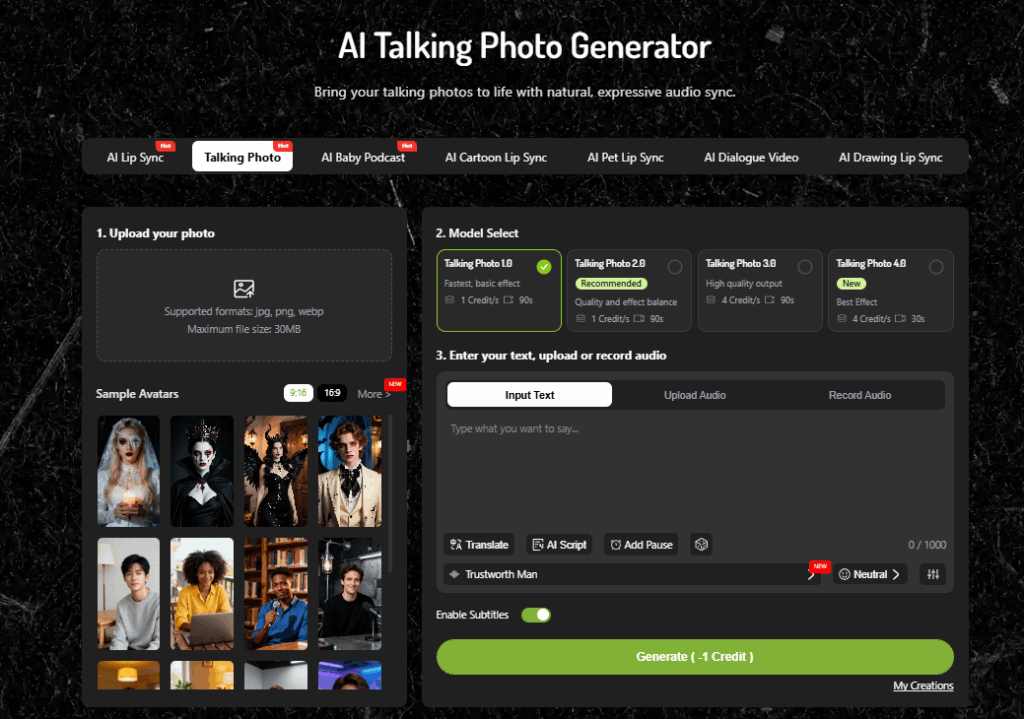
- Singing Photo: Santa sings the lyrics you provide, making your custom Santa video more entertaining and shareable.Ideal for holiday songs, fun entertainment, or TikTok-style viral content.
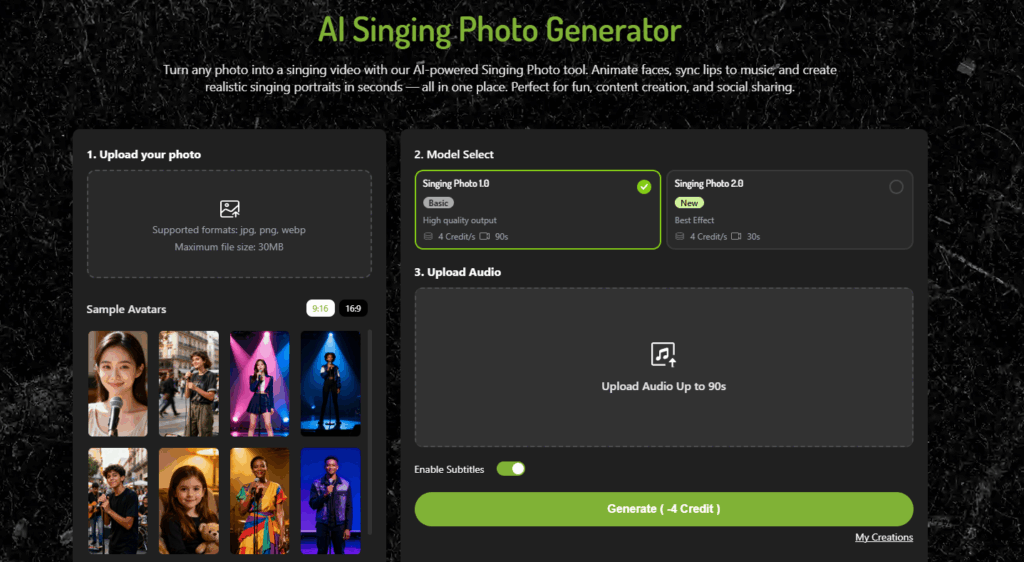
Step3——Enter Your Script or Audio
- For Talking Photo, type the script that Santa should speak. Include festive phrases (“Ho Ho Ho!”, “Merry Christmas!”) and keep sentences short for better lip-sync.
- For Singing Photo, either upload a audio. AI matches the voice with the lip movements, generating a custom Santa video.
A well-prepared script or audio ensures smooth, natural movements and expressive Santa animations.
Step4——Generate Your Custom Santa Video in Seconds
Click “Generate,” and lipsync.video processes your custom Santa video automatically.You will see a custom Santa video with:
- Clean mouth movements
- Accurate lip sync
- Correct emotional expressions
- Stable animation without distortions
- Clear audio and timing alignment
Even beginners can produce polished, studio-quality Christmas video in seconds—no editing skills, no animation background.
Step5——Download and Share Your Christmas Video
Once your custom Santa video is ready, download it in high quality and share it instantly.Your custom Santa video becomes a festive, memorable piece of content that audiences actually enjoy.
Tips to Make Your Custom Santa Video Look More Natural
1、 Choose a High-Quality Santa Image for Better Lip Sync English
A natural-looking custom Santa video always begins with a high-quality image. The AI lip-sync engine can only perform at its best when the facial features—especially the mouth, nose, and eyes—are clear and well-lit.
What makes a good Santa image:
- Front-facing angles (avoid extreme side profiles)
- Soft, even lighting
- A visible mouth (no oversized mustache blocking the lips)
- Enough resolution for the AI to detect facial landmarks
- No blur, grain, or compression artifacts
Images that are too dark, fuzzy, or low-res may cause stiff lip movements or unnatural distortions. A good image = a high-quality Christmas video with stronger emotional impact.
2、Keep Your Script Simple for Smoother Lip Movements
Simple scripts almost always yield the most natural custom Santa video.The AI performs best when the script has clean rhythm and clear pronunciation.
Best practices for writing smooth scripts:
- Use short sentences
- Avoid long, complex paragraphs
- Add emotional cues (“Ho Ho Ho”, “Merry Christmas!”, “Happy Holidays!”)
- Use familiar vocabulary
- Replace technical jargon with everyday language
- For custom Santa video, choose lyrics with steady beats
This not only improves mouth synchronization but also reduces audio–video mismatches, ensuring your custom Santa video looks professional.
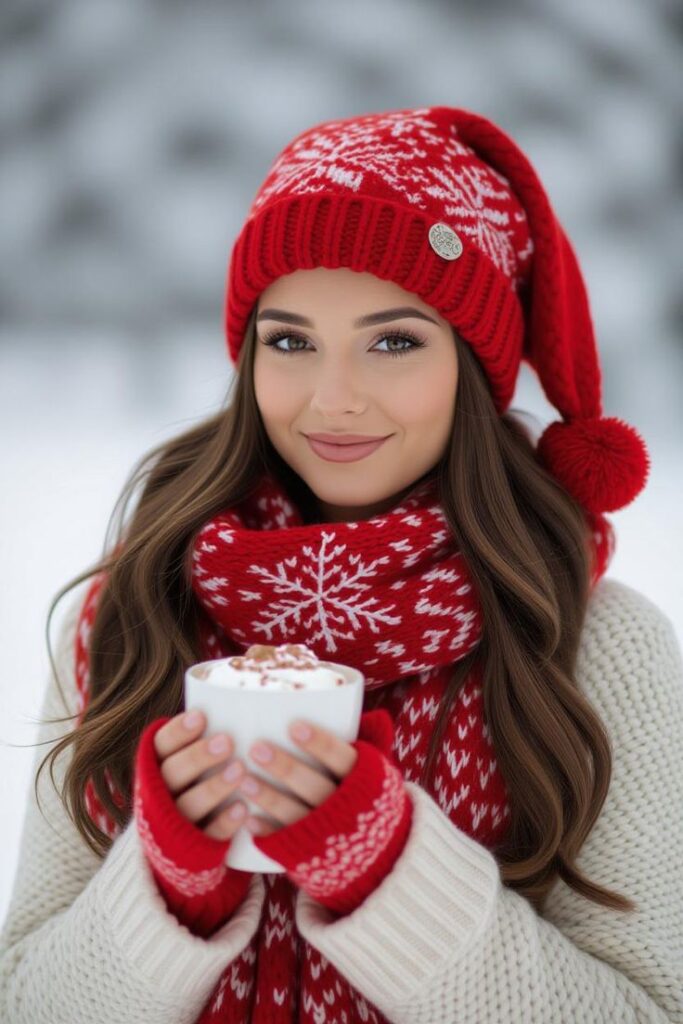
3、Select Emotion or Voice Type That Matches Your Custom Santa Video
The voice you choose is just as important as the image.A mismatched voice can make even the best AI-generated Santa feel strange or out of place.
When choosing a voice for your Christmas video:
- For a warm, classic vibe → choose deep, friendly tones
- For children’s content → choose a soft, cheerful voice
- For TikTok humor → use upbeat or exaggerated voices
- For brand marketing → select clear, confident, trustworthy tones
- For singing custom Santa video→ pick a rhythmic or melodic voice
When voice style aligns with your Santa design and script mood, the final costom Santa video becomes more convincing and emotionally engaging.
4、 Adjust Duration, Beat, and Pacing for More Natural Custom Santa Video
If you’re creating a costom Santa video, pacing becomes extremely important.AI will sync lyrics to Santa’s mouth shape, but adding proper timing creates a more musical and organic feel.
Tips for better pacing:
- Add small pauses between lines
- Keep lyrics consistent with the intended rhythm
- Avoid overly fast sentences
- Add line breaks every 5–8 words
- Match the emotional rise and fall of the message
For Christmas songs or comedic holiday jingles, proper pacing helps maintain clarity and natural flow—making your custom Santa video look like he’s truly performing instead of simply reading text.
5、Use Background Music, Captions, and Branding for a Polished Christmas Video
To make your custom Santa video feel complete and professional, add lightweight post-production elements.
Enhancements custom Santa video work well:
- Soft Christmas background music
- On-screen captions
- Holiday-themed borders or frames
- Brand logos or product images (for marketing videos)
- Snowflake or sparkle effects for festive flair
These additions give your Christmas video personality and help it stand out on TikTok, YouTube, Instagram, and other platforms.
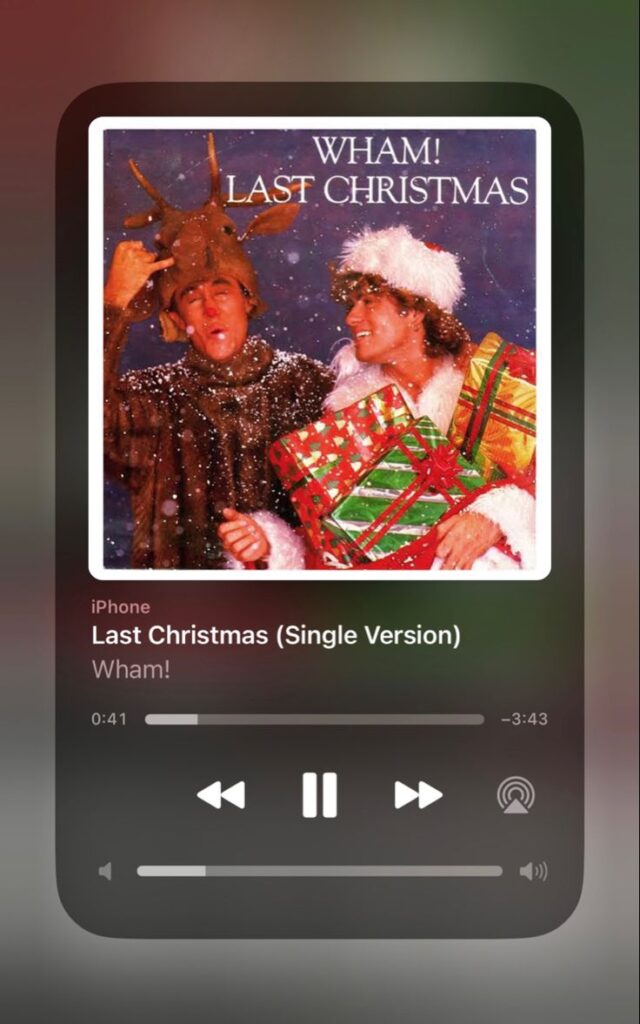
Creative Ideas for Your Custom Santa Video
1、Personalized Santa Messages for Kids
Parents want to create custom Santa video for children. A Santa saying the kid’s name, mentioning their wish list, or reminding them to be nice? That’s pure holiday gold. And thanks to AI, this can be generated in under 3 minutes without recording anything yourself.
Ideas you can create in seconds:
- “Hi Emma, Santa here! I heard you’ve been very kind this year.”
- “Lucas, did you finish your homework? I’m checking my list twice!”
- “Hi Mia, your Christmas gift is on the way… but only if you go to bed early!”
Why parents love custom Santa video:
- No filming required
- No expensive Santa costume
- AI generates a warm, friendly Christmas video instantly
- Kids feel directly connected to Santa
This type of custom santa video always leads to big reactions, happy tears, and unforgettable moments.
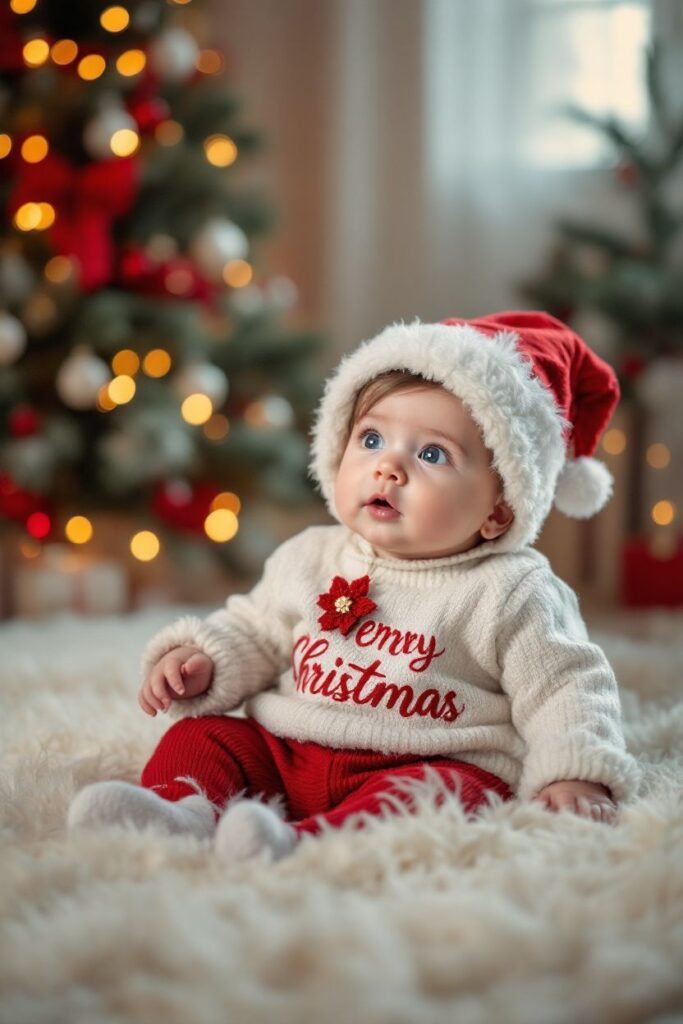
2、Viral TikTok/Instagram Holiday Content
YouTubers, TikTok creators, podcasters—they all need high-engagement custom Santa video that feels new every year. A custom Santa video powered by AI becomes a fast, fun, and highly shareable format that consistently attracts views.A custom santa video fits this perfectly because it’s quick to produce and highly shareable.
Viral-ready ideas:
- Santa reacting to holiday memes
- Santa roasting “naughty list” behaviors
- AI Santa singing trending audio
- “POV: Santa sees your Amazon order history”
- Santa giving relationship advice or holiday life tips
- Comedy skits with Santa complaining about inflation or reindeer drama
Why custom Santa video works:
- High humor value
- Relatable Christmas video themes
- The Santa character boosts engagement
- Short, entertaining, and highly repostable
Creators love it because they can produce multiple videos in one hour.
3、Holiday Ads and Promotions for Brands
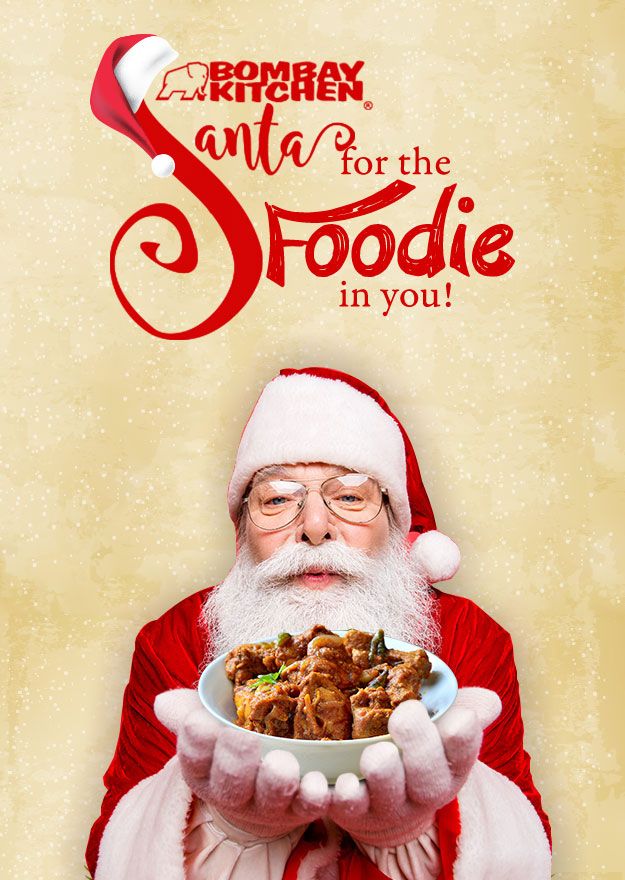
Businesses need promotional Christmas video content—holiday sale announcements, end-of-year messages, customer greetings, internal communications. A custom santa video gives brands a unique way to promote sales, drive traffic, and engage customers with very low production cost.
Ideas for business use:
- Santa announces your Christmas discounts
- Santa becomes your holiday spokesperson
- Seasonal greetings for customers
- Santa giving product recommendations
- Sales countdown announcements
- Santa giving “unboxing messages” for customers who purchase gifts
Why brands prefer custom Santa video:
- No need to hire actors or studios
- Faster and cheaper than traditional Christmas video production
- Works well in ads, email marketing, landing pages, and social media
- The Santa character boosts click-through rates
4、Classroom, Education & Learning Content
Teachers love using a custom Santa video during December to make lessons more fun and engaging.Children stay focused longer when Santa is the one explaining things.
Educational ideas you can create:
- Santa teaching vocabulary or simple math
- Christmas stories narrated by Santa
- Santa announcing class rules or reminders
- Holiday-themed quizzes
- Santa giving motivational messages
A custom Santa video can be used in classrooms, holiday events, or school social media accounts.
5、Friendship, Couple & Funny Gift Messages
For casual users, a custom santa video is the perfect way to send funny, emotional, or meme-style holiday greetings.
Ideas for personal use:
- Santa roasting your best friend
- Santa reminding your partner to buy your gift
- Santa celebrating inside jokes
- Santa announcing holiday party invitations
- Santa giving “end of year evaluations”
A custom Santa video is extremely shareable and usually lead to big reactions in group chats.
Create Your Custom Santa Video Today!
The holiday season is short, and the opportunity to create memorable, shareable a custom Santa video is limited. With lipsync.video, anyone—whether a parent, creator, brand, or educator—can produce a professional Custom Santa Video in minutes. There’s no filming, no actors, no editing headaches, and no technical skills required.
Take your text or image, generate your Santa character, and let AI bring your festive ideas to life. From personalized greetings to viral social media content, AI-powered Custom Santa Video makes the holiday season magical, fun, and memorable for everyone.