
Hair transformation with AI: Change Haircut for Your Avatar
 Jennifer
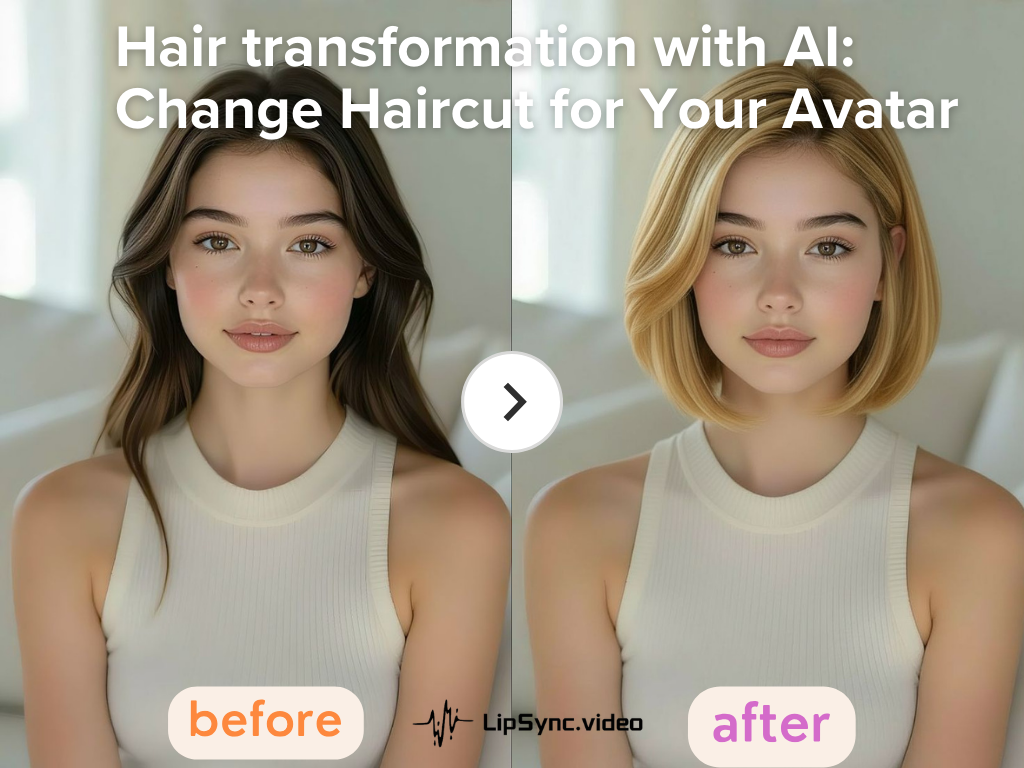
Your hair does a lot of heavy lifting on camera. Before you say the first line, your hairstyle has already whispered who you are. That’s why smart creators treat hair transformation as part of the visual setup—not an afterthought.
With lipsync.video, you can run through multiple hair transformation options from the comfort of your laptop, pick the version that matches your brand and audience, and then use LipSync to turn that final hair transformation into a polished talking video. Instead of trial and error, this workflow gives you control: photo first, perfect the look, then generate.
A well-executed hair transformation does more than change color or length — it clarifies your persona on camera. For creators, marketers, educators, and casual entertainers, a consistent on-screen look builds trust, aids recognition, and can even affect watch time.A consistent hair transformation helps:
- Improve watch time and perceived professionalism
- Build trust at first glance
- Reinforce personal or brand identity
Pro tip: treat hair transformation as a branding choice—experiment in images, not with permanent dye. Using an ai hair generator makes testing painless and reversible.
The Real Pain Point: When Hair Issues Surface Too Late
We’ve all been there: once your content is already in motion, small hair issues suddenly become big problems that are expensive and frustrating to fix.“Your hair looks different,” “Lighting makes your color weird,” “Could you retake?” Re-shoots cost time and morale. Here’s why the pain is so common:
- Video amplifies flaws. Motion, light, and color grading can make a “good” hairstyle look off.
- Reshoots are expensive. For solo creators, it’s time lost; for teams, it’s budget lost.
- Local trends differ. A look that performs well in one market may flop in another, especially when expanding to global audiences.
This is the exact problem hair transformation aims to solve: preview, iterate, and lock a look before generating your video. With an ai hair generator and a simple image-first workflow, you remove guesswork, reduce risk, and protect your production schedule.
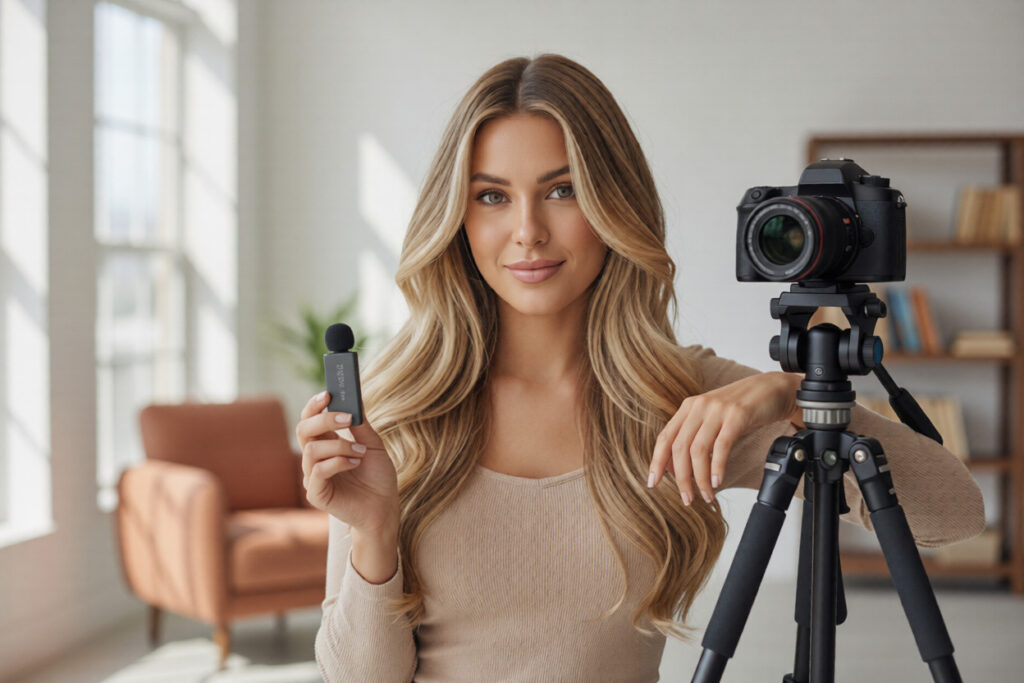
Hair Transformation Starts with Photos
Stop treating photos as an afterthought. The fastest and least risky way to test a new hair transformation is on a still image. This is where hair transformation decisions should happen. Start here, because images are quick to process, fast to compare, and ideal for A/B testing.
Why photos first?
- Faster iteration: create and compare multiple looks in minutes
- Easier collaboration: share variations with teammates or clients
- Lower risk: no reshoots, no wasted production time
A practical workflow:
- Upload a clear front-facing photo.
- Use an ai hair generator to try multiple hair transformation (color, cut, texture).
- Compare variations on mobile and desktop to see how the look holds up.
- Select the winning version and move confidently into video generation with LipSync.
Below we detail the two image-stage tools that make this work like magic: the AI hair color changer and the AI hairstyle changer.
1.Use AI Hair Color Changer to Test the Right Tone
Hair color often changes dramatically on camera. Studio lights, background colors, and compression can shift tones in unexpected ways. That’s why testing color digitally before filming is one of the safest decisions you can make.
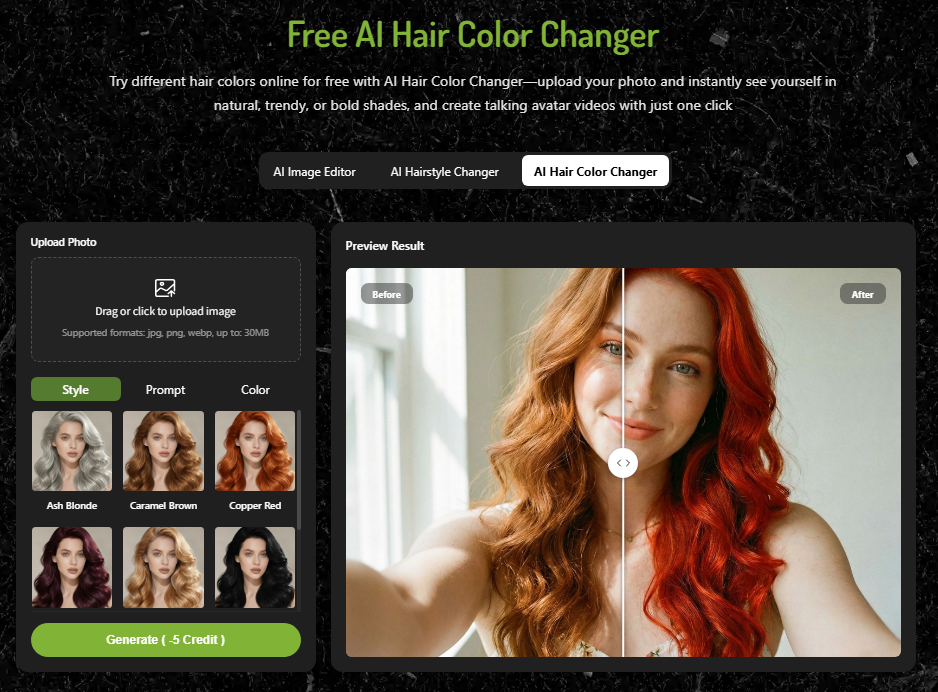
Step 1 — Upload Your Photo Choose a well-lit, front-facing image. Soft daylight or evenly diffused light helps AI Hair Color Changer capture accurate base color and texture, which leads to more realistic hair transformation results.
Step 2 — Choose a Color Browse a color palette in the ai hair generator. Pick anything from natural brunettes to neon pinks. The goal here isn’t just “which color looks cool”—it’s “which color reads well on camera and matches my brand.”
Step 3 — Preview & Save The AI instantly updates your photo with the new shade. Save the variations you like. If you’re on a content team, export them for A/B testing in social ads or thumbnails.
Practical tips: Save at least three finalists — primary, conservative, and bold — and test which performs best in thumbnails or promo videos. Different audiences respond to different visual signals.The best hair transformation is not always the most exciting one—it’s the one that reads clearly on camera and feels consistent across multiple videos.
Humor aside: this is the only hair color test where your towel stays clean.
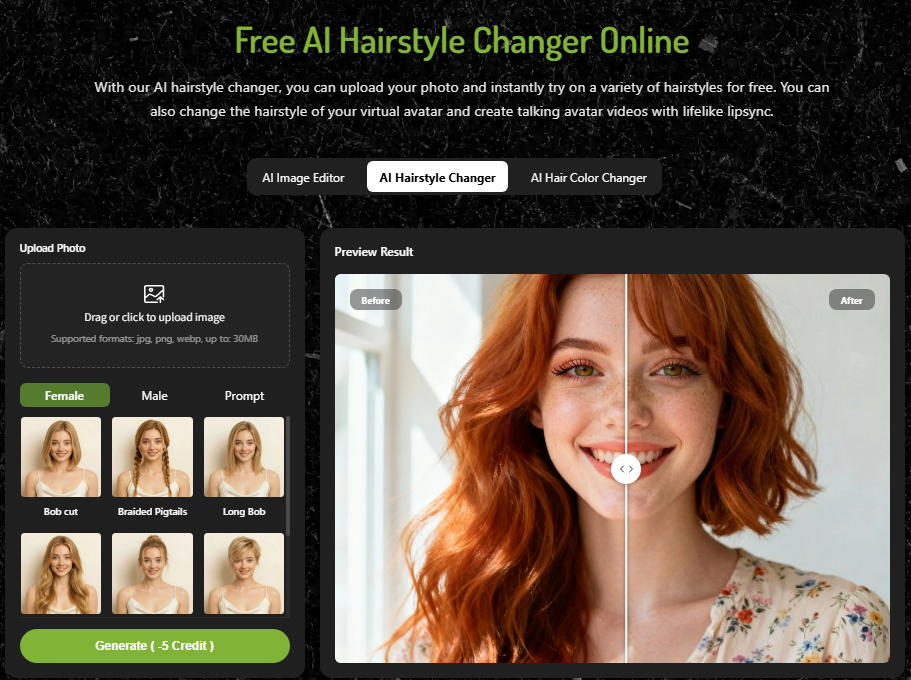
2.Use AI Hairstyle Changer to Find a Camera-Friendly Style
Hair length, volume, and shape affect how your face is framed on screen. Some styles look stylish in photos but distracting in motion. That’s where the AI Hairstyle Changer becomes invaluable.
Step 1 — Upload Your Photo Same rule: clear, front-facing image. The AI hairstyle changer uses facial landmarks to place realistic cuts and volume.
Step 2 — Choose a Style or Describe It Select from preset templates such as bob, layered, pixie, or long waves. You can also describe your ideal look in text, for example:
- “Long layered hair with soft curls”
- “Short professional cut with volume”
- “Natural straight hair with light bangs”
The ai hair generator interprets your request and applies the hair transformation directly to your image.
Step 3 — Generate & Download Click generate and review the result carefully. Look for realism around the hairline, shadows, and blending with your original photo. If the hair transformation feels natural, save it as your base for video creation.
Practical tips:
- Try both subtle and dramatic styles. Often, small adjustments improve on-camera presence more than major changes.
- Check the hairstyle at different crop sizes to make sure it works in vertical and horizontal videos.
- If you plan a real haircut later, use this preview to communicate clearly with your stylist.
From Hair Transformation to Video with LipSync
1.Turn Your Final Look into a Talking or Singing Video
Once your hair transformation is finalized in image form, the next step is turning that image into a talking or singing video with LipSync. This is where your static look becomes dynamic content ready for sharing.
Workflow in 4 steps:
- Finalize the chosen image (hair transformation approved).
- Upload image to LipSync as the base for a talking photo or singing photo.
- Input text or upload audio, then run the lip-sync engine.
- Export video with subtitles and language variants.
Why this saves time:
- No need to re-record visuals when changing languages—turn one image into many localized videos.
- Visual consistency is maintained across versions because the hair transformation is baked into the image.
- Faster production cycles for ad campaigns, online courses, and social clips.
2.Hair Transformation for Different Audiences and Markets
Not every audience likes the same look. Global campaigns need nuanced visual choices. That’s why hair transformation is essential for marketers and creators who work across borders.
Example 1: Content Creator Expanding to Global Audiences
A fitness creator wanted to localize her English videos for Japan and Brazil. Using an ai hair generator, she created two hair transformation versions:
- Japan version: darker brown tone, neat layered style
- Brazil version: warmer highlights, softer waves
She finalized both at the image stage and then used LipSync to generate localized talking videos with native voiceovers. No reshoots, no styling changes—just smart preparation.
Example 2: Marketing Team Running Regional Ads
A SaaS company tested two hair transformation styles for their AI spokesperson:
- US market: blonde, casual, friendly
- Germany market: dark brown, clean, professional
This approach reduces guesswork and aligns the look with local preferences—without additional shooting days.
Example 3: An Online Educator Producing Different Types of Video Content
An online instructor was creating a series of video lessons and promotional clips for her personal brand. Before recording, she tested several hair transformation styles with an ai hair generator to match different types of content:
- A neat, professional style for formal course lectures
- A softer, friendly look for introduction and welcome videos
- A relaxed, natural style for short social media previews
After choosing the final hair transformation, she used LipSync to turn each image into talking videos with matching voice tracks and subtitles.
Final Thoughts: From Hair Transformation to Confident Video Creation
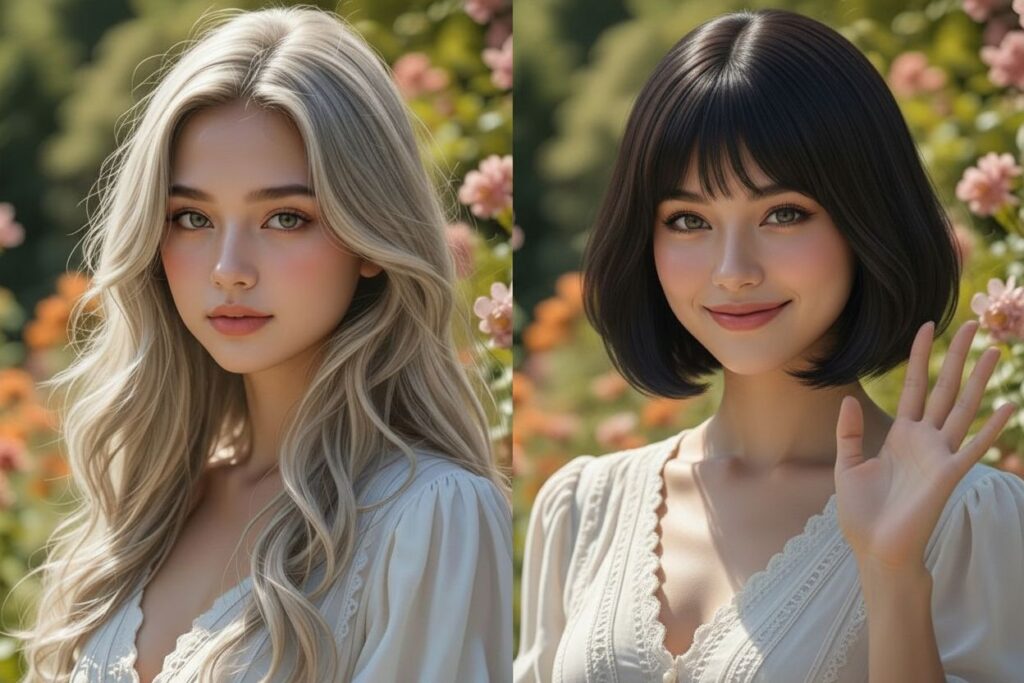
Hair transformation is not vanity in the content world—it’s clarity. A thoughtful hair transformation done in the image-first stage saves time, reduces retakes, and improves cross-market performance. By combining an ai hair generator with an image-first workflow and LipSync video generation, you create a repeatable system:
Preview in photos → finalize the look → scale to video confidently.
If you’re a creator, marketer, educator, or just someone who wants to look great on your next clip, start with a photo. Try hair transformation in your ai hair generator, pick the winner, and use LipSync to convert that look into a polished talking video. Your audience will notice—positively.