Top 5 Best Talking Animal AI Tools in 2026 (Free & Paid)
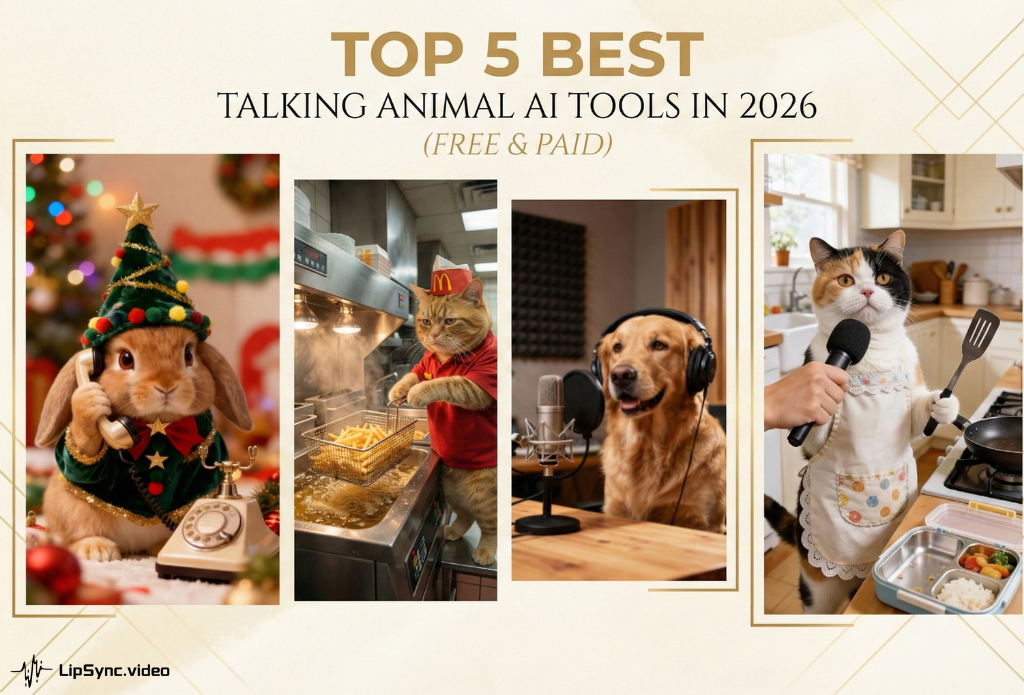
Animal videos have always ruled social media, but AI has sparked a new phenomenon: talking pets are going viral like never before. From cats dispensing life advice to dogs delivering perfectly timed punchlines, these AI-powered clips consistently dominate feeds and drive massive engagement.
The best part? You don't need professional animation skills anymore. In 2026, transforming a static pet photo into a talking superstar takes just minutes. Whether you're creating memes, birthday greetings, or educational content, the right talking animal AI tool makes all the difference. Today, we’re reviewing the top 5 talking animal ai tools that dominate the talking animals niche.
Table of Content
1. LipSync.video
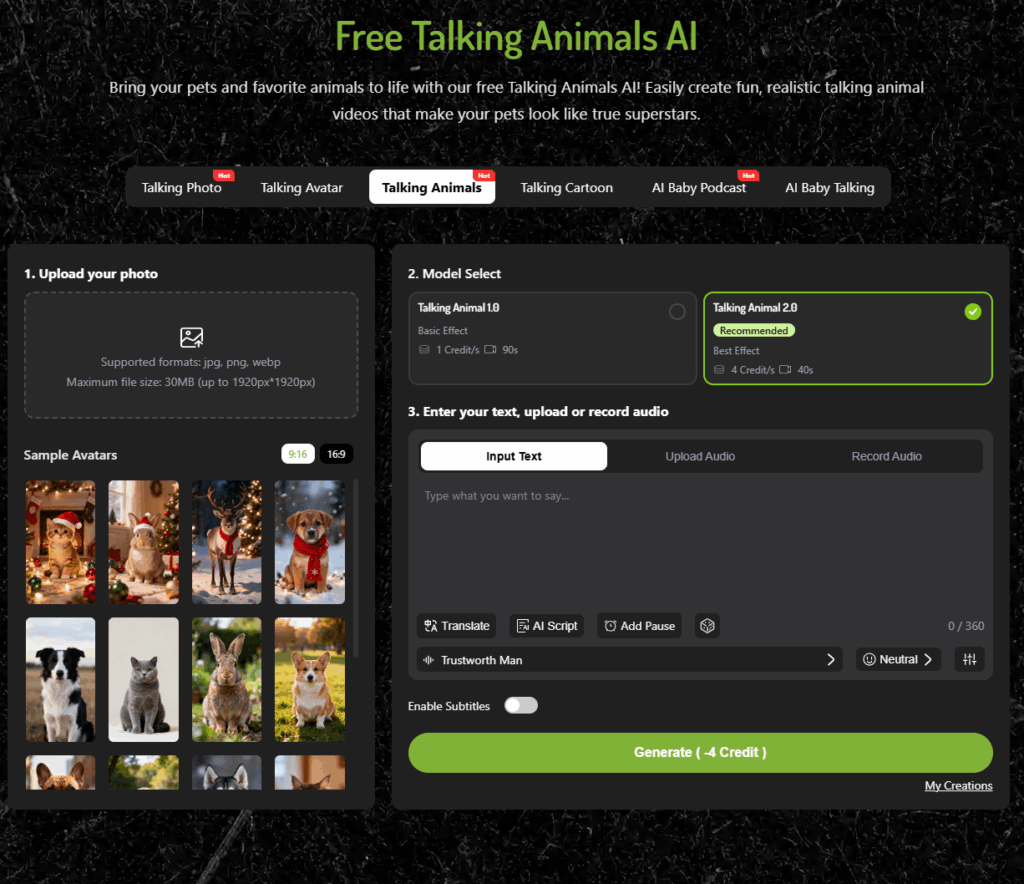
If you are looking for the most realistic mouth-mapping available today, Talking Animals from Lipsync.video is arguably the industry leader. While many general-purpose lip-syncing tools struggle with the anatomy of a snout or a beak, this platform features a dedicated talking animals engine.
The Features
This talking animal AI tool utilizes a sophisticated neural network trained on thousands of animal species. Their "Model 2.0" is specifically optimized for talking animal videos, ensuring that the lower jaw moves in a way that respects the actual anatomy of the pet. It supports 300+ natural-sounding AI voices, allowing you to match a deep, gravelly voice to a large Bulldog or a high-pitched, squeaky tone to a kitten.
Pros:
- Prevents the unnatural "stretched skin" effect around animals' mouths
- Web-based platform—no downloads needed for quick edits on the go
- Supports multiple image formats (JPG, PNG, WebP)
- Watermark-free videos without requiring payment
- Extensive voice customization: adjust tone, speed, pitch, volume, and add pauses
- Upload music or audio files for singing pets
- AI script generator—input a topic and tone to create text instantly
Cons:
- No built-in editing tools
2. Mango AI
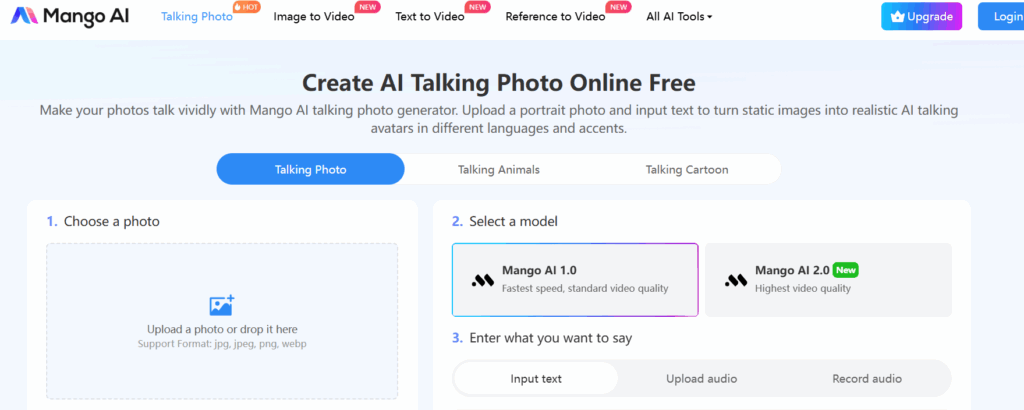
Mango AI's talking animal feature is beginner-friendly and straightforward.Simply upload an image of your dog, cat, cartoon character, or any animal, and watch it come alive with realistic facial movements and voice. No pet photo? No problem—choose from the built-in library featuring lions, reindeer, rabbits, and more.
The Features
This talking animal AI tool converts text to speech with an extensive selection of voices across 120+ languages. You can also customize your pet's animation by adjusting facial expression intensity and lip-sync scale (Small, Medium, or Large).
Pros:
- Create talking animal videos in just a few simple steps
- Access a diverse library of sample animal photos
- Choose from hundreds of high-quality AI voices in multiple languages
- Customize facial expressions and lip movements to your preference
- Receive 180 free credits upon signup
Cons:
- Free credits produce videos with watermarks—removal requires a paid plan
- Commercial license only available with paid subscription
3. Jogg AI
Jogg.ai is built with the "productivity-first" creator in mind. If you are running an agency or managing multiple niche accounts that feature talking animals, Jogg.ai’s streamlined workflow is a lifesaver.
The Features
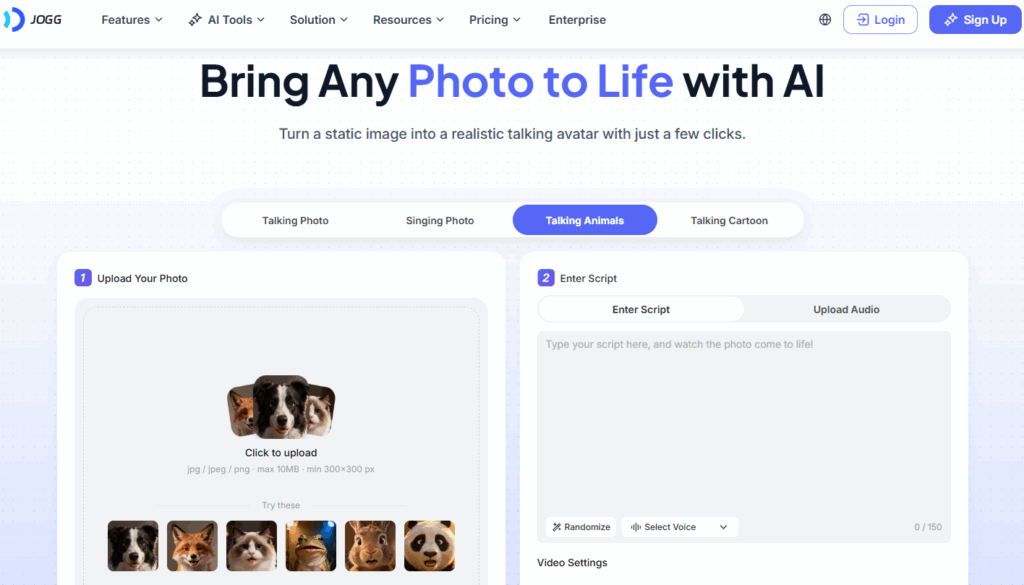
Jogg.ai specializes in "instant" generation. Their AI specializes in identifying facial landmarks on fur-covered faces, which is notoriously difficult for standard AI. It is particularly adept at creating talking animals that look directly into the camera lens, creating a sense of "eye contact" with the viewer.
Pros:
- Fast rendering—servers deliver finished clips in under 30 seconds
- Built-in AI writer generates relevant text from simple topic prompts
- Supports both speaking and singing audio uploads with multiple templates
- Extensive AI voice library, including popular models like Minimax and ElevenLabs
Cons:
- Limited free tier designed to push users toward paid subscriptions
- Watermark removal requires paid plan
4. Talkingpets.ai
As the name suggests, this talking pets AI tool doesn't try to do everything—it focuses entirely on talking animals. This specialization makes it a favorite for pet owners who aren't tech-savvy but want to join the viral trend.
The Features
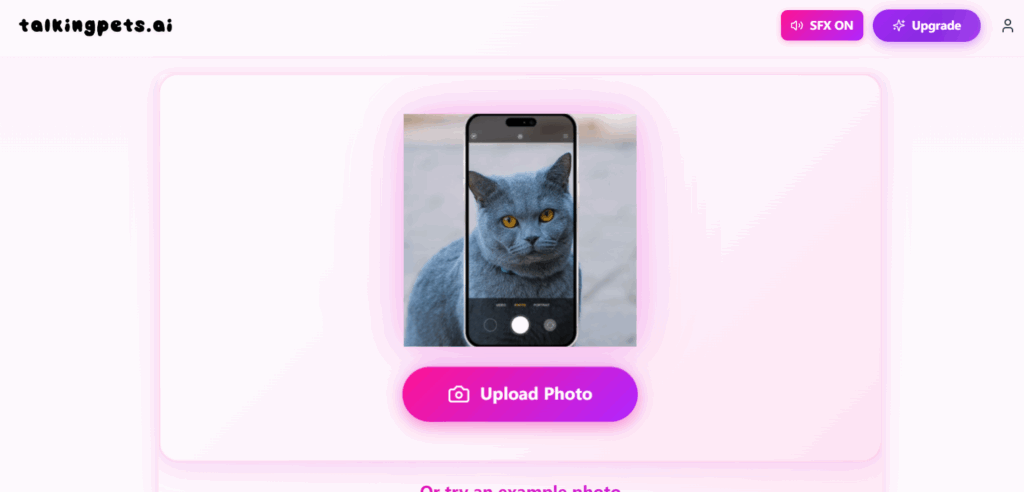
This talking animal AI tool brings your pet photos to life with talking and singing animations. All you need is one clear photo, and the AI transforms it into an entertaining video of your pet speaking your words. Choose from three voice styles: Creature Feature, Cute Boy, or Cute Girl. Want your pet to sing instead? Select from six built-in songs, paste a TikTok video URL, or upload/record your own audio.
Pros:
- Make your pet say exactly what you want
- Access trending songs and audio clips popular on social media
- Flexible audio options—upload, record, or link to TikTok
- Straightforward, beginner-friendly interface
Cons:
- Limited to only three AI voice options on the free plan
- No multilingual support
5. DreamFace
DreamFace is the dominant player in the mobile app space. If you want to create talking animals directly from your smartphone while sitting on the couch with your dog, this is the app to download.
The Features
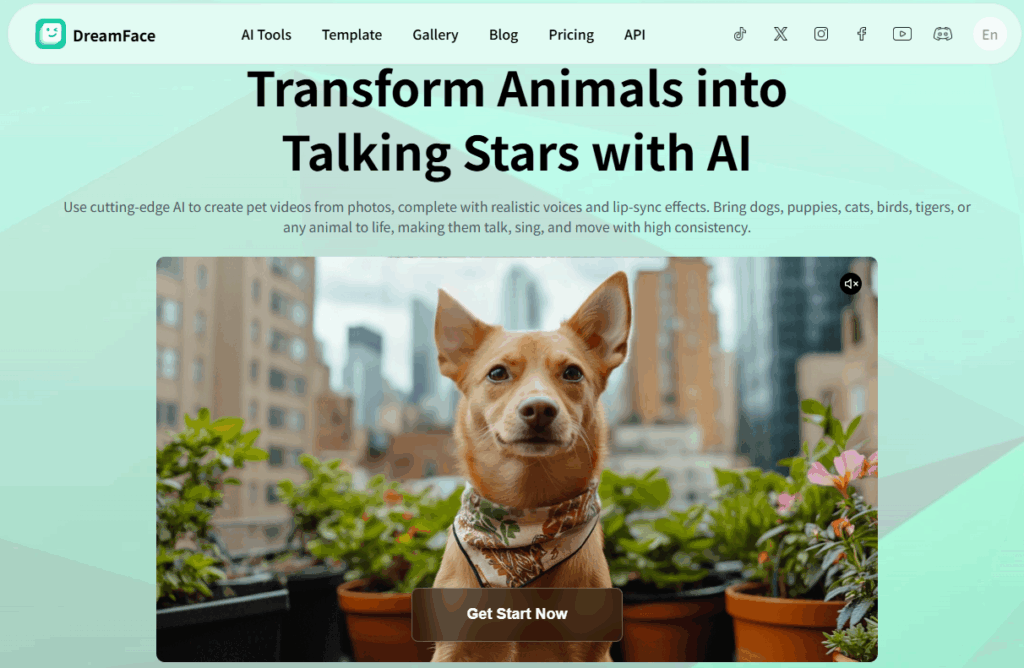
DreamFace combines lip-syncing with "DreamAct" (AI dance/performance generation). This means you can not only make talking animals, but you can also make them "perform" popular TikTok dances or lip-sync to the latest pop hits with stylized body movements.
Pros:
- AI Enhancer: Automatically improves the quality of low-light pet photos before animating them.
- Viral Templates: Frequently updated with the latest social media audio trends.
- Social Community: Features a gallery where you can see what other talking animals creators are making and use their "prompts."
Cons:
- Extended use requires paid credits.
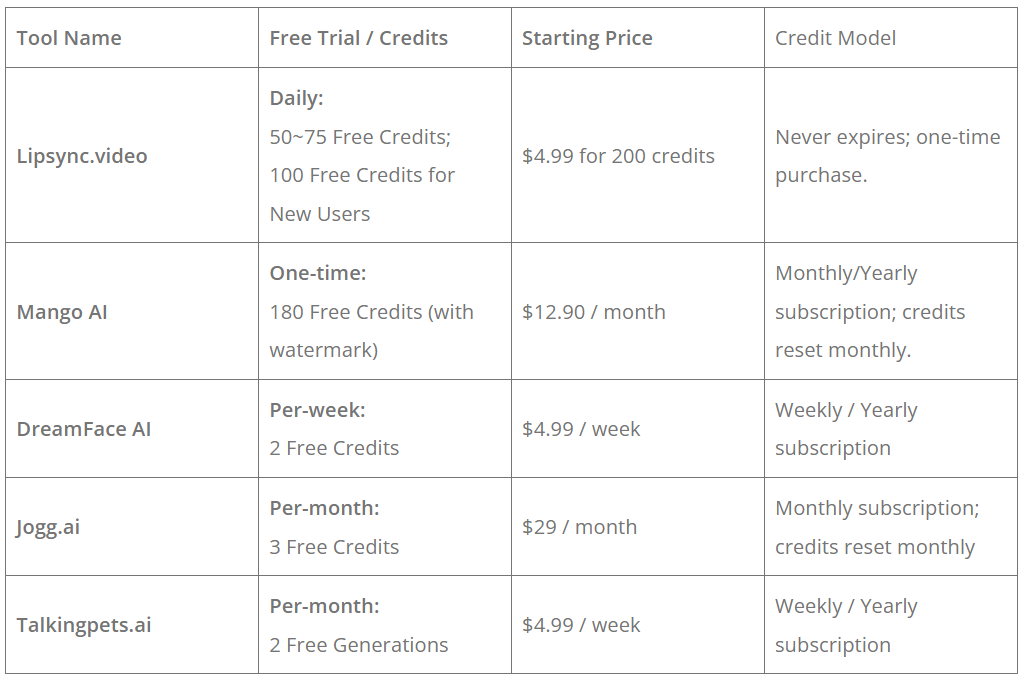
Free vs. Paid Plans: 5 Talking Animal AI Tools Comparison
How to Choose the Right Talking Animal AI Tool
When searching for the best tool for talking animals, you need to consider your end goal. Are you making a 5-second prank for a friend, or a 10-minute branded story?
Quality: Prioritize Realistic Lip Sync and Expressions
When choosing a talking animal AI tool, video quality should be your top priority. Look for labels such as “Lip Sync 2.0” or “High-Definition.” The best tools deliver smooth jaw movement and natural eye expressions, avoiding stiff or robotic animations. High-quality talking animal videos should feel expressive and lifelike—not like a static image with a moving mouth.
Speed: Fast Rendering Matters in Viral Trends
In the world of viral content, timing is everything. Being even an hour late can mean missing the trend entirely. Tools like Jogg.ai and Lipsync.video stand out by prioritizing rapid rendering, allowing creators to publish content while the trend is still hot.
Ease of Use: Simple “Upload & Go” Workflows
Not everyone is a professional video editor—and you shouldn’t have to be. If ease of use matters to you, look for talking animal AI tools with “upload & go” interfaces. These platforms minimize technical steps, letting you generate videos quickly without timelines, keyframes, or complex editing panels.
Voice Library: The Voice Brings the Animal to Life
Voice quality can make or break a talking animal video. Choose tools that offer diverse voice tones—from deep and dramatic to high-pitched and playful—along with multilingual support and even celebrity-style voices. Advanced customization options such as pitch, speed, and volume control are essential. For the most natural results, premium AI voice models like ElevenLabs or Minimax can significantly enhance realism and emotional impact.
Compatibility & Supported Formats: Think Social-First
Most talking animal AI tools support common formats like MP4 and MOV, which is usually sufficient. However, if you’re creating content for social media, make sure the tool supports vertical 9:16 exports. This format dominates platforms like TikTok, Instagram Reels, and YouTube Shorts—and exporting correctly can directly impact performance and reach.
Tips for Getting the Best Results
To ensure your talking animal videos look as realistic as possible, follow these three simple rules:
- Lighting is King: Use a well-lit photo of your pet. Shadows around the mouth can cause the AI to "warp" the fur unnaturally.
- Front-Facing Photos: While some talking animal AI tool can handle side profiles, the best talking animal videos are generated from photos where the animal is looking directly at the camera.
- Audio Clarity: If you are recording your own voice, use a quiet room. Background noise can interfere with the AI’s ability to sync the mouth movements to the syllables.
Conclusion
Talking animal videos are still on the rise and the free talking animal ai tools will only get better as we move into 2026, closing the gap between "fake" and "realistic." Regardless of whether you are using DreamFace AI, which is very phone-user-friendly and easy to create videos with, or Lipsync.video, which has a more professional finish, the best way to start is to create content.Your pet's viral moment could be just one video away.